A:AnswerGraphics Card - UHD Graphics 630 (Desktop Coffee Lake i5 i7) - Work great for what I am using it for. However, it is not the greatest based on this https://gpu.userbenchmark.com/SpeedTest/356797/IntelR-UHD-Graphics-630
if you are a gamer or need great graphics performance you should add the cost of getting a better one installed tp the base price of this system.
A:AnswerAre you signed on as "Administrator"? You should right click on the folder in your user folder (such as c:\users\<username>\pictures) and see the Properties. Go to "Location" tab and specify the new location (such as D:\Pictures) and click "Move...".
Worked for me.
If you are creating a new user, you can change the default Home Folder location path. (in computer management > local users/groups>users
A:AnswerEnsure that the cable is well connected to both the desktop and the monitor. The VGA does not carry as precise an image as an HDMI, but there should not be glitches visible.
A:AnswerThere is 1-2.5" bay open for a hard drive. Here are more details on this desktop: http://www8.hp.com/h20195/v2/GetDocument.aspx?docname=4aa7-5161enuc
A:Answergo to start. click go down programs to: s Medio true DVD for HP It is a blue box with a white triangular shape Drag to your taskbar so you can find next time you use it. I had same problem. I'm not a computer guy. Hope this works for you.
A:AnswerThis desktop has (1) USB 3.1 Gen 1 Type-A port, (5) USB 2.0 Type-A ports and (3) Audio ports. So, it will depend on the connections from the speakers.
A:AnswerADD MUCH MORE MEMORY TO THE COMPUTER AND A VIDEO CARD WITH ON BOARD MEMORY.
THIS IS NOT A GAMING COMPUTER IF YOU ARE LOOKING FOR GREAT GRAPHICS AND FAST PLAY.
THIS IS A VERY GOOD COMPUTER FOR ATTACHING TO AN OFFICE NETWORK OR DOING OFFICE TYPE FUNCTIONS FROM HOME.
A:AnswerI had to go on line to get info and directions for my computer, Bought from Best Buy, had Geek Squad transfer from old one and they made a mess, do not let the Geek Squad touch anything
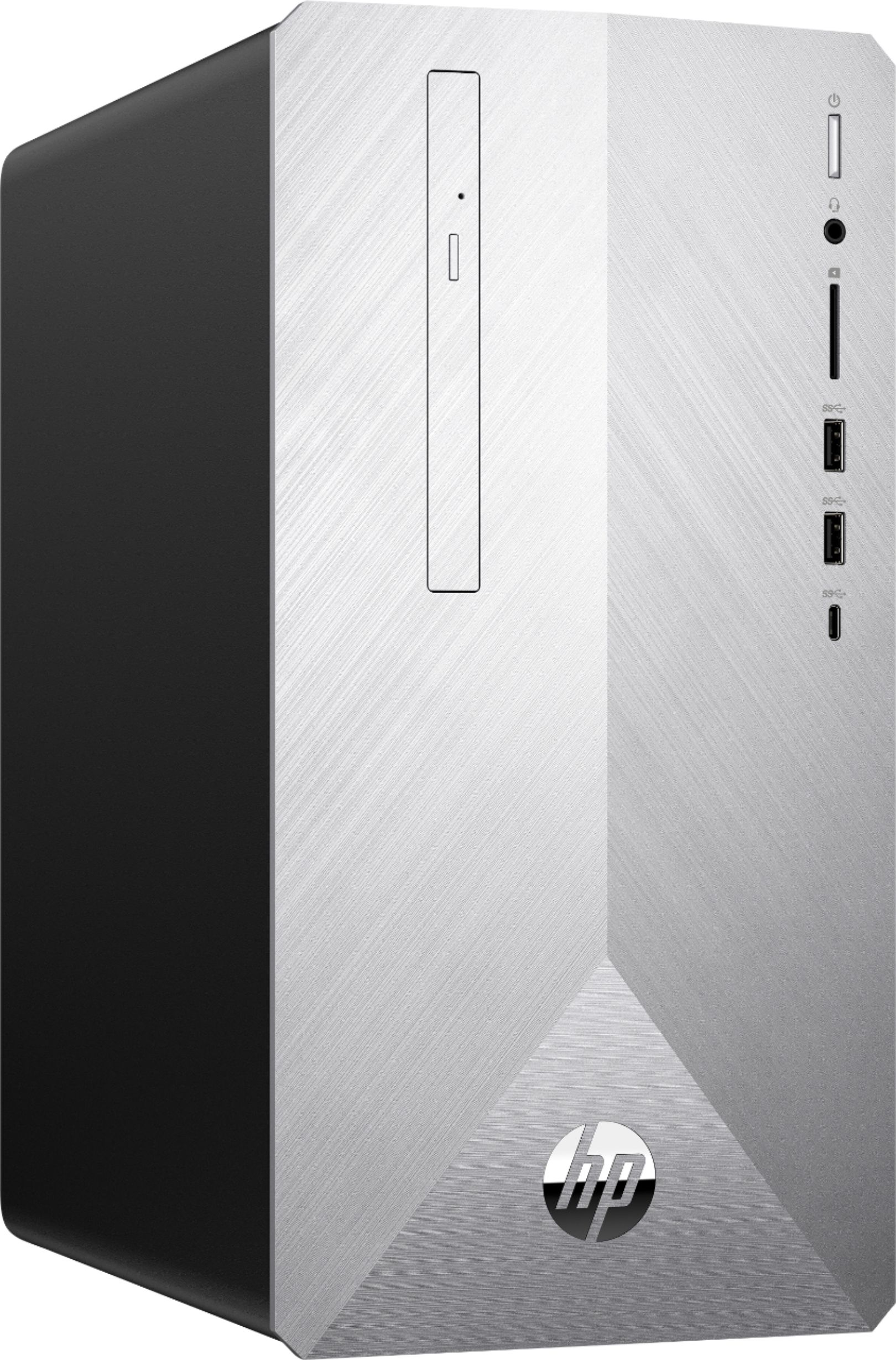
A:AnswerThis desktop has these ports on the back: (1) USB 3.1 Gen 1 Type-A port, (5) USB 2.0 Type-A ports and (3) Audio ports. There are only 2 expansion slots available which are: One M.2 socket 1, 2230 type for WLAN and One M.2 socket 3, 2280 type for SSD. Here is more information on this desktop: https://support.hp.com/us-en/document/c05999917
A:AnswerAccording to the specifications listed on the side of the PSU, it is rated for the following input: 100-240v~ / 2.3A, 50-60Hz. You would need a plug adapter.