A:AnswerAn HHD is a traditional spinning hard drive like you have had in all your computers. The SSD is a solid state hard drive. SSD is much faster and more expensive. You will love the SSD drive but it adds about 100 dollars to the price of the computer.
A:AnswerIt has a decent card now, but any card compatible with the i7 processor would work just fine..I'd say a good middle of the road card would suit you just fine. If you plan on hardcore gaming you may want to upgrade the power supply as well
A:AnswerThis computer does not have the old school disk hard drive or hdd on which it stores/retrieves data. Instead, it employs a faster and more efficient 256gb capacity solid state drive to store/retrieve data - that is what the SSD stands for.
A:AnswerIt would be fine to stream video but not sure I would recommend it for editing video. Due to the limited power supply I would not recommend putting a high powered video card in this chassis.
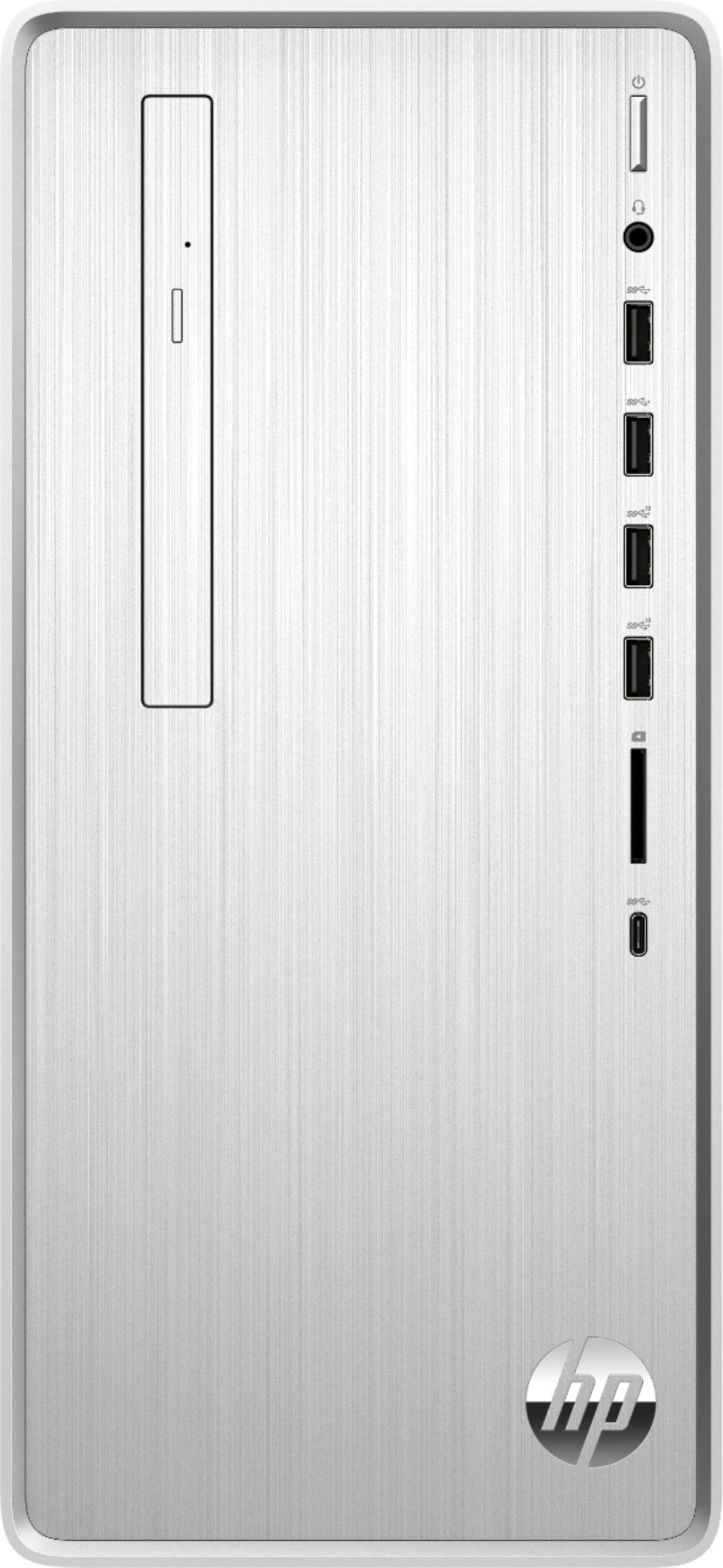
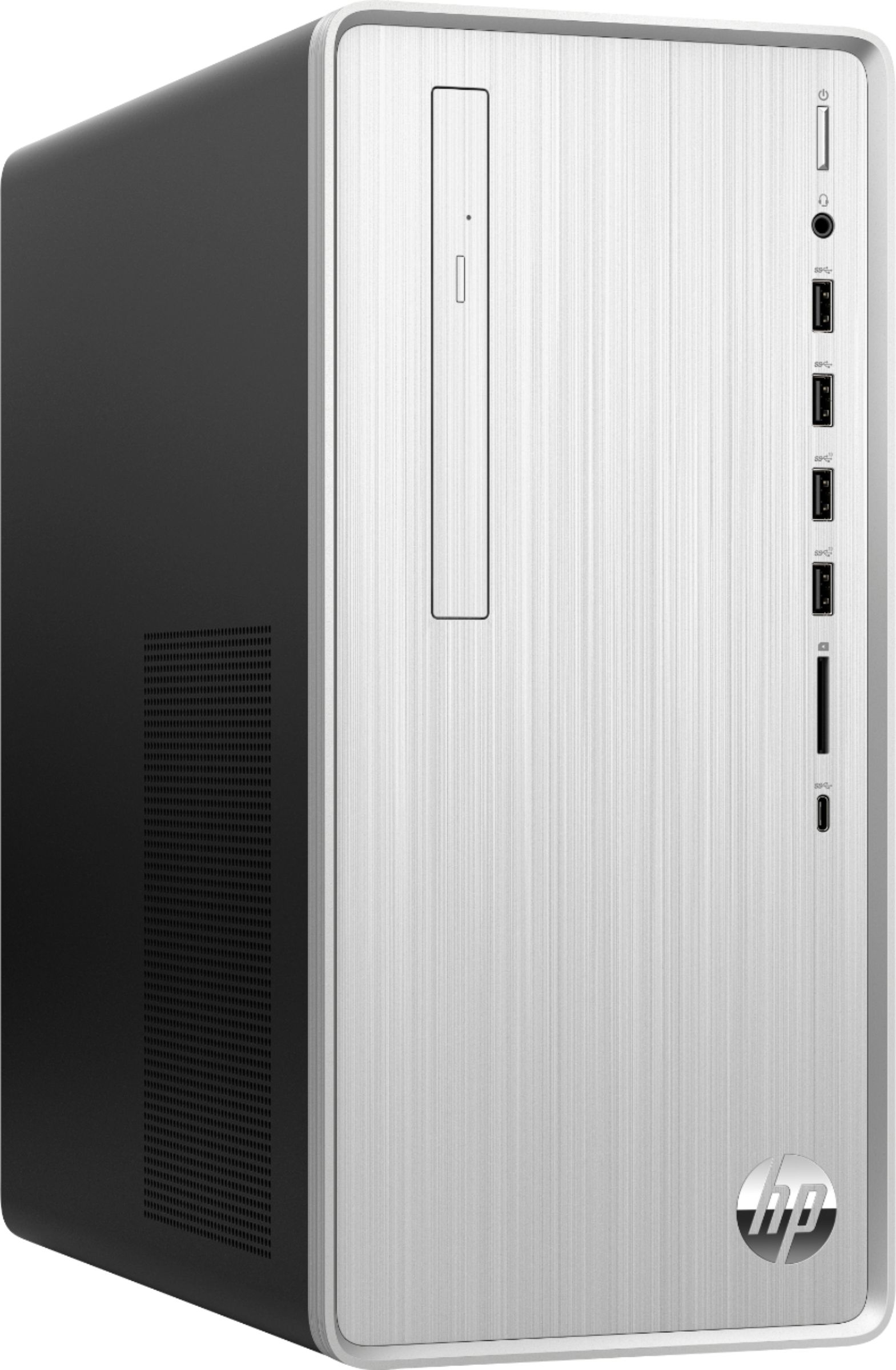
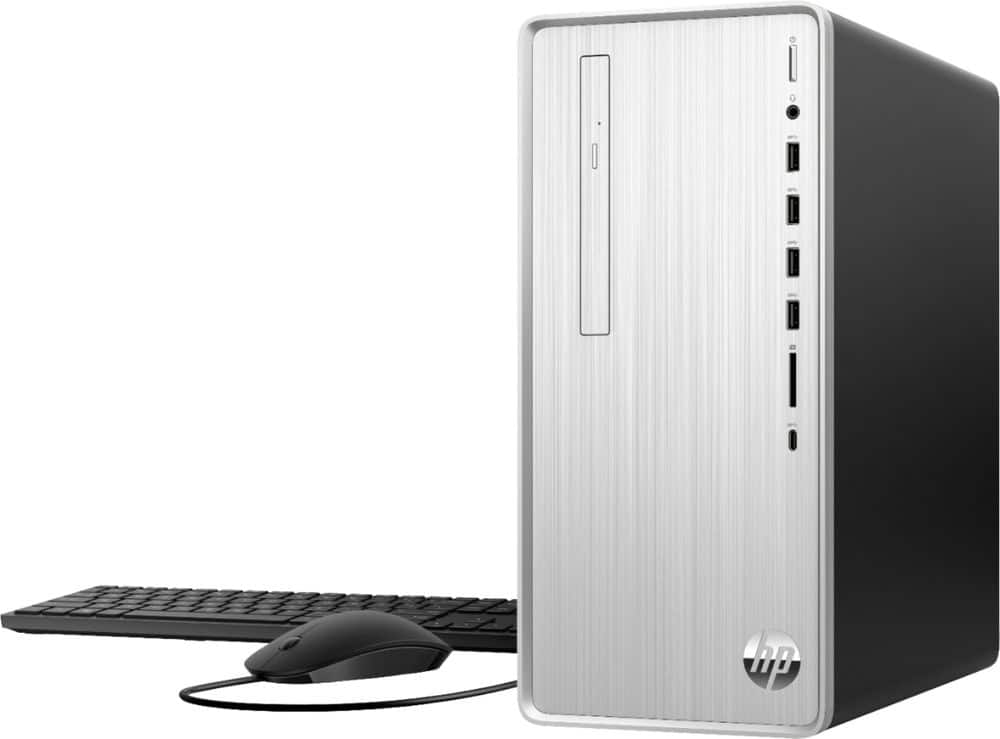
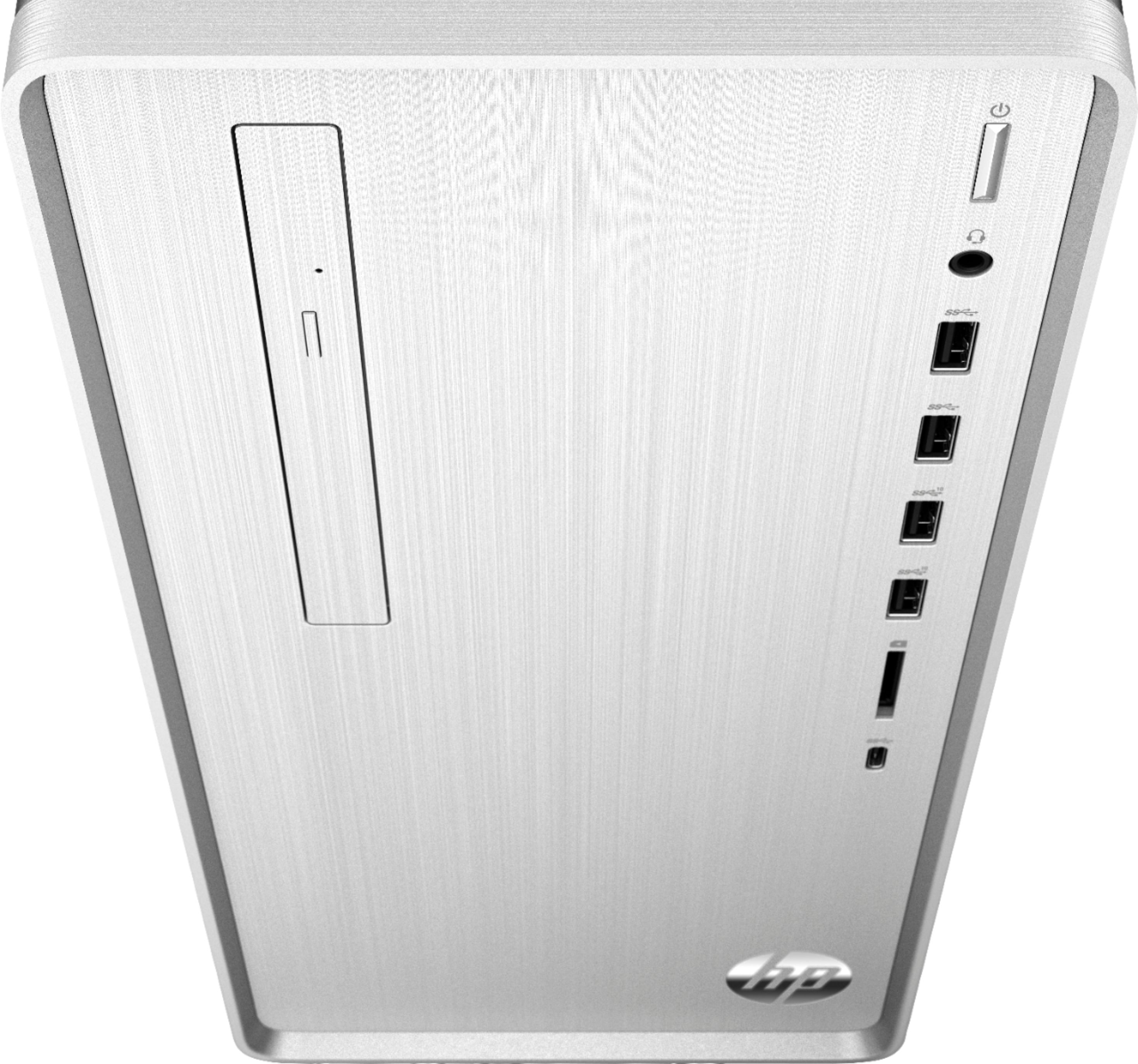
A:AnswerThere is an HDMI plug, and a VGA? (Looks like a serial poet with three rows of pins) port. That is it. If you need to drive multiple monitors, you’d need a graphics card.
A:AnswerThe second will plug into a VGA connector. Here are the specs. Look at the motherboard link and then the I/O ports.
https://support.hp.com/us-en/document/c06469139