A:AnswerGo to your control panel, click programs or uninstall a program, search for your old antivirus protection program, if you find it, click to uninstall.
A:AnswerComes with 128 GB, solid state drive, but no other hard disk space, which is plenty, because you can save so many things to the cloud, so you don’t have to have so much onboard storage.
A:AnswerTypically you would use a kensington lock however I do not see this listed as having that capability likely due to how thin it is, if you could easily break the lock out of the computer it would not be very secure. Kensington and other laptop locking companies have developed more secure Laptop Locking Stations for thinner computers which actually hold onto the computer. I would look at one of those solutions.
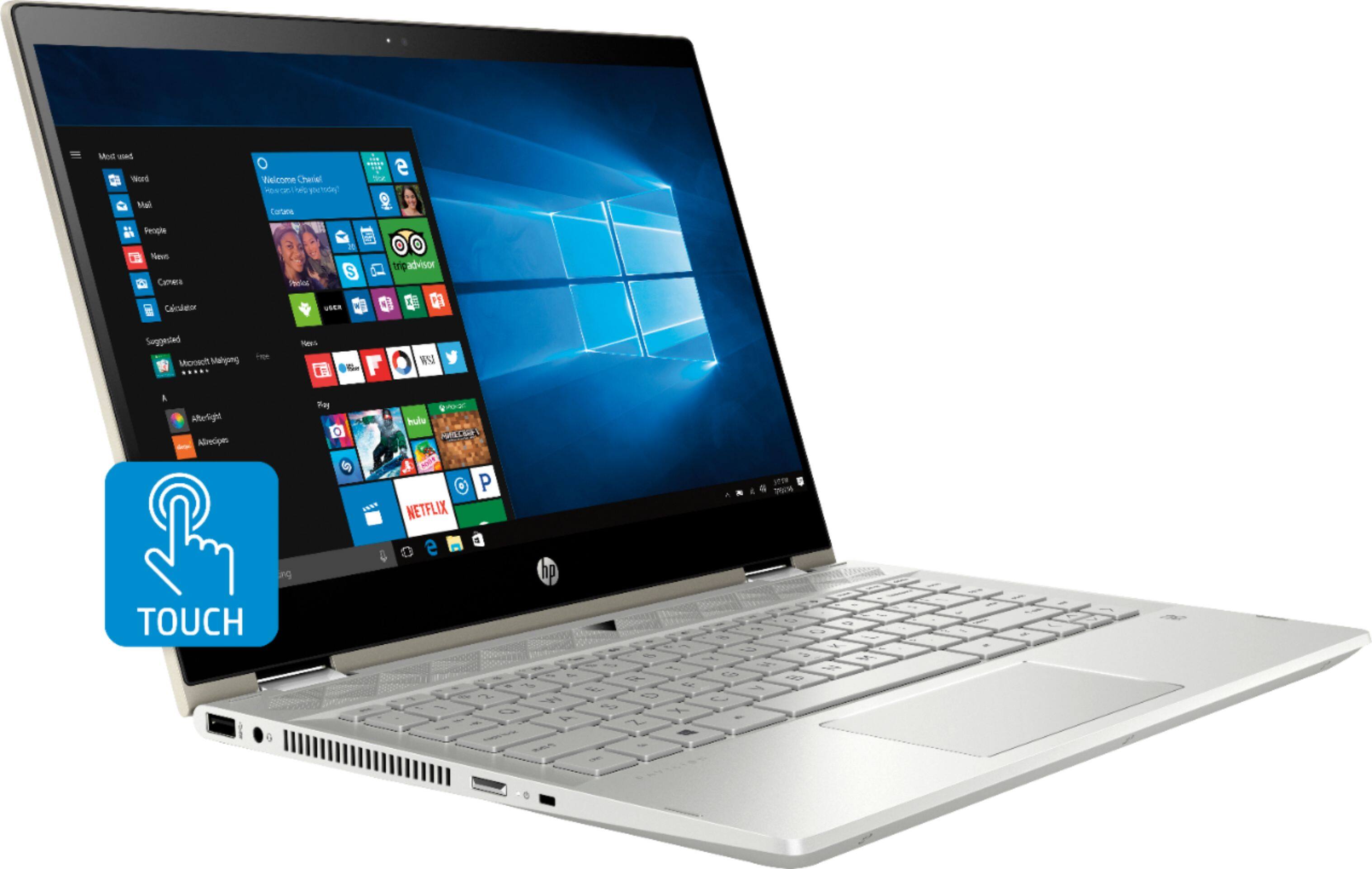
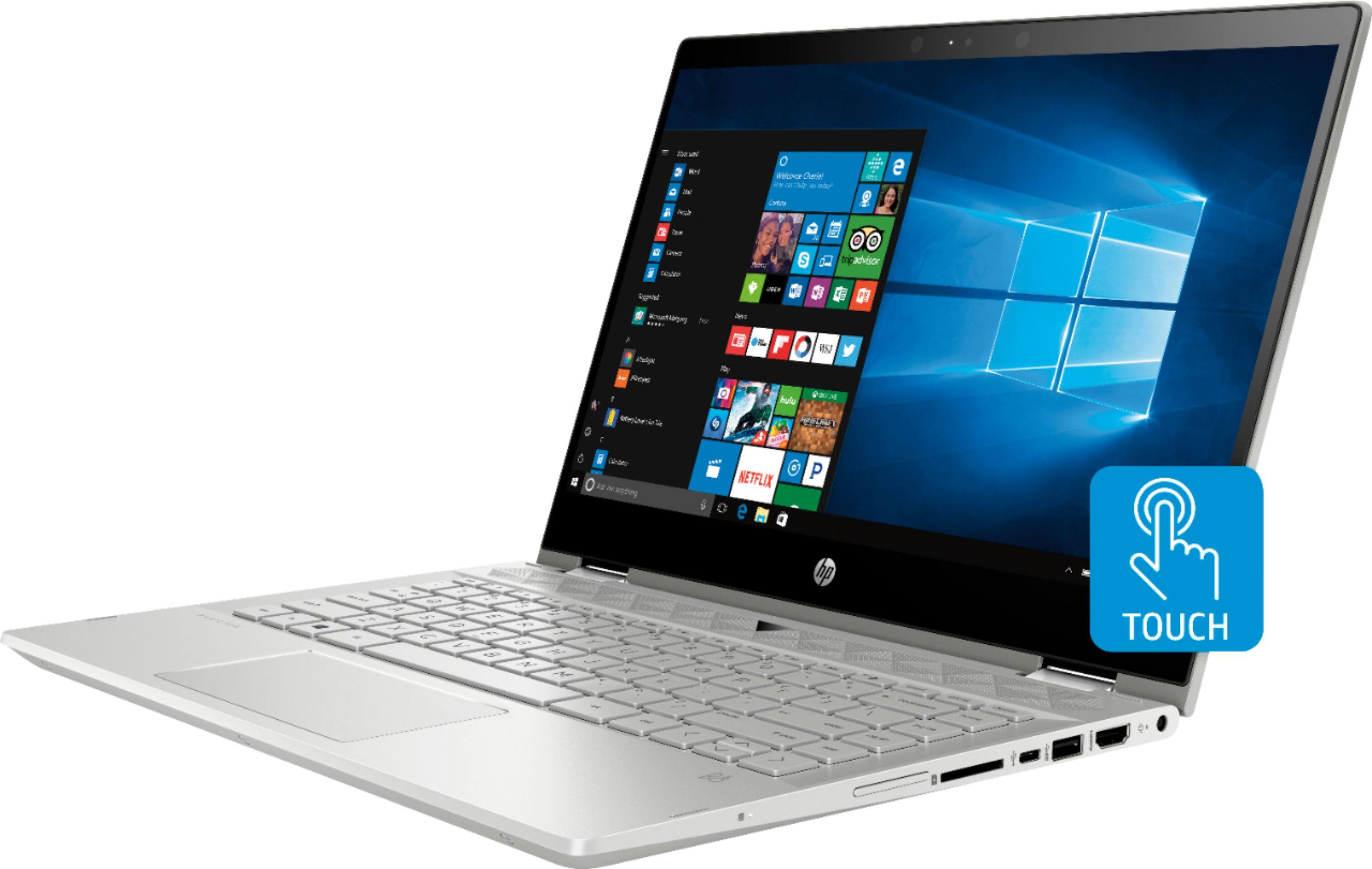
A:AnswerYes, it does have a SD slot! You can also use cloud-based storage like OneDrive, Google Drive, or you can consult with BestBuy's Geek Squad services to see about upgrading the solid state drive to one with more capacity!
A:AnswerYou can use this for that purpose, yes. The specs are good and fast. The internal storage is only 128GB however, so you will definitely need to use a thumb drive or external drive if you have a lot of photos.
A:AnswerI added a Samsung SATA SSD drive by: 1) removing the case bottom and removing the rubber spacer, 2) purchasing a rubber drive holder and the correct ribbon cable, 3) mounting and plugging in the SATA SSD drive. I added 512GB of storage, and it works perfectly (actually it benchmarks faster than the factory m.2 drive). Please look for my earlier answer for more detailed instructions.
A:AnswerThe SSD replaces the HDD, running at a faster speed due to no moving parts. For additional storage you can use an external backup drive, flash drive or SD card.
A:AnswerGreetings:
The pen is not a standard piece of equipment. It is sold separate as an item. My guess is there are many colors and options associated with the pens that it is more of a custom accessory and an additional profit center.
Hope this helps.
M