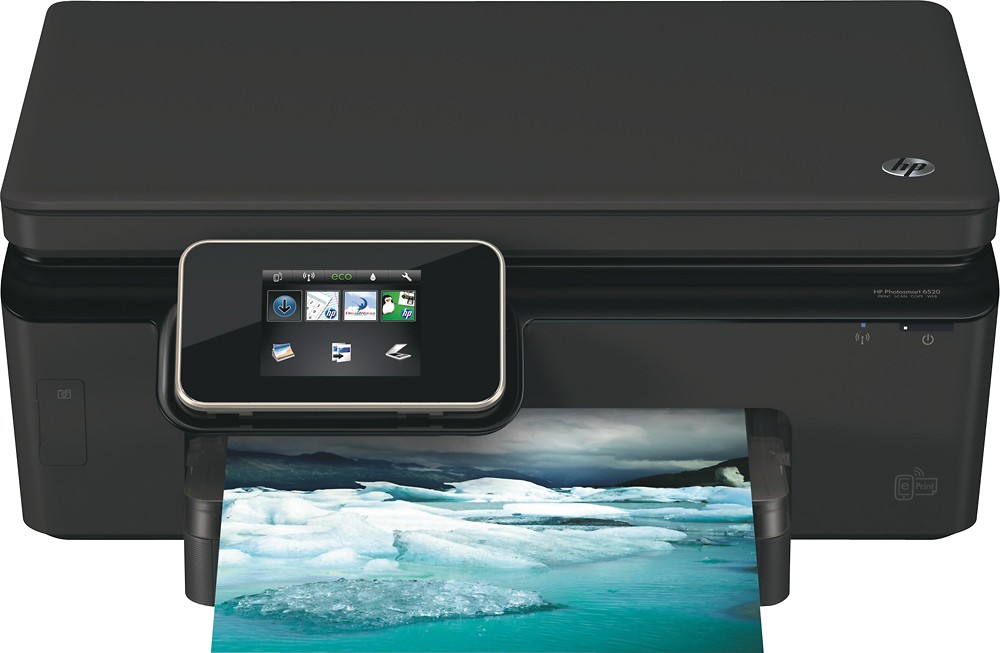
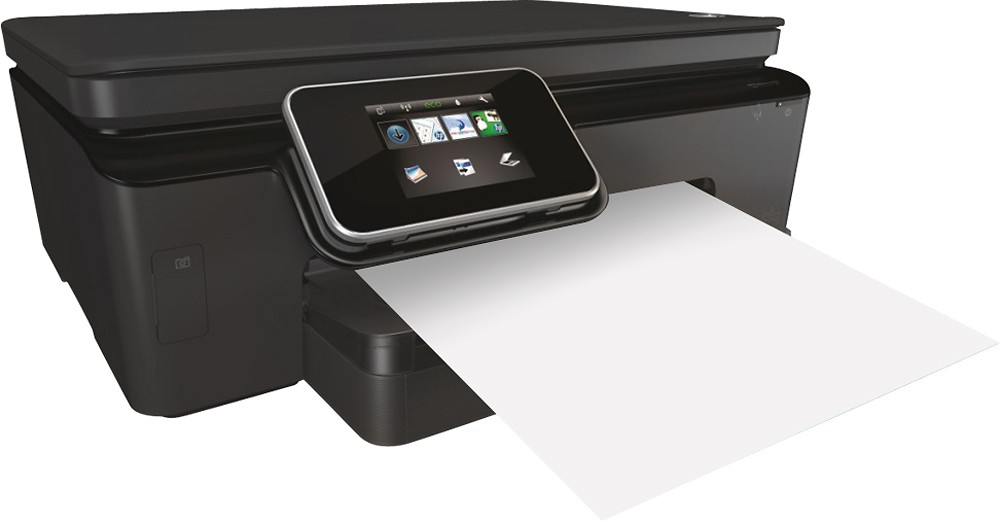
A:AnswerLift up both lid layers on top and if it is on the ink carrier will slide over to the center where it can be easily accessed. Use the proper ink cartridge's 564/564xl. The color shapes will identify where you need to insert them. You will also have to twist off or break off the plastic piece covering the ink hole.
A:AnswerYou'll need to manually change each individual page of a document for a printer without an automatic feeder. The feeder will take a stack of loose papers from a document and print them out in succession.
A:AnswerThis printer uses HP 564 ink cartridges, normal and XL versions, in Black, Cyan, Magenta, and Yellow colors, but does not support Photo Black. 96/97 cartridges are not compatible.
A:AnswerI give up..... why? Oh, is this not a riddle? LOL, Please forgive me.....
Would need more details as to your set-up, but you should be able to copy and save and then print them all from one file. Checking the hp.com web site for web support may be helpful as well to see if there are any specific issues with certain PC's or software. Hope this helps and wish you the best!
A:AnswerSorry you are having trouble. I replaced my factory black cartridge and the printer never missed a beat. Contact HP, they have lots of good info on their self help pages.
A:AnswerHave only used printer with iBook, iPhones and iPads. Margins change just fine from respective apps. I assume you are printing pictures direct from a card or other storage device. On-line docs or User forum would probably answer your question.
A:AnswerI used this printer by connecting it to wifi and emailing documents to its email address. (No cd required)
When I wanted to print directly from my laptop, or scan documents, I had to install the printer using the cd.
A:AnswerI don't know why it doesn't show up but you can create a shortcut.
Follow this path
C:/Program Files\HP\HP Photosmart 6520 series\Bin
Then right click on the application, HP photosmart 6520 series, you will have the option to create a shortcut. Just drag that onto your desktop.
A:AnswerYou should be able to get it online, also might be able to download from the HP website. Calling a Best Buy store or visiting one too, they are very helpful and should be able to get you what you need.