A:Answerthey want to save paper by having you look up everything online. I can see the economic and environmental benefits, but it's annoying, isn't it? It would be courteous and helpful if they would at least include basic instruction sheets with electronics, and then we could look up the rest online.
A:AnswerNot sure what MAC version you have, however, my desktop (Win7) is not wireless as well. I have it directly connected to the router. The printer is wireless and the online drivers installed without any issues. The printer shows up as my primary printer.
I would suggest you browse the HP site for the latest MAC drivers/Software.
Good luck.
A:AnswerIf you can get onto the internet through the TV, I would go online to the HP website. Go to the support section, and lookup the printer. They have an area there where you can download the drivers for the printer. You don't need to have a CD drive in order to install the driver.
My iMac (No Disc Drive) was able to recognize the printer without installing any drivers, so I did not have to do this myself. But I think that would be your best option.
A:AnswerI am fairly certain that all you would need Is an airport express. However, if you are already on a wireless network, then all one needs to do is make sure both the mac and the printer are on the same network. Then, going to the printer/fax preference, add a printer and it will/should appear via a bonjour connection.
A:AnswerHonestly, "Anonymous", the best and safest answer to your question may not be the quickest, but I strongly suggest you do as did I, which is to research appropriate suggestions and guidelines regarding this specific model of printer. If that proves of no help at all, there are many technicians you could try consulting, and, to be candid, good luck finding one not just confident but one who's actually competent.
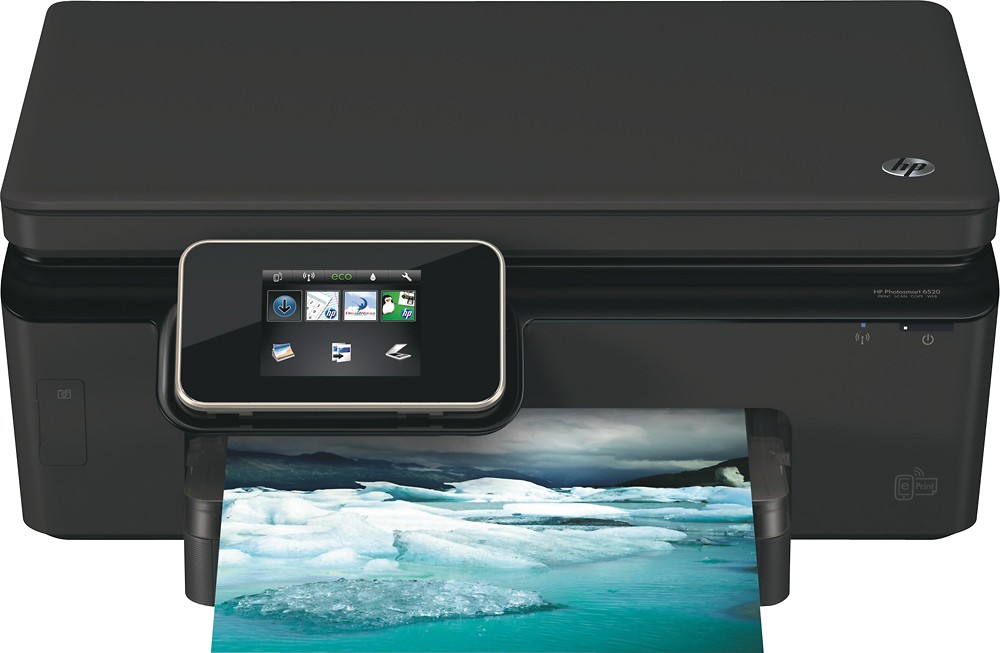
A:AnswerThis HP Printer requires all of the ink cartridges to be in usable condition (contains ink) installed in the machine in order for it to be able to print.
A:AnswerI bought a PanDigital scanner at Best Buy. I use it when I need to scan pictures or negatives from relatives. I can take it anywhere and it stores the pictures and then I can copy them to my computer. Best purchase I have made.