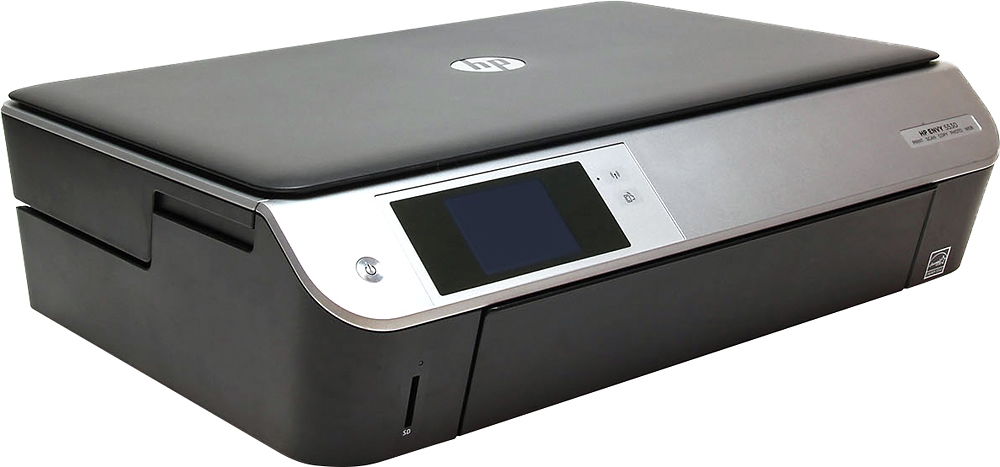
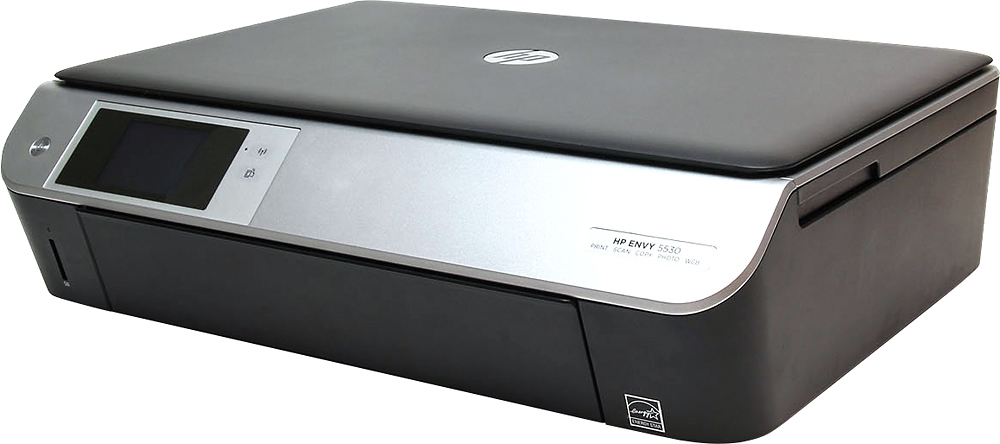
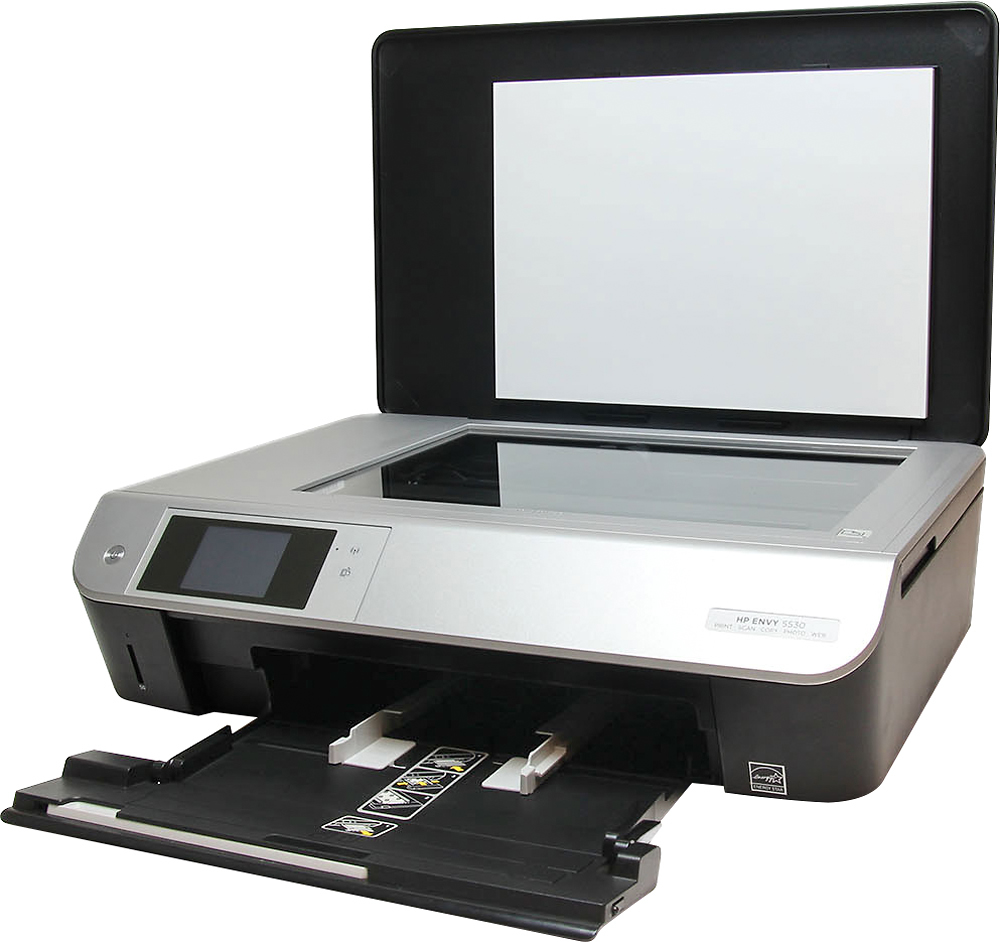
A:AnswerGood question. You would print it like any normal document. You insert the label pages in the paper tray and print from your computer. Remember to change the paper type settings from the computer.
I hope this helps.
A:AnswerGood question. Yes, this printer is compatible with Windows 10. The new HP printers have been tested for compatibility. You will be able to install the drivers for Windows 10 with the CD provided in the printer's box or you can download it from the HP Drivers website.
I hope this helps.
A:AnswerGood question. Yes, you can print to this printer from your smartphones and tablet. It is AirPrint compatible so it easily print from the iPad and smartphones.
For instructions on how to print from your mobile devices: visit the following link: http://www8.hp.com/us/en/ads/mobility/overview.html?jumpid=va_r11400_mobileprinting#
I hope this helps.
A:AnswerI print one sheet all the time, so you must be doing something wrong in your printer dialog box. Make sure you click on the box where you can give a print range, then type in the number of the page you want (e.g., 1), or a range of pages (e.g. 2-4).