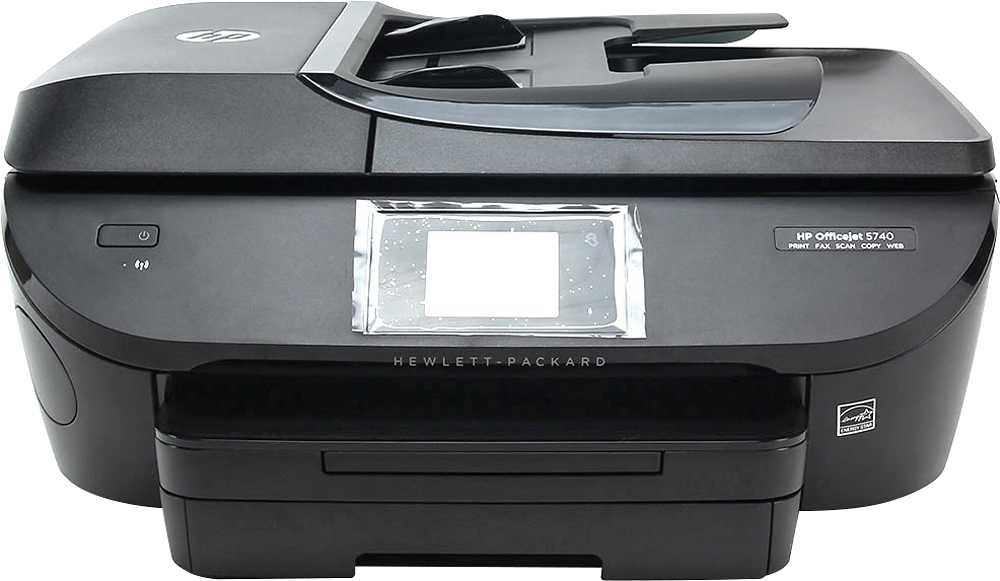
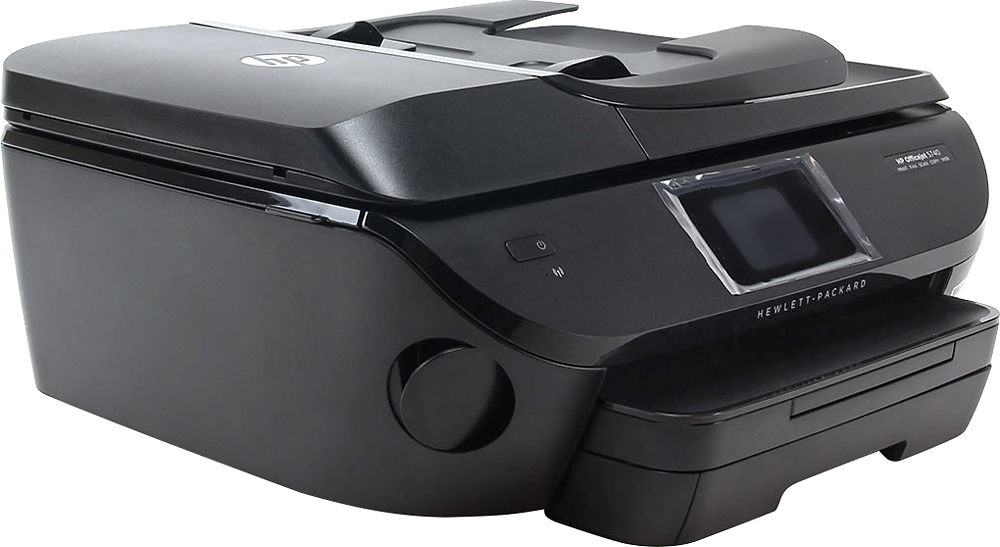
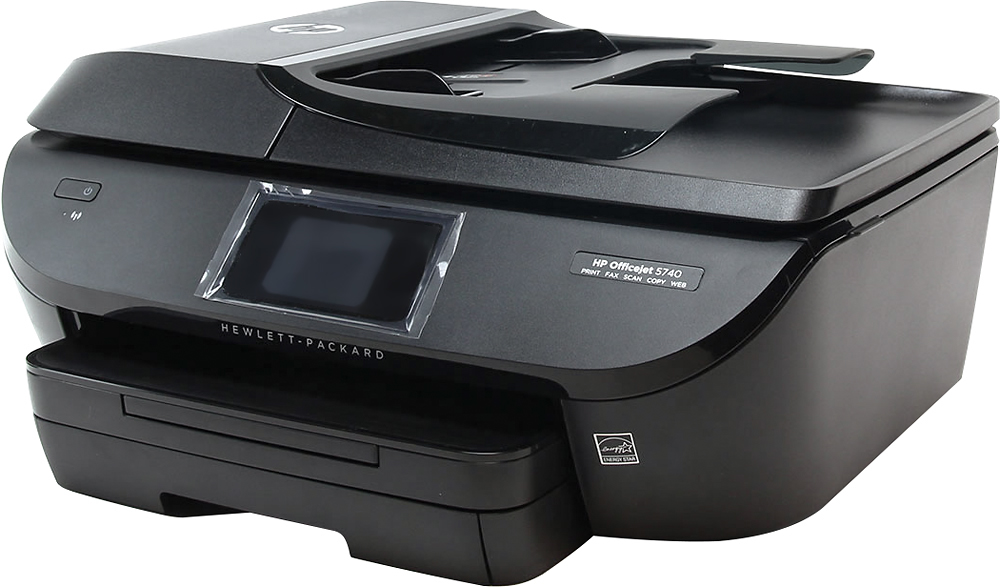
A:Answer On this printer there are two lids. The first is what you lift up to place the item you wish to copy, scan, etc. Right below that is another lid you can lift up to reveal the inner workings of the printer (there are small tabs on the sides of the lid near the front). On the front right side you will see where the two cartridges are located. Follow the instructions, arrows, etc., to remove and replace the cartridges. Remember you don't have to replace both at the same time, only the one that is out of ink.