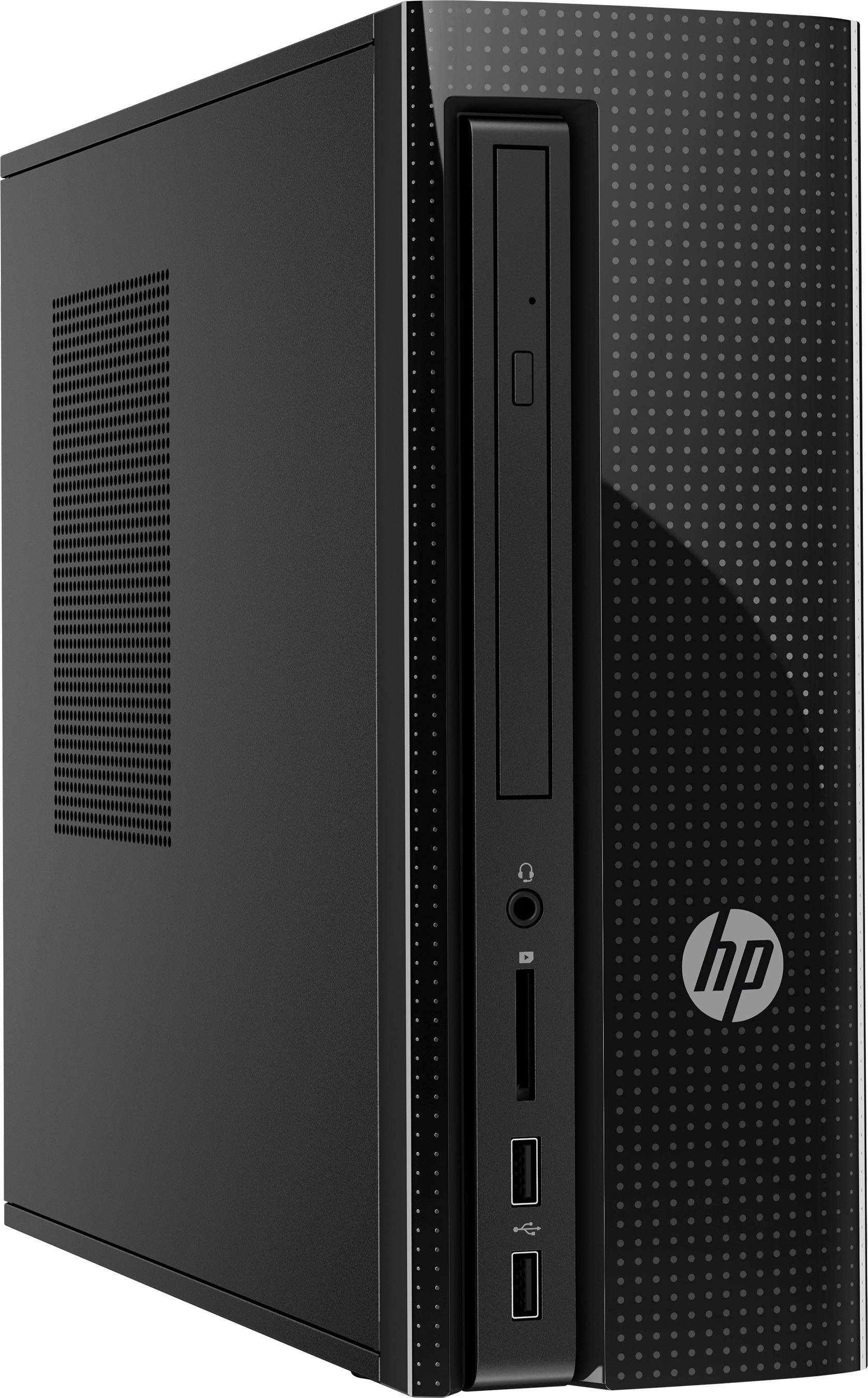
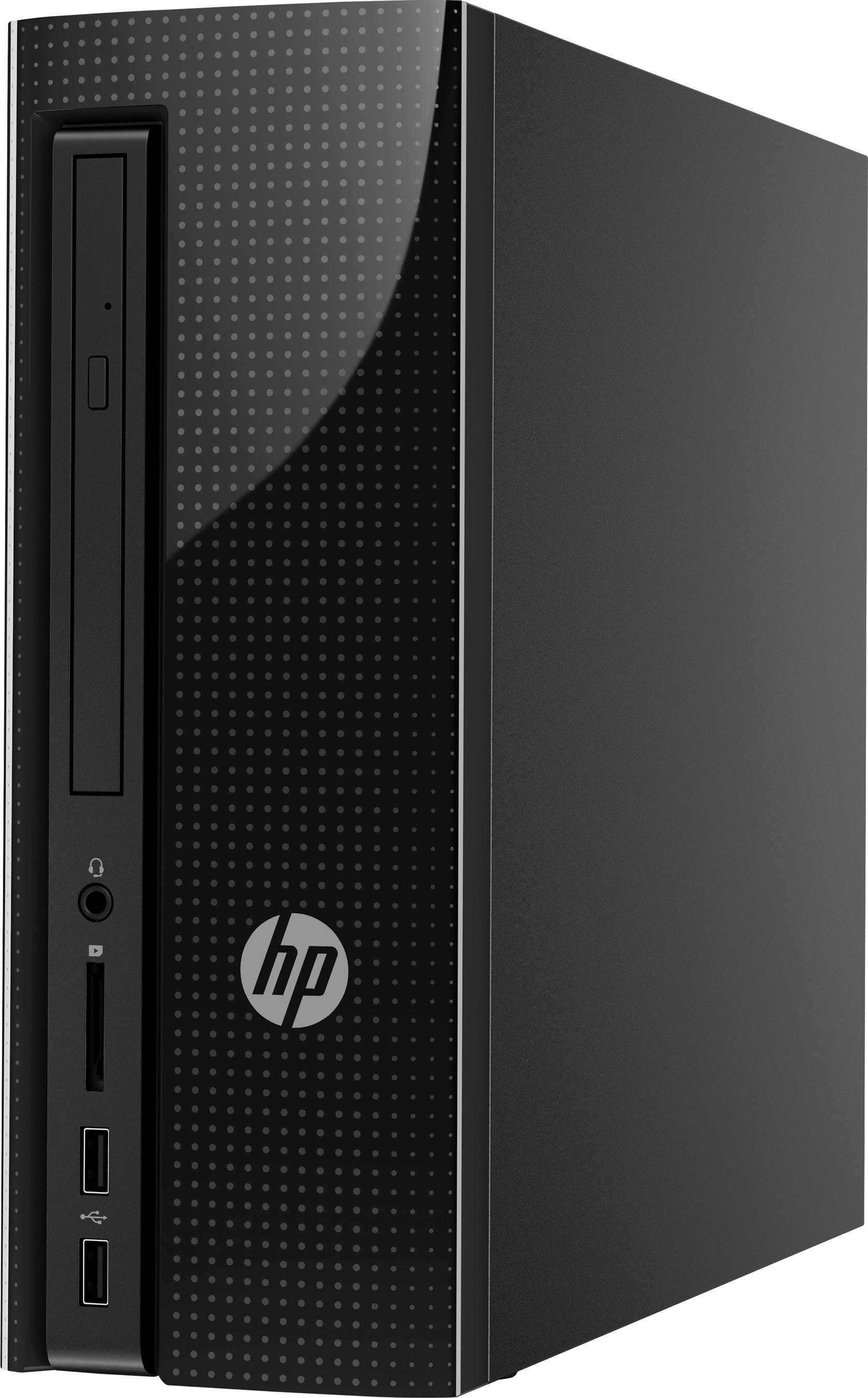
A:AnswerThere are only two SATA ports on this motherboard. One is used by the existing HDD and the other by the CDROM drive. You could swap out the HDD for a SSD.
There is also a m.2 SSD port on the motherboard for going that upgrade path instead.
You CAN technically add a discreet video card as this motherboard does have one PCI E 16x slot but the power supply is only 180W so you will not have a GPU power connector, this is a low profile case AND only has one expansion slot available out the back. I do not know of any video card in existence that meets all that criteria AND outperforms the Intel 630 included on this CPU.
A:AnswerI have 2-27" Dell monitors hooked to the computer. They came with HDMI inputs but since the computer has only one HDMI and one VGA input I had to get an old VGA cable to make it work. Honestly I don't notice a big difference in screen quality between the 2 but they function perfectly as a 2 monitor system. I know your computer will work great with the 1 TV with HDMI input but just for future reference you could add a second screen by using a VGA input monitor as well. Hope this helps!
A:AnswerThank you for your question! This computer does have the ability to support a GPU. You may have to upgrade the mini PSU to support the added load of your GPU depending on which one you choose and what is already in the computer.
A:AnswerThank you for your question! This model uses a Small Form Factor PSU. If you upgrade that it would be able to take a GPU. I am not sure if you would have to look for one that has a low-profile mount.
A:AnswerI haven't turned this machine on yet, but I'd bet if this noise isn't just the typical fan white noise you might have a defective machine. Any clicking or grinding is not correct. If it is just the typical fan noise you might be able to replace the fan, but I doubt the machine will be much quieter. Plus, it could be the cooling fan for the power supply which isn't serviceable. I'd first check to ensure that you are getting proper cooling in to the case. This is a small form factor machine, so the components are in a dense environment and a fair amount of heat is being generated just by running the machine without a heavy load. If the machine is inside of a cabinet or underneath a desk, try moving it to an area more open with better air flow. If the problem is still troublesome you could bring it to a local PC shop and ask them to swap out the fan with a higher quality one but again I'm not sure It'll help much.
A:AnswerI used a 960 EVO NvMe and the Samsung Magician software that goes with it without any problems, the only issue is going into the bios afterwards and setting the boot order, I disconnected the mechanical HD and removed it from the system afterwards.
When using the software, after you install the NvMe, you boot as normal with the old hard drive, the software will recognition the NvMe and clone it from the mechanical drive.
A:Answercan not upgrade this computer will not hold a 300w power supply,nor will it hold a better graphics card because of their size. Only thing upgradable with this computer is the memory which you can only take it to 16GB. Sorry
A:AnswerThis PC has a spinning hard drive and with its small size users most likely have it sitting on their desktop. This close proximity to the user's ears makes even slight noises more noticeable.
A:AnswerI have had no problem connecting with my new computer...hooked it up and was able to connect to the internet wirelessly right away.
Do you have the passcode for your internet provider and do you know how to connect with it? That's about all I can offer in my limited knowledge...
I would need more info to possibly help...
A:AnswerNot subject to price match as it was a sale item, doubt you will see this price again before Christmas. This computer is now only a "in store" buy, which must mean they are almost out of this computer. Probably sold a ton of these that day. I bought one had them send it to me, and it took a week for them to get it out the door, just got shipped today--11/30/2017.