A:AnswerLin, I am sorry to hear about your experience. The printer is specified to handle up to 66lb photo paper. One option is to check the paper settings after changing the paper, but before confirming the printing. By default, the printer is set for regular bond paper.
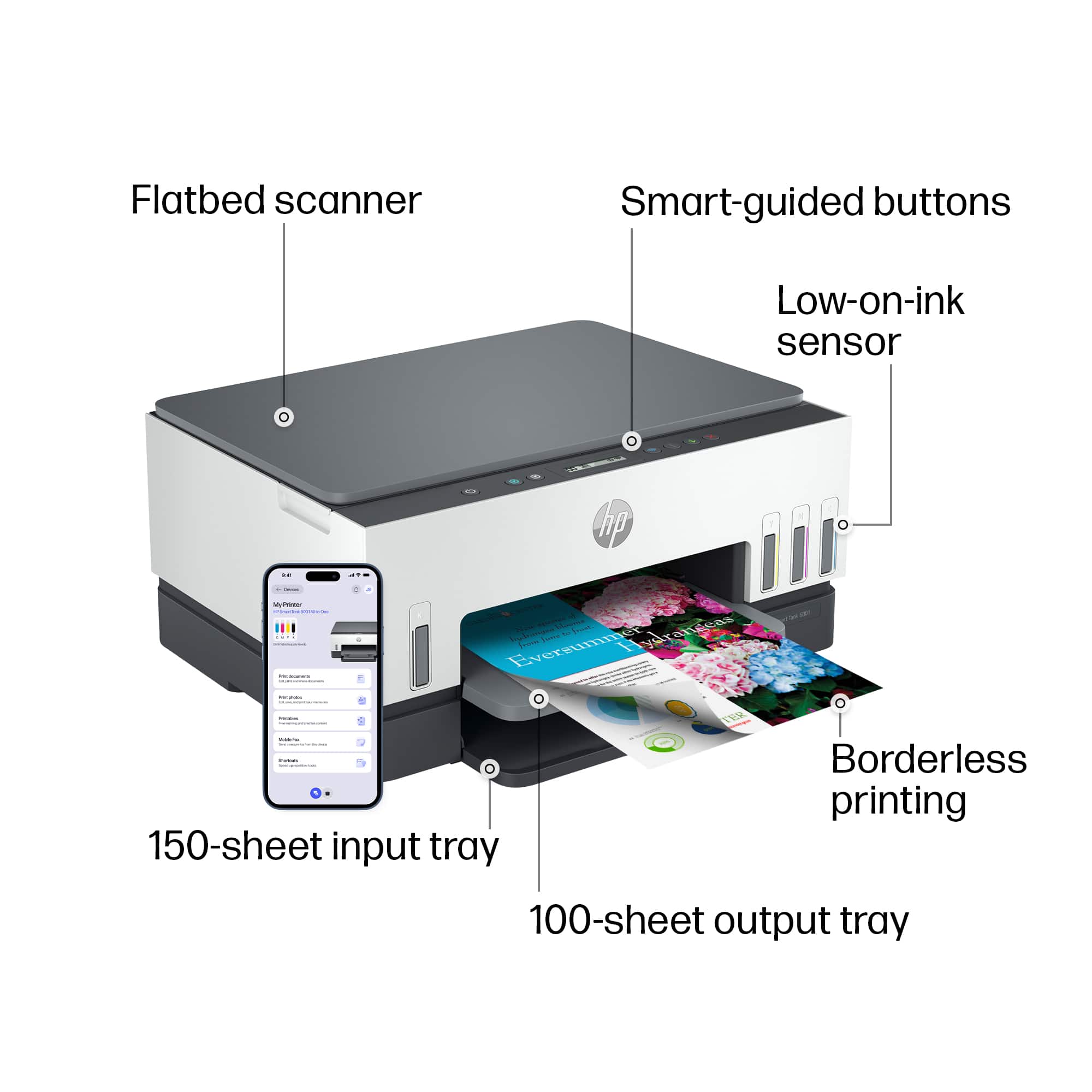
A:AnswerThank you for the question. Yes, the Smart Tank 6001 will print borderless photos up to 8.5 x 11". For superior quality photos, we recommend a photo printer like the Envy Inspire 7955e.
A:AnswerYes, the HP Smart Tank 6001 can print stickers. However, you do need to make sure that the container the stickers come say on the outside that they are specifically for inkjet printers.
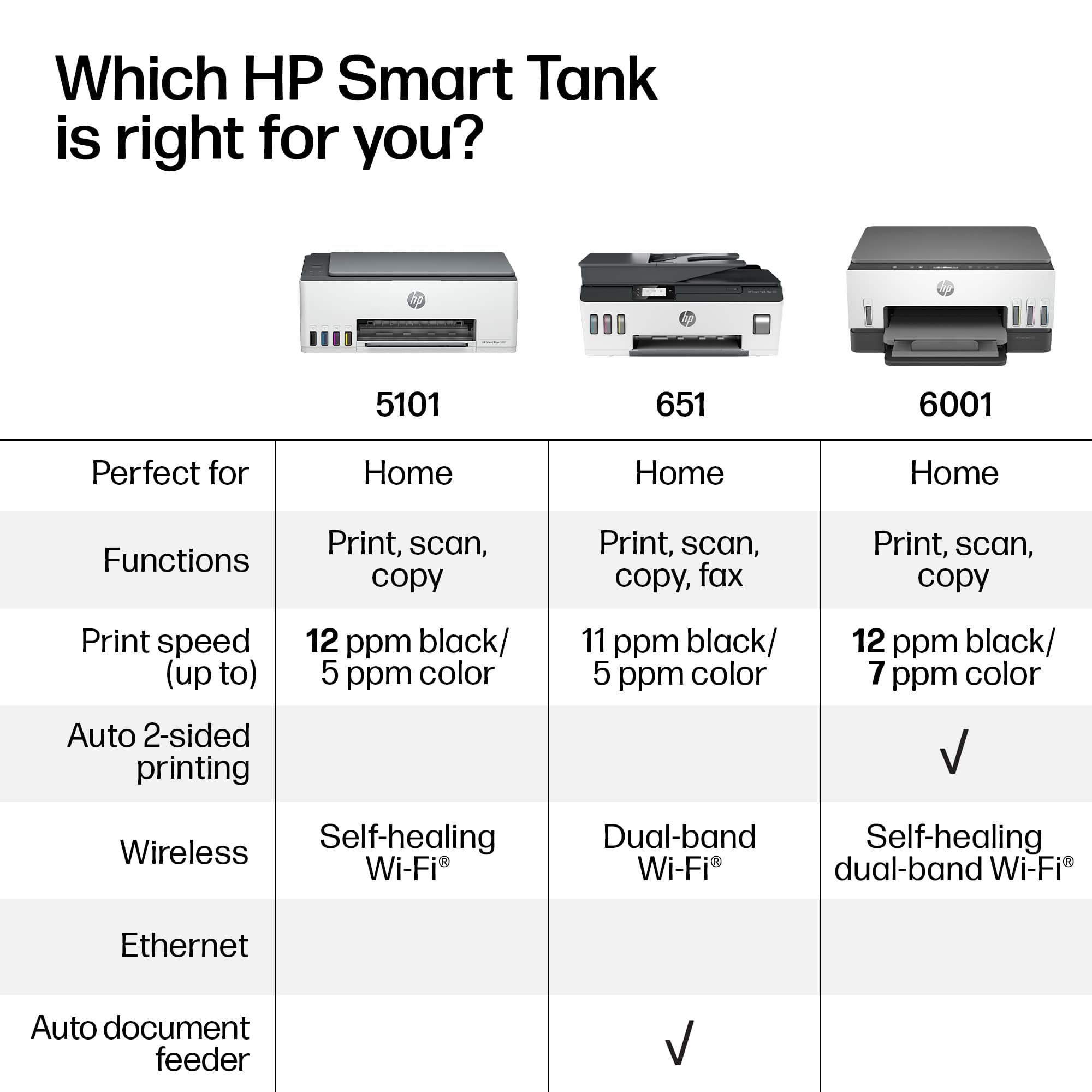
A:AnswerYes to multiple pages, but you will have to scan your documents one at a time. This unit doesn't have a document feeder for automated scanning.
A more expensive unit with a document feeder would go faster for scans. stack up the papers to be scanned and let it go to work.
The Ultimate would be a unit that will scan both side of a document, akin to printing on both sides of a sheet of paper for printing. Print one side, draw it back into the printer, print the other side on the blank page.
A:AnswerThank you for the question. Alignment is primarily a technical requirement to maintain print quality. If the printheads (or cartridges) are not properly aligned it can result in blurry prints, misaligned colors, and other issues that can affect the overall print quality. The alignment process uses a small amount of ink.
A:AnswerWhere can I get a manual now?? I have it coming tomorrow but I am 90 and need help setting it up. I am not very smart with printers. So where can I get one tomorrow morning or do you sell these
A:AnswerThe HP Smart Tank 6001 printer supports the following media sizes and types:
Media sizes supported: Letter, Legal, Government Legal, Executive, Statement, 4 x 6 in, 5 x 7 in, 8 x 10 in, L, Photo 2L, Envelope (#10, Monarch, 5.5 bar), Card (4 x 6 in, 5 x 8 in).
Custom media sizes: 3.5 x 5 in to 8.5 x 14 in.
Media types: Plain Paper, HP Photo Papers, HP Matte Brochure or Professional Paper, HP Matte Presentation Paper, HP Glossy Brochure or Professional Paper, Other Photo Inkjet Papers, Other Matte Inkjet Papers, Other Glossy Inkjet Papers, Light/Recycled.
Recommended media weights: 60 to 105 g/m²12.
A:AnswerYou can set it with the printer output options to print on one side of the paper or both sides of the paper... as well as flip it on the long side or the short side of the paper. It make a difference for your finished output.
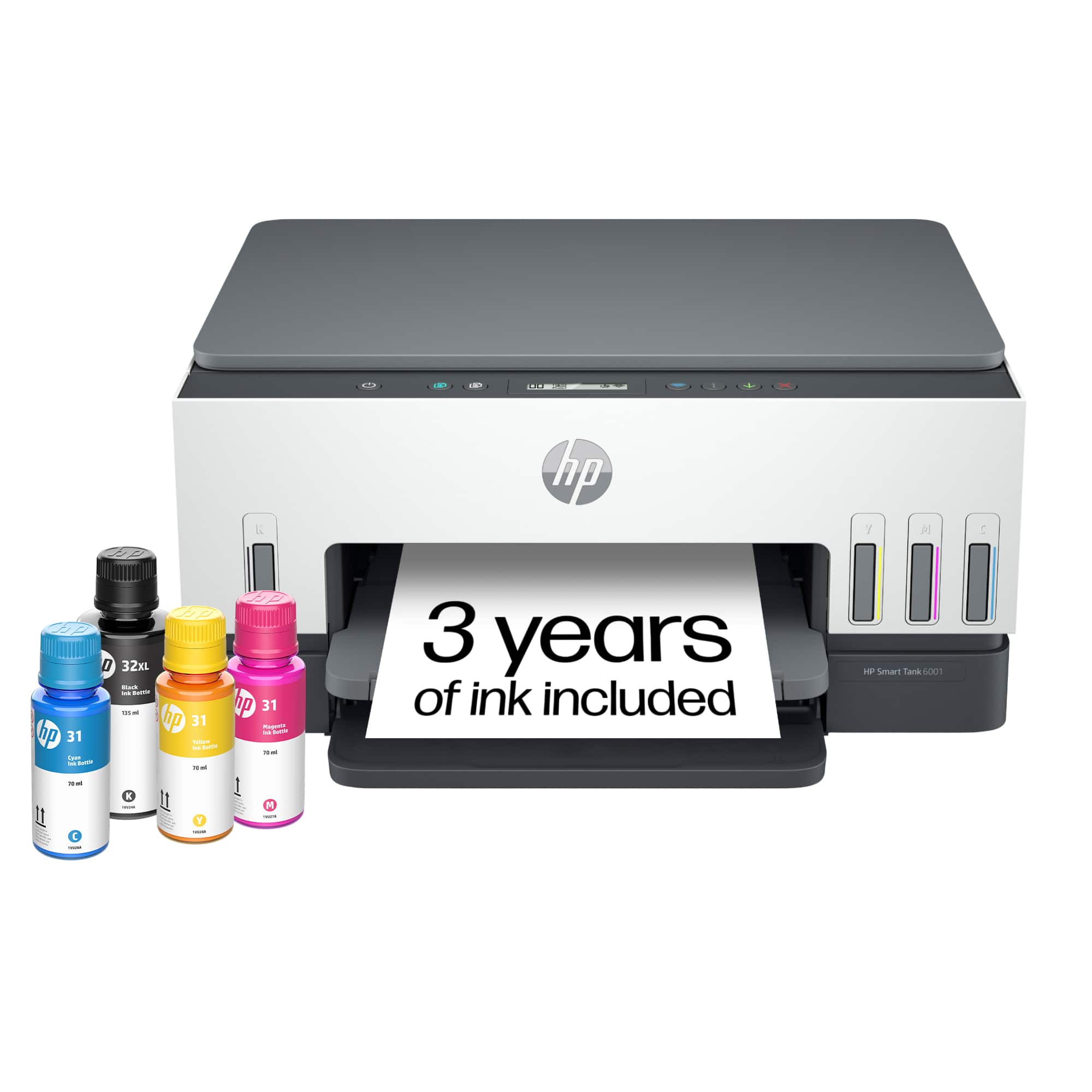
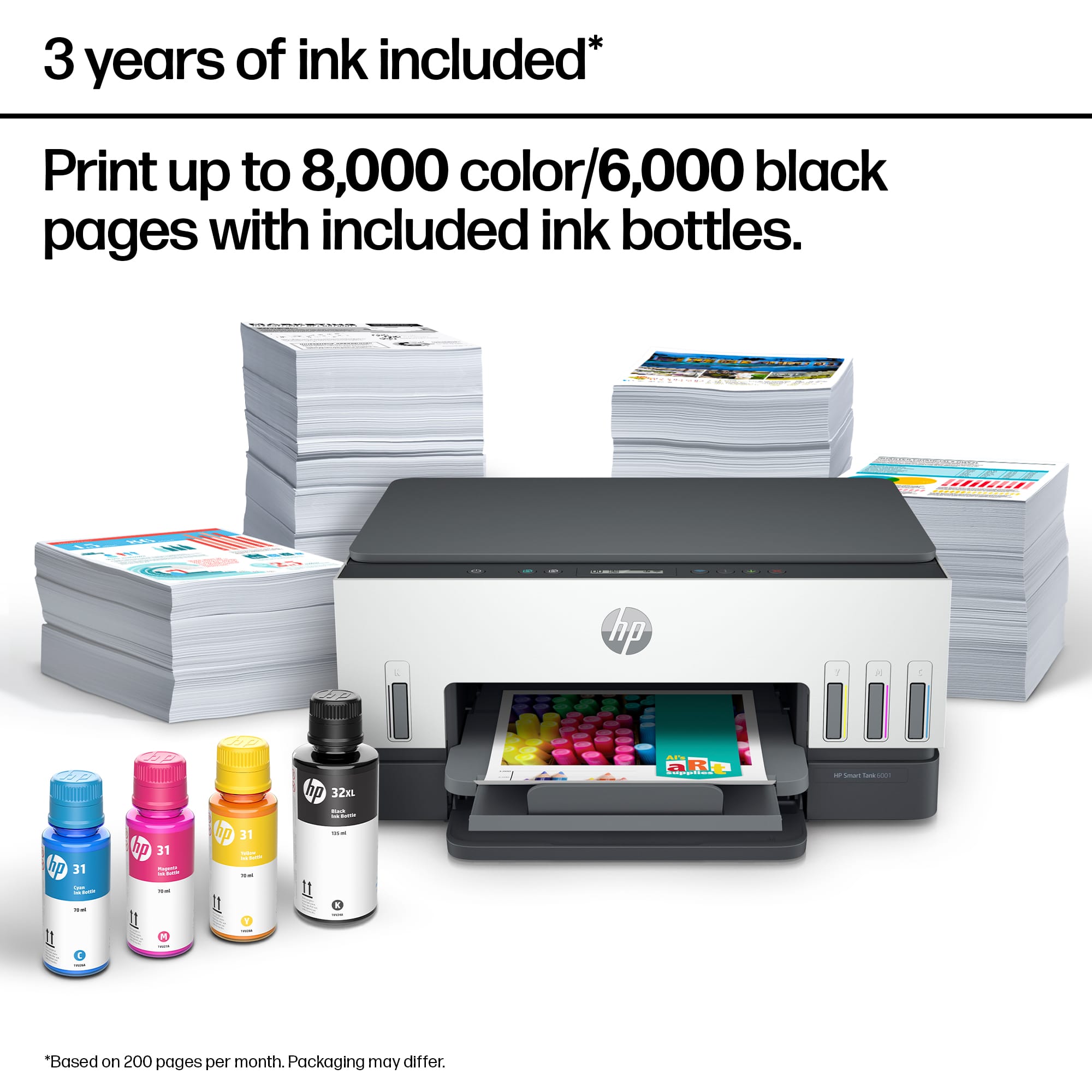
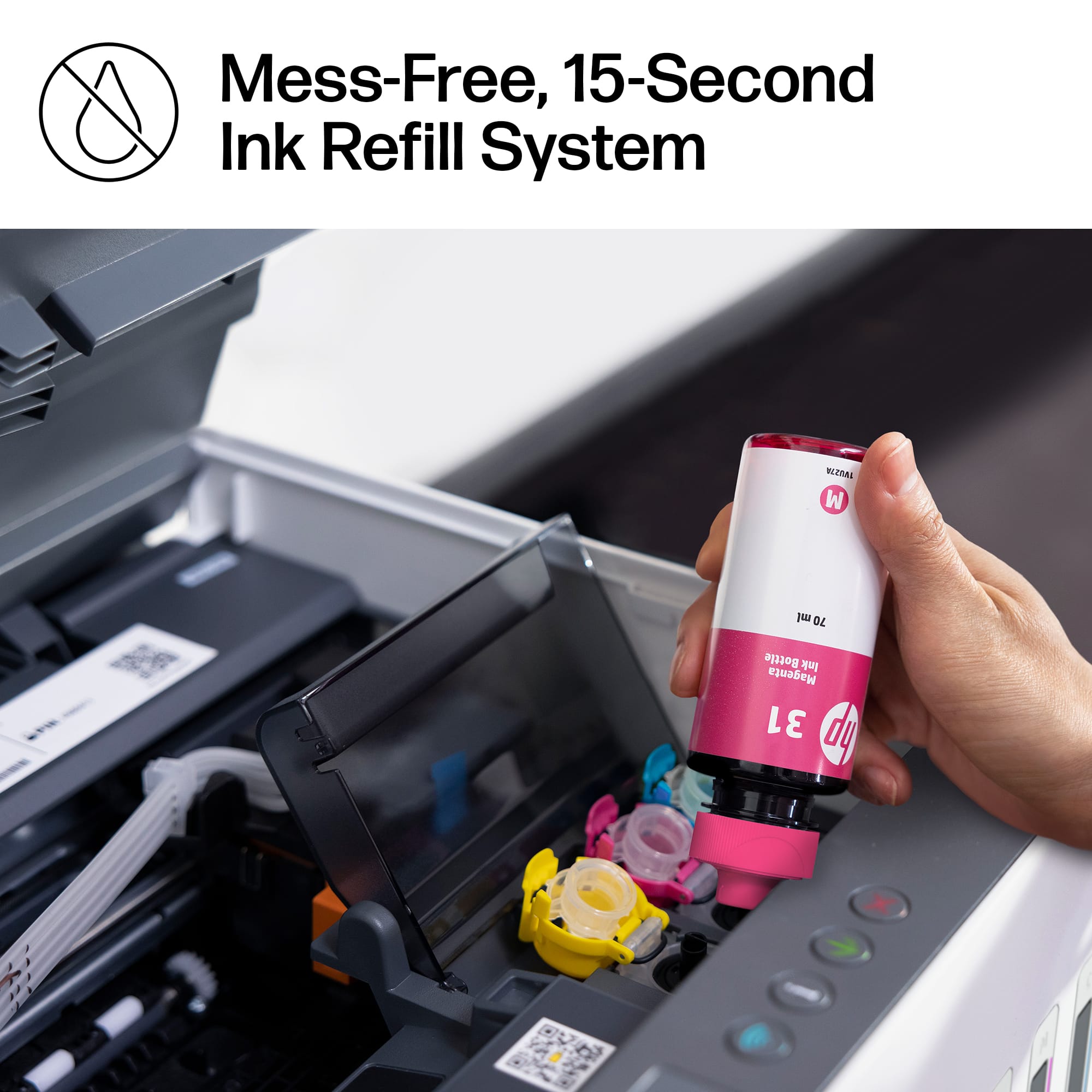
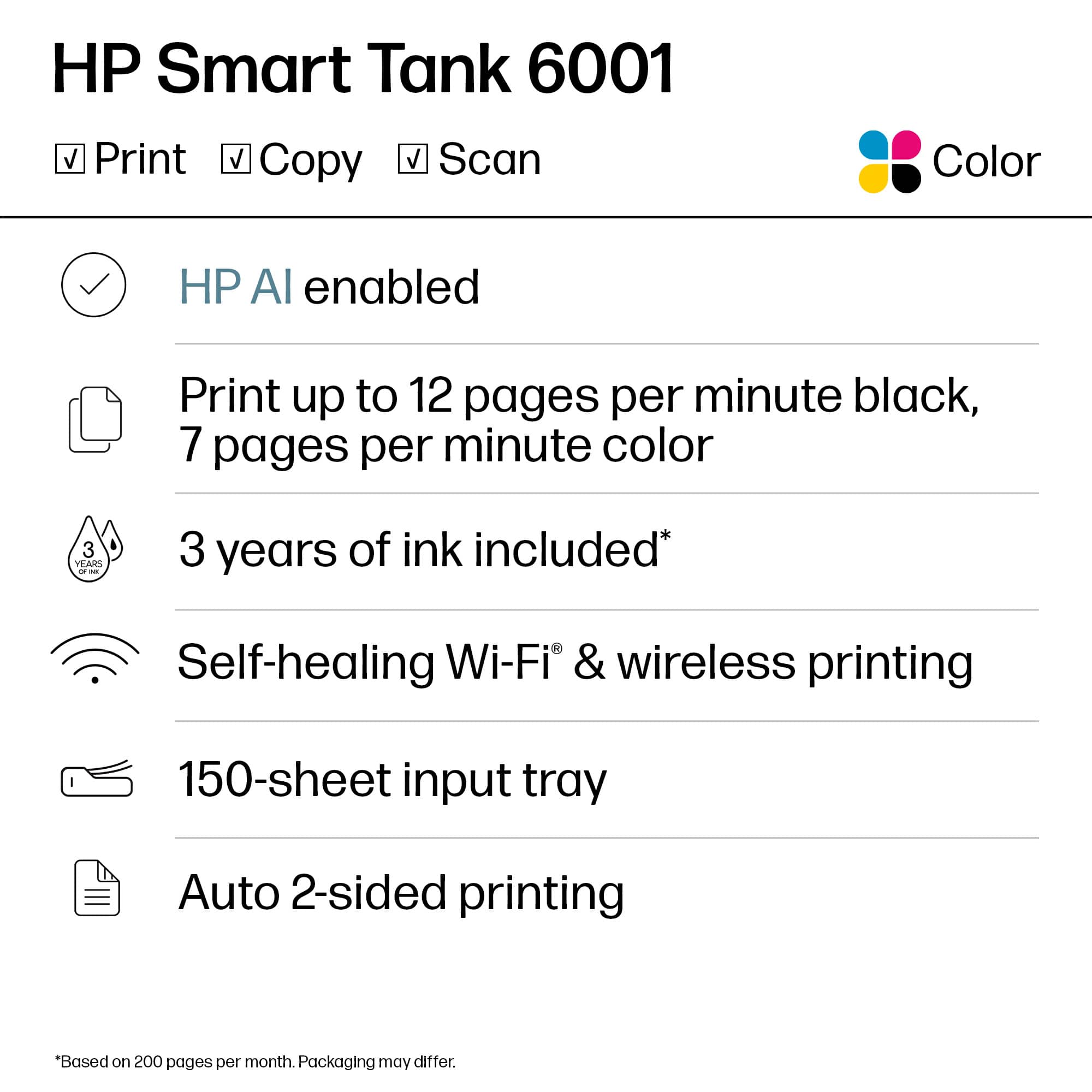
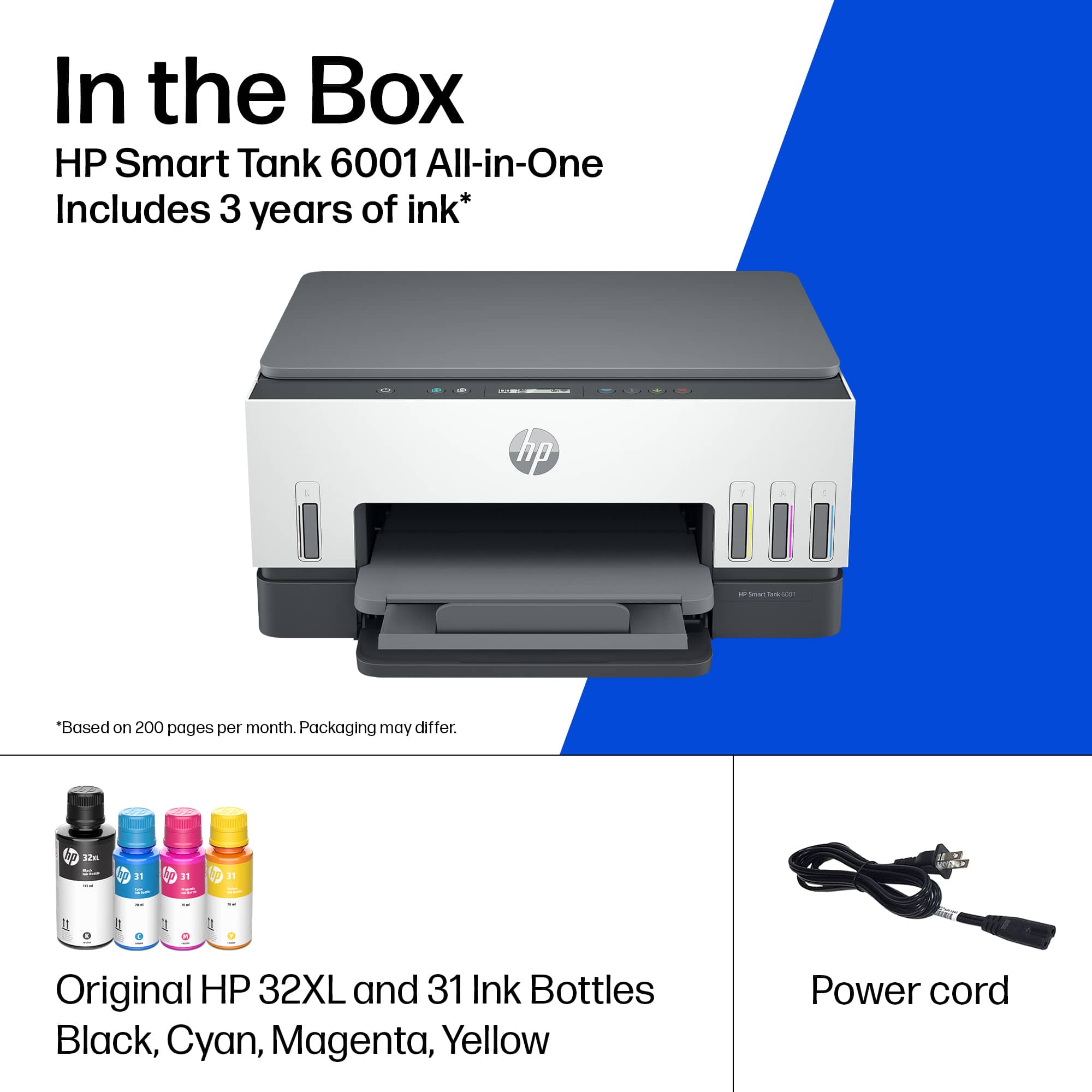
And yes, it does come with all 4 inks. almost twice as much black as the other 3 colors. Installing all 4 inks into the printer and storage tanks took about 5 minutes.
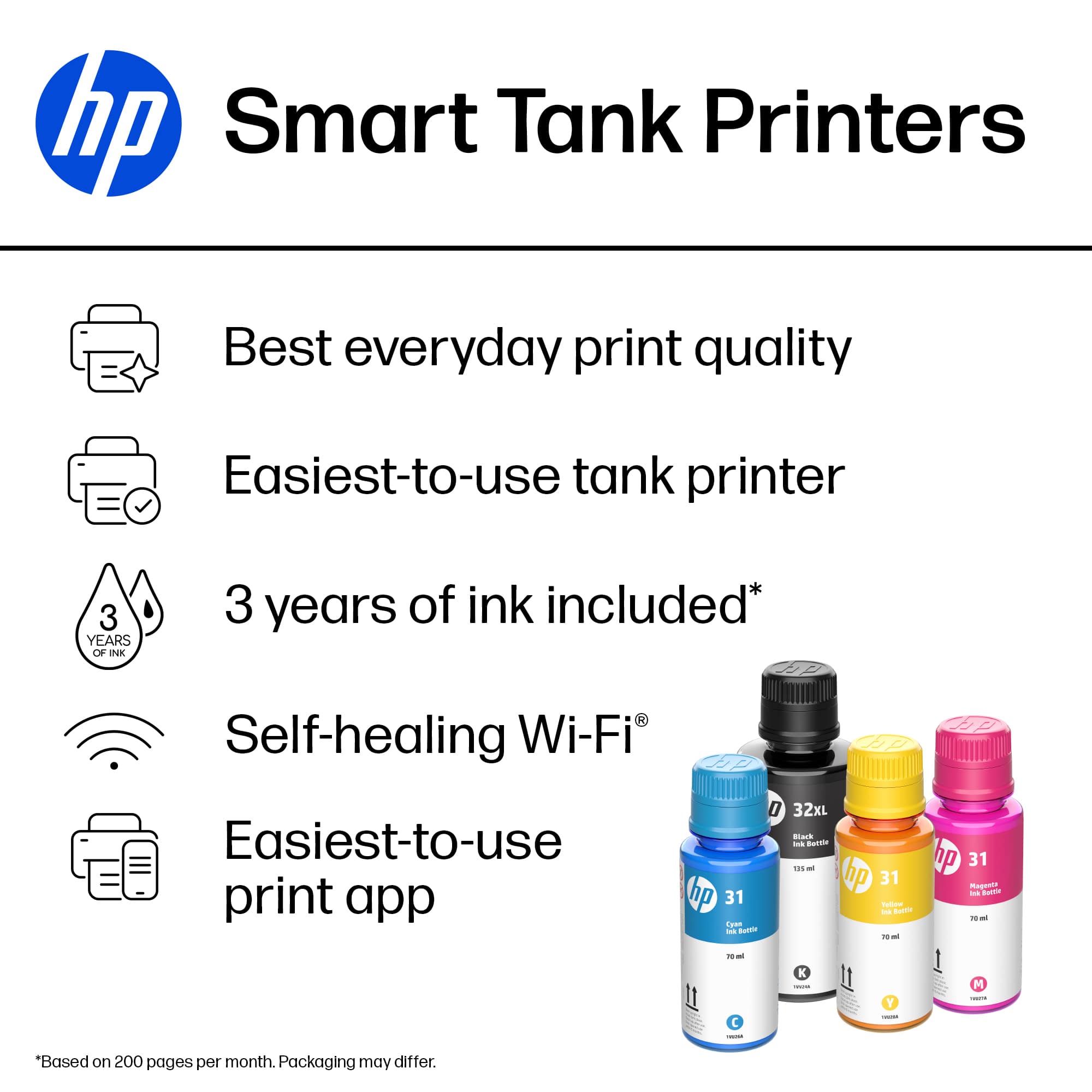
A:AnswerThank you for your question. The HP 31 ink magenta, cyan, and yellow are dye-based and the HP 32 black is pigment-based. This printer can handle up to 110-pound card stock.
A:AnswerI just bought the HP6001 printer and it does the same thing. So I bought a second one with intentions of returning the first, but they both make that constant high pitched buzzing sound. Some people can't hear it, but for those of us who can it's awful.
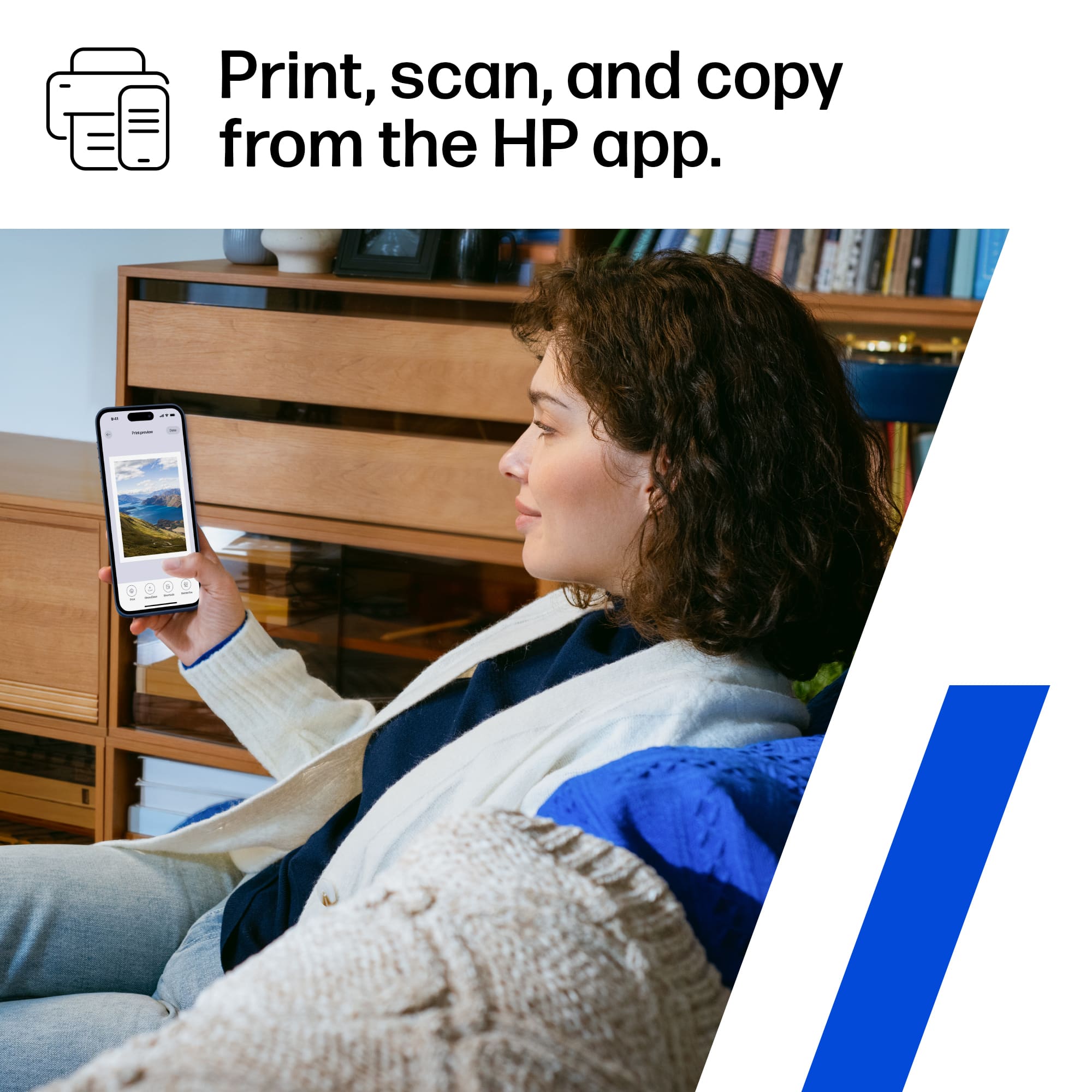
A:AnswerI use the app that hp provides you access to for free. Yes, for free. I can fax, copy, print, do a lot and when you send a document to print it describes and ask how many copies. Read each line and you will see.