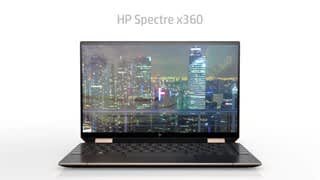
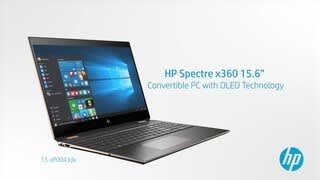
A:AnswerThe AMOLED option like model 13-aw0023dx battery life would be about 9 hours and 15 minutes. The FHD option like model 13-aw0013dx battery life would be about 19 hours and 15 minutes.
A:AnswerYea sir. I’m a photographer myself and it’s been super smooth for me. Just slide the battery bar to performance before u begin. Also if u feel like it, leave it plugged in to multitask heavily and that includes having iTunes or Spotify playing while transferring files from LR to PR while editing.
A:AnswerYes you can use that model of SSD (any NVMe SSD) with this laptop.
Regarding warranty: HP cannot legally invalidate your warranty -just- for opening it.
If you damage something when upgrading your warranty may be voided if HP can prove you caused the damage.
You do, however have to remove the back rubber pad to expose screws which makes it much more likely to fall out unless you go out of your way to get the right adhesive.
(I would also ask why you would "upgrade" to that SSD which would be a... side-grade from the Intel H10 that comes with it unless you write a ton of stuff to it consistently. [At which point I'd ask why you are buying a light-duty ultrabook]).
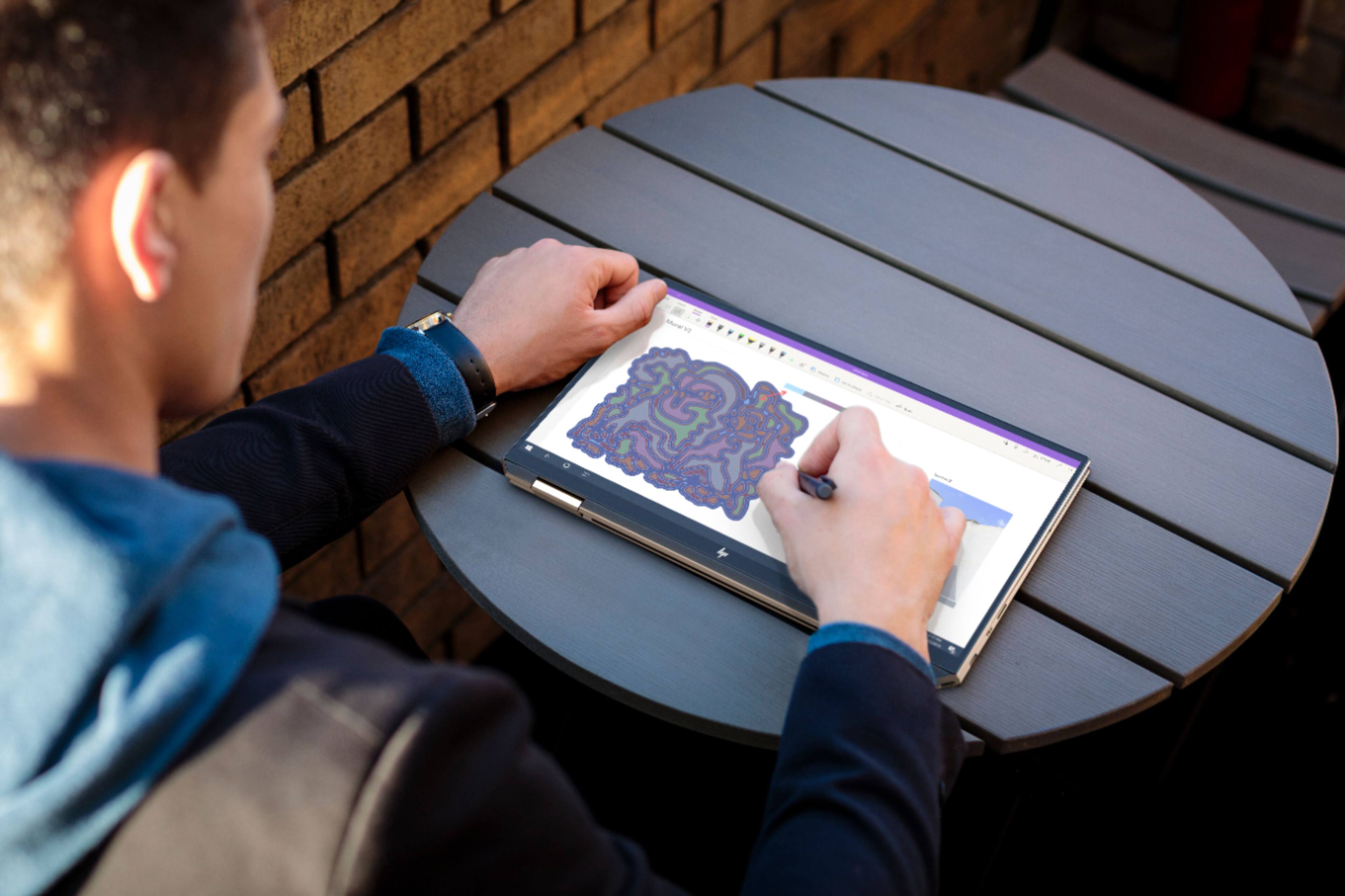
A:AnswerI own this Laptop, and use the Surface Pen with it. It works amazing with it. Has the same angle hits, and pressure sensitivity as if it were on the Surface Pro.
Tried Apple Pencil, it doesn't work.
A:AnswerThe included 1TB Intel H10 Optane/hybird drive can be upgraded to say, Samsung 970 or WD Black. Probably voids the warranty. The RAM is soldered on. The laptop does get rather hot towards the back (especially in tablet mode) so be careful as to what SSD to choose.
A:AnswerAccording to Best Buy's inventory system, this laptop is due to be in stock on October 27, 2019. I would advise checking the website on that date or contacting your local store for accurate inventory information.
A:AnswerIn searching, I answered my own question. ATT and T-Mobile LTE connectivity, no Verizon or Sprint.
According to the HP link here:
https://www8.hp.com/us/en/premium/laptops/spectre-x360-13.html?source=aw&subacctid=228921&subacctname=Mobile+Nations&adcampaigngroup=91539&awc=7168_1570912639_72315526f7c5dbba2af2926e27a9814b&jumpid=af_gen_nc_ns&utm_medium=af&utm_source=aw&utm_campaign=Mobile+Nations
The new Spectre 13 models, if you scroll to the end of the page:
"7. HP Spectre x360 13 can connect to ATT & T-Mobile. Verizon & Sprint not available. "
35 seconds into this video, also on HP's website, you'll see the mention of embedded LTE
https://www8.hp.com/us/en/premium/laptops/spectre-x360-13.html?source=aw&subacctid=228921&subacctname=Mobile+Nations&adcampaigngroup=91539&awc=7168_1570912639_72315526f7c5dbba2af2926e27a9814b&jumpid=af_gen_nc_ns&utm_medium=af&utm_source=aw&utm_campaign=Mobile+Nations#modal=LNK--71eaef9a-b154-42a6-b231-4b5d7d4b5dbd
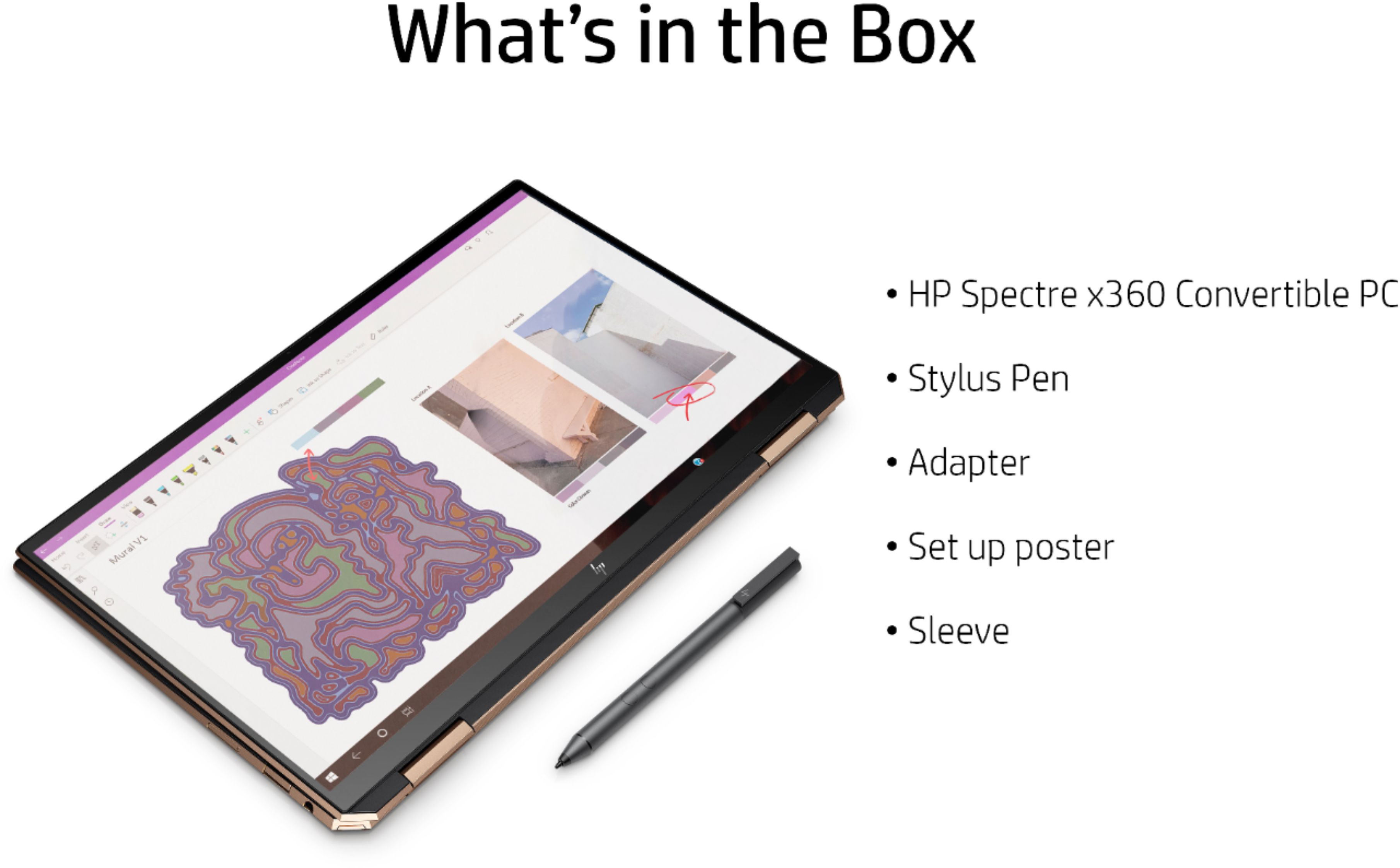
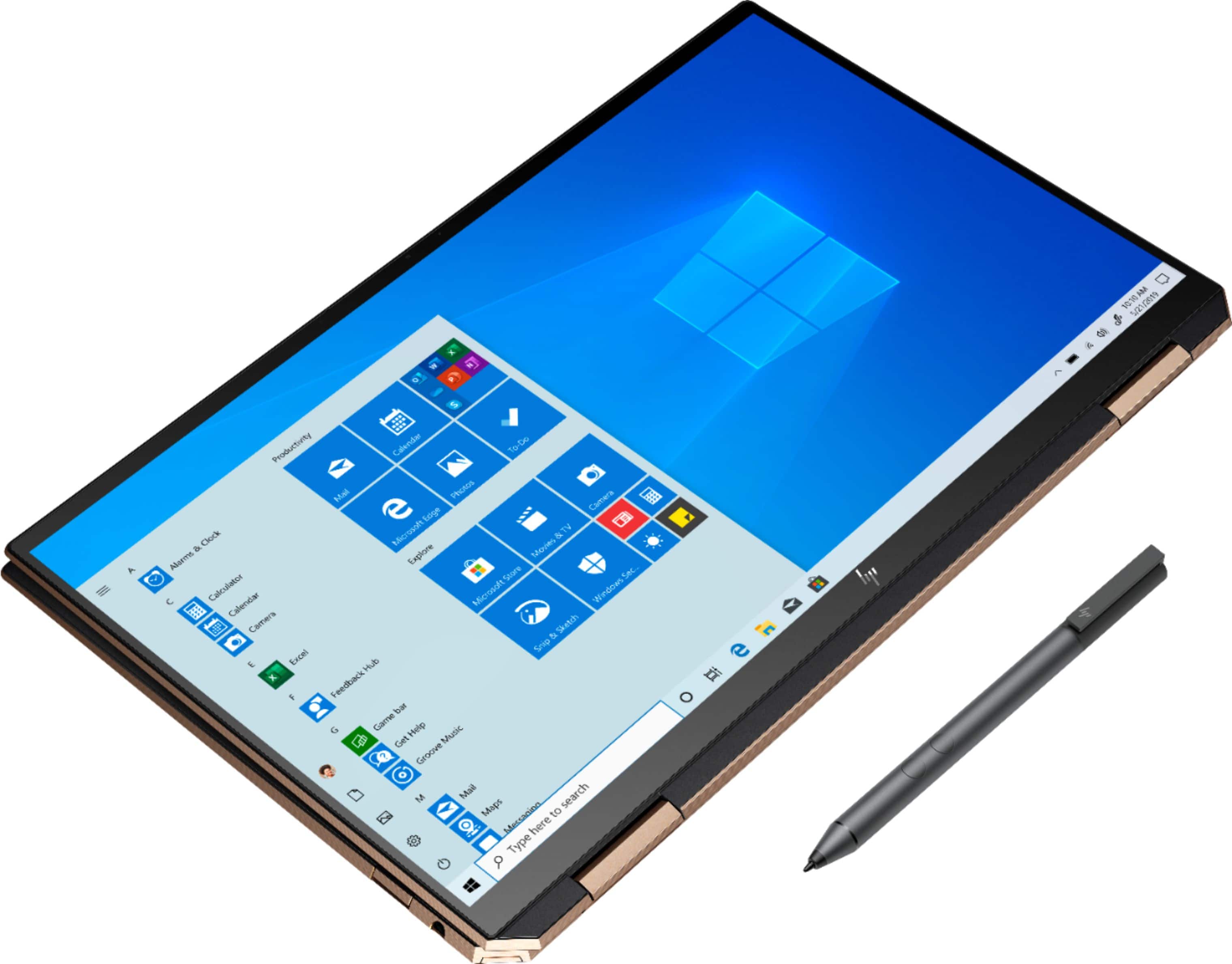
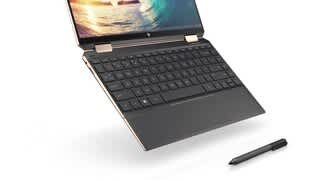
A:AnswerThe box includes an active stylus, a sleeve and a USB-C power supply. A properly configured WACOM Bamboo or Bamboo Plus works as well.
Be careful about the sleeve -- it is not in the inner fancy box but in the outer box placed on the side. Easy to toss if one doesn't look for it.
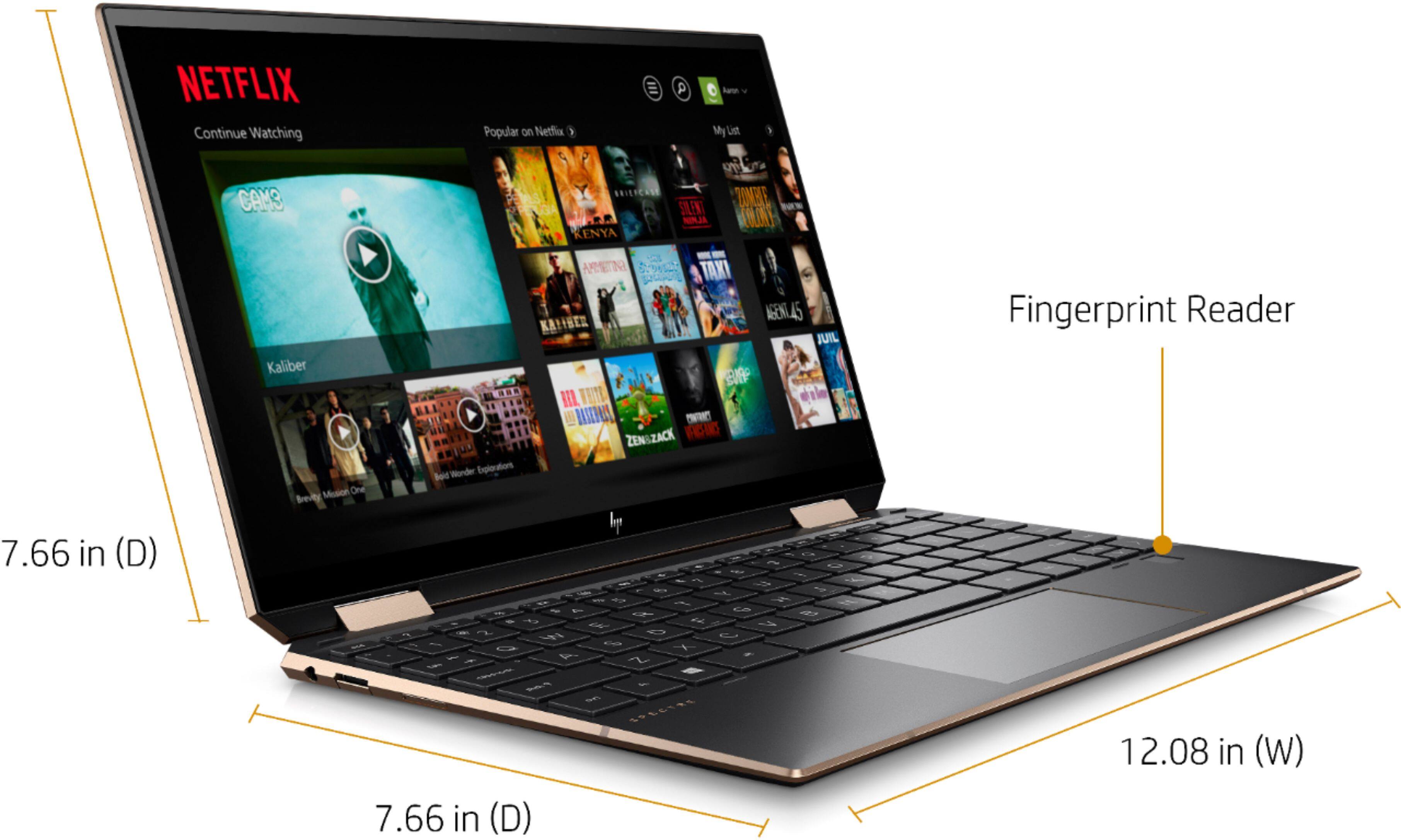
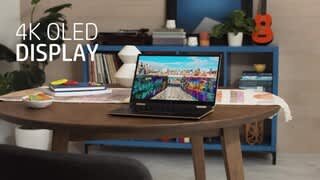
A:AnswerAnything from Microsoft Apps can be downloaded on it. HULU, Netflix and other streaming apps are available. It does get hot so make sure that the vents can get air. Very small and travel friendly, 4k display is a bonus.the higher end video card and SSD are set up for gaming features, which games are also available through Microsoft apps.
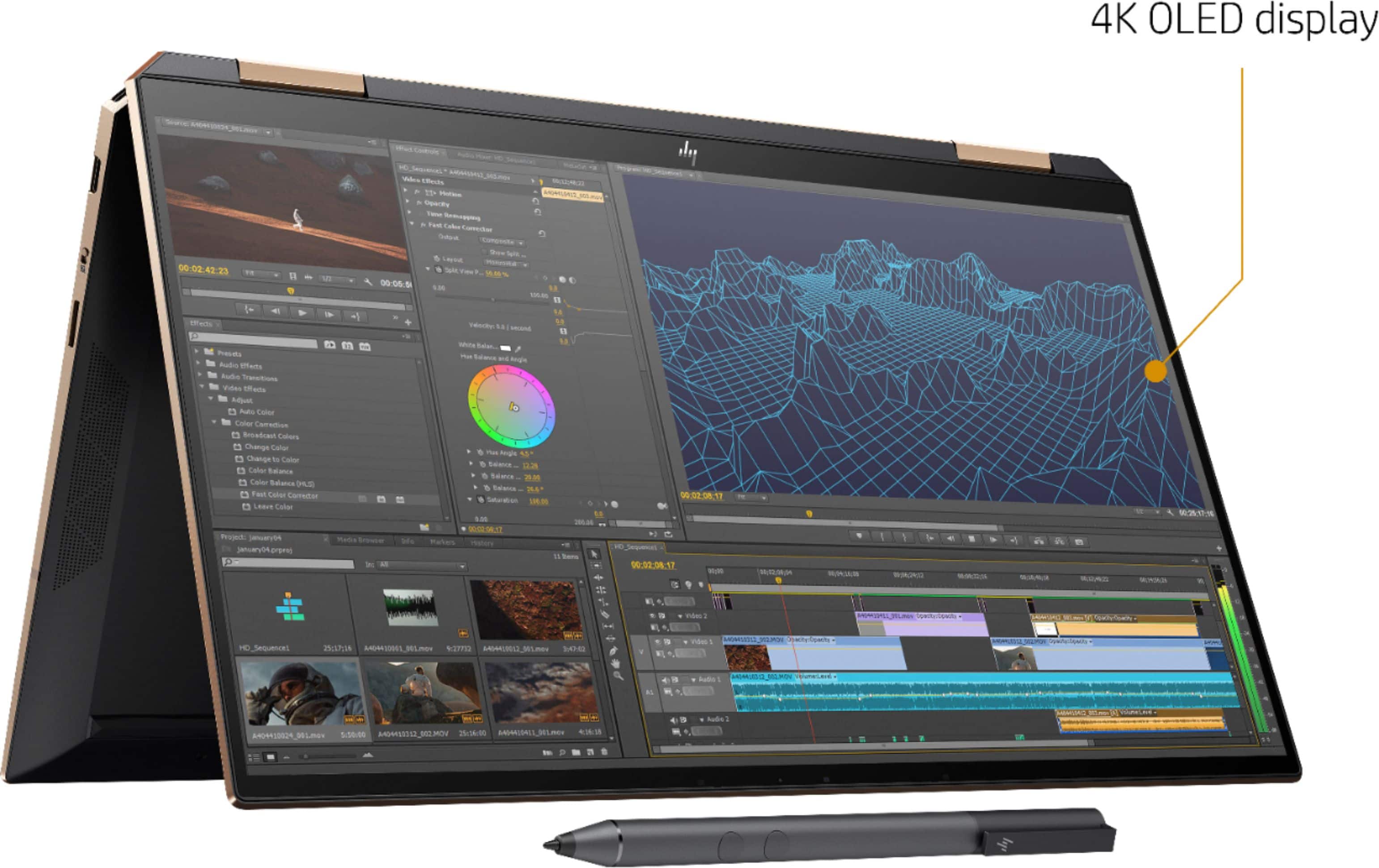
A:AnswerNo. Any UHD panel will consume the same power no matter what resolution is set, in normal use. The power difference between HP's two panels has two causes:
1) The UHD (4K) panel is an OLED, while the FHD (1080p) panel is IPS. OLED panels draw a lot more power than IPS when displaying white; OLEDs draw a lot less power than IPS when displaying back. But, look at most websites: white backgrounds. If you religiously customized Windows and your browser to display everything in dark mode (some extensions can force a fake dark mode onto websites), you could mostly negate this power increase.
2) The UHD panel has a much higher PPI, physically. That means smaller pixels (4x as small) + many more pixels (4x as many). Each pixel is surrounded by a black border, i.e., the transistor that powers the pixel. This transistor is black, not transparent, and thus blocks the backlight. Thus, you must significantly increase the backlight strength to overpower the transistor blockage -> higher density displays have many more transistors that take up a proportionally larger part of the screen area. Think of it like a flashlight behind a screen or mesh: a very fine mesh easily blocks light and you'd need a much stronger flashlight to get the same light vs a very coarse mesh.
For #2, the literal transistors are still there, no matter what resolution you set in Windows. The physical pixels' transistors are blocking the backlight. You can read more at Anandtech: https://www.anandtech.com/show/7743/the-pixel-density-race-and-its-technical-merits
The only difference you'd see is if you 1) you played GPU-intensive games and 2) you set the *game* resolution to 1080p. Then, the game at FHD (1080p) will consume less power vs the game rendering at 4K because the GPU won't have to work as hard. In normal Windows & typical browsing, the GPU is never the major power draw. So, that's why, in general usage, the 4K OLED will 9 times out of 10 have wildly higher power usage than the FHD IPS.
It's a great choice, honestly: HP has done it pretty well. Some other manufacturers really skimped on the batteries, so OLEDs would barely get 3 hours vs 6 hours IPS. It's the same relative difference, but I'd much rather have 9 hours vs 3 hours!
A:AnswerYou can now pre-order the Poseidon Blue model w/ OLED display from HP.com. Nov. 5th ship date
https://store.hp.com/us/en/mdp/laptops/spectre-x360-211501--1#!&tab=vao
A:Answeri actually bought that one first with the new 10th gen and the bezels are still there. its simply too big and that ugly number pad is still there.
A:AnswerYour laptop needs a 65 Watt USB C charger. The part number for the AC adapter is L04650-850 and for the power cord: L22319-001. I would ask the Geek Squad at Best Buy if they could order this for you. If not, you should be able to find it on the internet. Be sure to get both parts.
A:AnswerThis version doesnt have the privacy screen, there are no 4k OLED computers with privacy screen, I believe that 1k NITS with privacy screen will be released later.