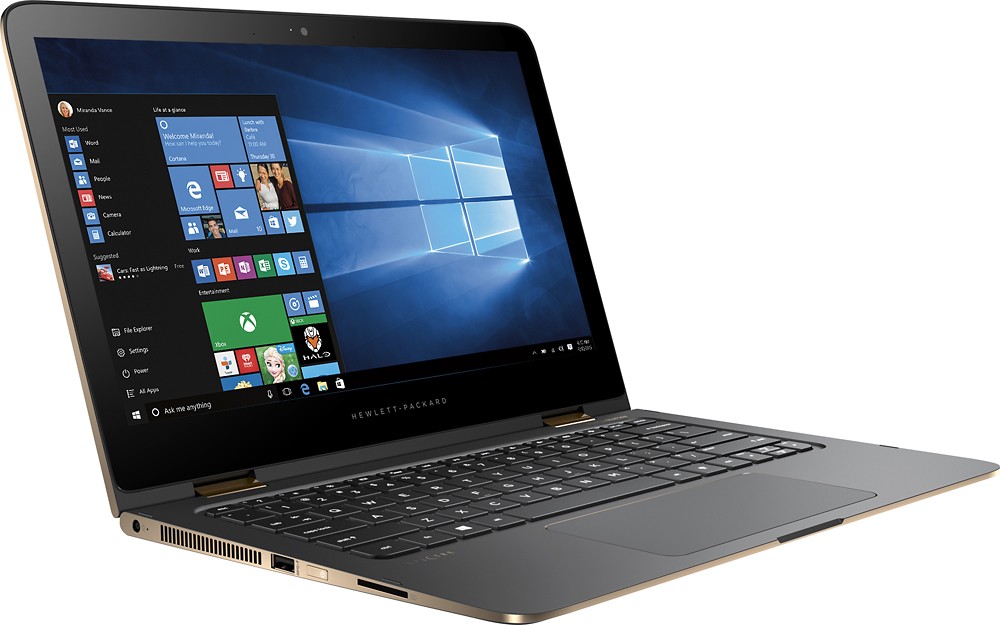
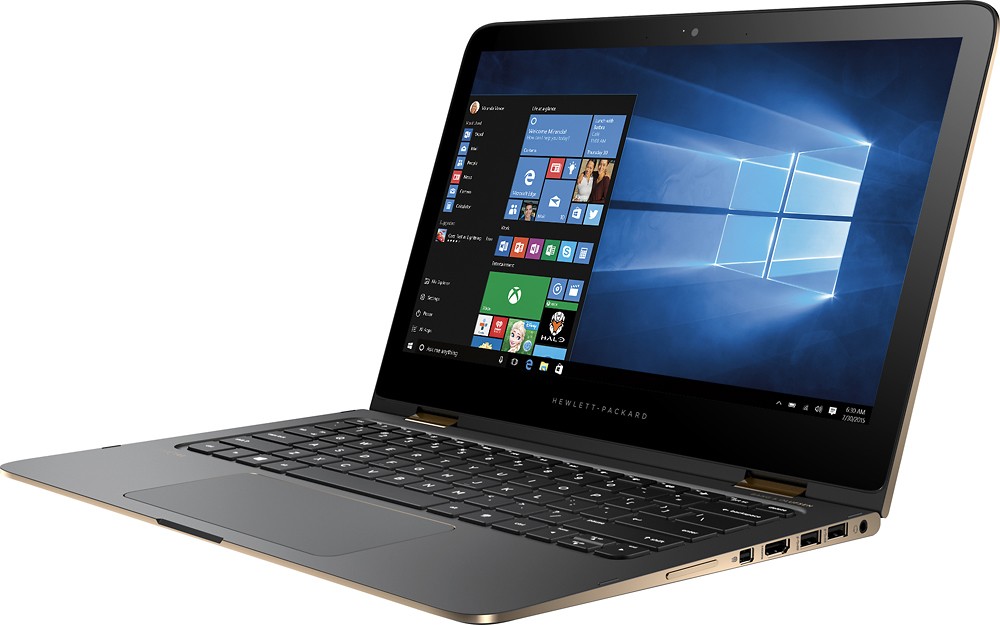
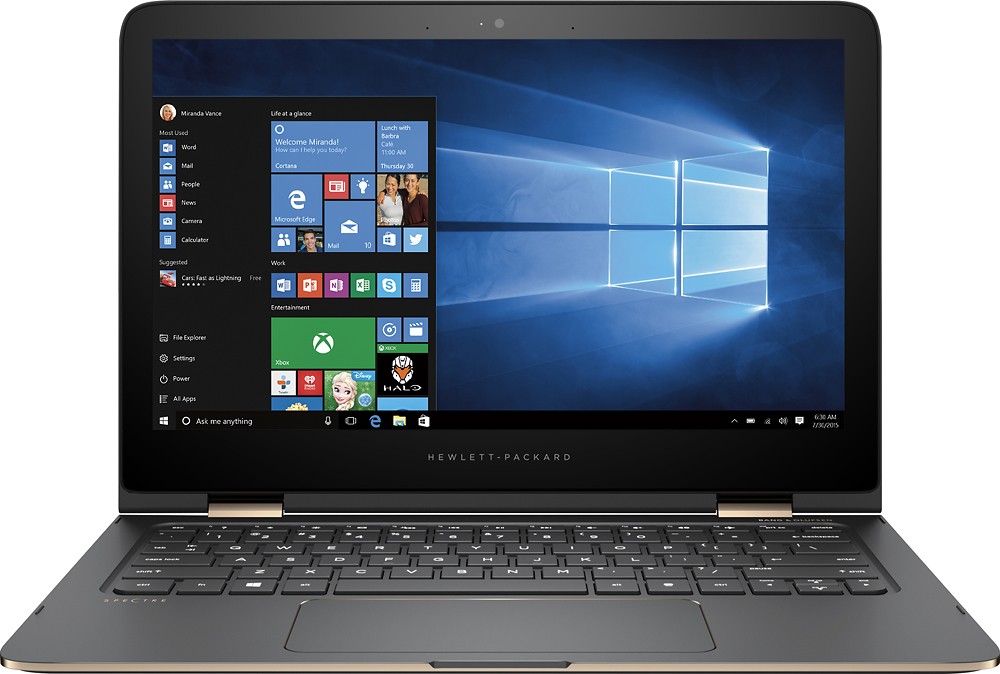
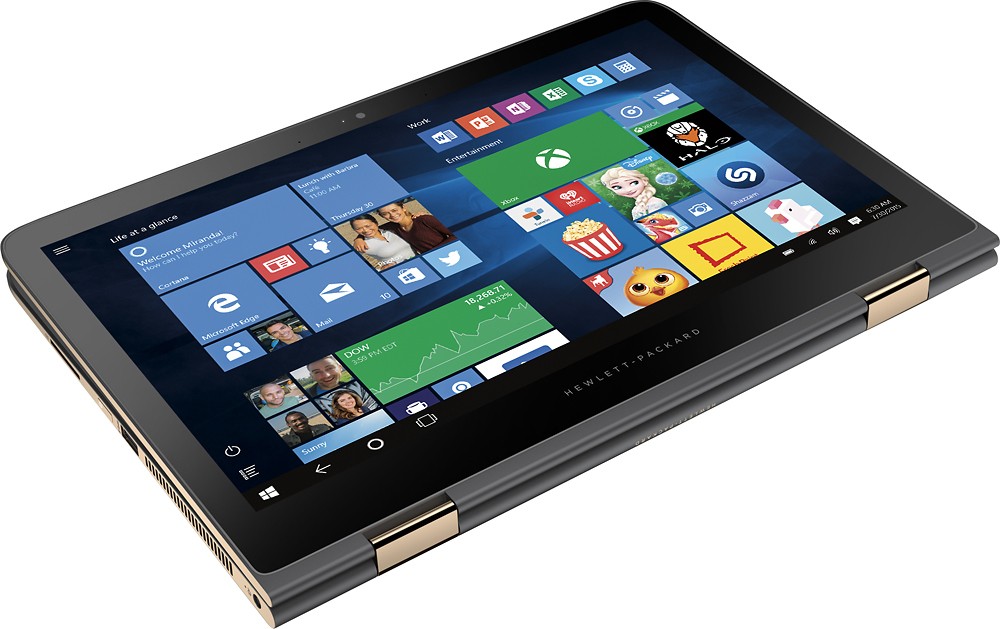
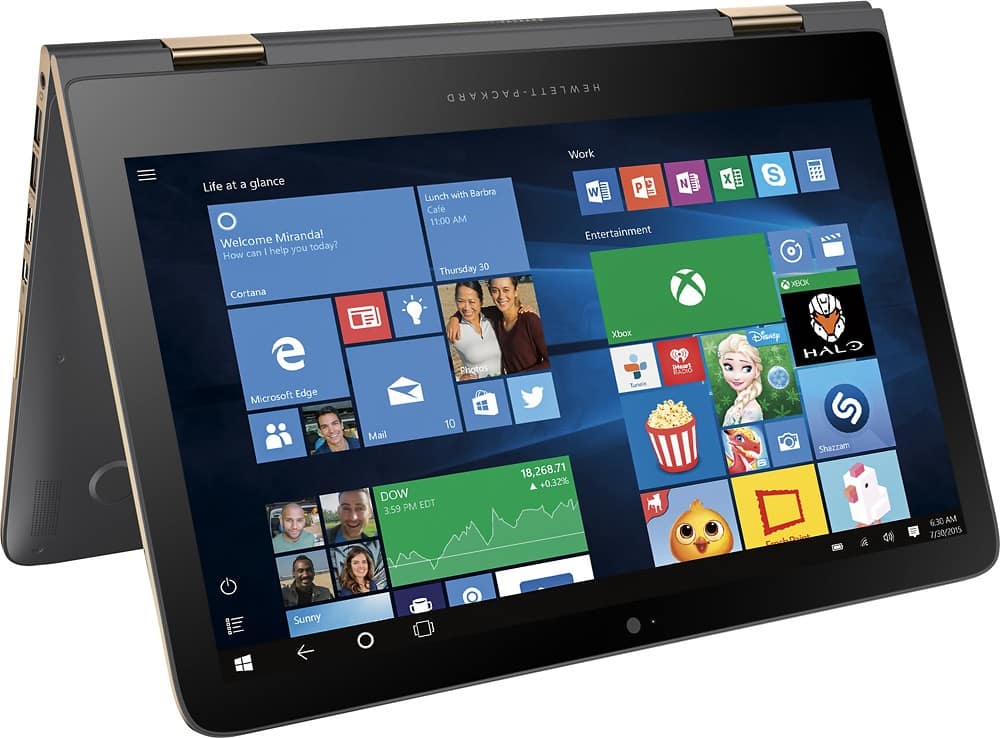
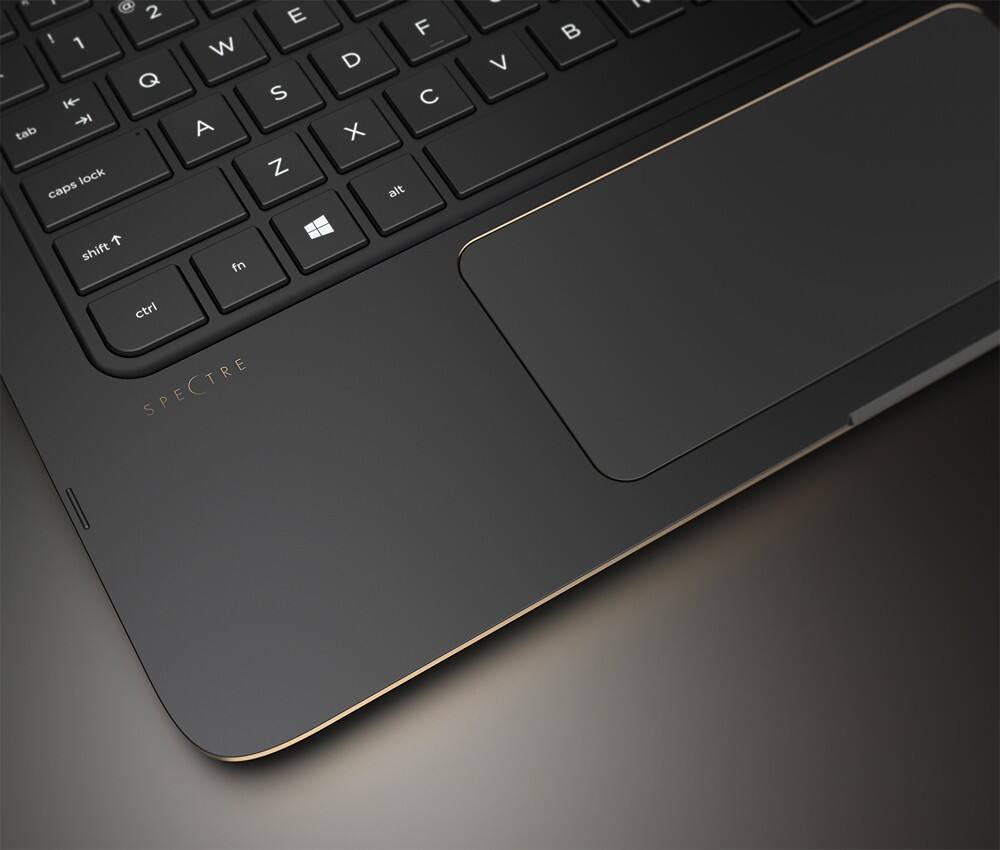
A:AnswerHere's a pic of the copper one with keys lit up. Hard to get a pic without the reflection of the screen...the blue and green guess are actually reflections. The backlight is actually white, and comes up as soon as you turn the computer on, so you have it for entering your password (unlike my old laptop, which left me fumbling in the dark until completely signed on)
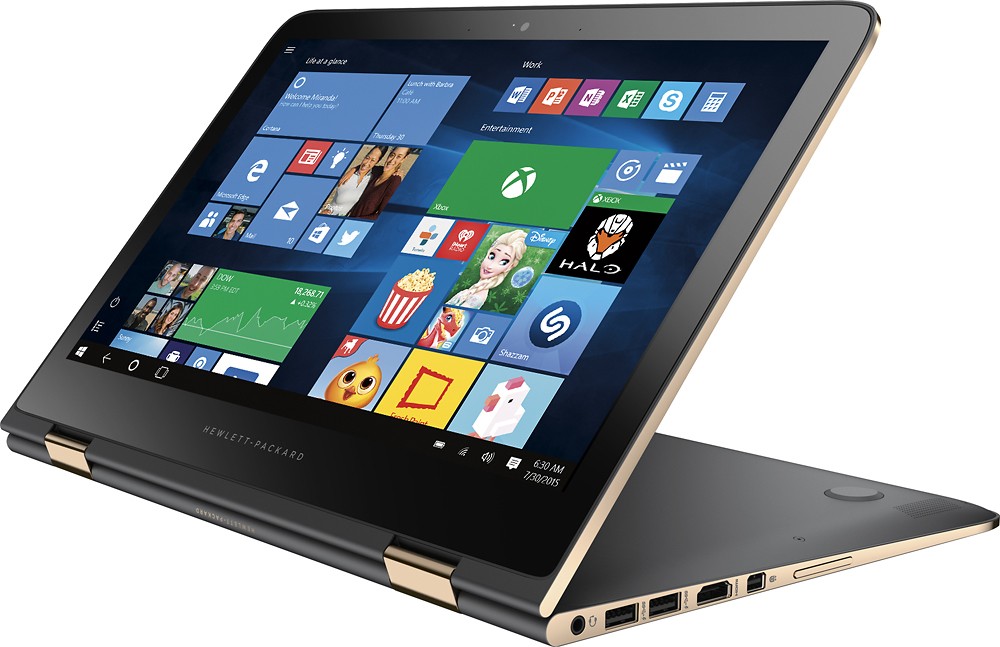
A:AnswerI do not know of any laptops these days that do not come with dual-voltage (110/220) power supplies--therefore, the included power supply should work fine. However, you would still need a plug adapter to fit whatever type of power receptacle is in use where you are located.
A:AnswerYes you can, Microsoft as well as Google offer Cloud storage that can be purchased, however if you don't want to leave your data in someone elses hands try looking into a personal cloud made by Western Digital. I have one and I have never regretted it. you can access it the same as Microsoft and Google but without the monthly fees involved and they are upgradeable.
I hope this helped
A:AnswerRecommend downloading the latest drivers from the intel.com website. Also you can try reinstalling the intel wireless drivers from the systems control panel.