A:AnswerAfter trying a few, including having found the HP pen unusable (even the Geek Squad could not get it to pair!), I had good success with the Bamboo Ink Smart Stylus. Enjoy your computer--I love mine!
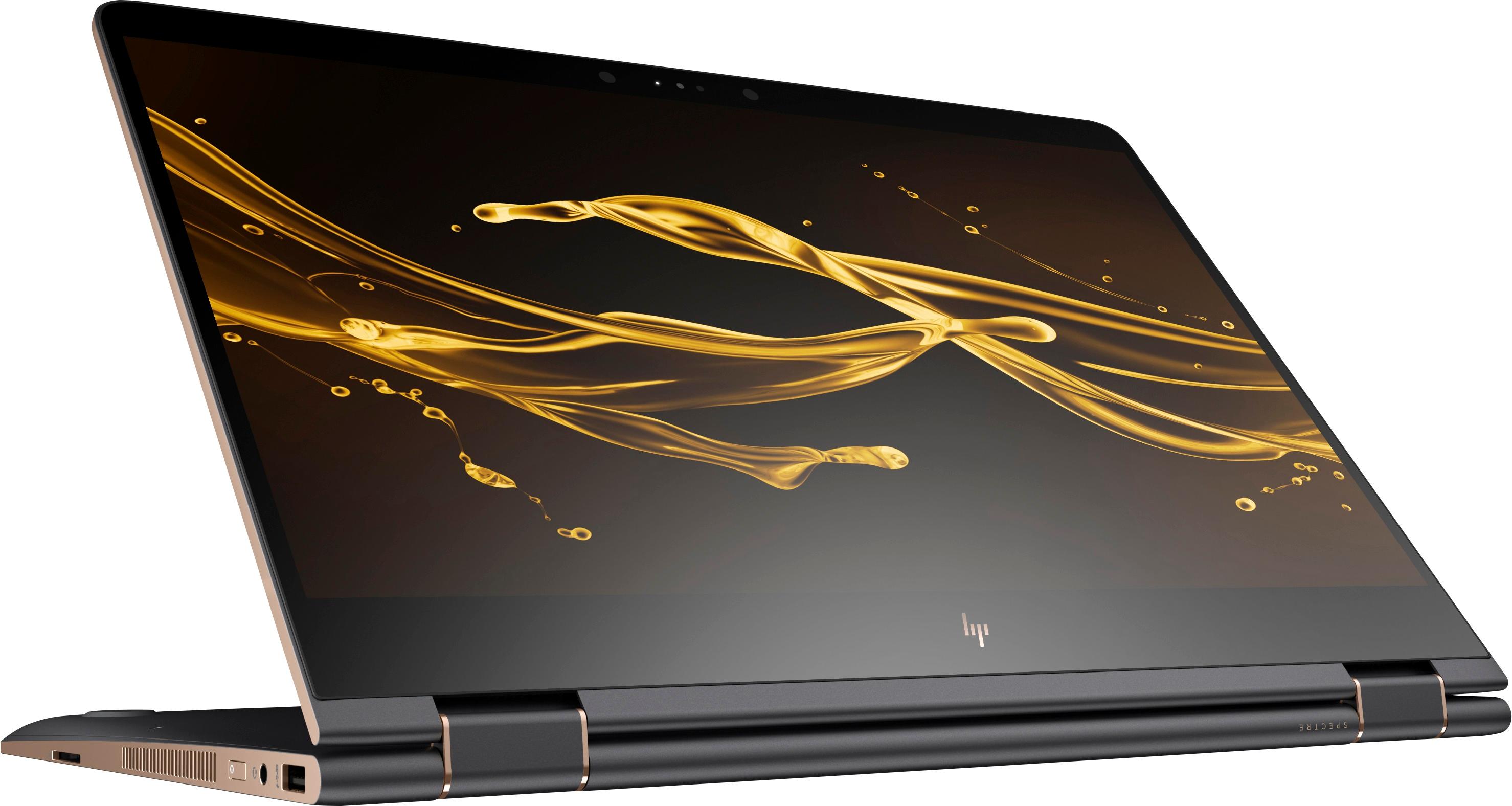
A:AnswerIt doesnt need one and i wouldnt buy it if it had, a prop needs unlocked and is just something to fail ive never had any issue witg the laptop its hinge is stiff where ever you place it it stays
A:AnswerIt should have instructions in the box. You need to put the battery in
go to bluetooth settings on computer
hit add device.
Then hold the button on end of stylus until it flashes blue
It should pop up on devices list
click add
boom
A:AnswerFigured out how to do this (screws hidden under the back rubber feet according to HP) but before I cold the HP died - won't turn on. Will try with the next one!
A:AnswerMine shipped with the THNSN5512GPUK TOSHIBA - 476.94 GB internal NVMe SSD. It should be possible to upgrade to 1 TB -- I might be tempted to stick with that same Toshiba series. The only issues would be physical size and possible increased heat generation. Best Buy told me that the Geek Squad will install and upgrade the internal SSD, even if I buy the drive elsewhere, and maintain my warranty. However, I can find no way to externally reuse that 512GB SSD that is currently installed. There is no NVMe-to-USBC converter that I can find.
A:AnswerLet's try to figure this out together. Are you unable to get the pressure working in only a certain program, or for the entire system that allows writing? Please explain it as brief as possible where and when you see the issue.
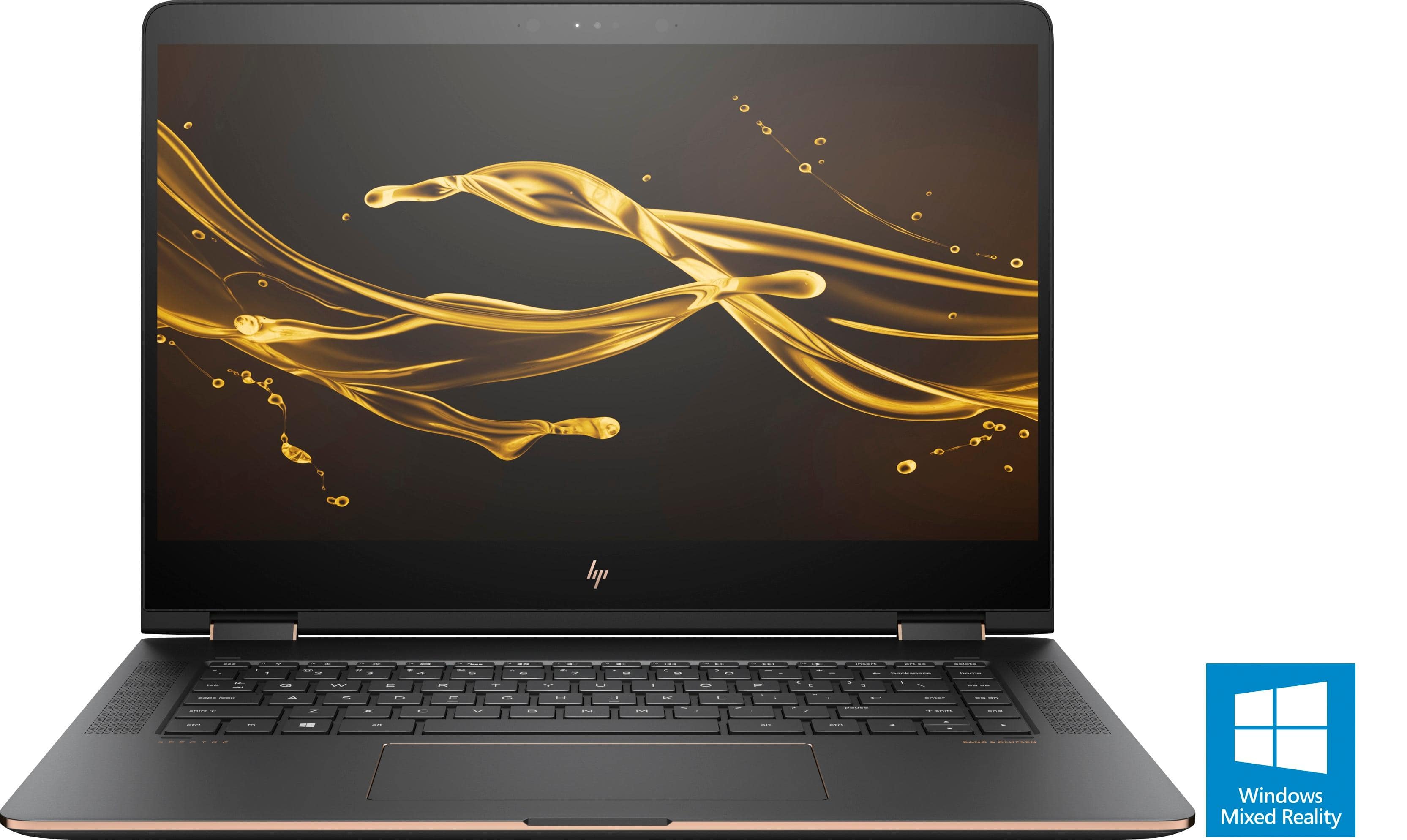
A:AnswerDepending on the games you want to play it could work fine, however, if you are playing graphic intense games the Nivida MX 150 G.P.U. probably will not be your first choice.
A:AnswerThe HP Tilt Pen ($90) is the one meant to go with it. Just came available recently. The Wacom Bamboo Ink is a Windows Ink pen that also works and some prefer it, but others like the HP one--YouTube and online forums have good comparisons.
A:AnswerTook mine back because of problems from the start. Freezing cursor is a known issue, if that's what you mean. Use your manufacturer warranty if you need a replacement, but if you're past Best Buy's tiny return window, you're stuck with it and have to deal with HP within it's first year.