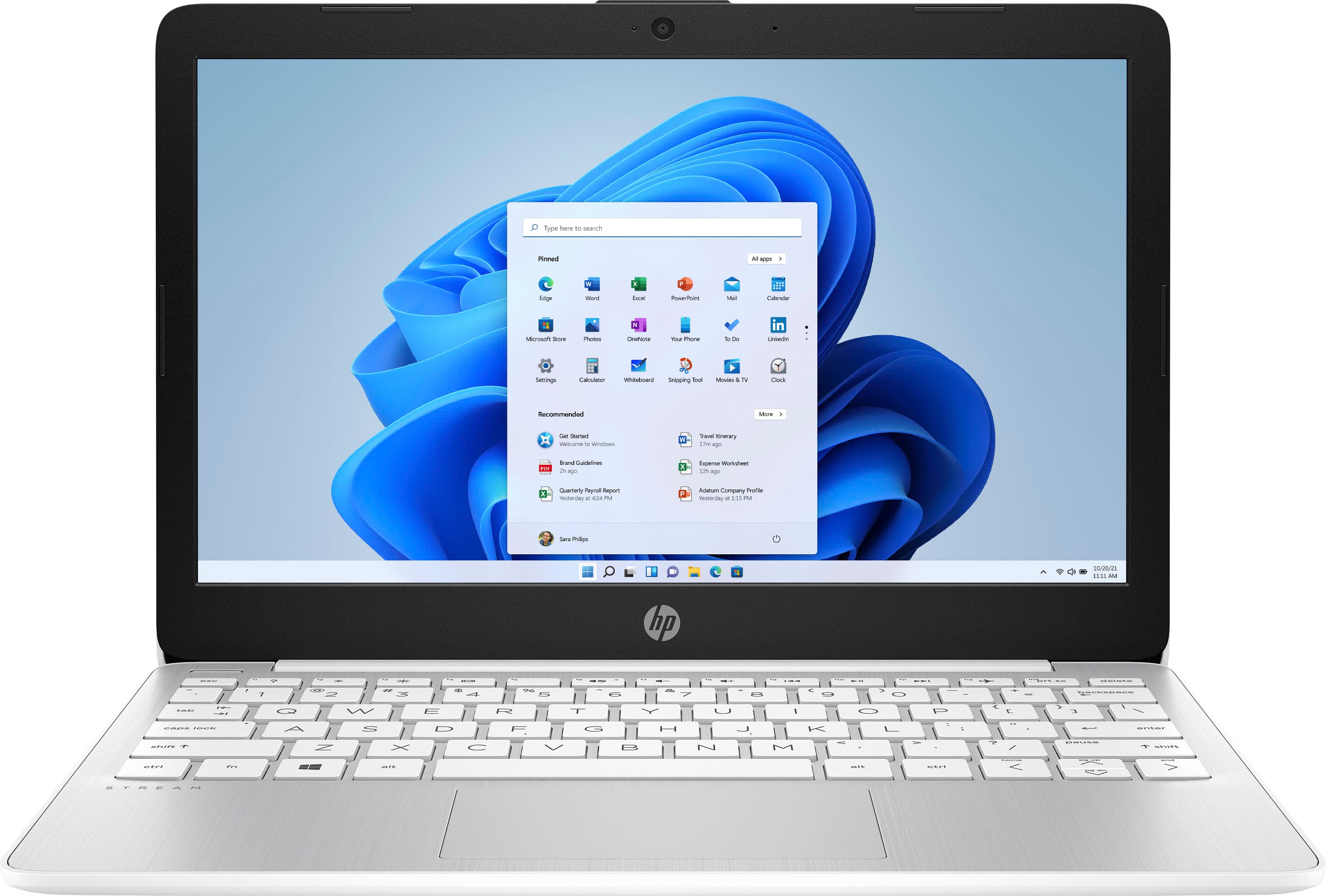
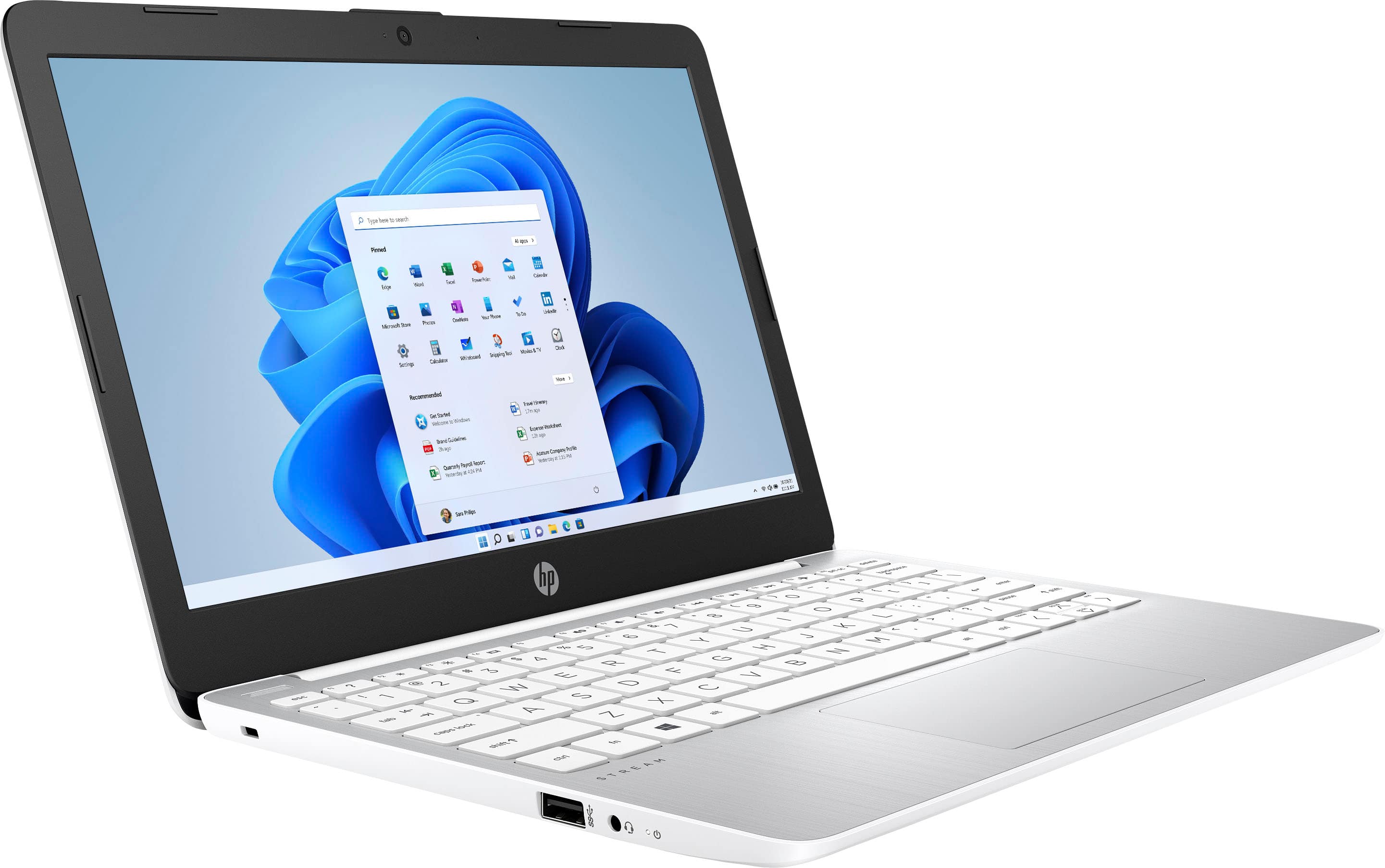
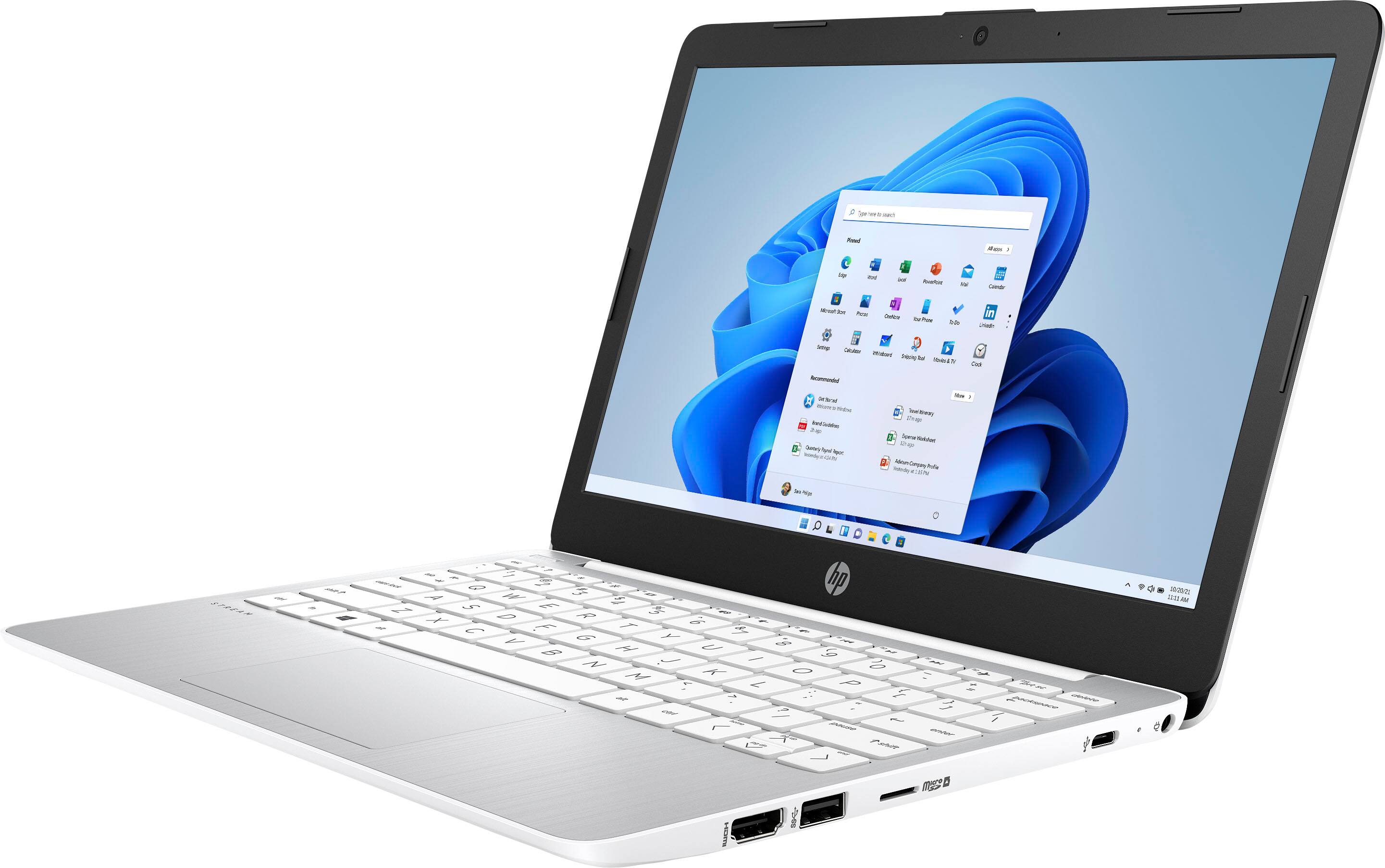
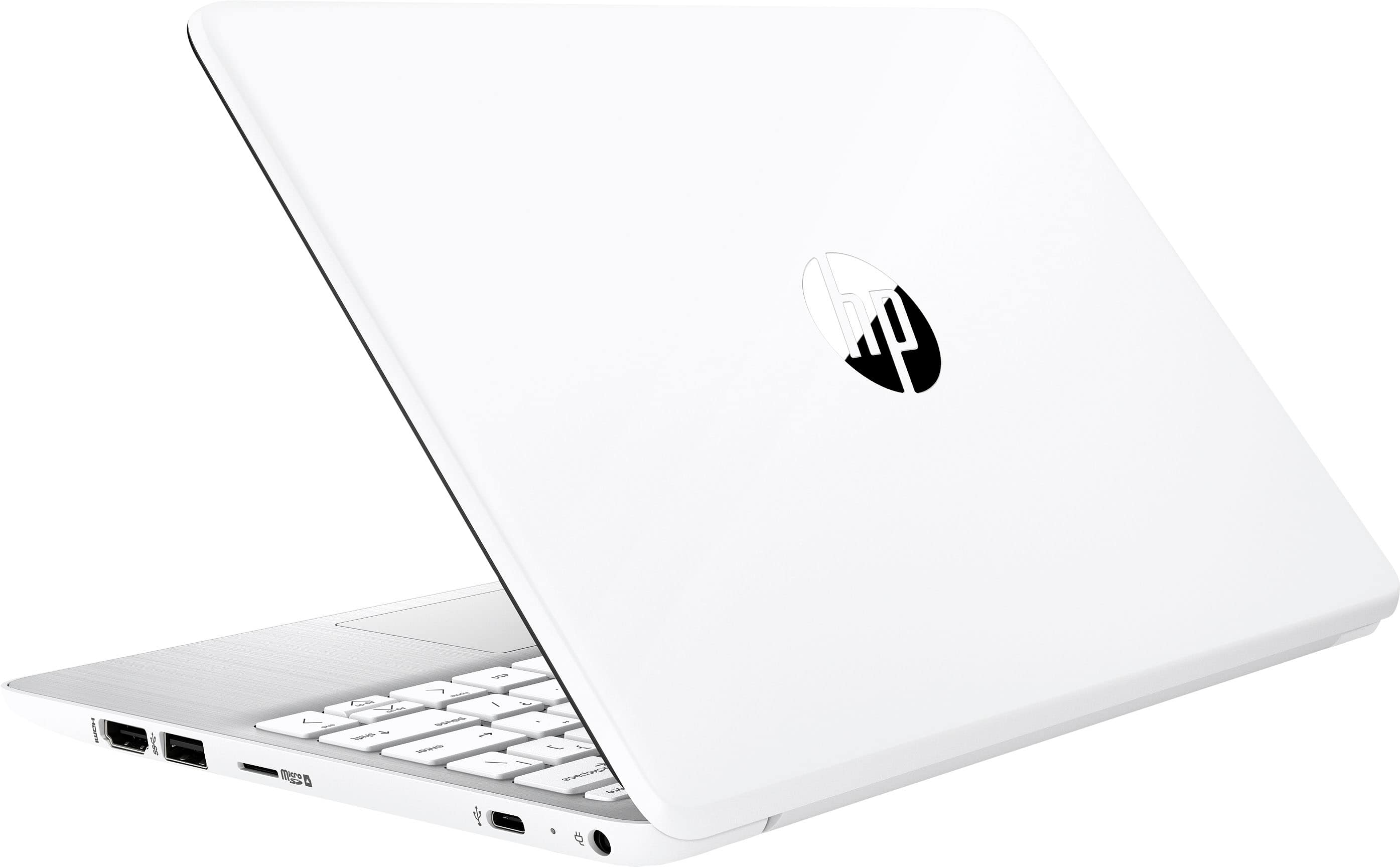
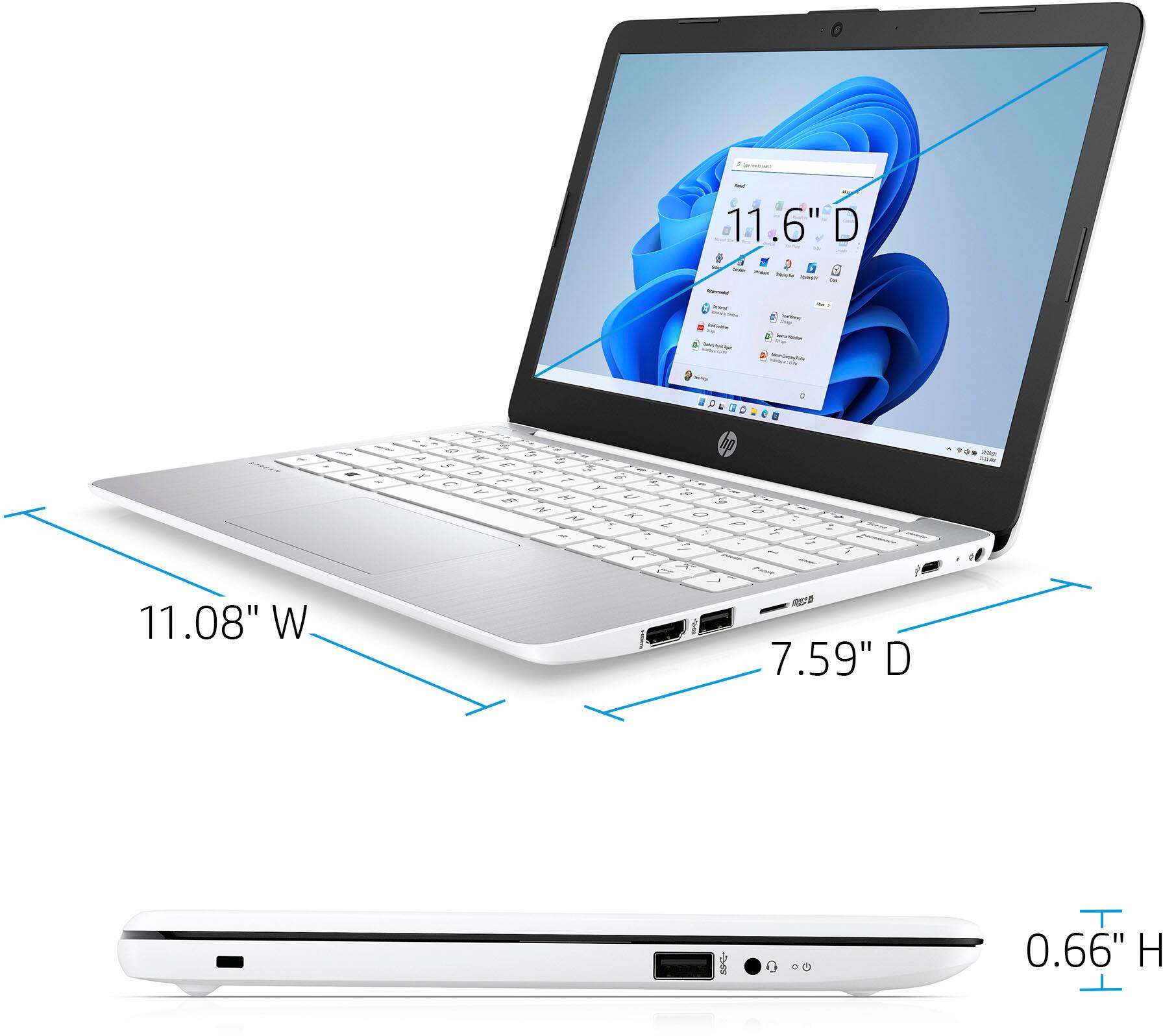
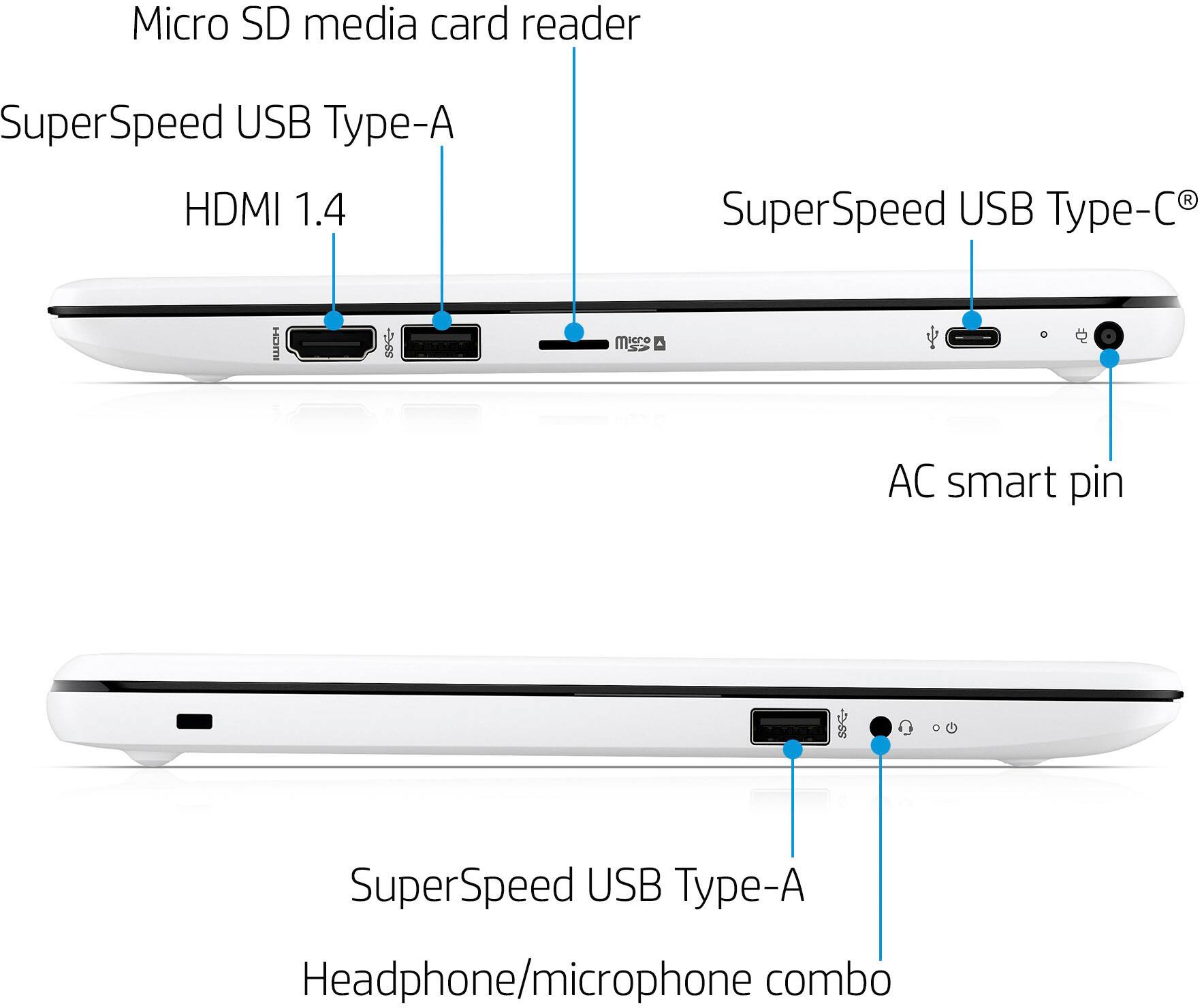
A:AnswerThank you for the question. No, there is no internal expansion space in the HP Stream laptop. However, you can use external storage such as a flash drive or SD card.
A:AnswerThank you for the question. You can use a connected Square Terminal with Virtual Terminal. Once you have Square Terminal, you can use it with a Windows PC. Please review Square's current system requirements to verify.
A:AnswerI wouldn’t try it. Thus is a small computer best usd for word processing and email and a few other things. The software you’re talking about takes a lot of space and needs a faster processor
A:AnswerHello, this laptop is built with Windows 10 and runs on S mode, you are able to download Chrome on Windows devices but you will have to disable Microsoft S Mode and you will be unable to reactive S Mode though once disabled. Thank you for being an HP customer!
A:AnswerYou would have to turn off S Mode first which can lower the security of the device to be able to download any third-party applications. Windows 11 also requires 64GB of storage and will use up quite a bit of it once you turn off S Mode.
A:AnswerHello and thank you for your question. There are many docking stations/port replicators from various brands, (including HP), that connect via a USB cable that are compatible with this HP laptop model.
A:AnswerHello, consumers are able to disable Safe Mode but if that is chosen the option to return to Safe Mode is no longer given. It depends on the usage as to if you want to disable Safe Mode. Microsoft has a good explanation on their website regarding why the laptop came with Safe Mode enabled. Thank you for being an HP customer!