A:AnswerYou definitely could download these platforms, but I would recommend not to because this is a bare bones laptop. It will significantly slow everything down. Also, camera works, quality is rough.
A:AnswerThank you for the question. This laptop does not meet the minimum requirements for Adobe After Effects. You'd need a minimum of 8GB RAM, and the Stream 11-ak0012dx has 4GB.
A:AnswerThere are three ways that you can print without internet or wi-fi. You can connect a printer to a USB port on the laptop or you can use Wi-Fi direct connection on the printer. The Wi-Fi direct connection allows you to essentially connect to the printer directly. You do want to be sure that the printer has the Wi-Fi direct connection capability. Or you can connect the laptop and the printer to your hotspot. You do want to be sure that the printer is set up on your laptop.
A:AnswerYes, you would. You would need to switch out of S mode first. Here is a link explaining how to switch out of S mode. It is very simple: https://support.microsoft.com/en-us/windows/switching-out-of-s-mode-in-windows-10-4f56d9be-99ec-6983-119f-031bfb28a307
A:AnswerIf only print a little bit, we recommend looking at the HP Deskjet Plus 4155 or Envy Pro 6455 printers. If you print a lot, we recommend looking at the HP Officejet Pro 9015 or 9025 printers. All of these printers that can print, copy, and scan.
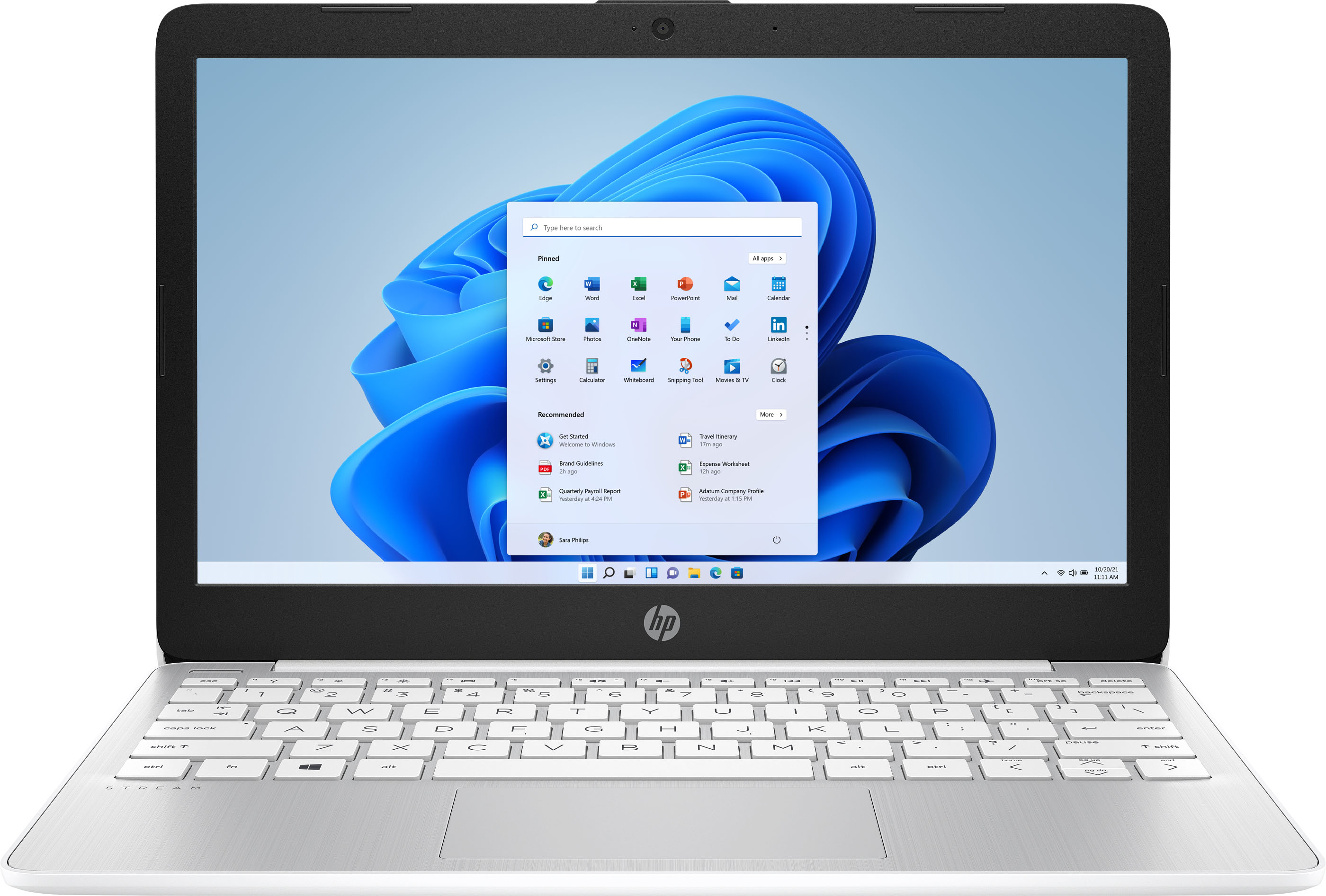
A:Answergood for your everyday stuff, not a gaming computer,.. i sent mine to JAMAICA for my friend to have. THE owner of the hotel said it was ''really nice'' and a GREAT VALUE AND PRICE