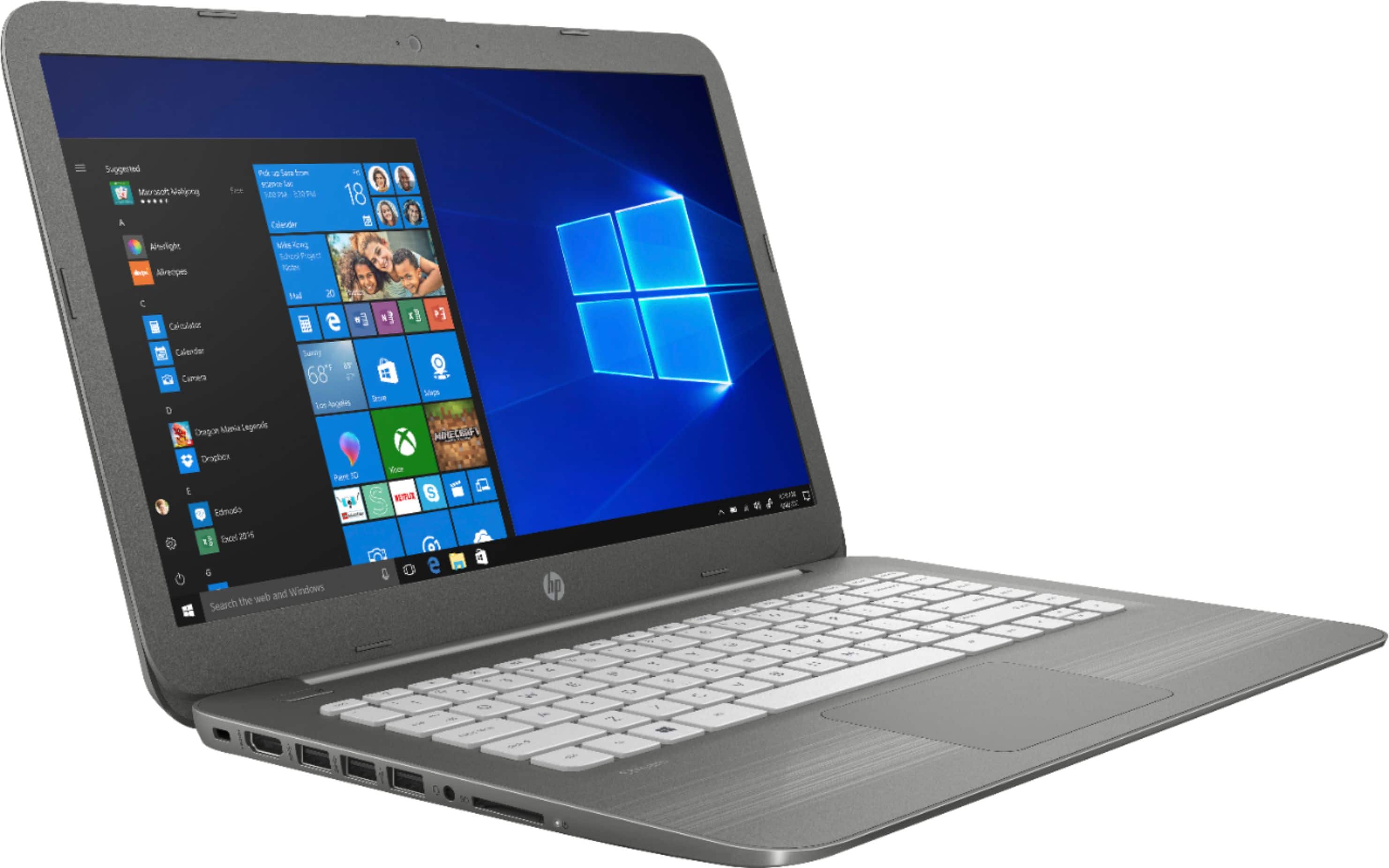
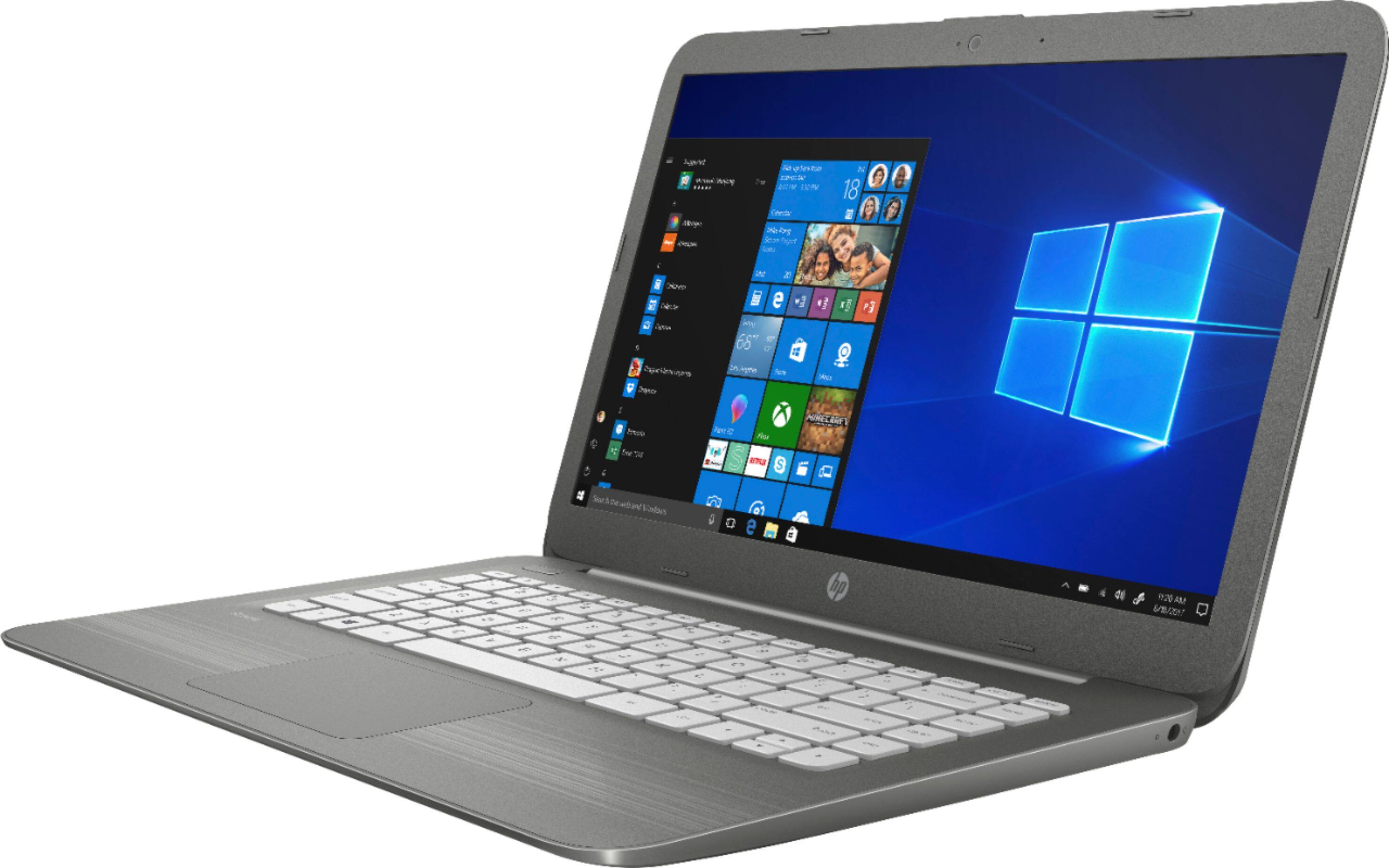
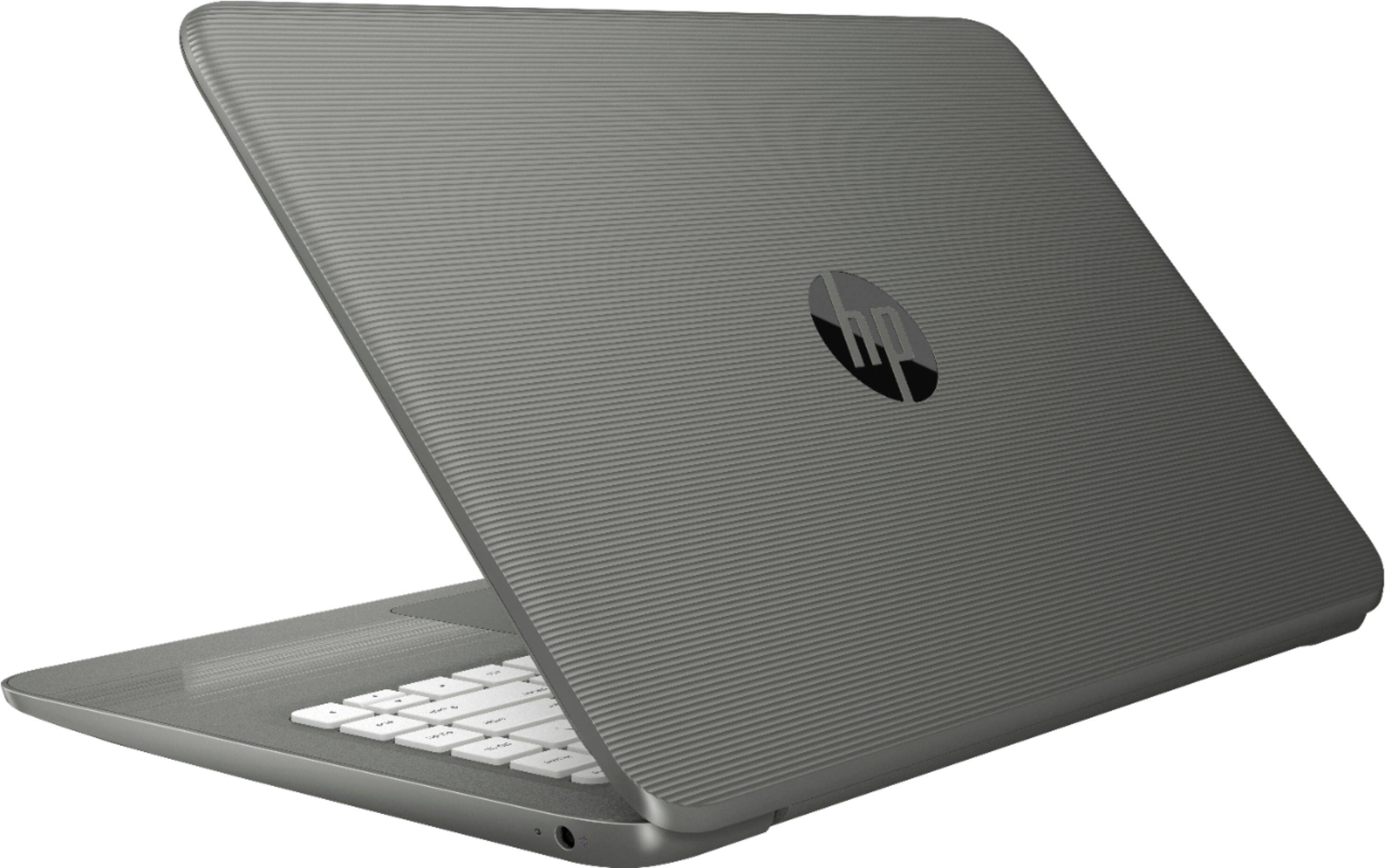
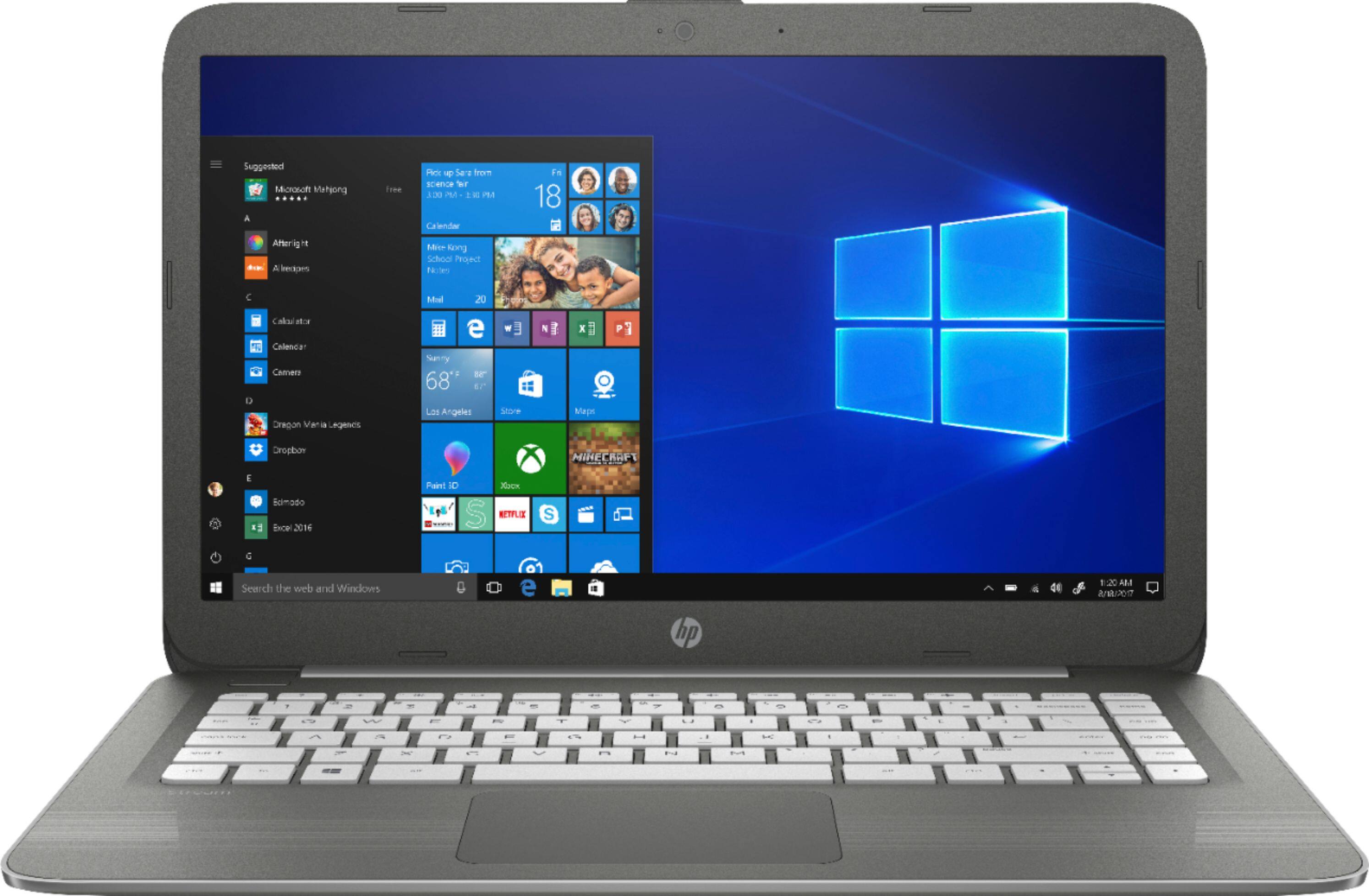
A:Answer We use these for our mobile computing labs in a middle/high school setting. They offer portability, long battery life and because they have no physical hard drive (uses EMMC memory), they boot very quickly. They fit nicely on student desks and are easier to use than the 11" models. They are similar to ChromeBooks, but run Windows 10 instead of the Chrome OS.
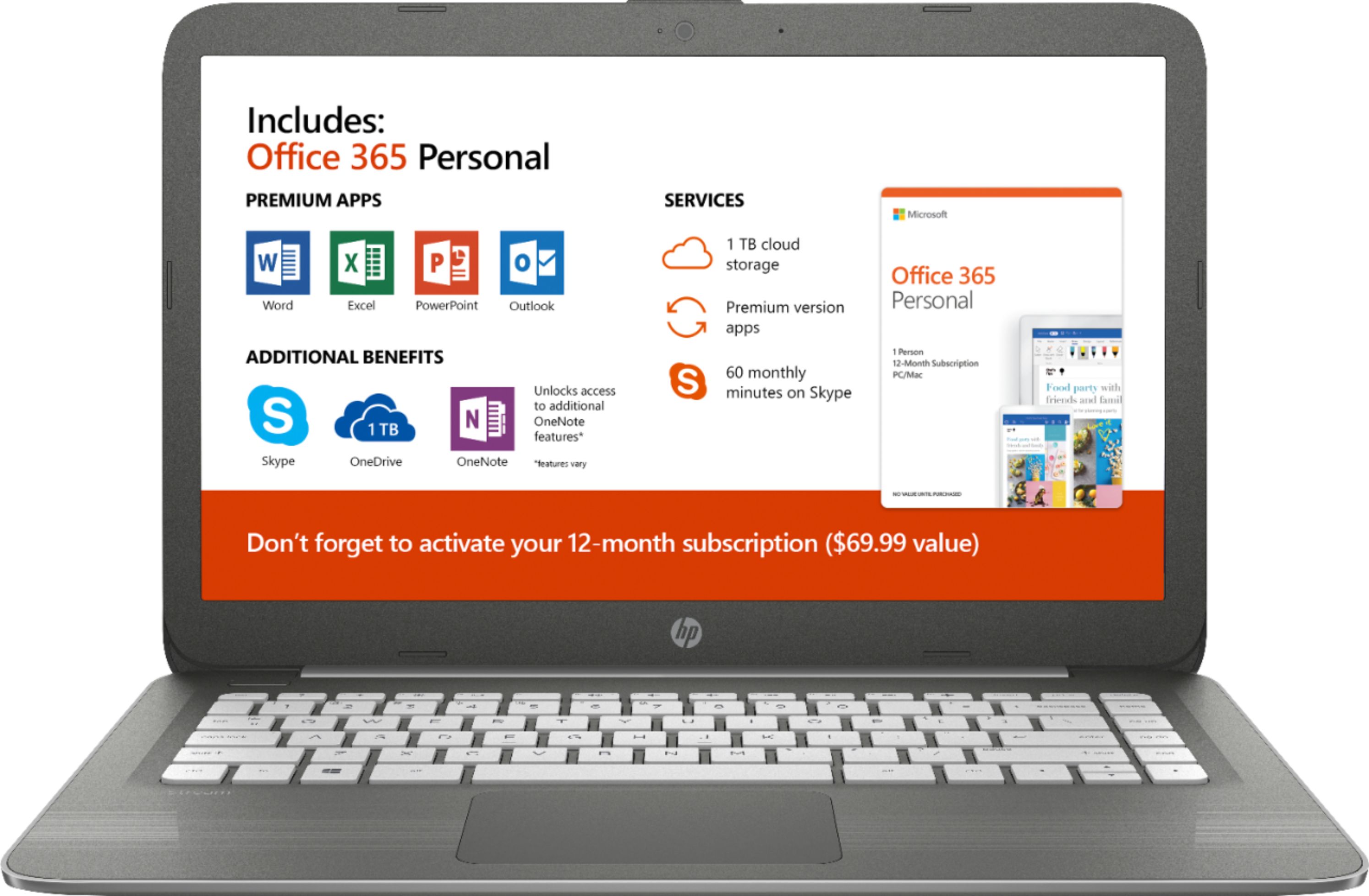
Office 365 and Office desktop apps and web browsers run fine on this device. It doesn't have extra memory and the processor is not fast enough to support gaming, photo or video editing, but it is more than adequate for Powerpoint, Word and Excel, YouTube, email, etc. This is a Celeron processor - don't expect it to do more than it was designed to do. It won't play Fortnite, SIMS, League of Legends, etc. Maybe Candy Crush!
You will need to download software, make a bootable USB or get a usb DVD drive to add additional software. I would recommend storing data in the cloud or on a USB or external drive as they do have limited storage space. We can get about a dozen user accounts on a single computer as long as students store their files in the cloud instead of on the local machine.