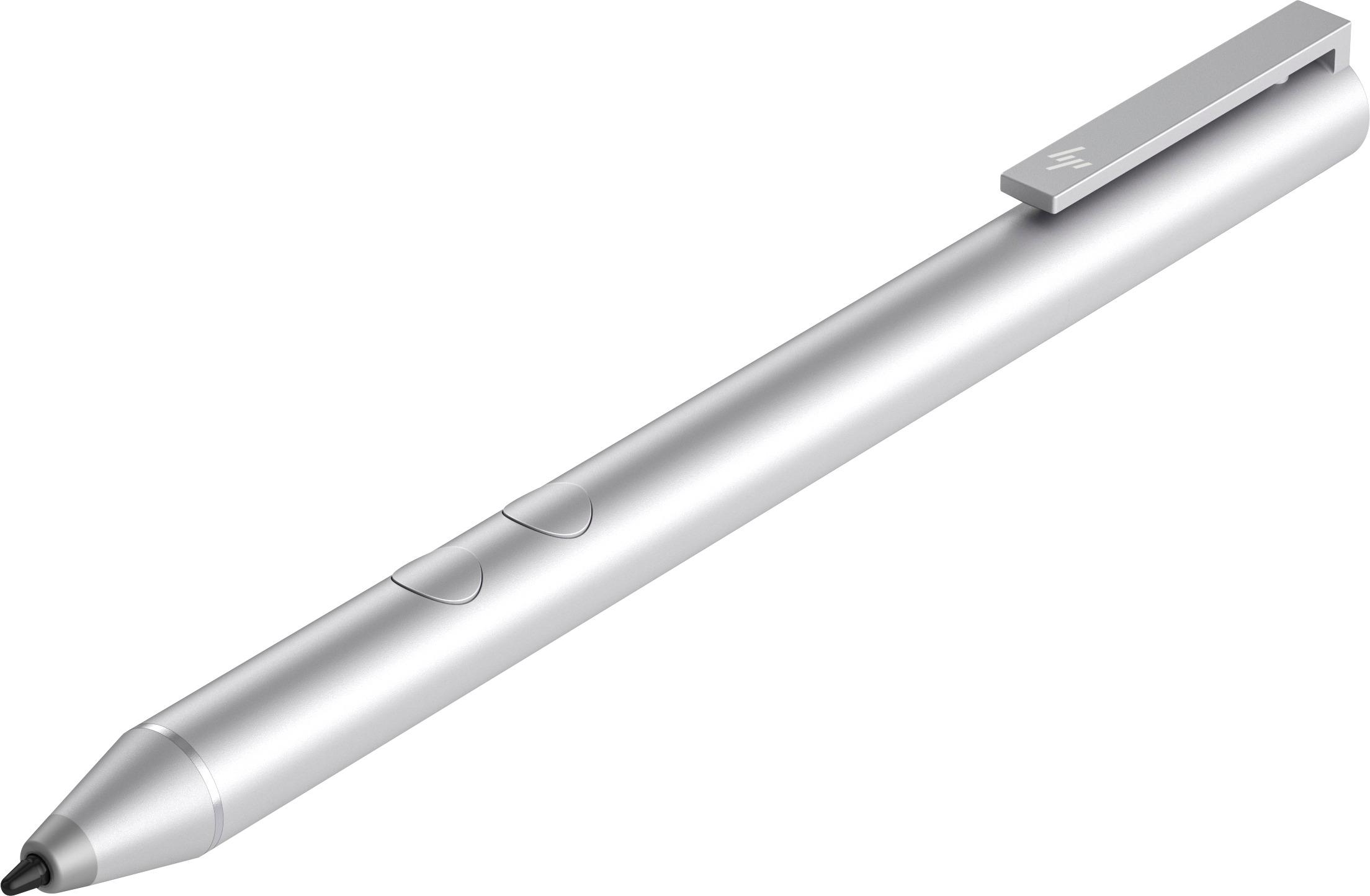
A:AnswerActive styluses are only compatible with models that are Windows Ink enabled (2-in-1 x360 models). A laptop with a standard touch screen will only be able to work with passive devices like a fingertip, or a rubber tipped stylus.
A:AnswerYou can return it to your local store if it does not work but you should check the compatibility chart to determine which pen is right for you versus guessing. Note what your model starts with and look on this list: https://support.hp.com/ph-en/document/c05166879