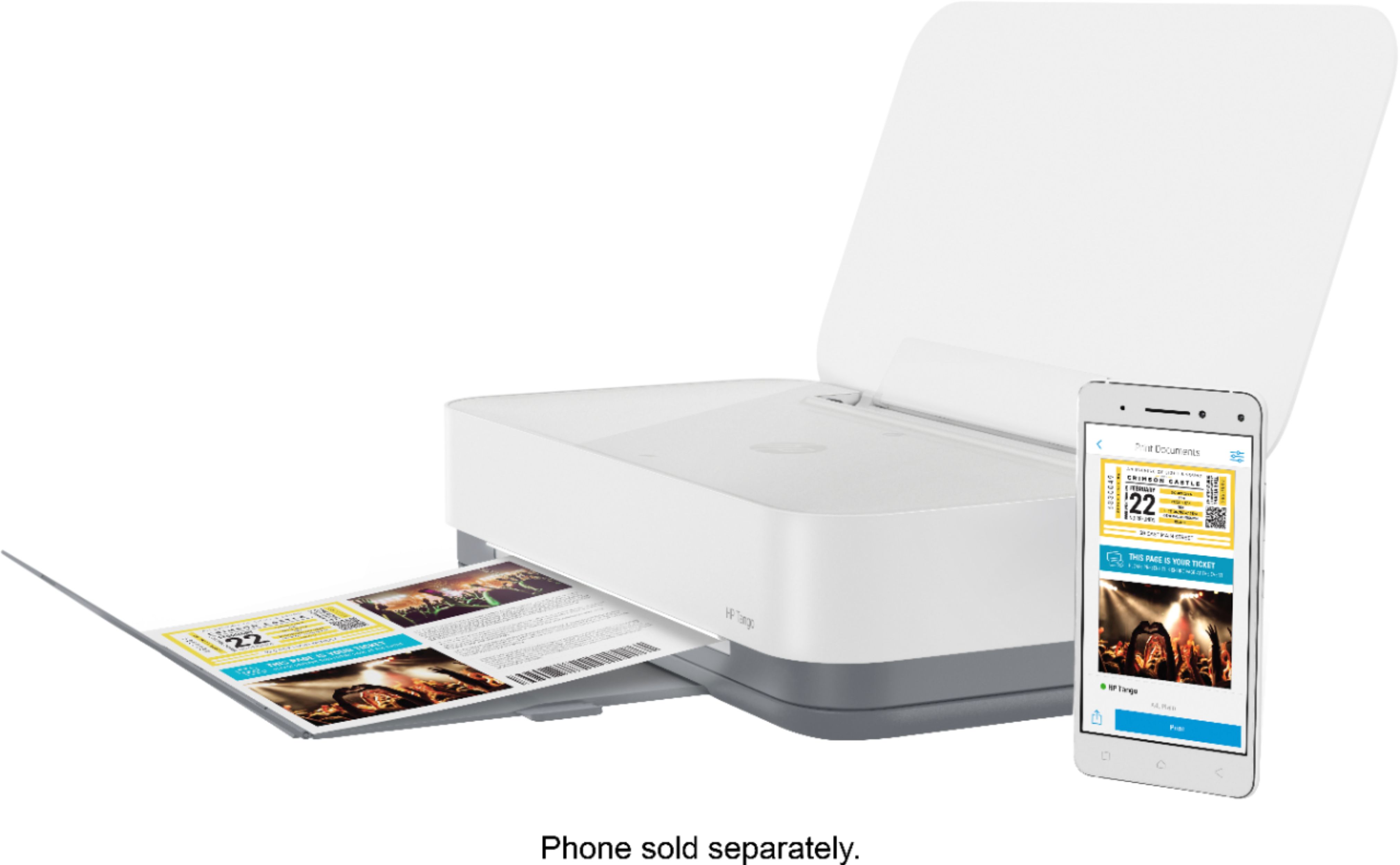
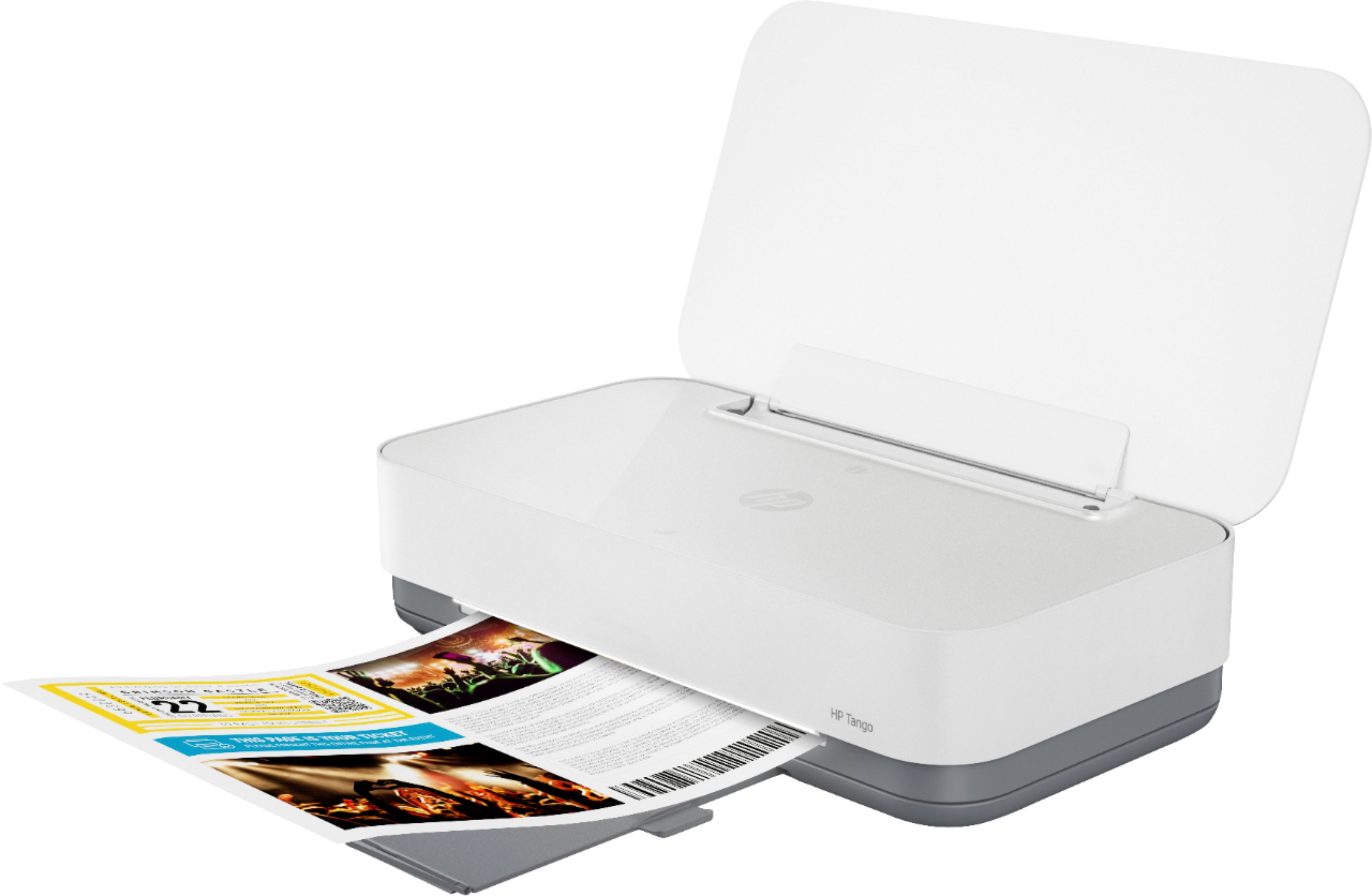
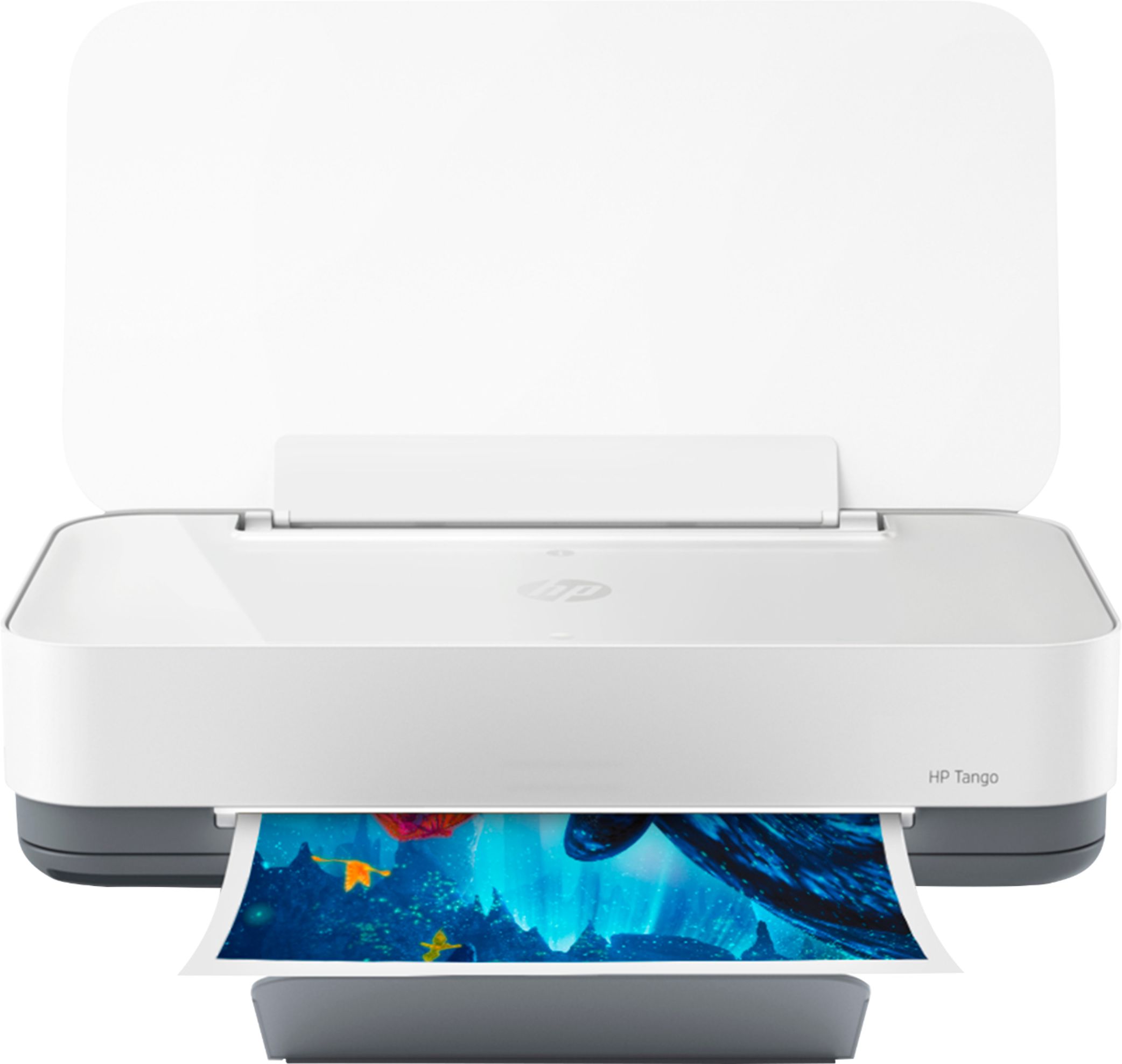
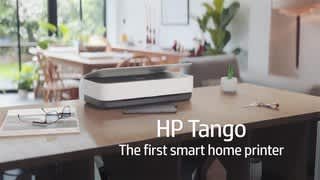
A:AnswerThis printer has great photo quality! You should have no issue printing on glossy or matte media, including stickers, as long as they are InkJet compatible.
A:AnswerThe HP Tango is only a printer. You can use the HP Smart app to copy, scan, or send faxes. After setting up the printer and connecting it to your wireless network, you will register for HP Instant Ink by visiting https://www.hpinstantink.com. You will choose the plan that works best for you. Within 7 to 10 day, you will receive your Welcome Kit with your first set of ink. After that, HP will send you ink before you need it. HP Instant Ink is where you are paying the number of pages you print. Not the ink. So for example, you choose the 50-page plan for $2.99 a month. If you wanted to, you could print 50 full color 8.5" x 11" photos. You will find that it is a lot cheaper than a set of ink. And you will never be without ink. HP will send you ink before you need it. Remember the key is a page is a page. It doesn't matter what you print.
A:AnswerThe HP Tango is only a printer. It cannot fax. You can send faxes through the HP Smart app using your smartphone or tablet. https://support.hp.com/us-en/document/c06432978 Or you can use a service like eFax to send and receive faxes.
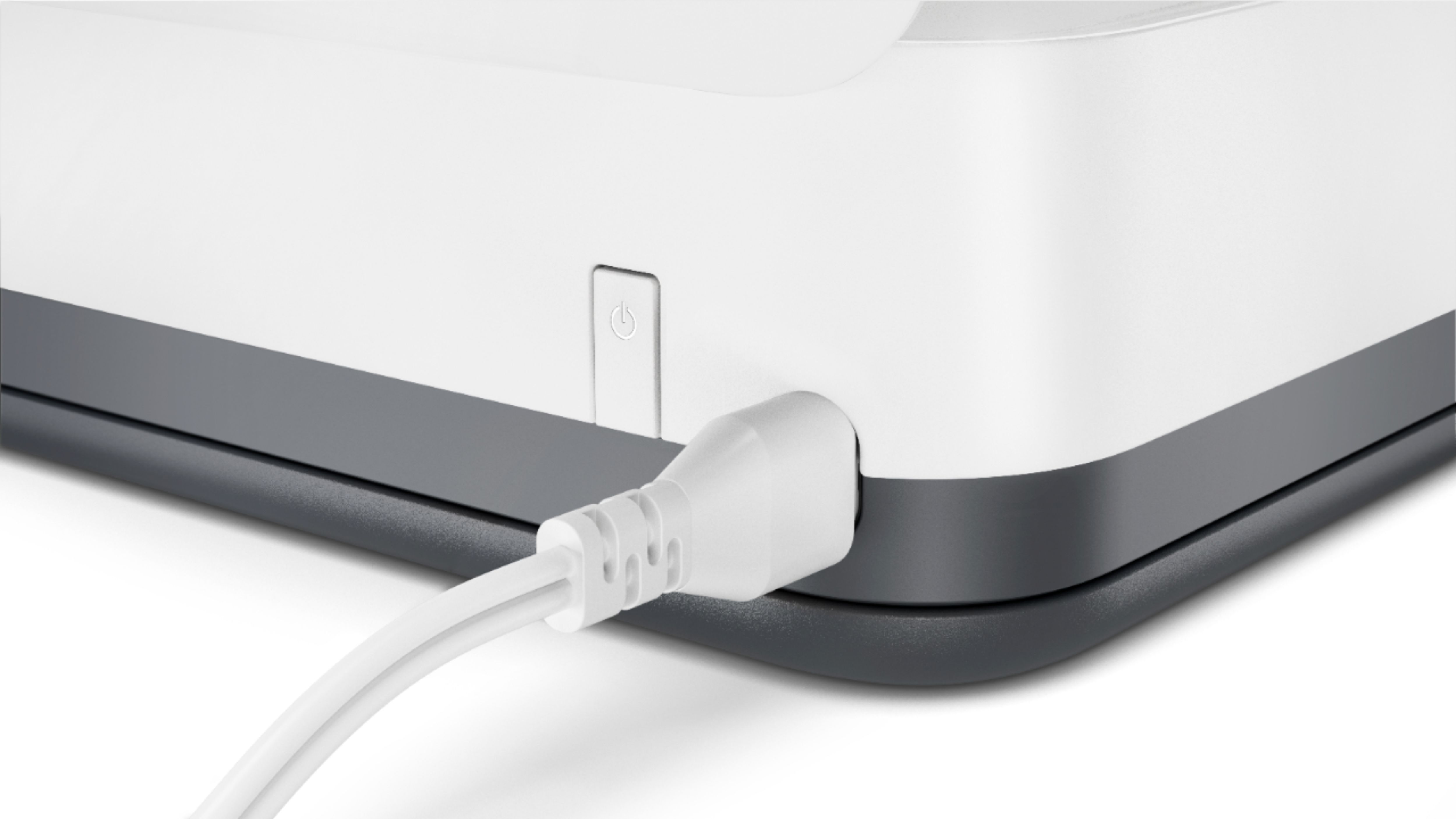
A:AnswerI think it would be a good choice for travel, given taht it's small and light. I'd specifically say _don't_ remove the cartridges. If you shut the printer off using the power button on the printer, the printer will cap the print heads before shutting down. That will limit their exposure to air, which is what causes clogged print heads.
A:AnswerYes, you can create an HP ePrint email address for this printer, so you can forward and document to this printer so it will print. Here are more details on the HP ePrint: https://support.hp.com/us-en/document/c03721293

A:AnswerThe HP Tango printer cannot scan. You can use the HP Smart app to scan with your smartphone or tablet. The dimensions are: (W x D x H) 14.8 x 20.6 x 10.4 inches.
A:AnswerUnfortunately, the Tango does not make copies on the printer. You can use the HP Smart app with it to camera scan your desired document or photo then print it from your phone.
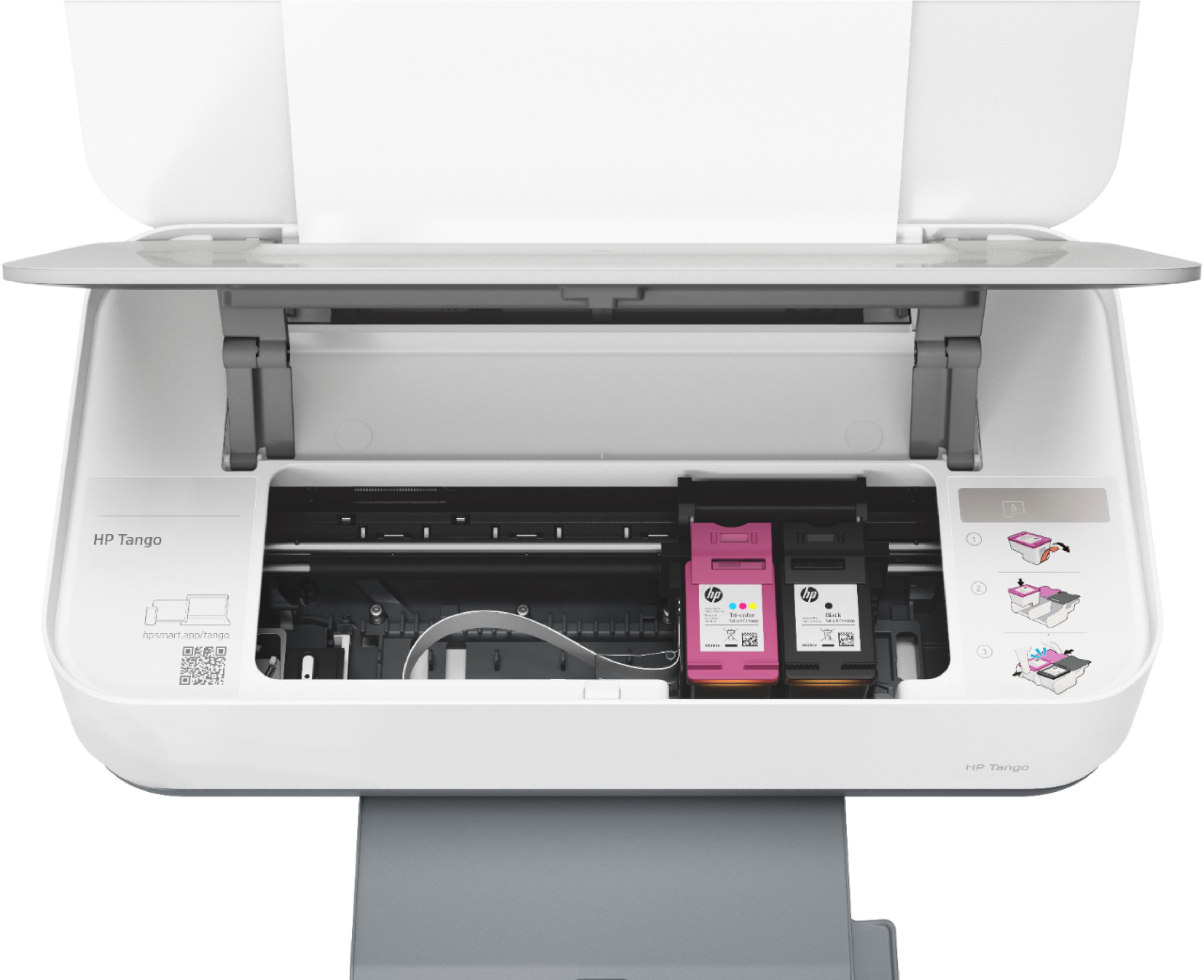
A:AnswerApologies for what you're experiencing. Cartridges do not snap in, per se. There is a clip that retains the cartridge. You'll raise the clip to remove the old cartridge, and once the new cartridge is inserted, you'll lower the clip. See how here: https://support.hp.com/us-en/document/c06072585. If you are having problems with this operation, please reach out to Support.HP.com or call 800-474-6836 for assistance.
A:AnswerThank you for the question. The Tango is still an active product, however, demand for printers has been very high. Please reach out to Best Buy directly to inquire about their stock expectations.