A:AnswerYou can, but there are a couple of issues you need to be aware of.
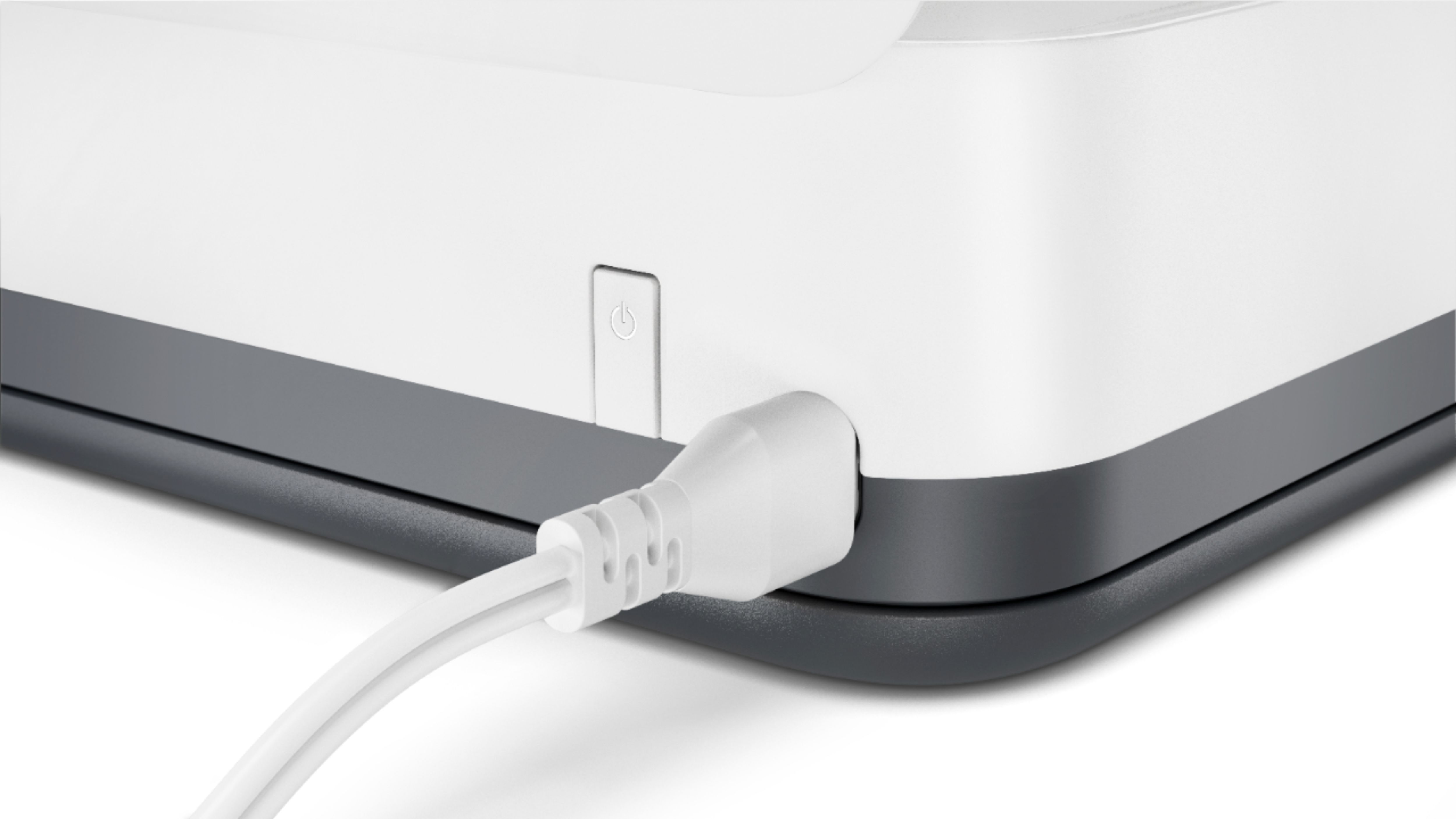
Because this printer does not have a battery, you'll need need a power inverter. (alternatively, you could get one of the OfficeJet Mobile printers, which do have an internal battery.
Also, you'll need to make sure that if you don't have a wireless connection where your car is, you'll need to turn on the WiFi direct feature on the printer to create a printer only network.
A:AnswerWhen turned on and ready to print, the printer uses 2.635 watts. Assuming you've got 110 volts coming out of your outlet, that works out to .024 amps.
A:AnswerNo it does t require WiFi which is another reason I purchased this product. It has direct print. When you set it up you push the info button and hold until all the buttons on top light up at which point you push the info and cancel button at the same time. This will make the printer print instructions on direct print use and will give you a password to set everything up. It is super easy to use.
A:AnswerYes, select that you want to print double sided. After it prints on one side, flip the pages over and it will print the rest in the other side. Directions should appear on the device that you print from.
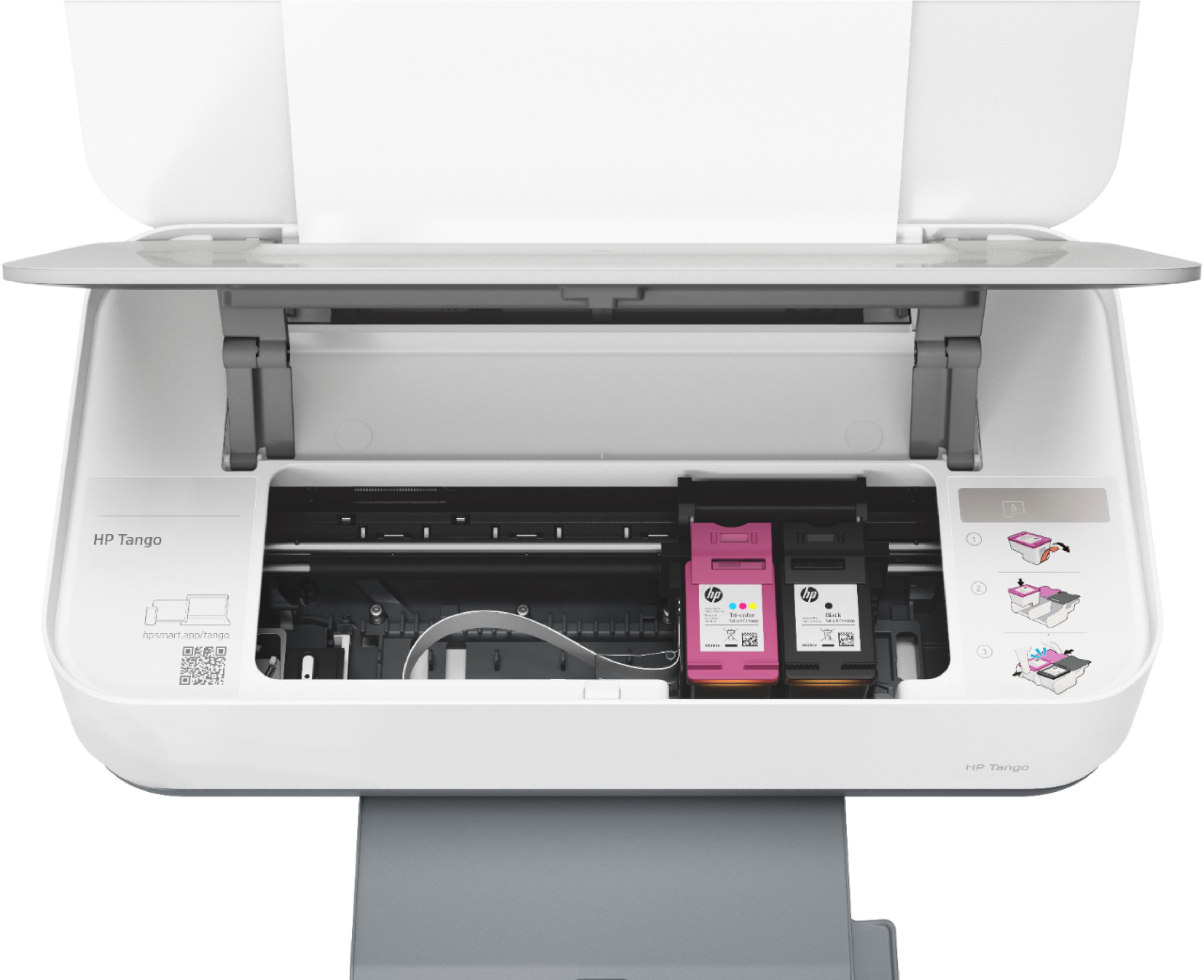
A:AnswerYou don’t have to join the ink program. You can go in store and buy ink yourself. I don’t print much, only documents that need to be signed. These cartridges last a long time, also. I guess it’s how many pages you print. Hope this helps.
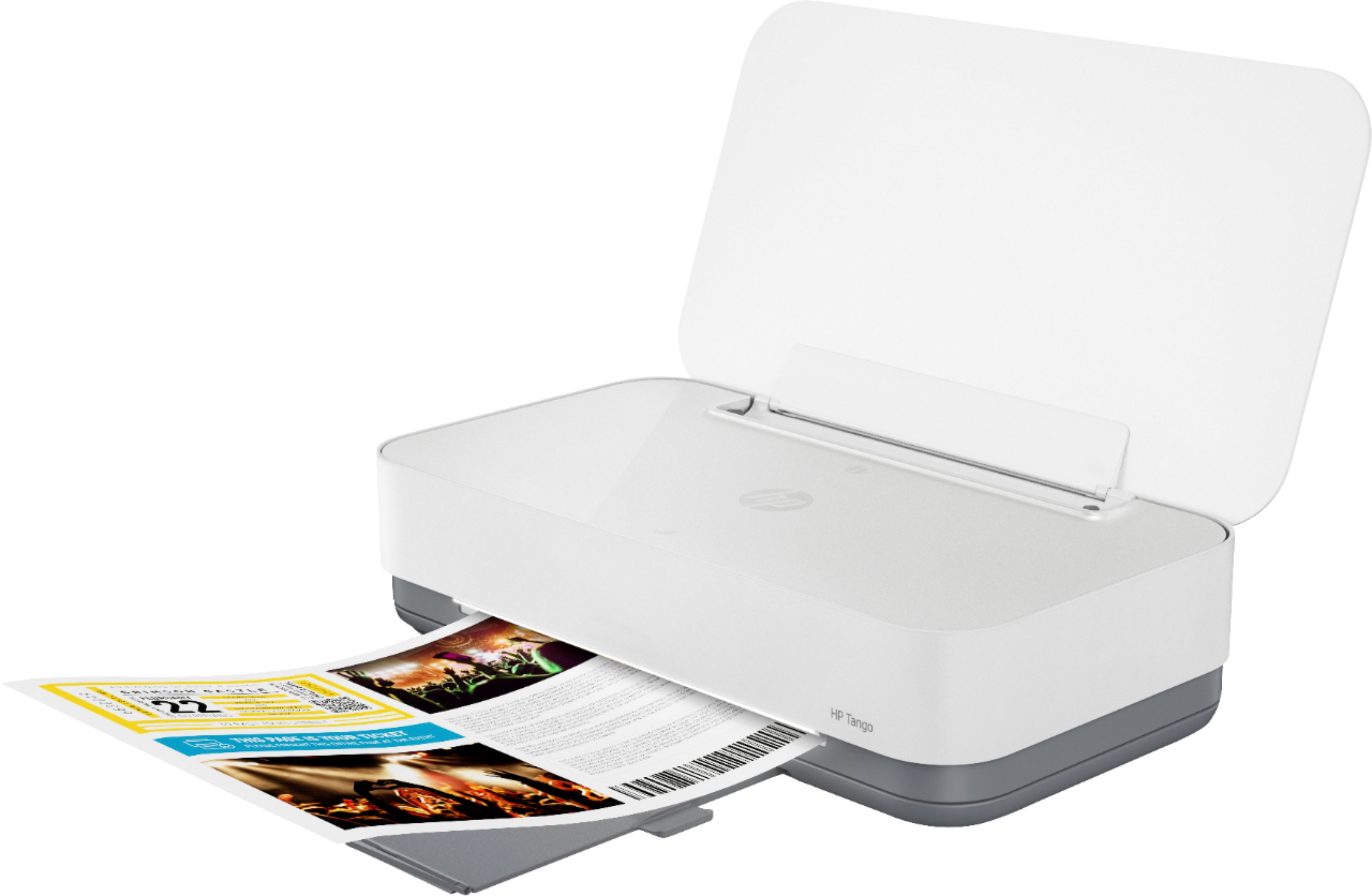
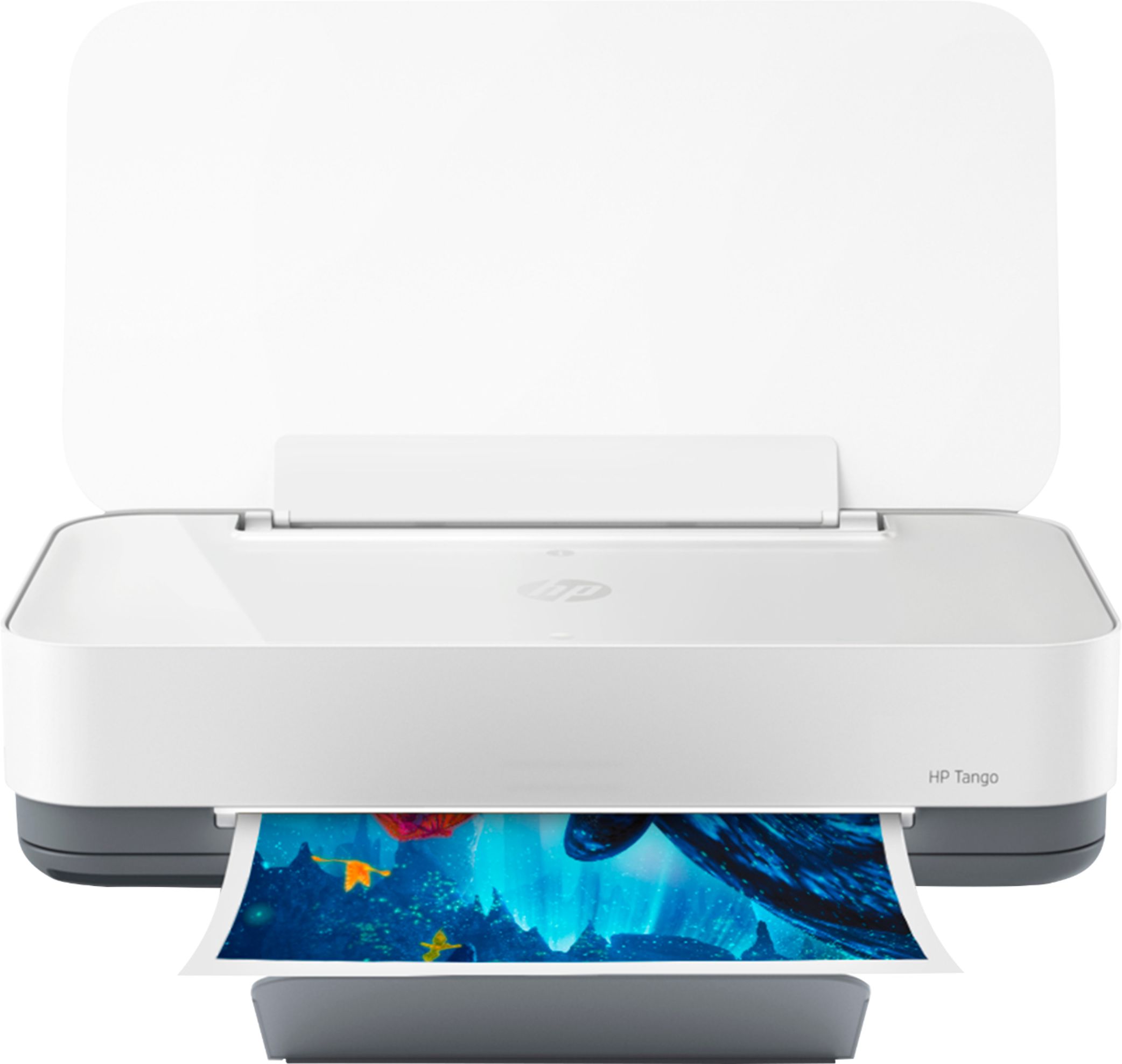
A:AnswerIt’s not stored. This printer is portable. You can fold it up and take it with you anywhere. But you would have to carry yourself a bag or something with your paper.
A:AnswerYes, with Instant Ink you aren't paying for the ink so you can simply install the next set of cartridges at no loss, or call for another free set if you haven't received it yet. However, you might be happier with one of our many LaserJet printers which prevent that issue since the toner is a dry powder.