A:AnswerThank you for the question. You'll be able to play the mentioned games. Yes, you'll need a hot spot because although the laptop has WiFi, it needs to connect to your internet service.
A:AnswerIt wouldn't make a lot of sense for them to sell RAM with a problem, becuase it's just going to get returned. It may be becuase the specs on the RAM are different, but that's just a guess.
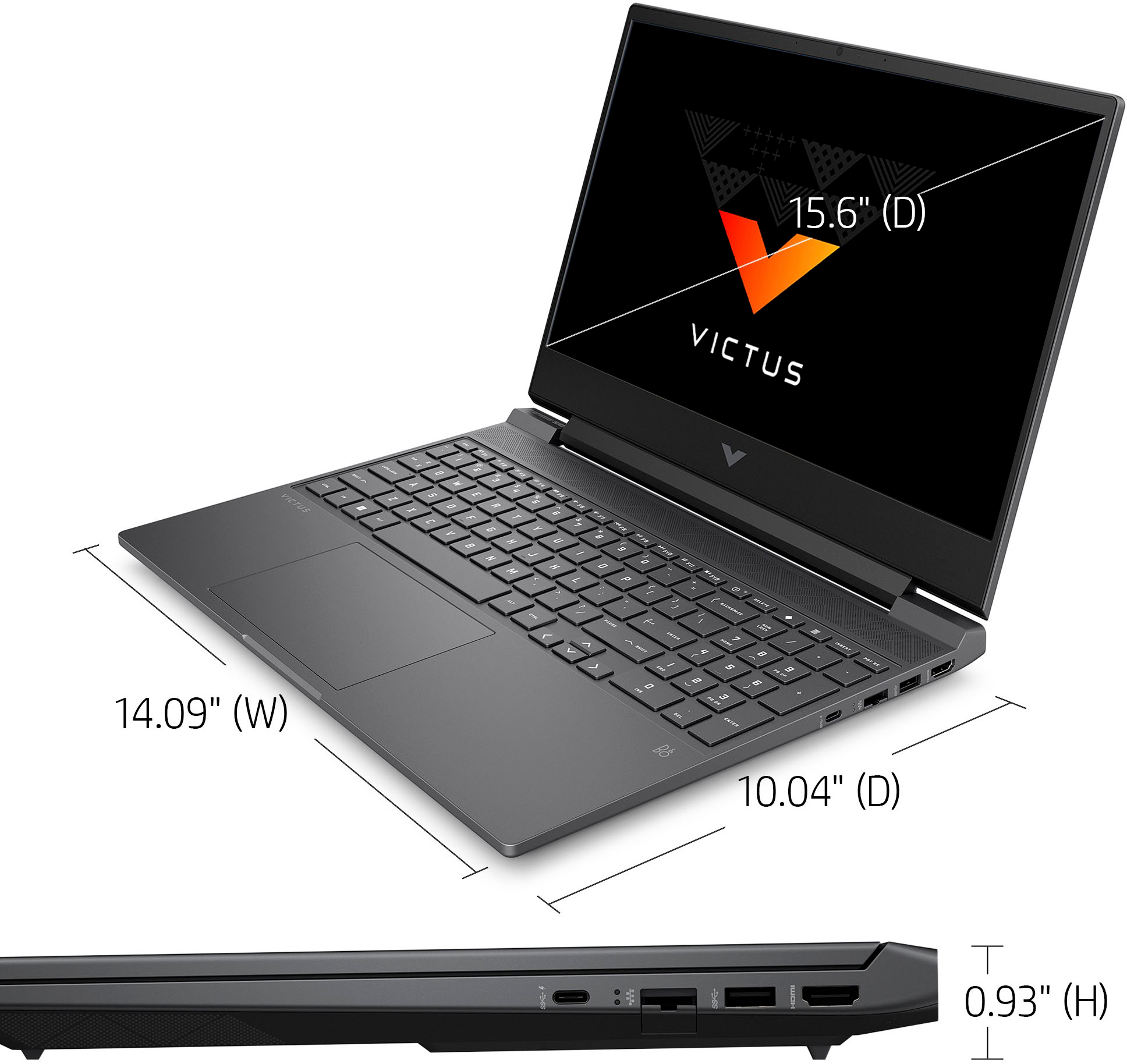
A:AnswerThank you for the question. The Victus 15-fa0031dx can be upgraded up to 64GB. We always recommend that the upgrade be performed by a professional technician (like Geek Squad) to ensure that adjacent components are not damaged in the process and the warranty will stay in effect.
A:AnswerThank you for the question. It sounds as if the battery is low or completely drained. Connect the power cord/charging cable immediately to power on and use the laptop. The charging light will change from red when it's fully charged. Note that the Victus 15-fa0031dx laptop supports battery fast charge: approximately 50% in 45 minutes.
A:AnswerYou would not need an adapter as Microsoft has integrated support for the controllers into Windows and this has Bluetooth to be able to connect to it.
A:AnswerIt is best to install 2 equal size memory sticks of same brand & specs to get best performance. In other words 2-8 GB sticks or 2-16 GB sticks. Preferably from same package as those are a matched set.
A:AnswerI would think it is. I opened it to see if I could add another NVME drive and the wireless module looks like any other one I have seen in any other laptop. It has WIFI 6 so not sure you will have to upgrade it any time soon.
A:AnswerThank you for your question! As system requirements for software constantly change, we are unable to answer questions about Apex compatibility. What is compatible today may not be in a few months. Please check Apex's website for the most current system recommendations!
A:AnswerFor any software you may be interested in, you will want to look at the publisher's website for the system requirements to make sure you it matches the specs for the settings you would like to run that software on. Updates can change those requirements which can impact the settings you can run it on or if you can run it all. You can upgrade the RAM and it has a quick access panel for easier upgrade. If you are curious about what RAM or possible upgrades you can do, you can contact HP Support or Geek Squad for advice and recommendations.