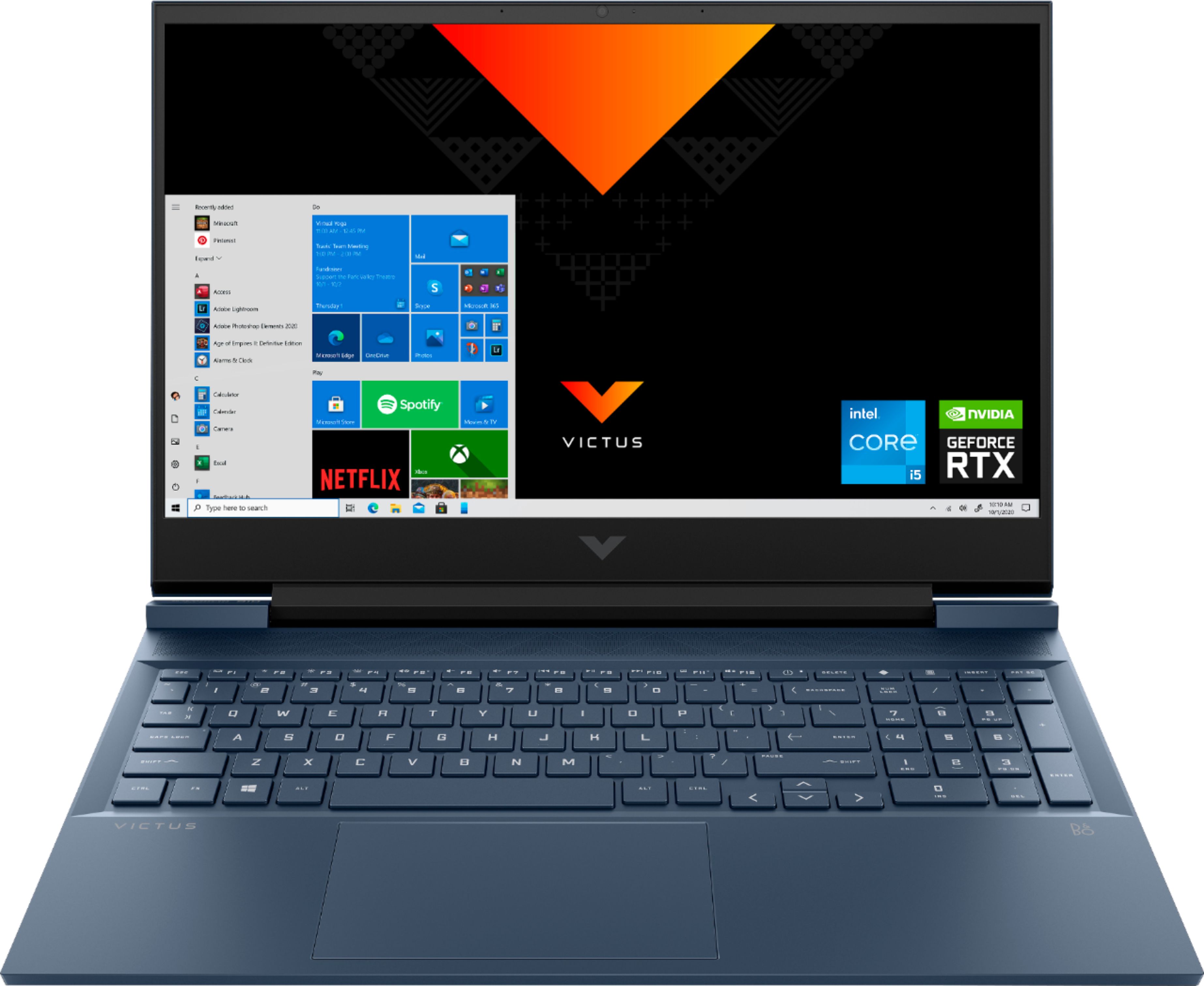
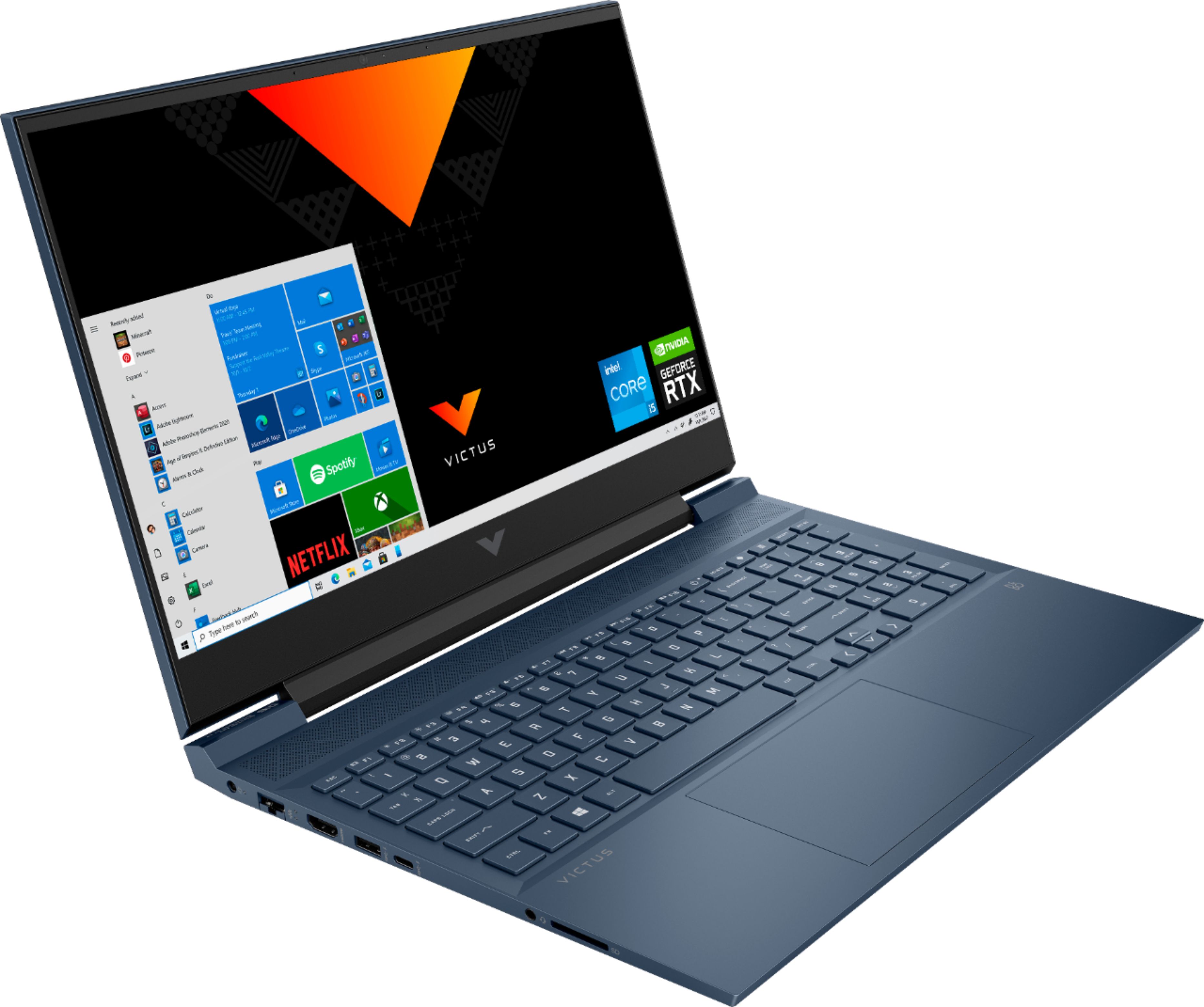
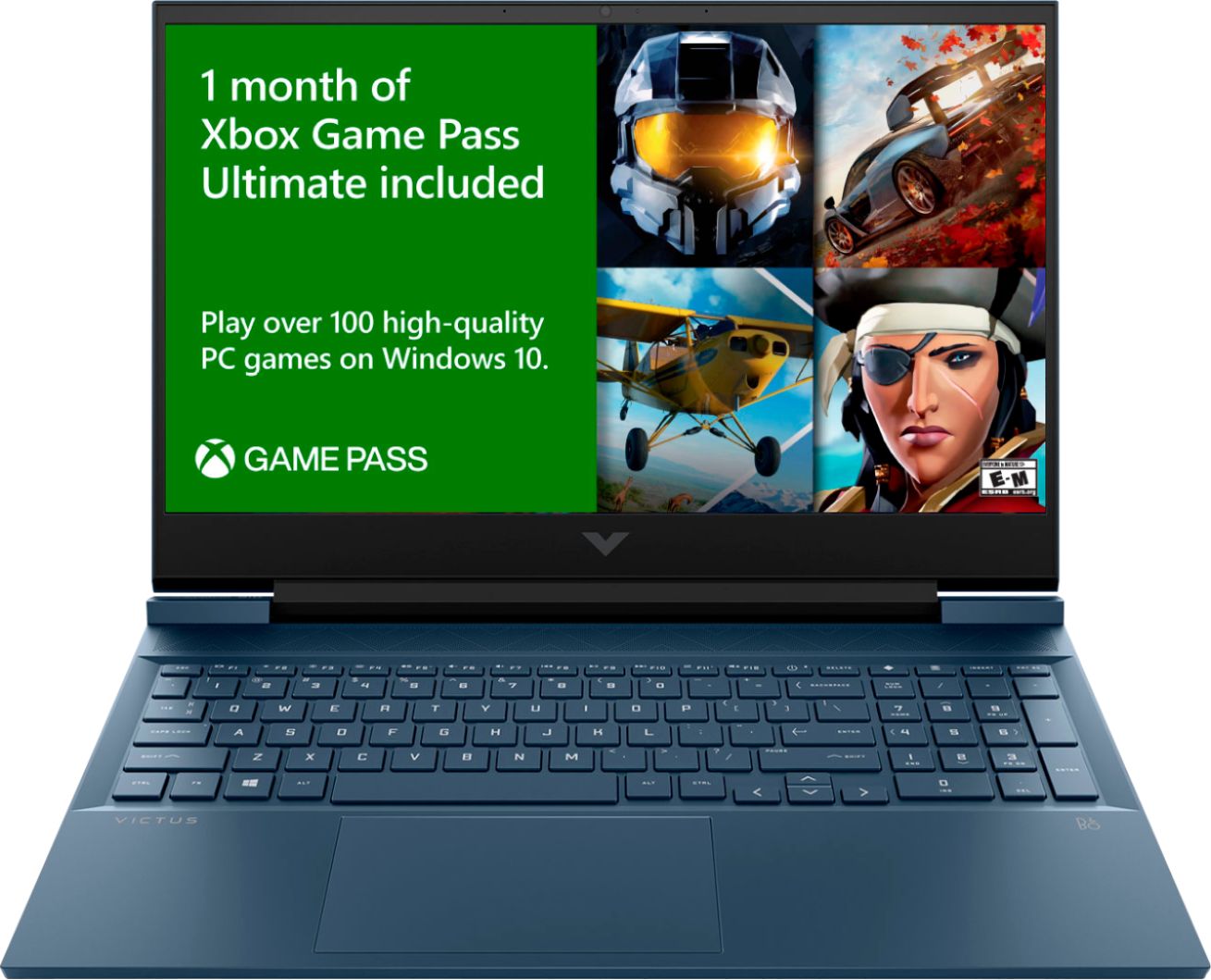
A:AnswerThank you for your question! The HP Victus Gaming Laptop (16-d0023dx) can have its memory increased! It comes with two 4 GB DDR4-2933 MHz RAM sticks in the two available memory sockets. It can support up to 32GB of memory.
A:AnswerIt can. It’s a little difficult to open the bottom of the computer. It’s held together with some clips. You have to really get the pry tool in there. Other than that, there are TWO M.2 slots in the machine. One is the default one with the OS on it then there is another slot for a secondary drive. That’s it. There is not a SATA drive slot. I bought a 1 TB M.2 for mine for game storage. I just wish it weren’t such a pain to open
A:AnswerThe most you can get would be 3200 mHz, but be careful as most RAM needs to be overclocked using XMP for its advertised values, which the Victus doesn’t have access to. I bought the PNY XLR8 3200 Mhz 16GB(2x8GB) on Best Buy for 57.99$ at the time of writing this, because it doesn’t require XMP
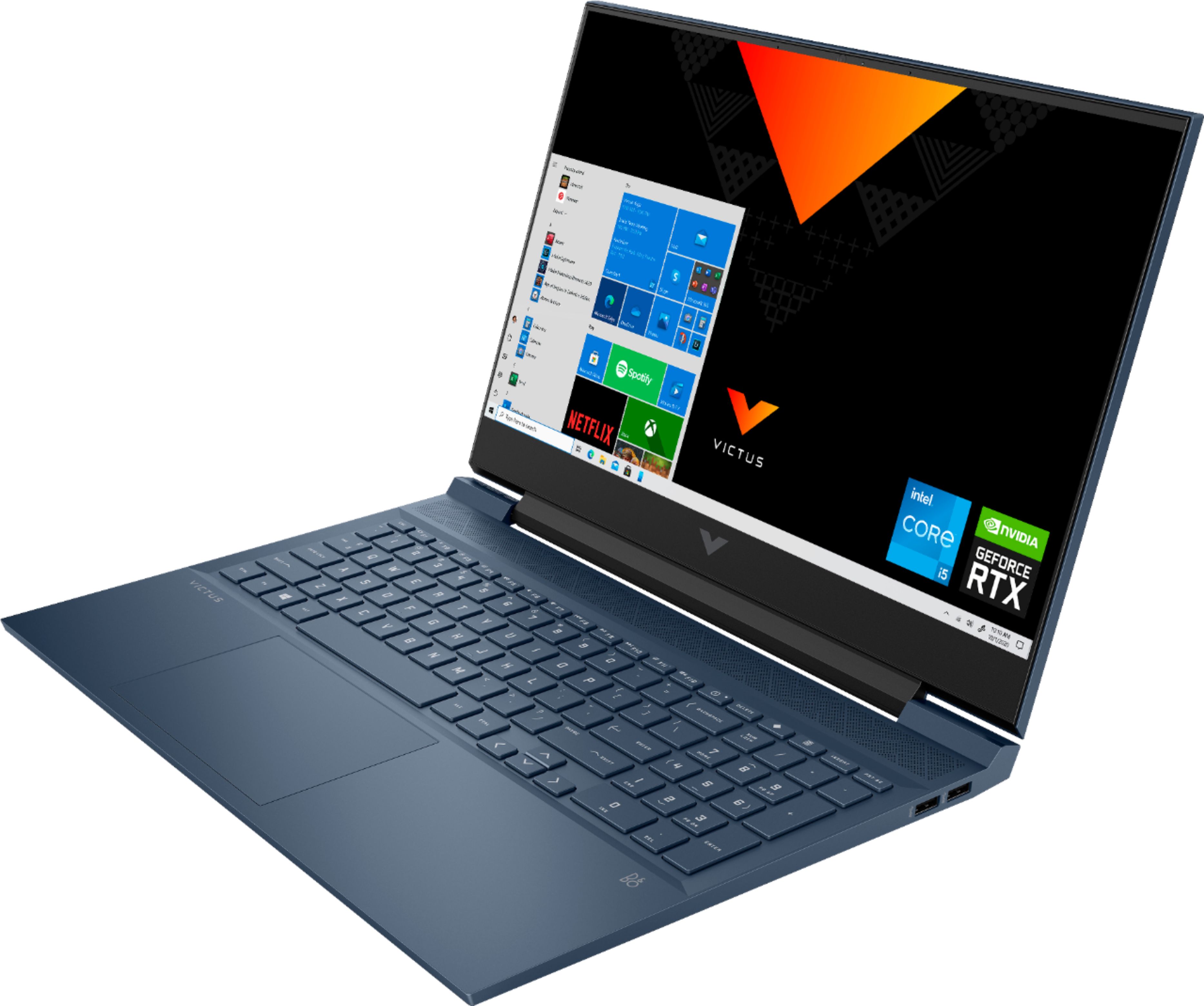
A:AnswerHi Tori, thank you for the question. The backlight keyboard on the Victus by HP 16-d0023dx is not customizable, however you could connect an external gaming keyboard. For example: https://www.bestbuy.com/site/corsair-k70-rgb-mk-2-low-profile-rapidfire-full-size-wired-mechanical-cherry-mx-low-profile-speed-switch-gaming-keyboard-black/6298657.p?skuId=6298657
A:AnswerThe battery life on this Victus Gaming Laptop is up to 6 hours and 30 minutes (mixed usage), up to 9 hours and 45 minutes (video playback) and up to 6 hours and 30 minutes (wireless streaming).
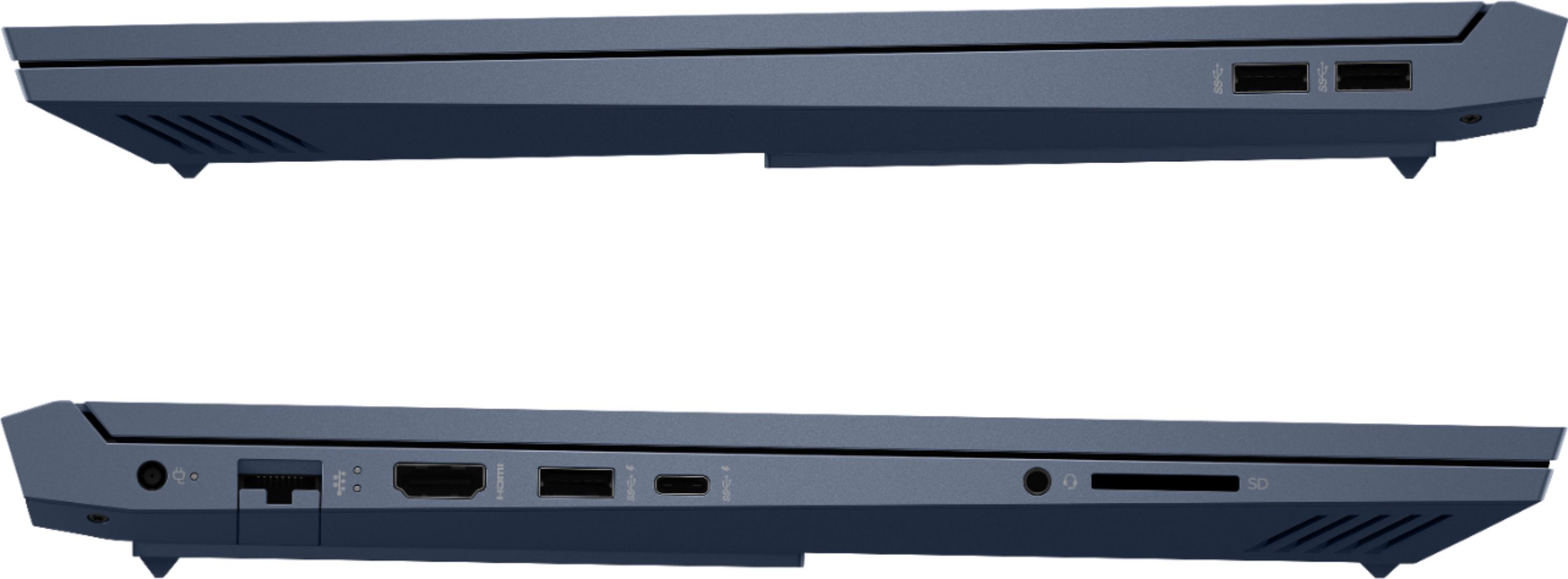
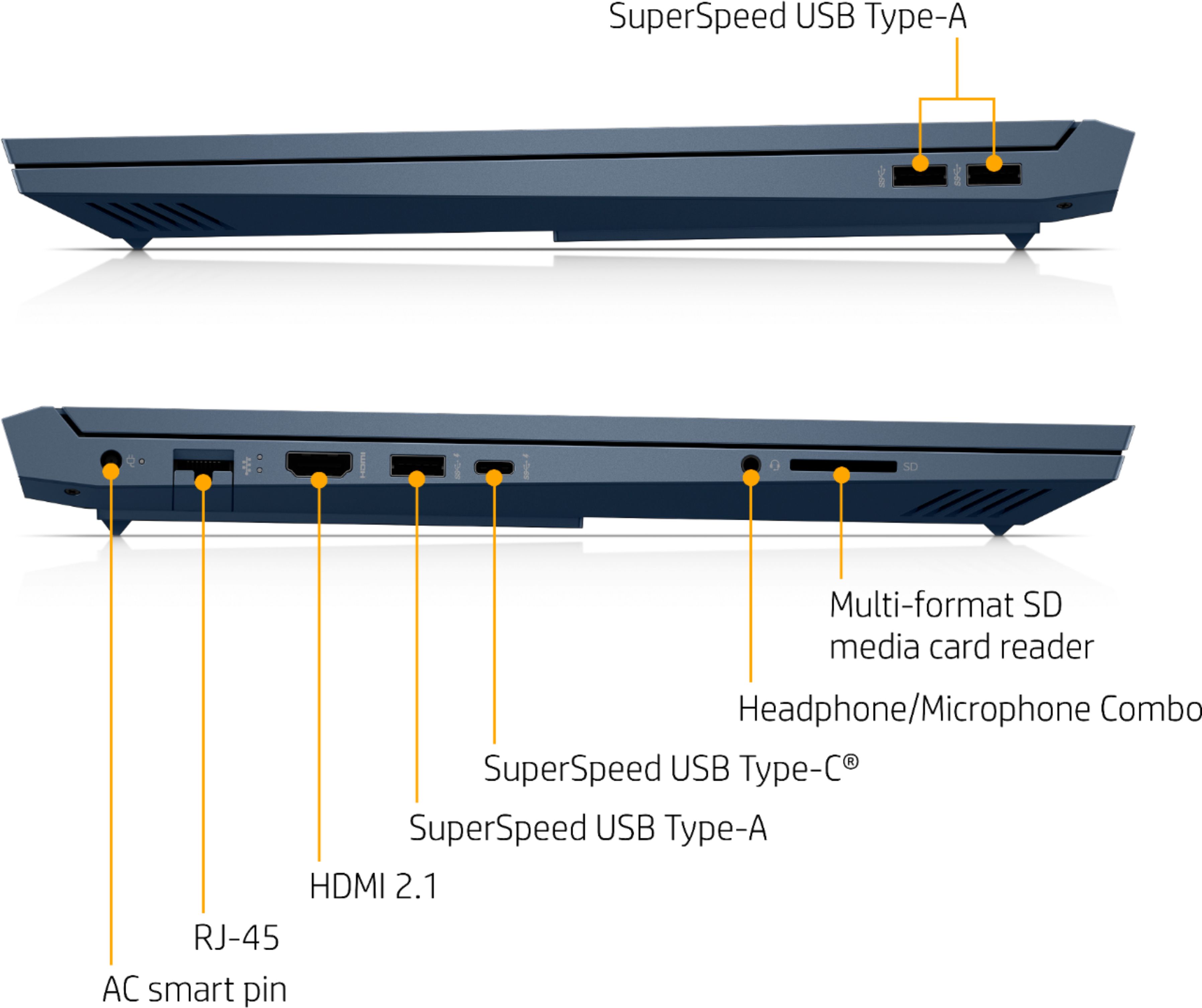
A:AnswerI don't think the USB-C port can be used for charging. I tried plugging a Mac Book USB-C cable into it but it did not look like it was charging.
A:AnswerHello. Thanks for your question. Yes, you can upgrade the existing 256 GB PCIe NVMe TLC M.2 solid state drive on this Victus by HP Laptop 16-d0023dx. Just be sure it is in the PCIe NVMe TLC M.2 solid state drive format.