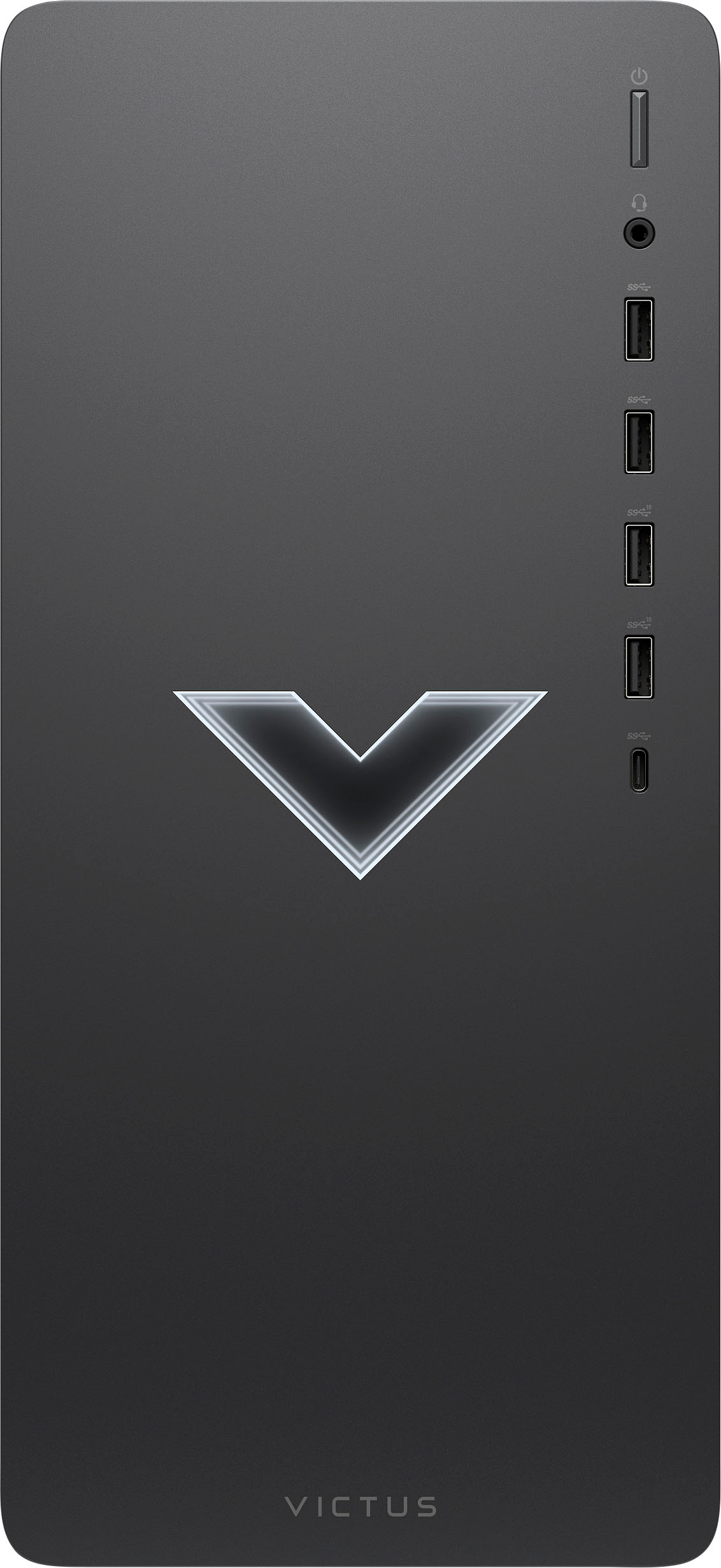
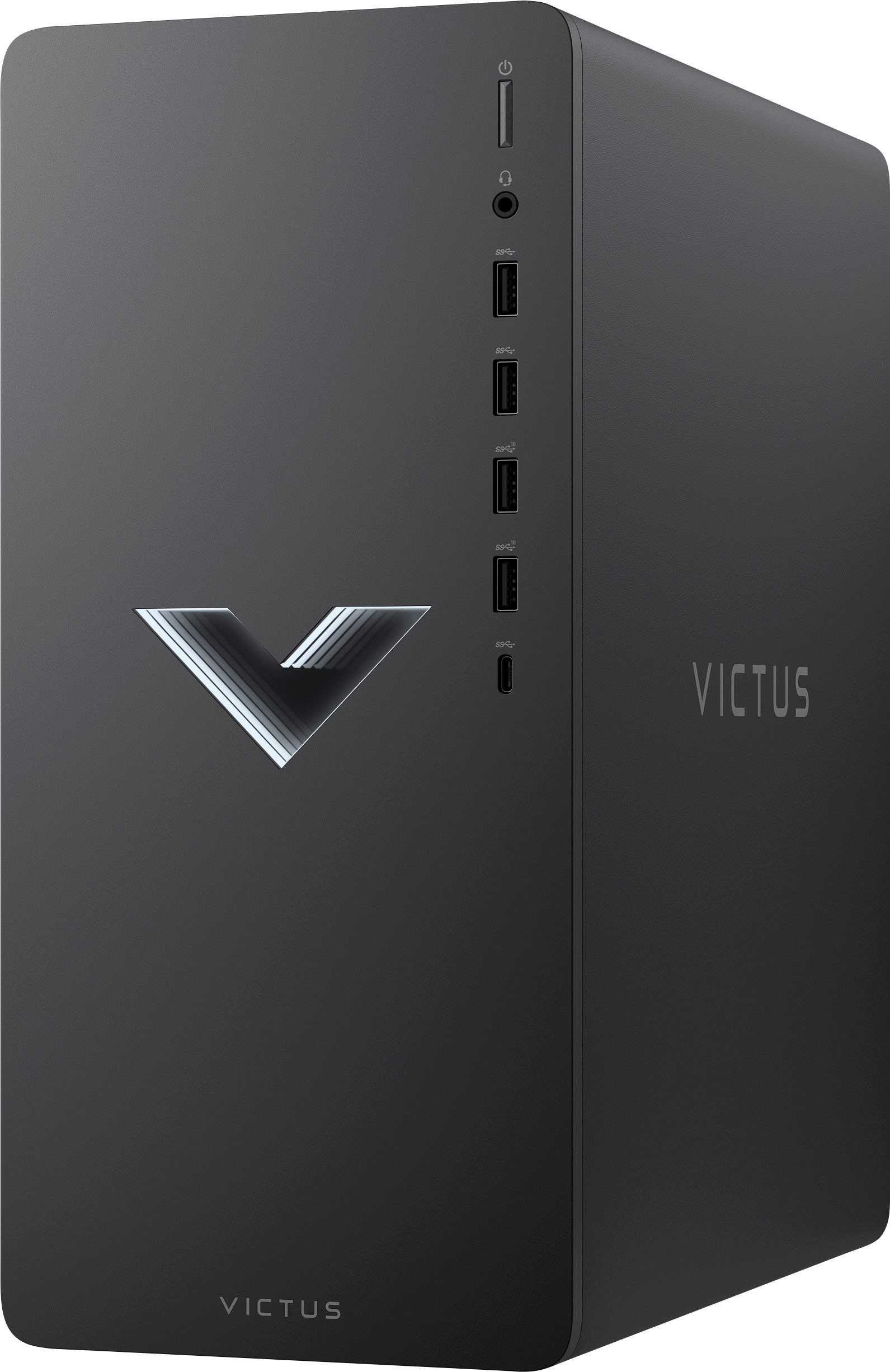
A:AnswerHello, this device does not come with an internal SD slot however you can easily add an external one if you'd like to. You can find this information located under Specifications, then Features. Thank you for being an HP customer!
A:AnswerHello. Thanks for your question. This Victus by HP 15L Gaming Desktop computer TG02-0014 has One M.2 socket 3, Key M, (2280/2242) for a solid state drive.
A:AnswerYes, you shouldn't have any problems with most monitors. Depending on the ports on the back of the monitors (which will vary by the specific model of monitor) you may need an adapter to connect them.
A:AnswerThank you for the question. You should not need to change the power supply to run your monitors. Are they connected via HDMI and DVI, or are you using a USB-A adapter? (Note that 2 USB-A ports are 10GB, and 2 are 5GB.) We don't have a way in this forum to troubleshoot or check the upgrade you performed. Please reach out to Support.HP.com for assistance.
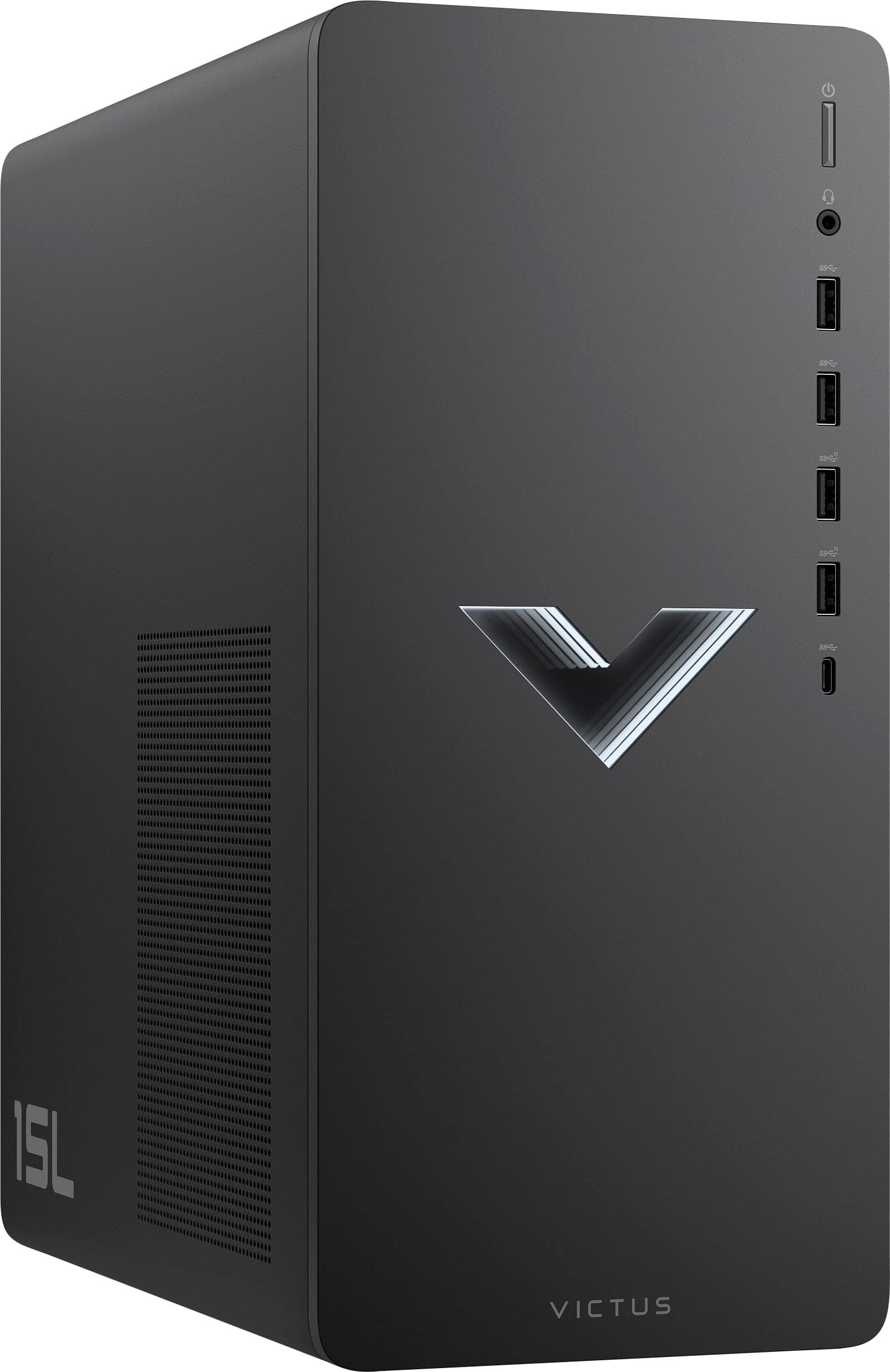
A:AnswerYou would not be able to upgrade this model to AMD without switching the entire motherboard to one that supports AMD. The Intel and AMD CPUs each require their own specific motherboard type.
A:AnswerIt looks like it requires a 4th generation i5. The 12th generation i3 in this computer is a much more capable processor, so you shouldn't have any problems.
A:AnswerIt has both WiFi and Ethernet.
WiFi - Realtek Wi-Fi 6 (2x2) and Bluetooth® 5.2 combo (Supporting Gigabit data rate)
Ethernet - Integrated 10/100/1000 GbE LAN
A:AnswerDepending on what variant of the GTX1650 is installed (the specs don't say) it can either be a DDR5 or DDR6 card. Unfortunatley, the power supply in the computer is 350 watts and the recommended minimum for a GTX1660 super requires a minimum of 400 watts.
A:AnswerThe computer has a 350 watt power supply, which is not enough for either card. To find a compatible PSU, your best option is to contact the HP support team directly for their recommendation