A:Answer Hello Toni,
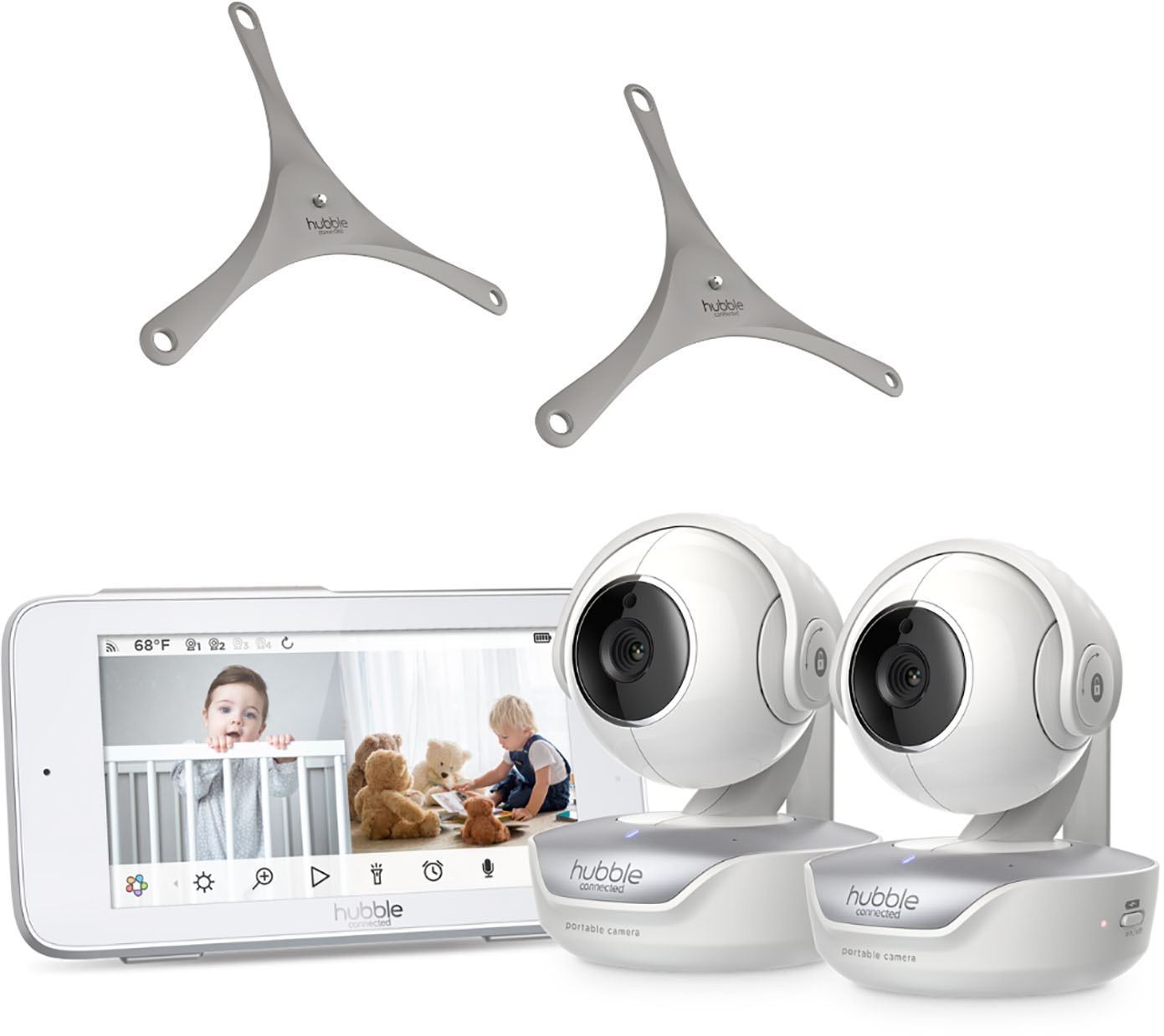
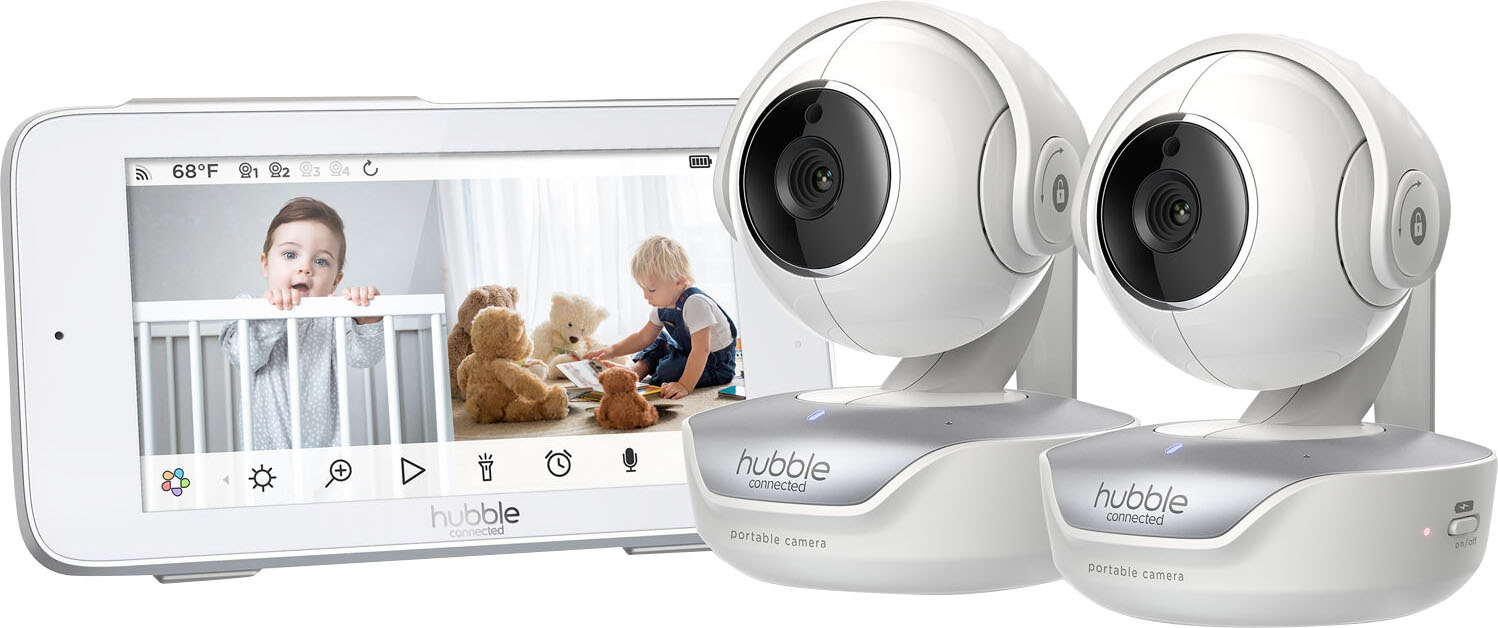
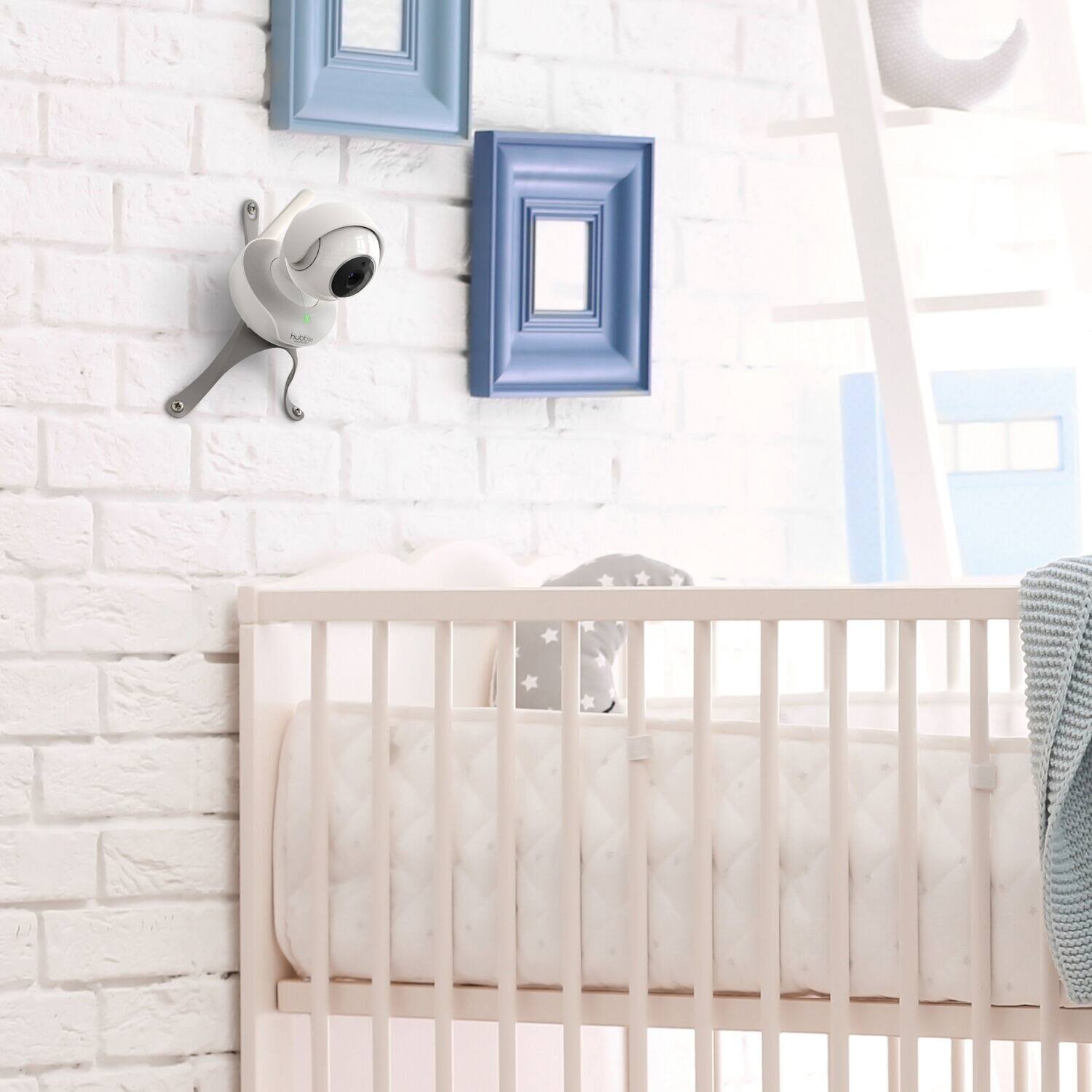
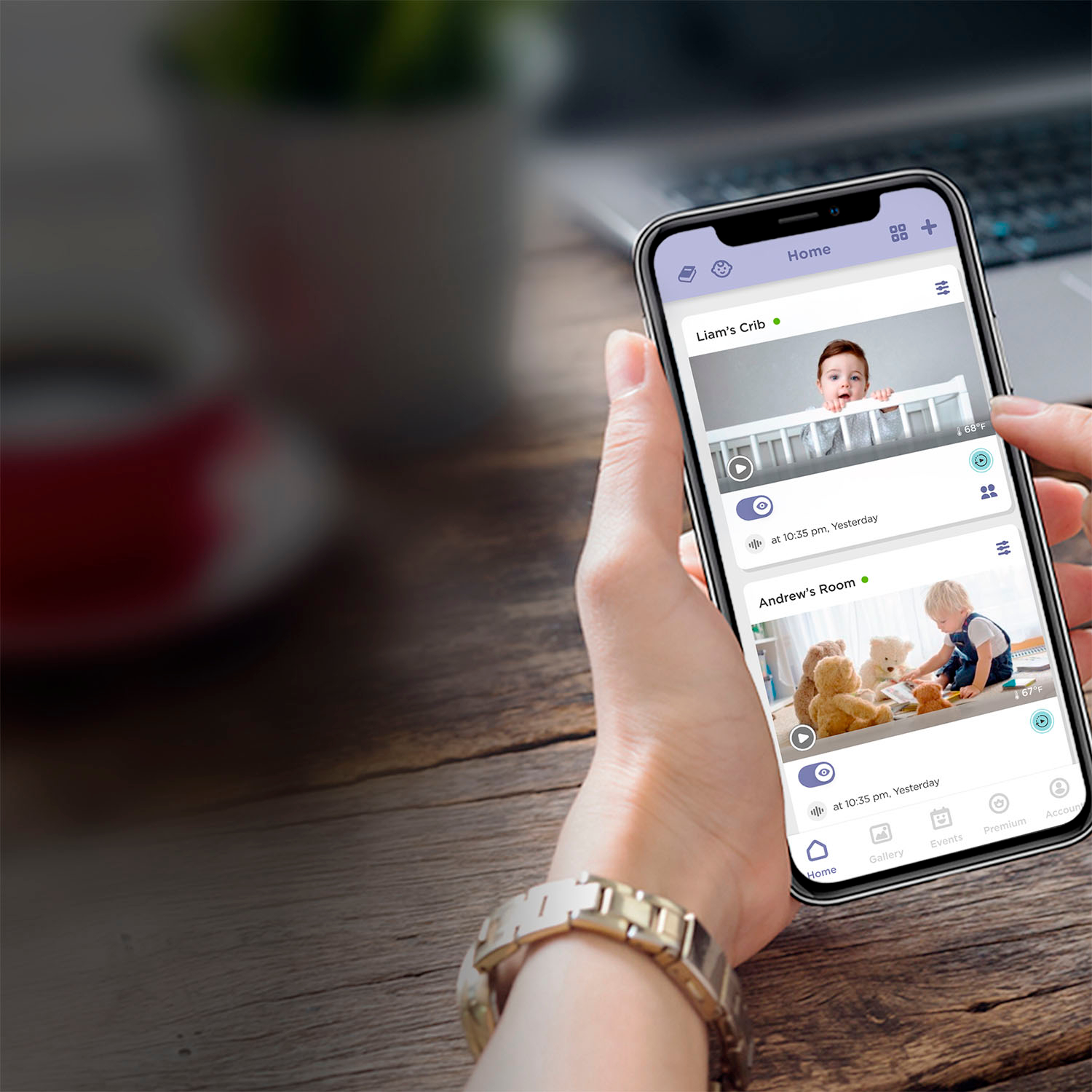
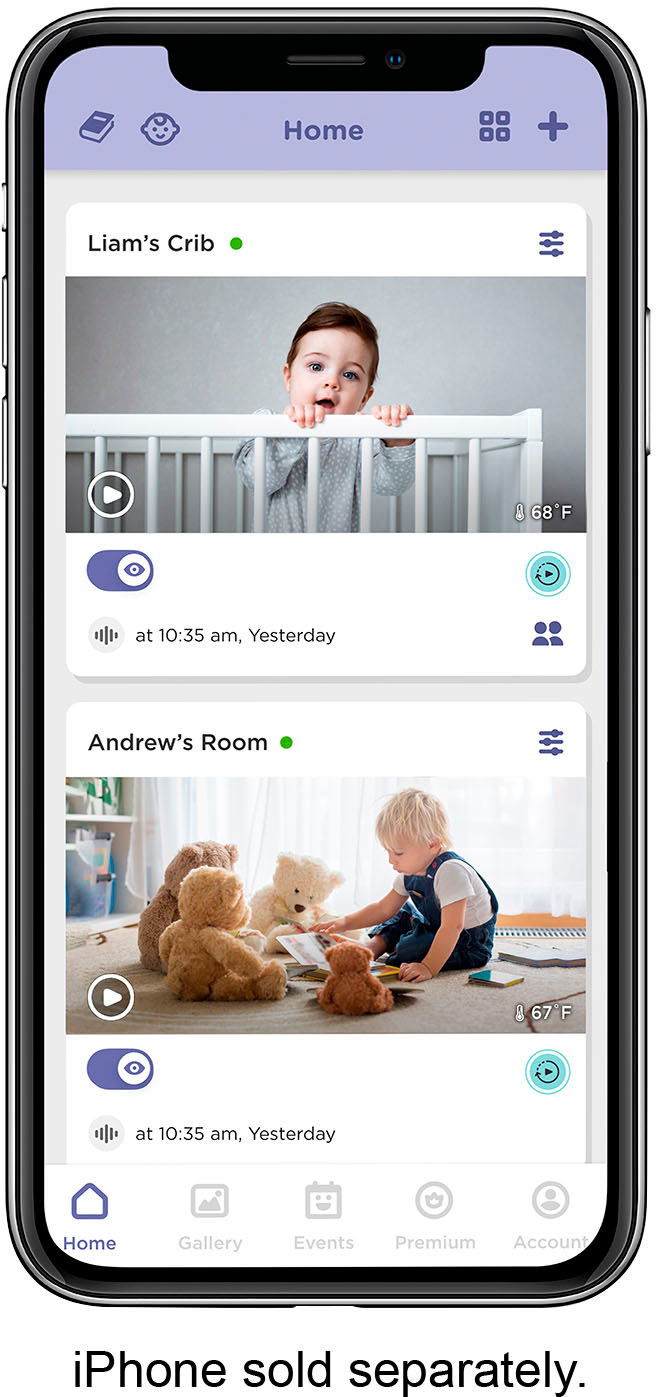
This is related with an old firmware with your monitor. To update the monitor’s firmware: Please connect both cameras to the Hubble Club app and leave all units plugged in and on for at least 24 hours. The cameras need to be connected to the Hubble Club App, but the app does not need to be active on your mobile. Once the new firmware is available on the cameras, the monitor will ask you to upgrade the firmware. Acknowledge the upgrade and do not turn off the monitor or cameras until the upgrade is complete. Once the upgrade is completed, the parent unit will power off and after a few minutes, please manually turn it back on. The split-screen icon will now appear in the menu bar of the parent unit.
If you need further help, please feel free to reach out to us directly via LiveChat or email. Our contacts can be found in the quick start guide.
Kind regards,
Crystal & the Hubble Connected Team.