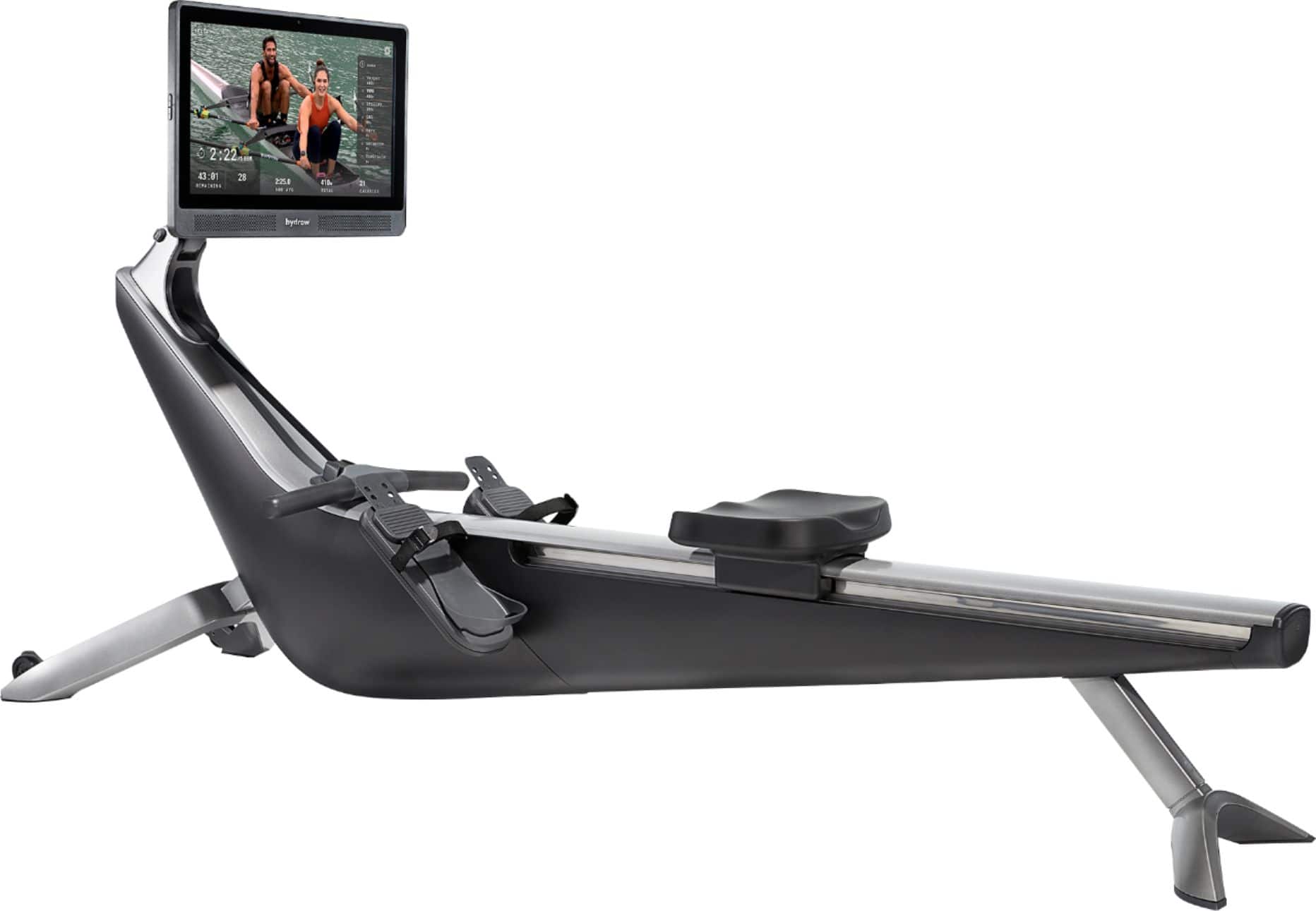
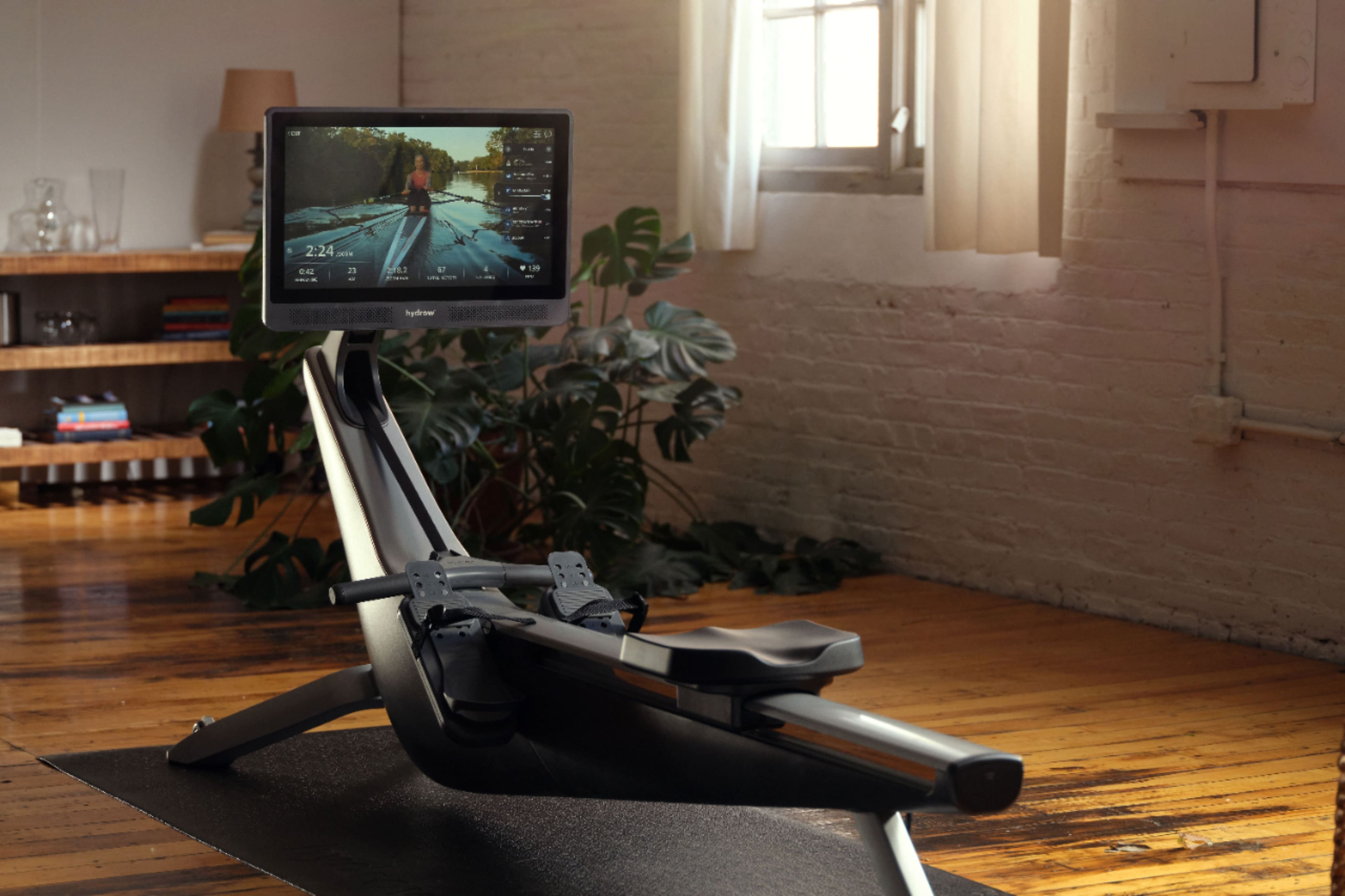
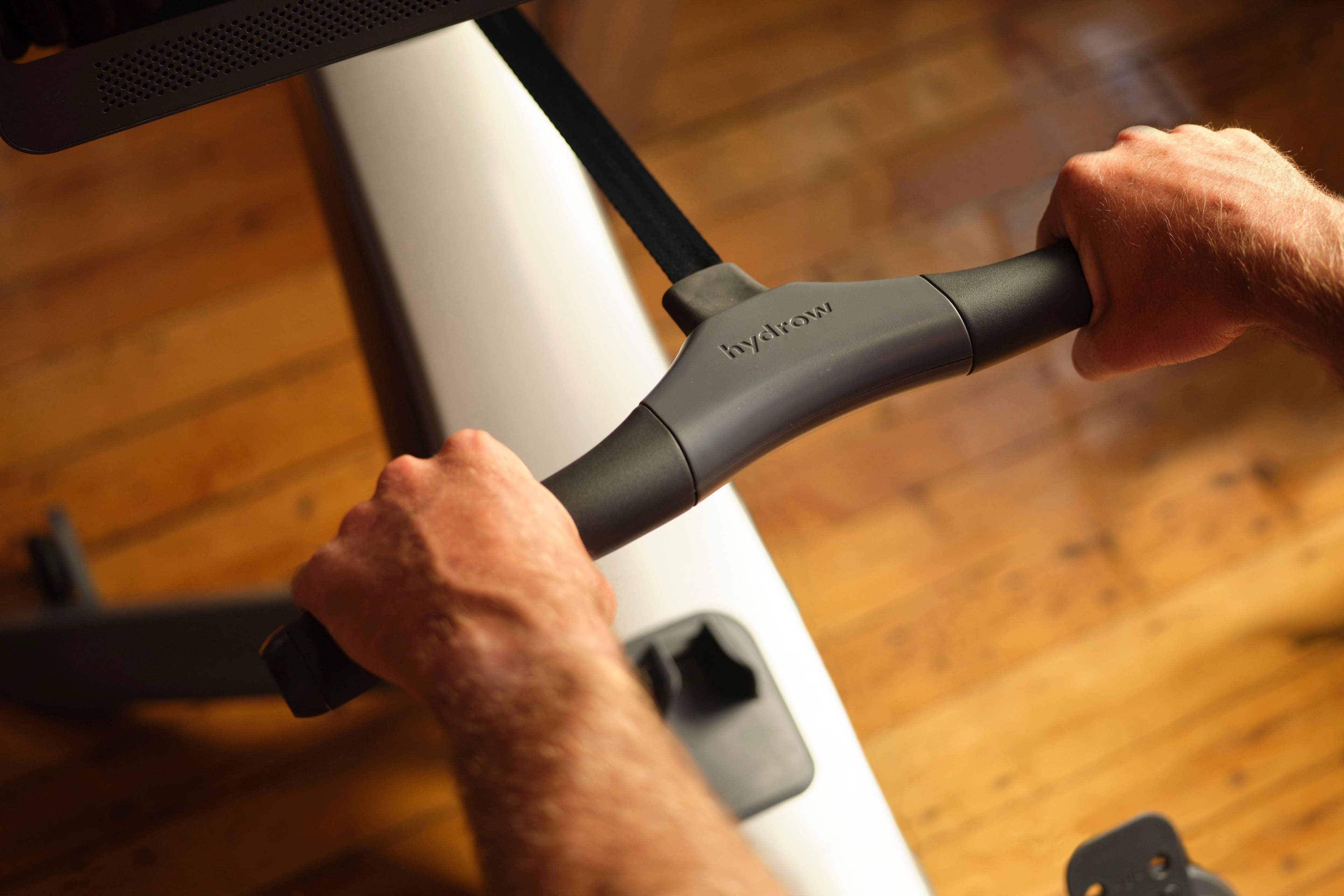
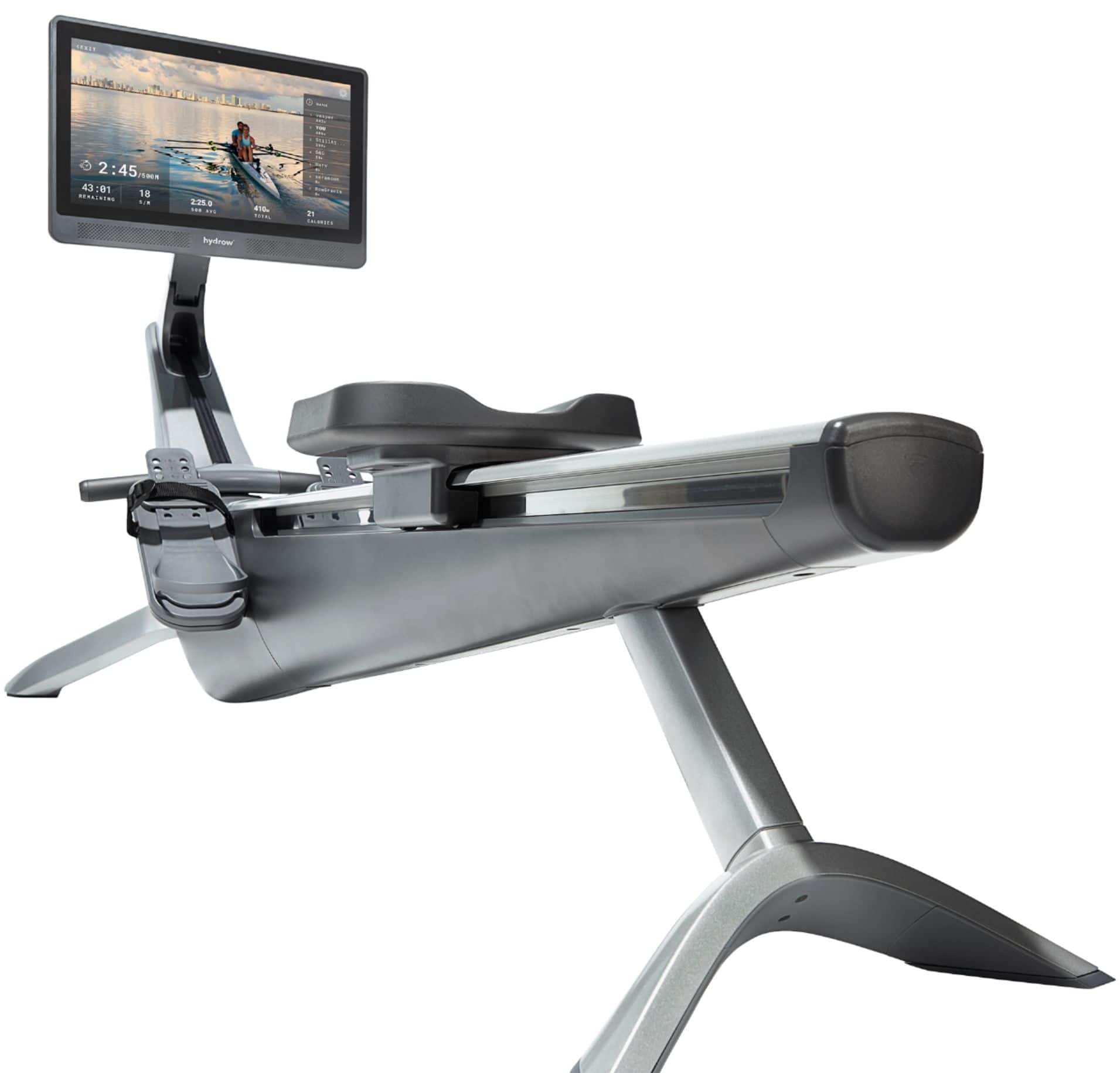
A:AnswerHi Joseph -- Great question. Purchasing a Hydrow Membership grants you access to Hydrow content not only on the Hydrow Rower but also also on the accompanying Hydrow Mobile App. If you are able to cast videos to your monitor, you can use the Hydrow Mobile app to stream the Hydrow content to any secondary screen.
A:AnswerHi and thanks for your question! It sounds like you might enjoy Hydrow's Journey workouts. These workouts do not feature an Athlete and there is no set pace or instruction. Journeys allow you to concentrate on your stroke and experience a workout with just the a view of the bow or stern of the boat and the sound of the water as you row through the beautiful scenery.
A:AnswerHydrow utilizes software-driven electro-magnetic resistance which is significantly quieter than alternative methods of creating resistance, such as water or air. This also allows each Hydrow user to adjust their "Drag" setting to their individual preference.
A:AnswerEvery individual's capabilities are different, but many of our members are able to successfully store Hydrow in an upright position without assistance. We recommend having a friend help until you are familiar with the process. You can learn more here: https://bit.ly/3aBw5tF
A:AnswerFor those who not wish to subscribe to Hydrow's Membership, we offer "Just Row" mode. With Just Row mode you are able to view your rowing stats, heart rate, and adjust resistance. You can learn more about Hydrow's Just Row mode here: https://bit.ly/3927YEb
A:AnswerNot sure if they set up - but it literally is 8 screws - the kit even includes the tools needed if you don't have your own. Takes about 3 minutes. That being said - it is heavy. you will need somebody to assist with moving it into location