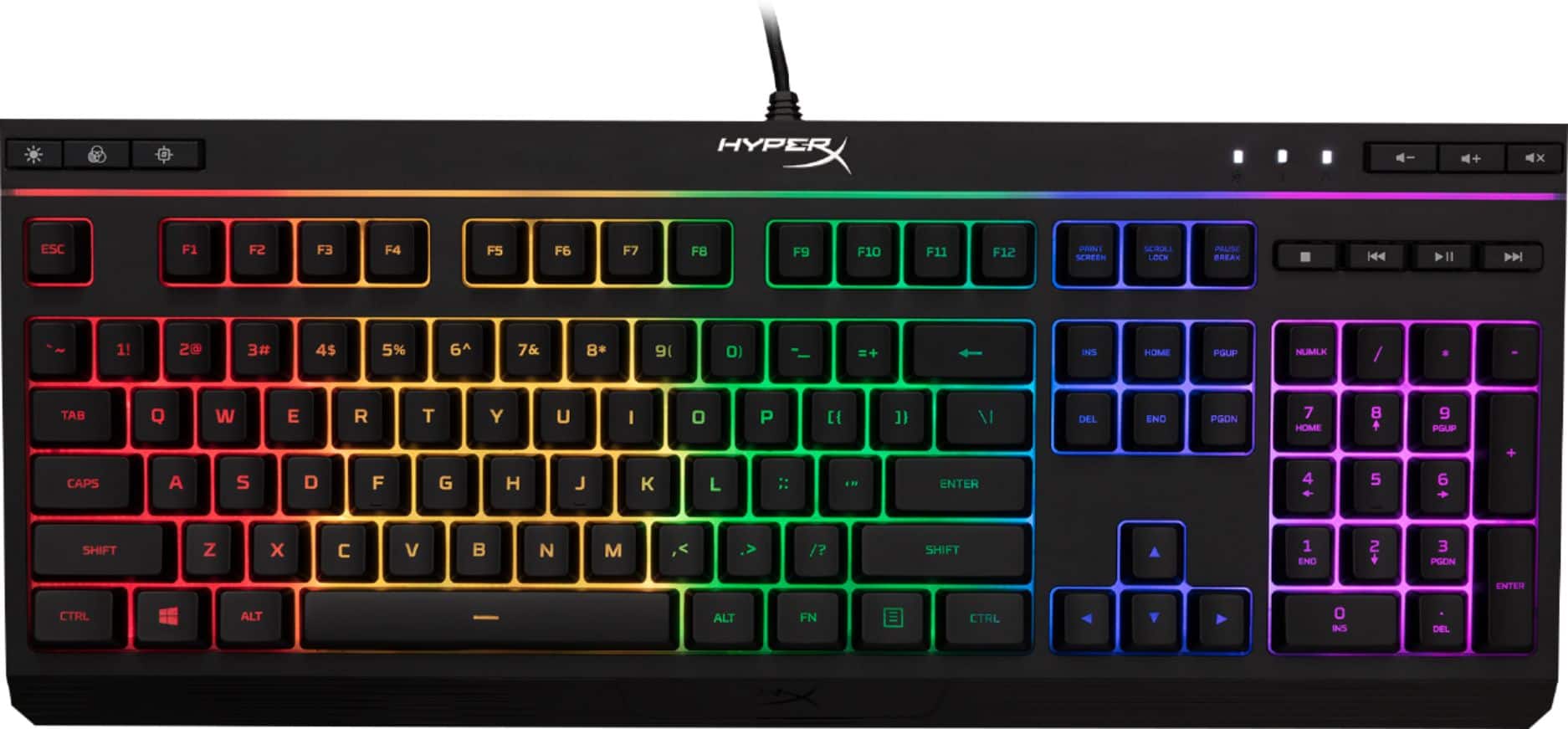
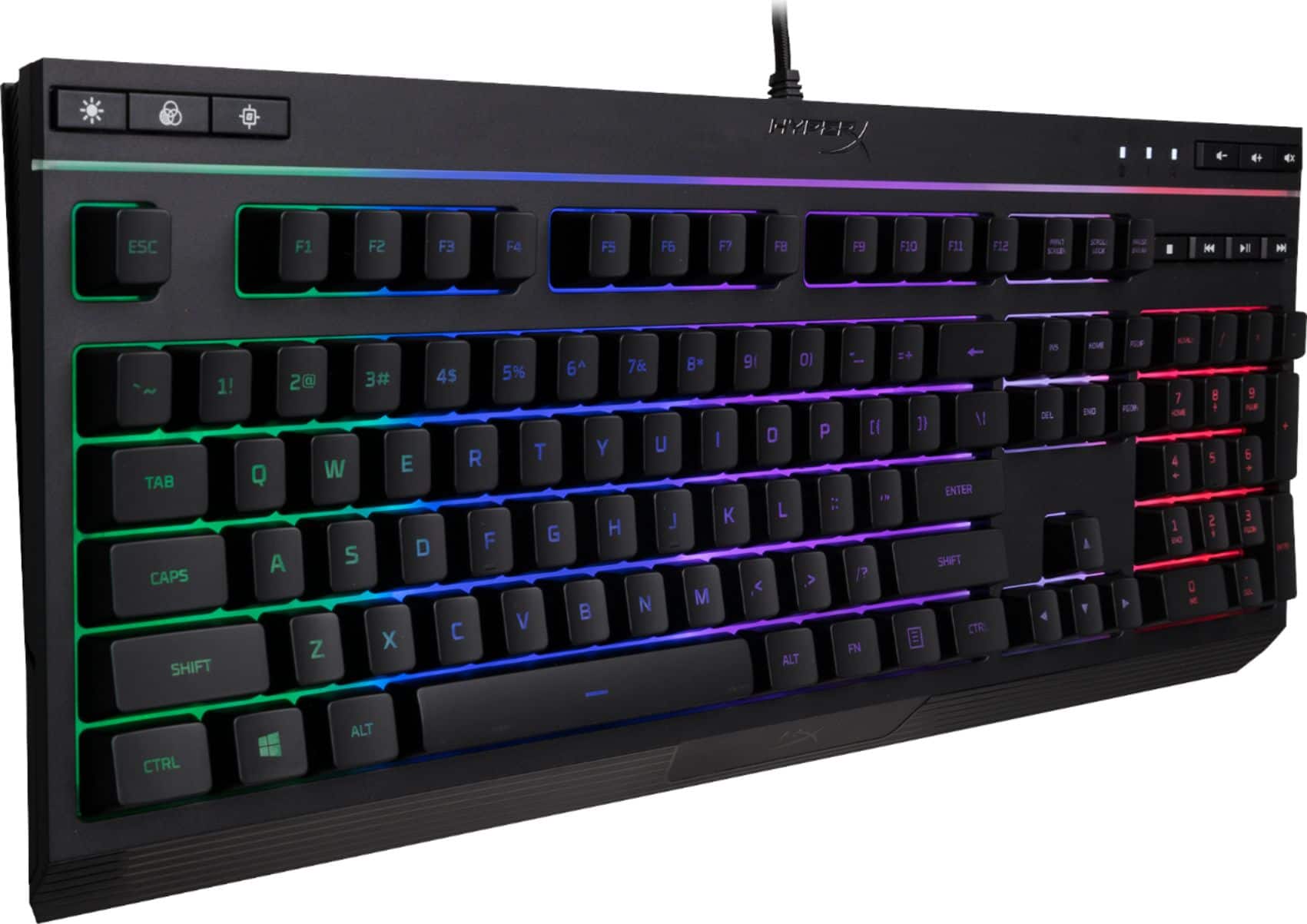
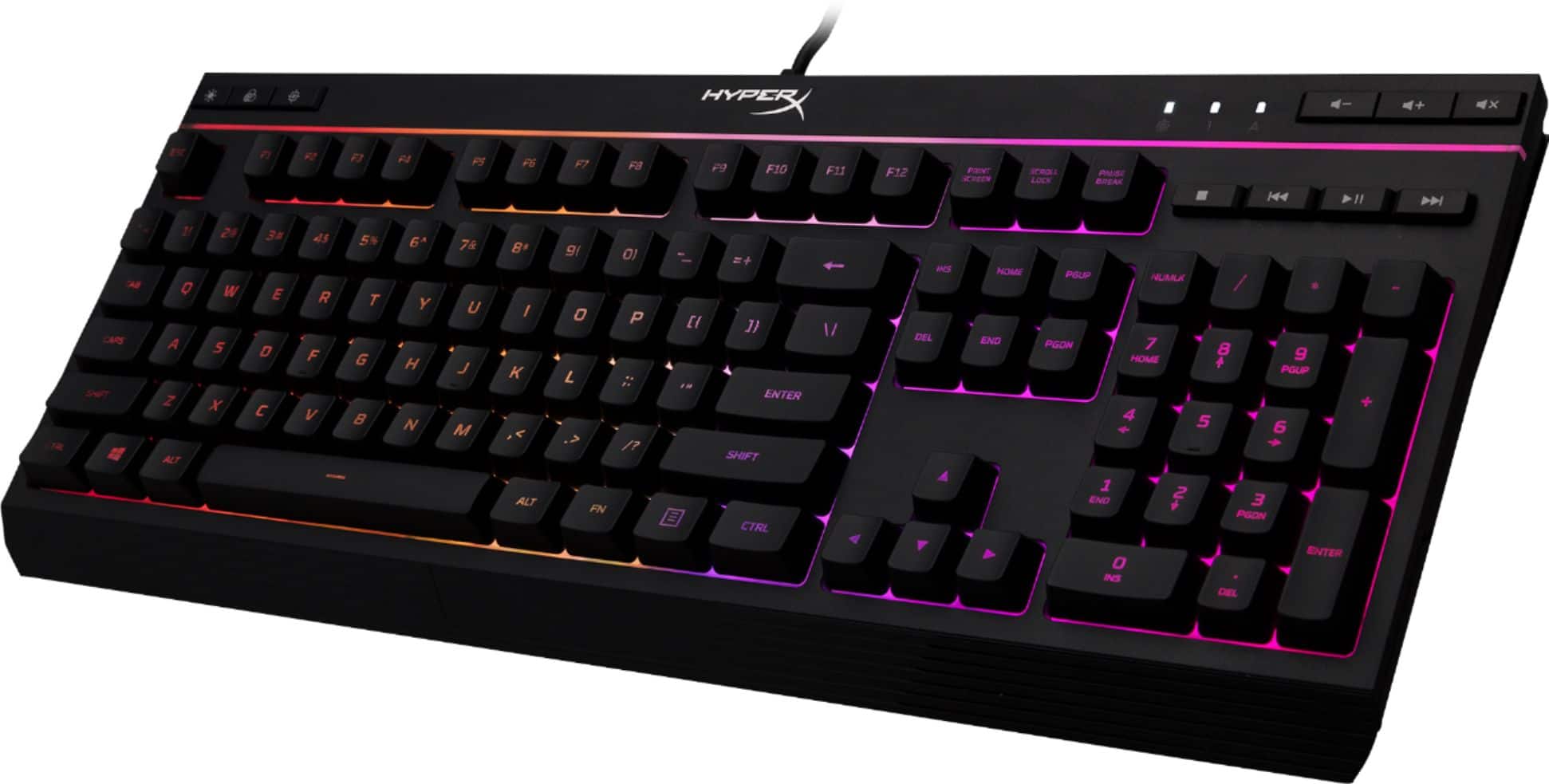
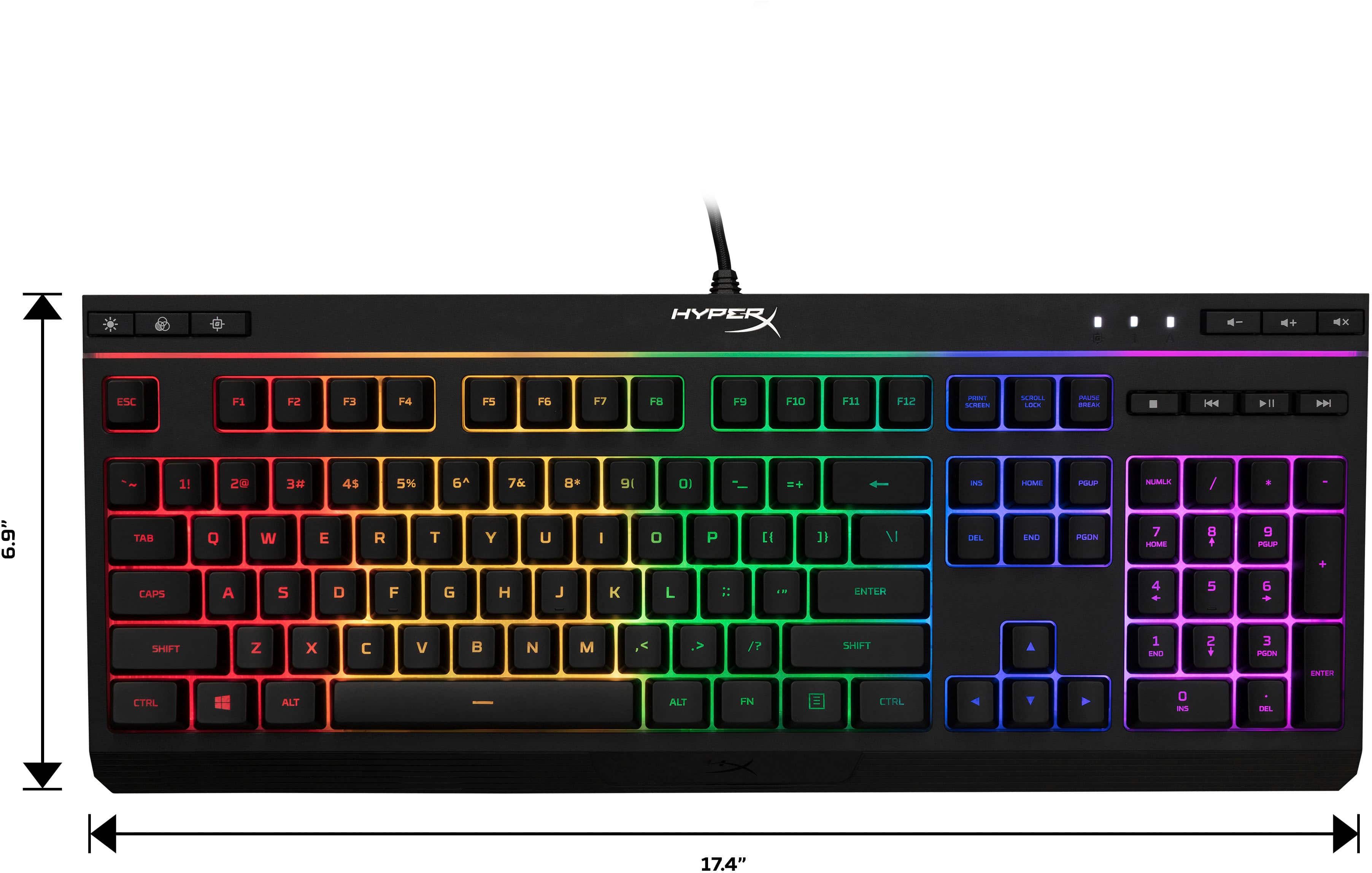
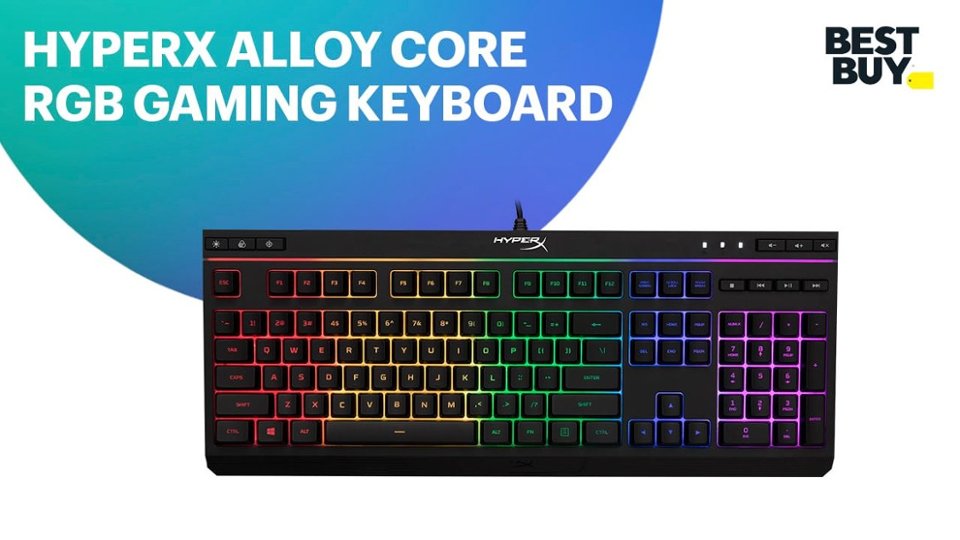
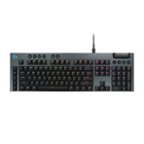
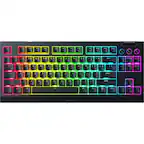
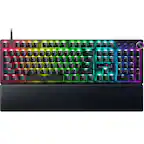
A:AnswerEnable Game Mode to disable the Windows key and avoid accidental interruption during gaming. The G in the top left corner, looks like a crosshair. Turn it off if you want to use it after gaming.
A:AnswerThe RGB lights have a built-in functionality entirely on their own. They will work with any setup. To get customized colors beyond what's built-in, you'd probably need some firmware that might not be available for chromebook
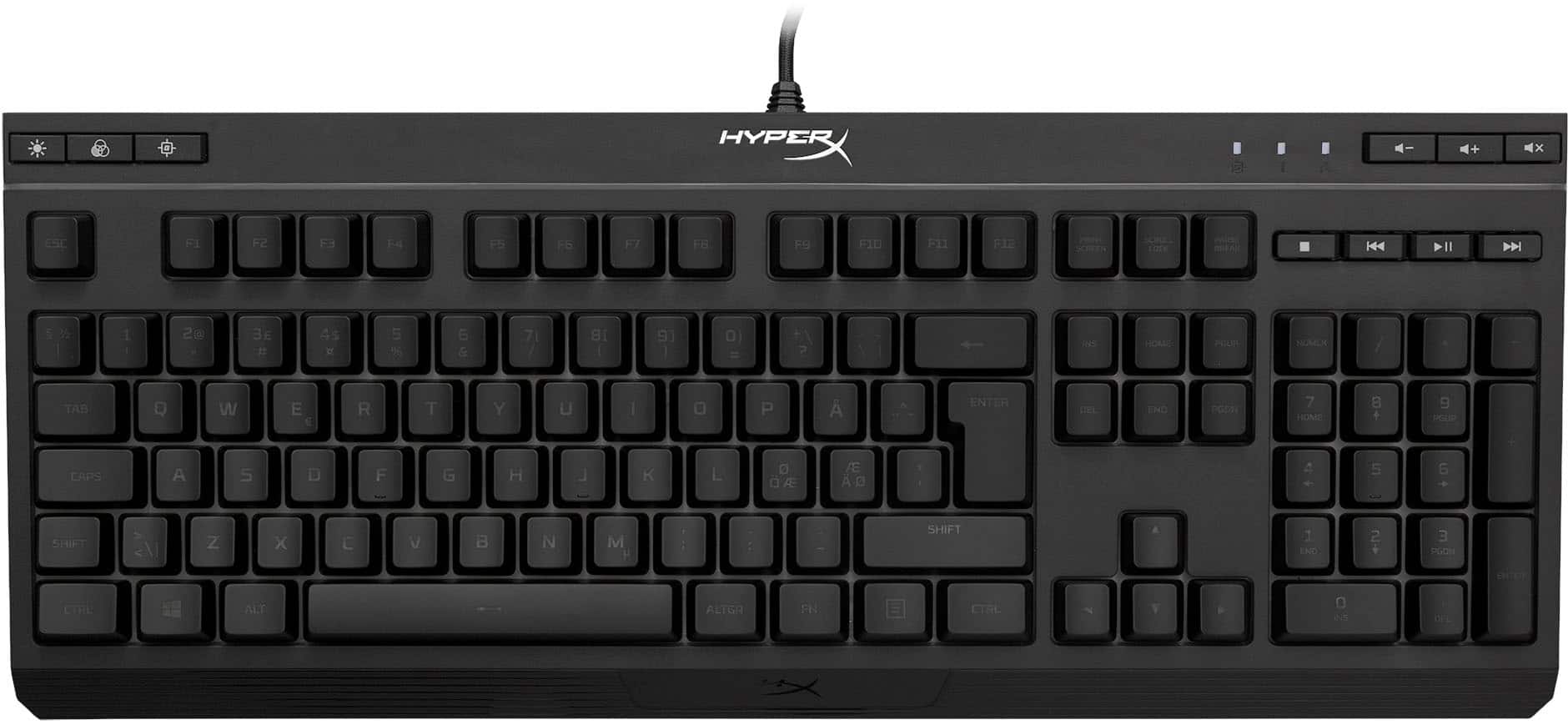
A:AnswerNot sure what "I" Youre talking about. On the top left of the keyboard there are 3 buttons. The Sum button changes the beightness of the lights from Off to Medium to High. The button with the 3 circles are the color options. The button with a Reticle with the letter "G" in the reticles turn on gaming mode which basically just disables the Windows key so you dont accidently hit it while youre playing.
A:AnswerYes, you can pop off the keycaps. But they are firmly installed and are hard to pull off. I clean by: taking chip brush to get most of the dust off then use canned air.
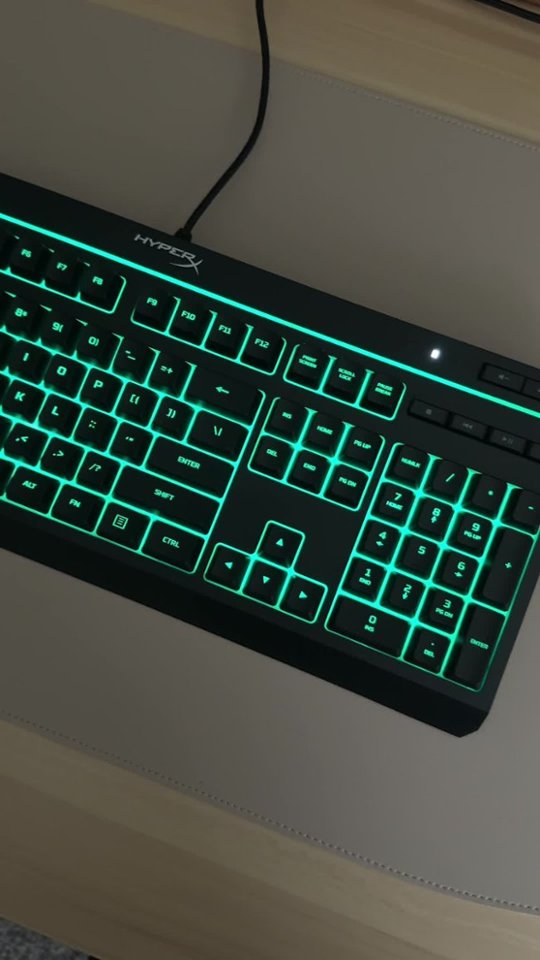
A:AnswerYes, the keyboard itself is plug and play, and I did not have to load any software for it to start working. It lights up beautifully and looks amazing!!!