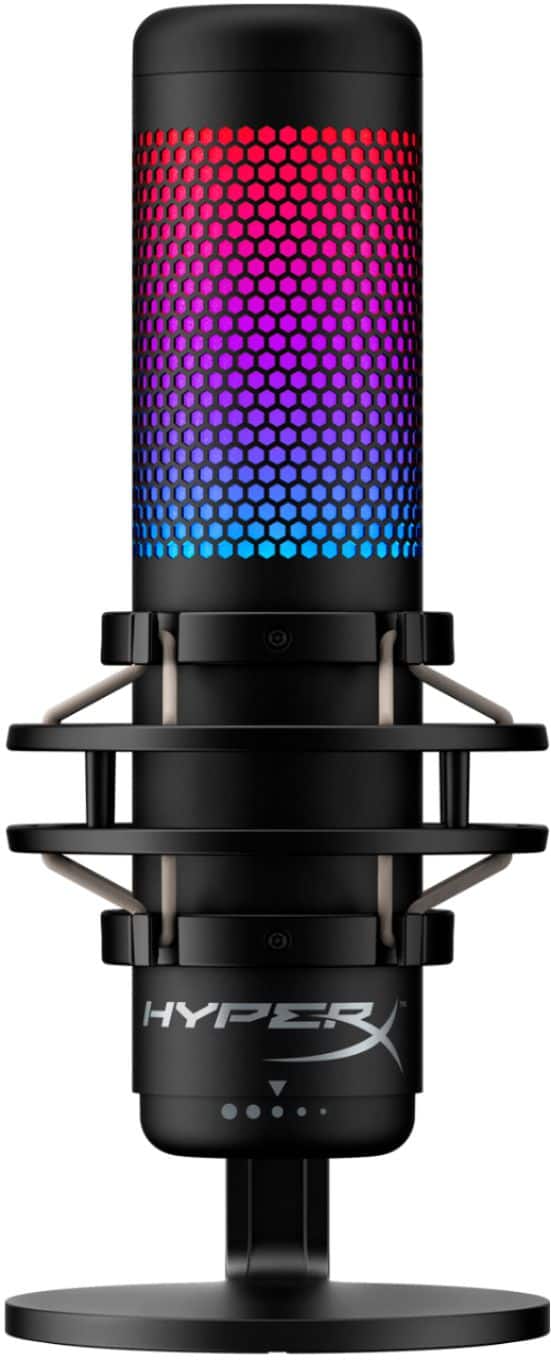
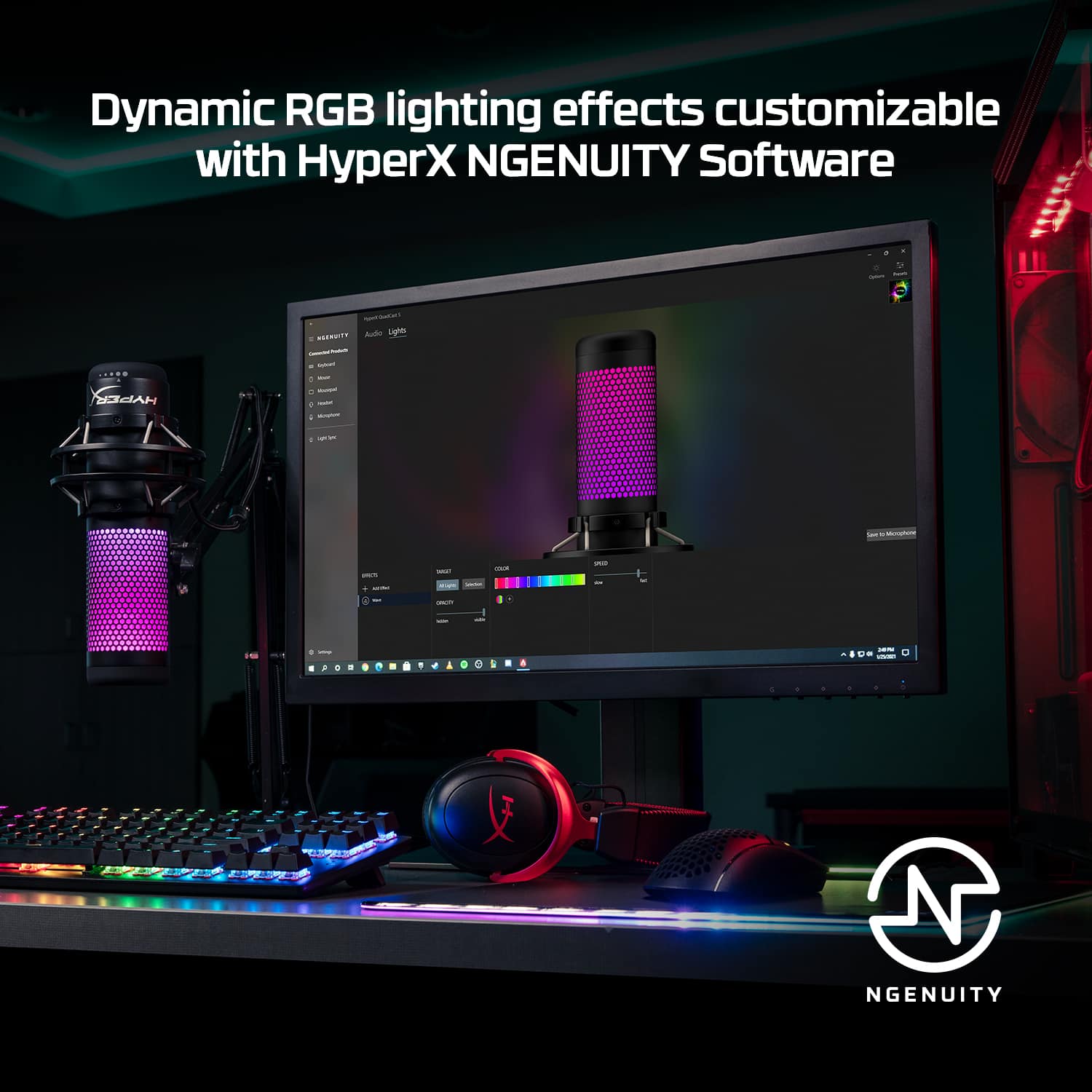
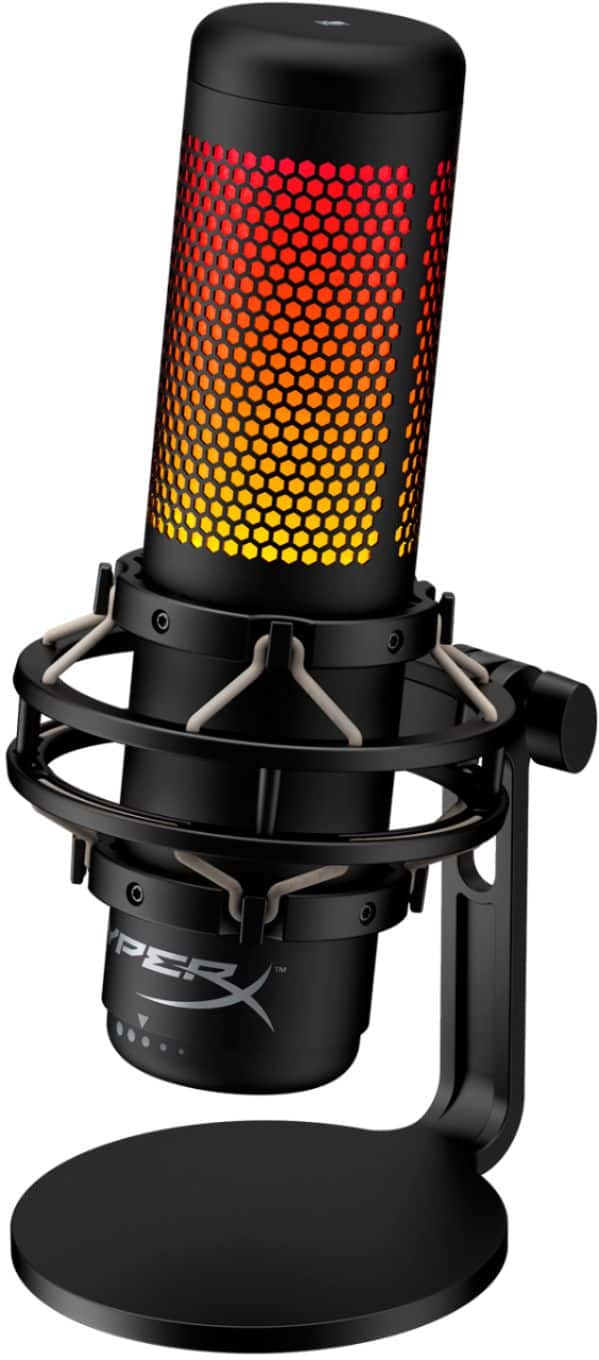
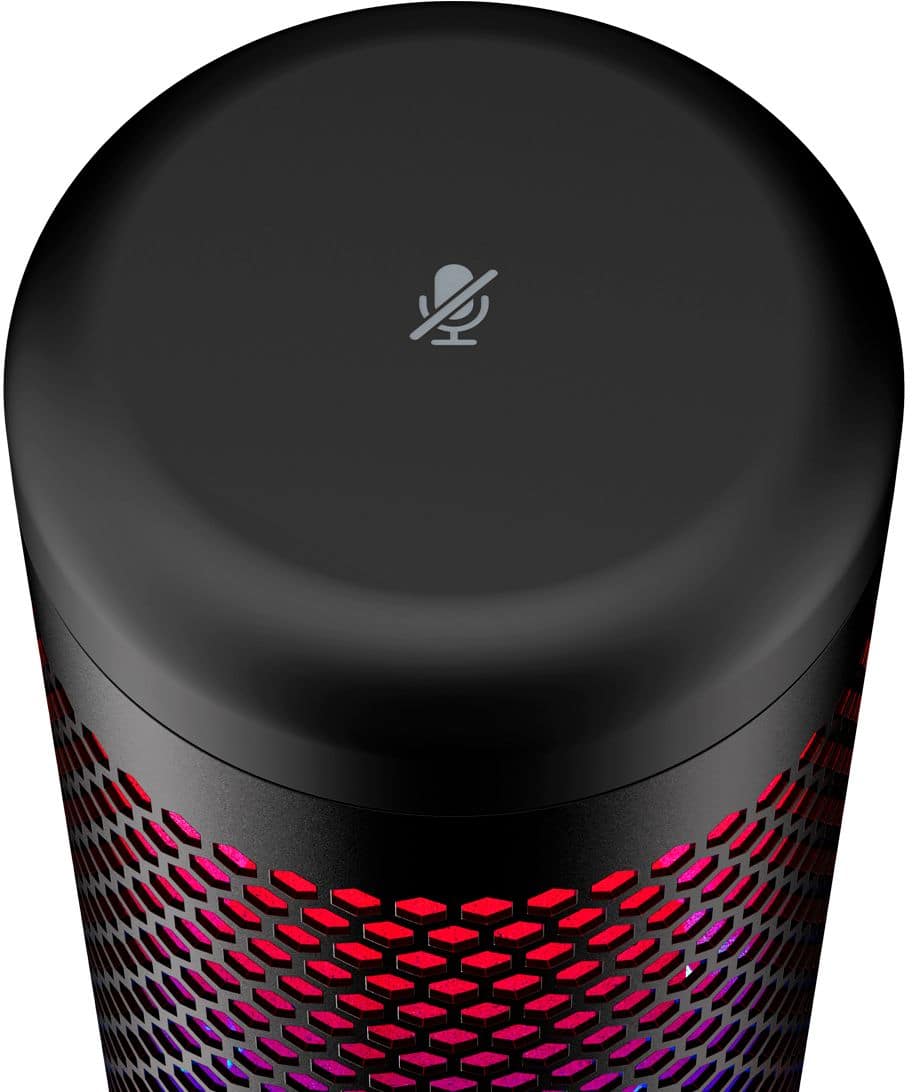
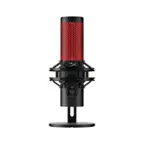
A:AnswerYou can adjust the brightness with our NGENUITY software. Download the application on the Microsoft Store. You will need a Windows PC to do this. As for your microphone arm compatibility, correct. It will fit on it no problem! We hope you find this information to be helpful! :)
Sidney | HyperX
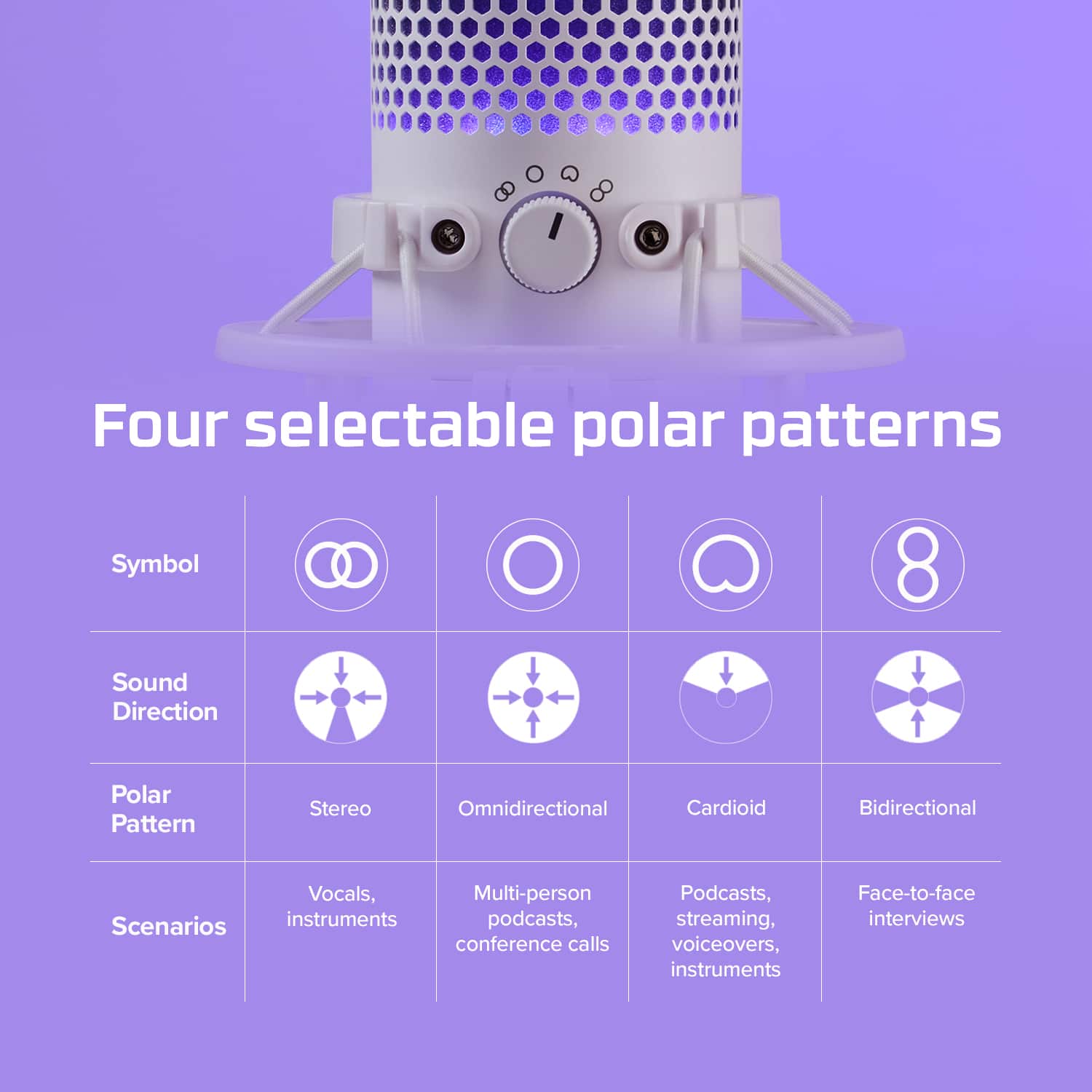
A:AnswerIf use the indented circle option should fix if not then make sure your PC main audio is toggled of in audio setting if cameras have audio receivers will interfere. Also check software update I am using the beta version.
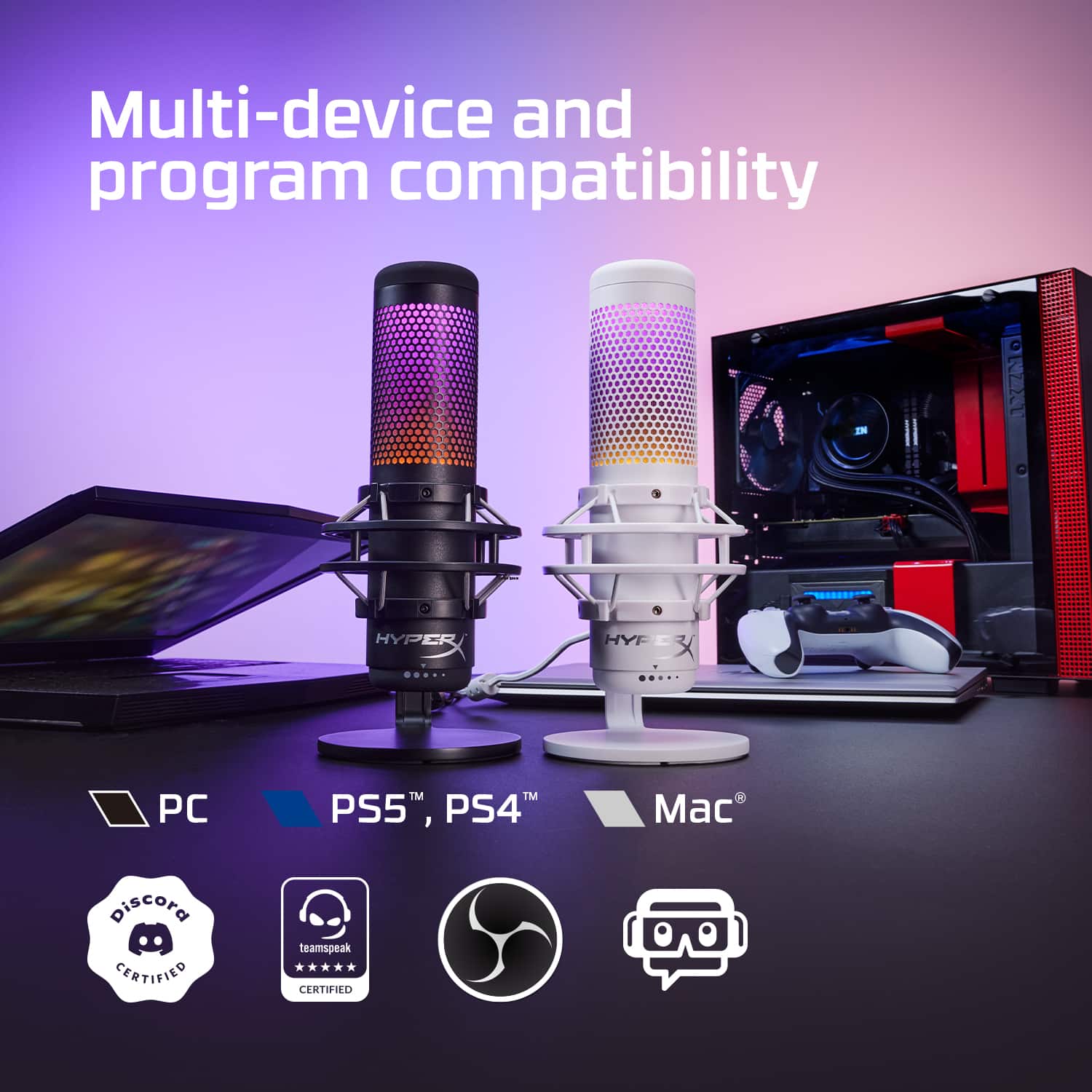
A:AnswerNo, QuadCast S is not compatible with the newest Xbox Series consoles from Microsoft. Due to USB audio limitations. Feel free to hit us up directly if you have any other questions or concerns.
A:AnswerHey!
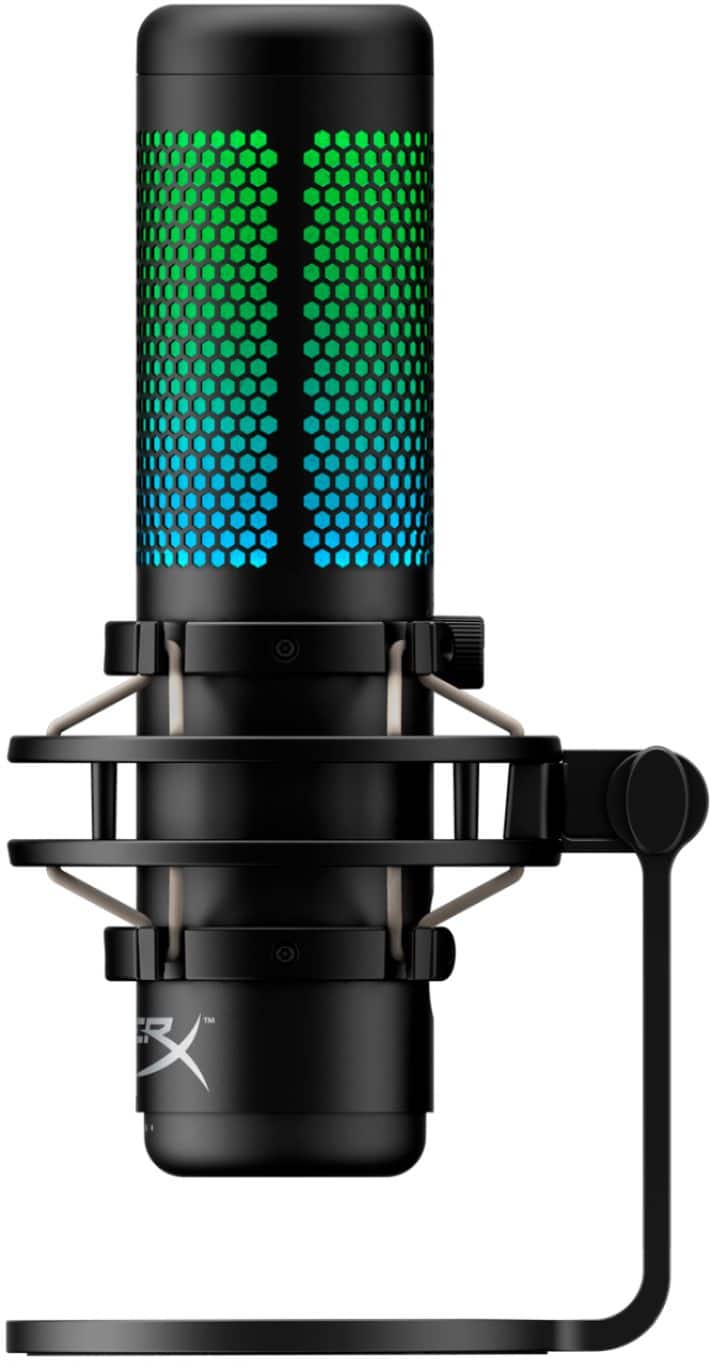
Yes, the only way to change the RGB colors is through the NGENUITY App, a Windows 10 only app. Feel free to hit us up if you have any questions or concerns.
A:AnswerThis is INCORRECT. The HyperX Quadcast will not work with XBOX One or XBOX OneX. The console does not support natively the USB technology to support this microphone. However it is my understanding that you can run it through your PC with a capture card and use it that way.
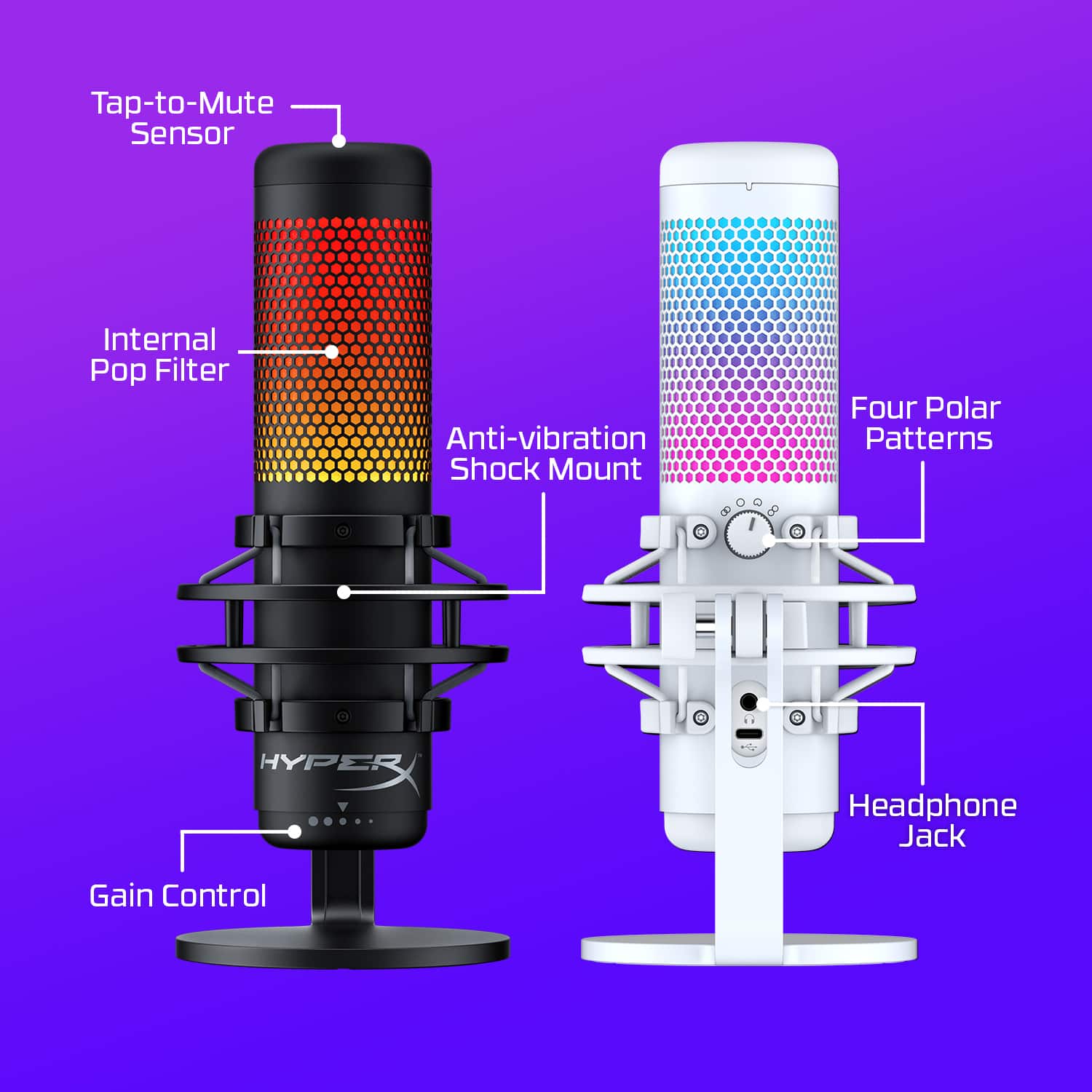
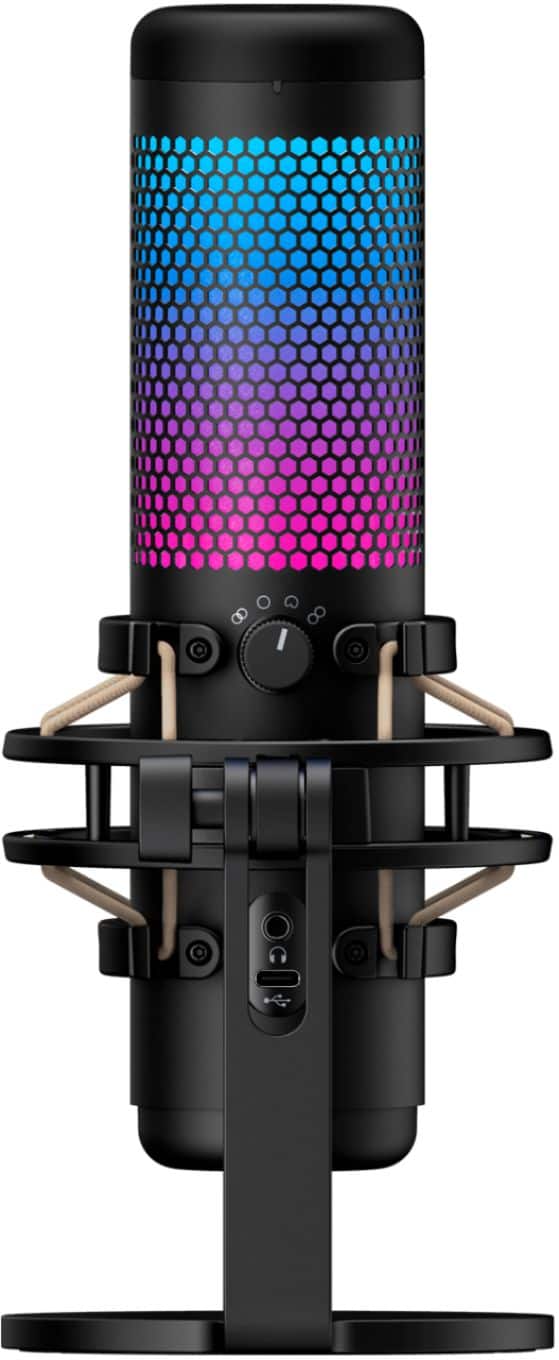
A:AnswerThe microphone itself comes with a shock mount/ holder itself. It would be sufficient in the case of the mic working but for a more podcast feel, the Blue, compass boom arm is a good recommendation.
A:AnswerYou'll need to go to the manufacturer's website to download the HyperX NGENUITY software on a computer running microsoft Windows in order to customize the RGB lighting on the HyperX Quadcast S. Google "HyperX NGENUITY software", it should be one of the first results.