A:AnswerI have also experienced this issue and resolved it by following these steps.
First plug in your power cable into your computer tower.
Second above your power input is a switch turn it to the on position. You will know you have the power on when you notice some lights are on inside your tower which will be visible. Next make sure your computer monitor is connected to your tower and is set on the correct input to read your type of connection. Ok now there are two buttons, side by side, located on top of your computer tower. Once you have these located gently press down on your left button. This is the "power" button and will power up your PC and start your computer. Now for some reason, that is out of my knowledge, the screen does not show up. Im not sure why this happens. Seems to me that the computer might be on some kind of standby? Im not sure. Now that everything is on and you can't see the screen I want you to press on the button on the right. I think that the button on the right is some sort of reset button. Once this button is pressed and relesed wait a short moment (should be less than a minute) and you should see your display appear.
Again I'm not sure why this happens? Maybe some sort of protection or power standby. But other than this experience everything else has been 10/10 for me. Thanks
A:AnswerHi, you should have no problem if you choose to remove the screen, however the purpose of this screen is to prevent big dust particles such as lint and other things form entering your system. Thank your question.
A:AnswerYes it can and yes it does, but I did have an zotac gtx amp edition 1070 on hand. I did try the 1060 ti and it performed well, it ran all the games at 144 or lower depending on the games you play it won’t be a steady 144. But not bad for the money.
A:Answeryes you could add the cooler master 212 evo also asus has a program called asus fan xperts which you could customize the cooling fans and also will identify the cooler master 212 on the computer chassis and you could customize the fan speed you could try fan xperts for your cooling needs before you buy cooler master 212 evo it might help you get rid of the heat
A:AnswerYou would have to check you motherboard. The packaging should go along with a list of compatible CPU’s. The most important thing is the processor, if it’s the wrong size then it stops the entire build process!
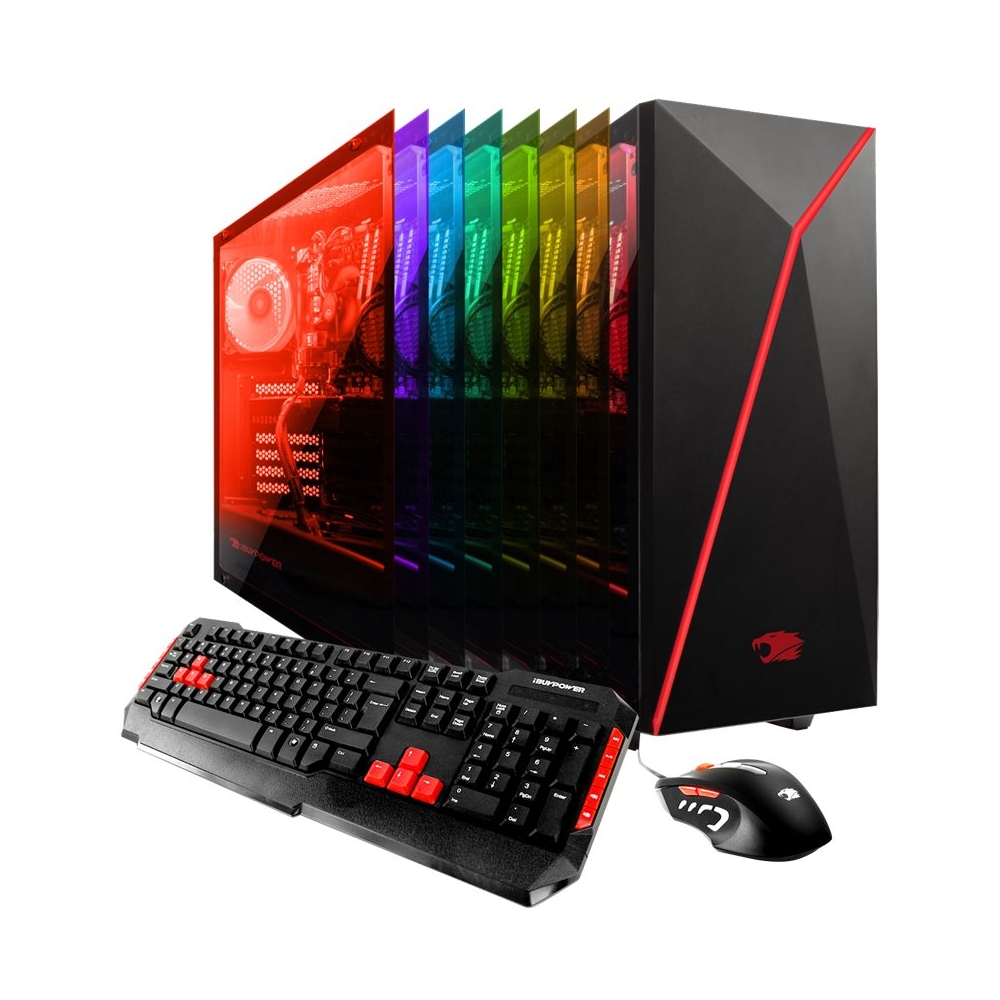
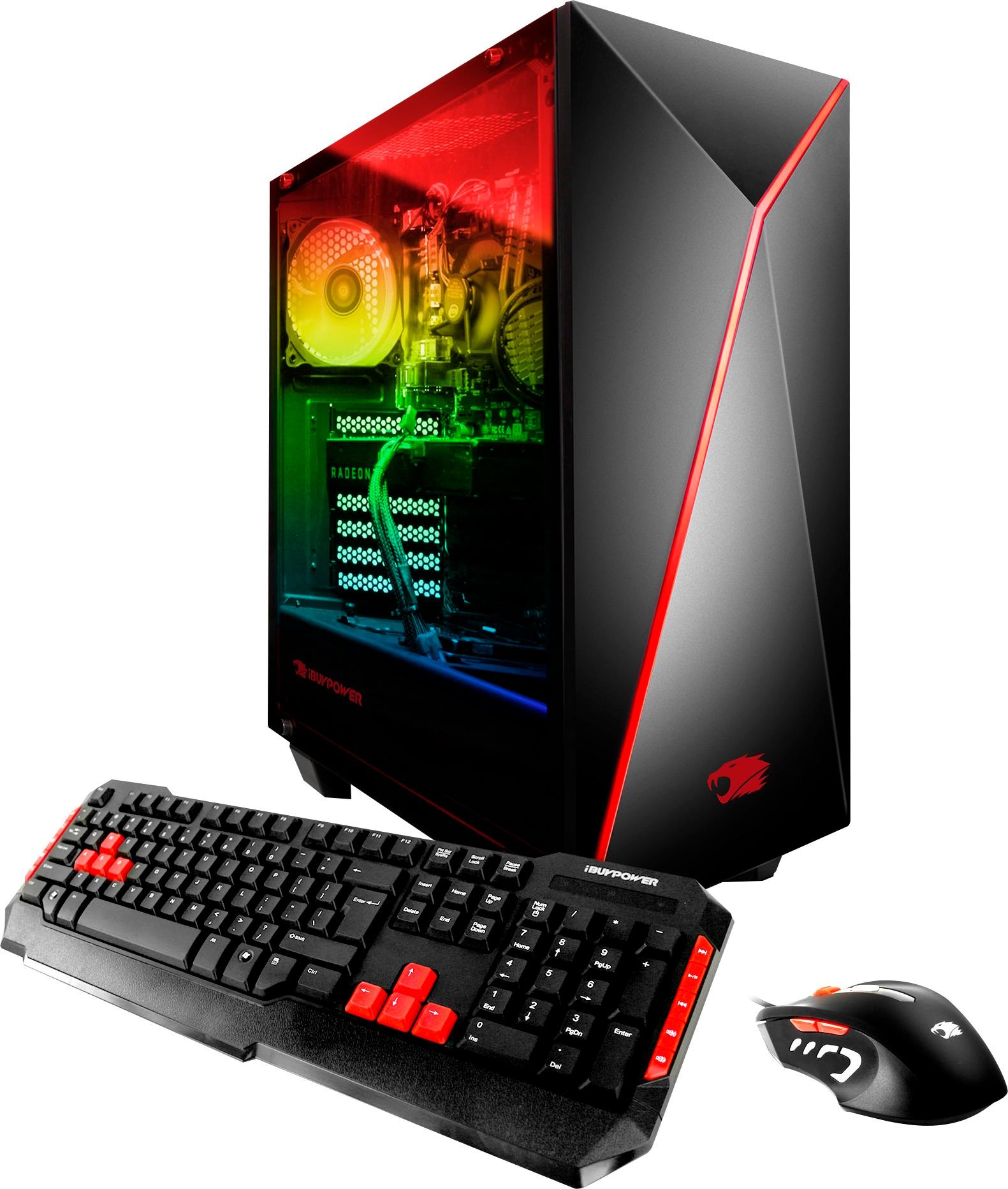
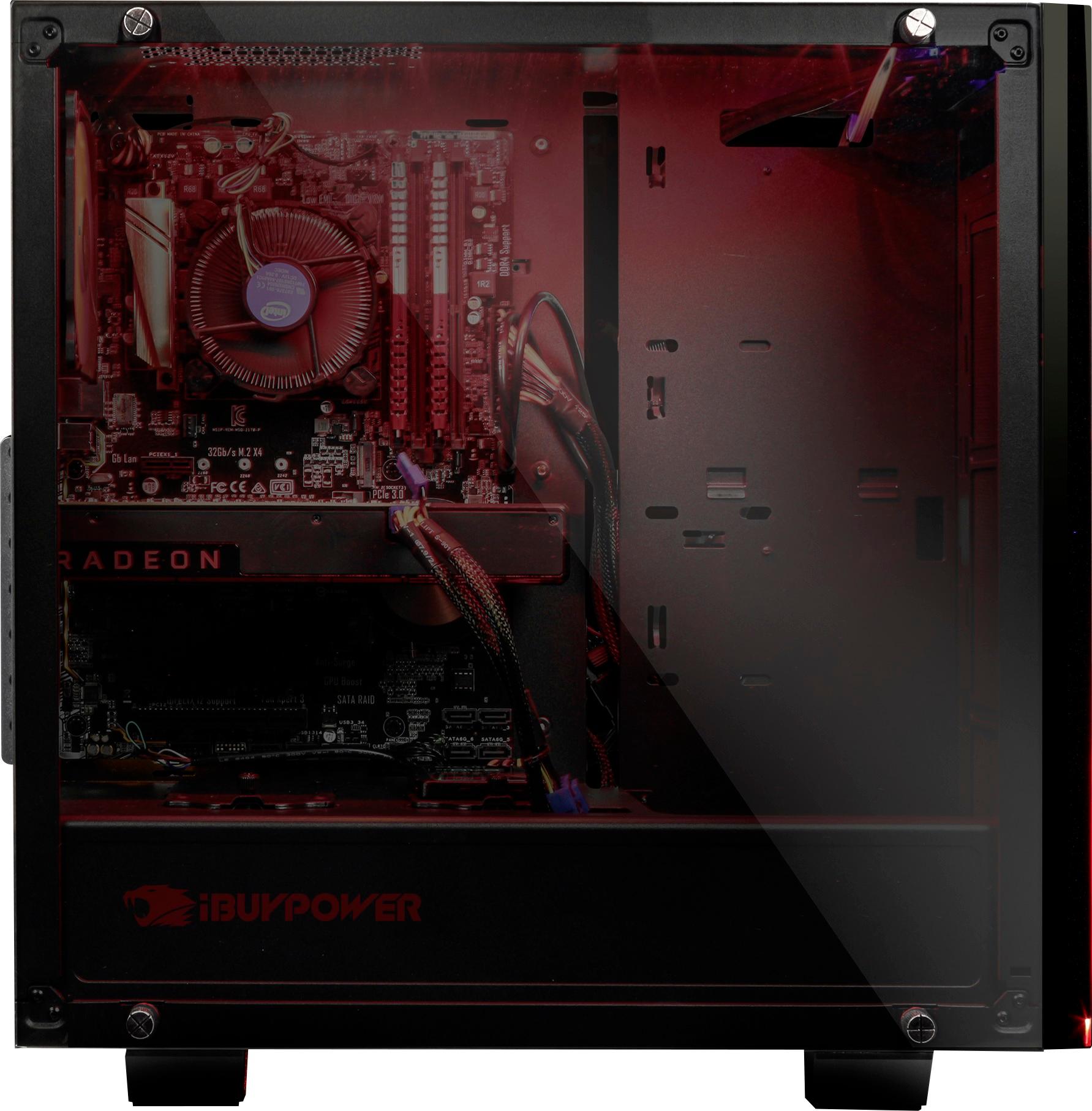
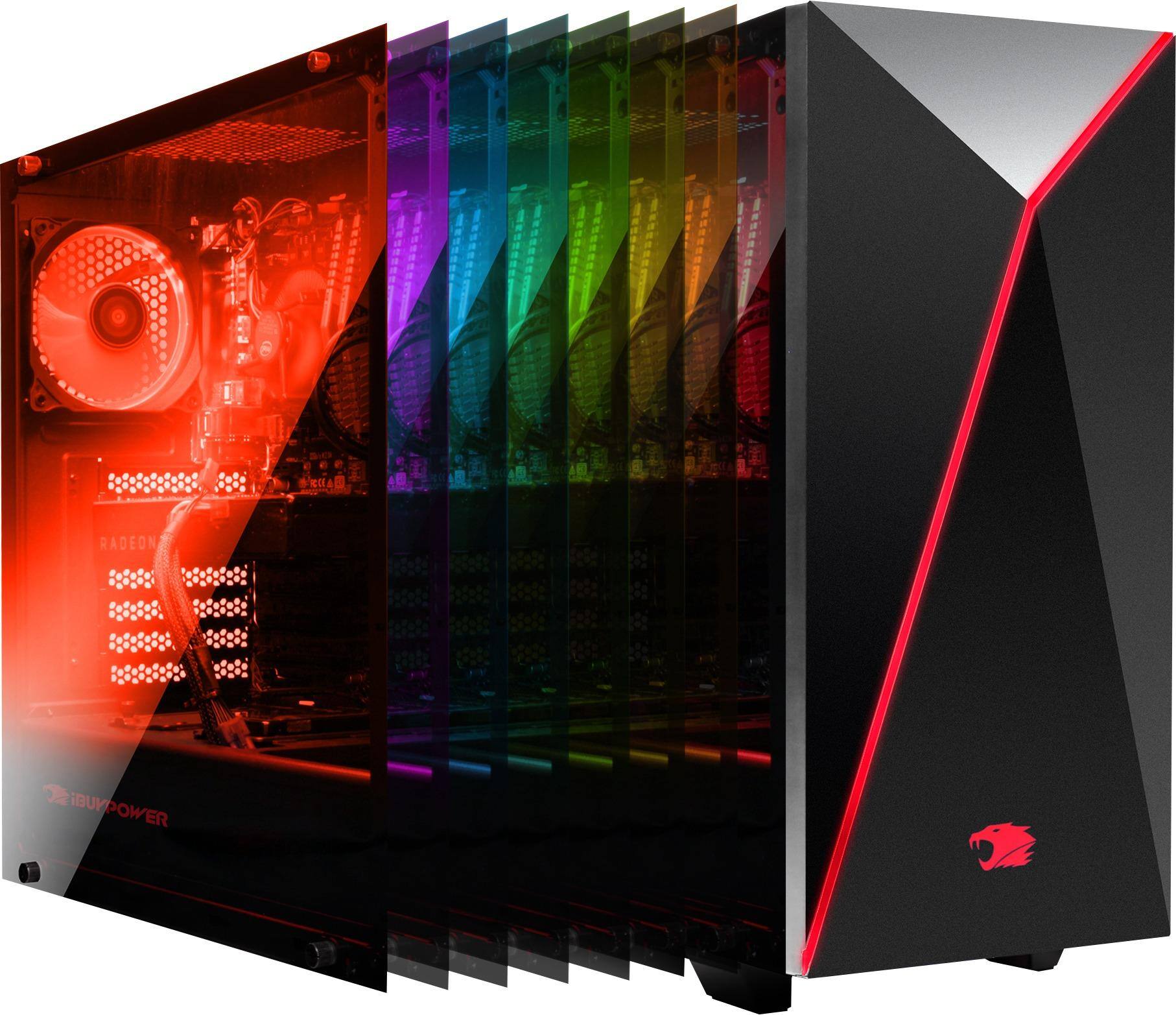
A:AnswerNo, It's glass on both sides, it's a black case, and what they are showing you on the picture is that there is a chose of different lighting using the remote control, 16 colors and 4 modes, flash, strobe, fade, and smooth, and off and on buttons. This lighting can only be seen on the left side with the mother and video card, the right side, there is very little lighting, due to it being the back of the case, but you can barely see your hard drives.
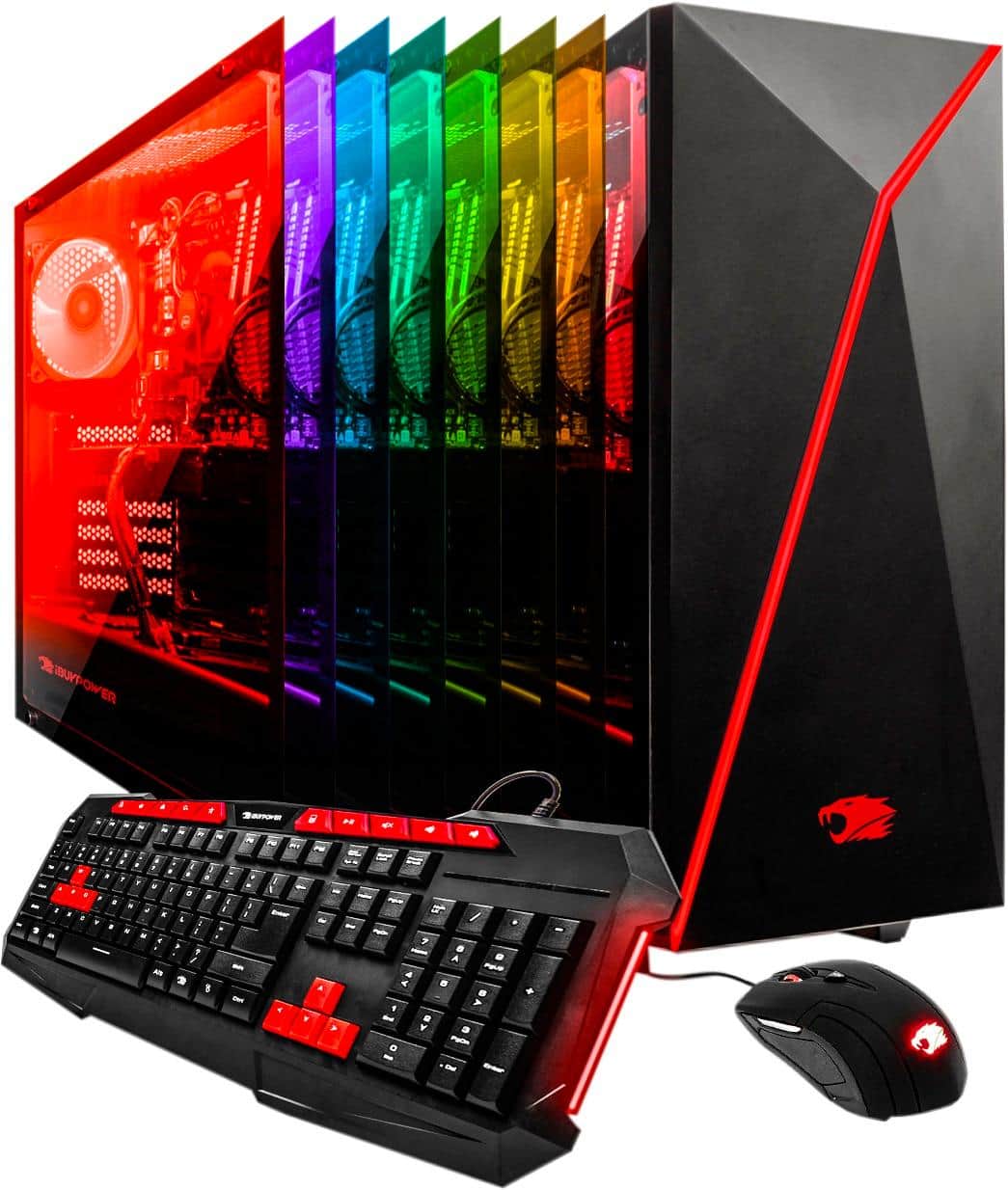
A:AnswerWhen we purchased this 3 months ago, it came with it. I doubt it has been discontinued. I ended up returning the computer, but have the remote. Try giving them a call.