A:AnswerHi Manvel,
If there are any technical issues that you may have please contact our Technical Support team at 1-888-618-6040 and they will be able to assist you with your headset issue.
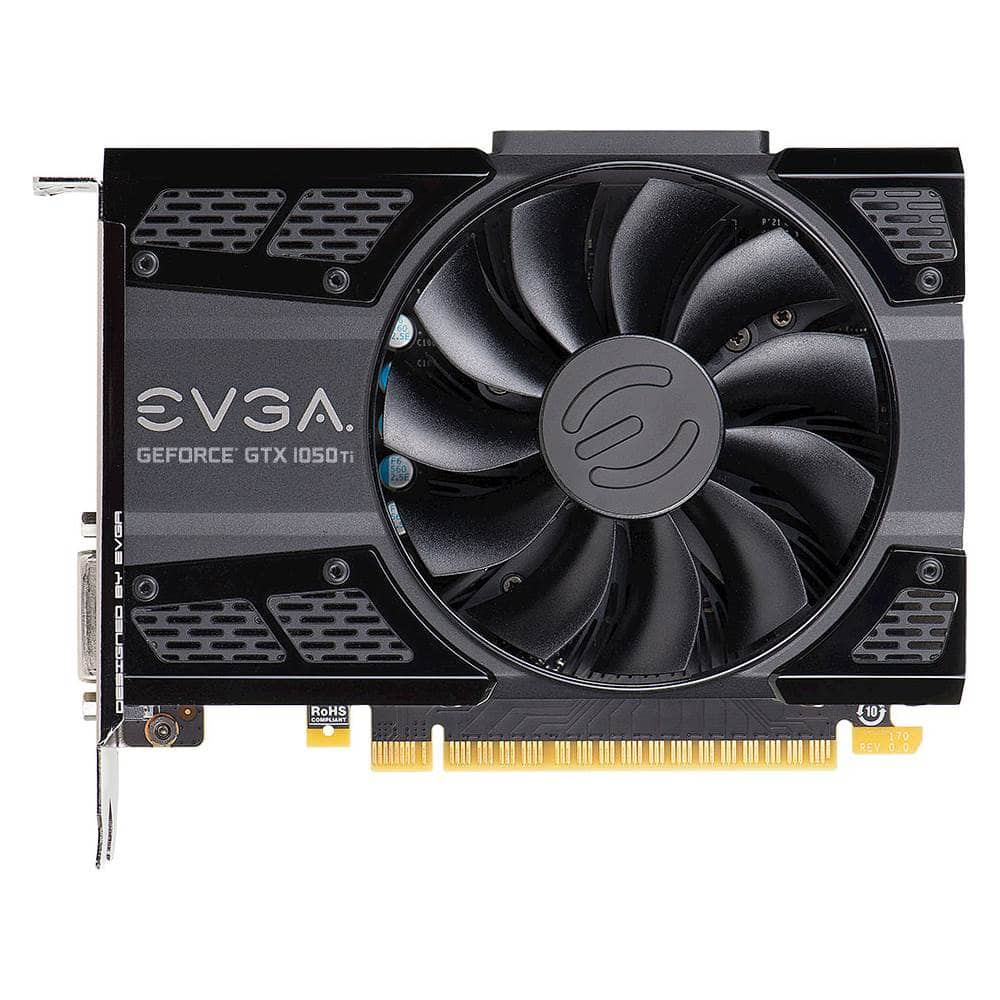
A:Answerwhat you need to look for is the grafixcard in the computer if you don't have it you may need to buy one and if so get a 1050 gtx and up they have HDMI ports on them , but i think the computer you have should have one already theirs a red plug cap in the HDMI on the card just carefully pull it out and plug in the HDMI cable then plug it in your tv or monitor and you are all set :)
A:AnswerHi,
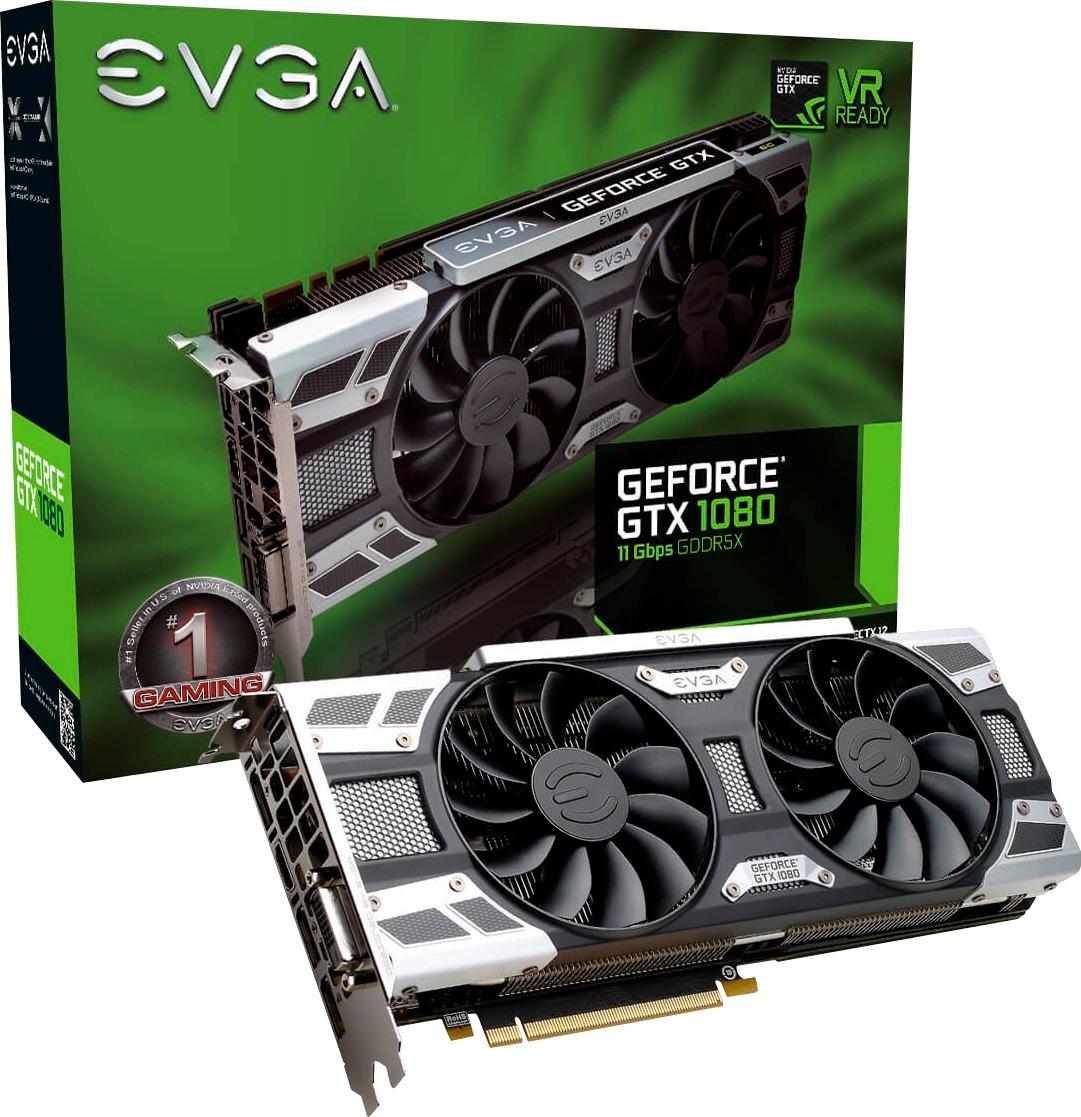
You would need to upgrade the PSU if you were to upgrade the GPU to a 1070 or a 1080. It is like enough power, but to be on the safe side, its best to upgrade the PSU as well. As for the community response or saying its better to build one yourself, I would disagree.
A:AnswerHi John,
Like what the community said, PUBG is very graphically demanding. Playing the game at max isn't recommended when trying to win Chicken Dinners. You should look up the best settings to play the game in.
A:Answergforce experience can help you set optimal settings for the games you play. You shouldn't really need to drop from 4k. Selecting lower res. and lowering setting like shadow ambient occlusion and view distance can help you pump out higher fps though. I'd recommend a 1080 gsync monitor that's a little smaller though to stay competitive in PvP games. Runs overwatch, PUBG, and Ark on ultra settings. With gsync and DV cable used it can get 100+ for for most these games.
A:Answerits a decent graphics card I would over clock it if I were you search up how to over clock asus 1060 3gb on youtube but yes their is some better 1060's
A:AnswerI have had mine for about a month. I could not connect with Stream with my old machine. It just quit connecting. Now I have Fallout 4 loaded connects and it is running fast. Yes it is a good machine for gaming. Being fast for gaming (one of the best machines I saw during my research in that price range) you will have no problem for doing online college courses.
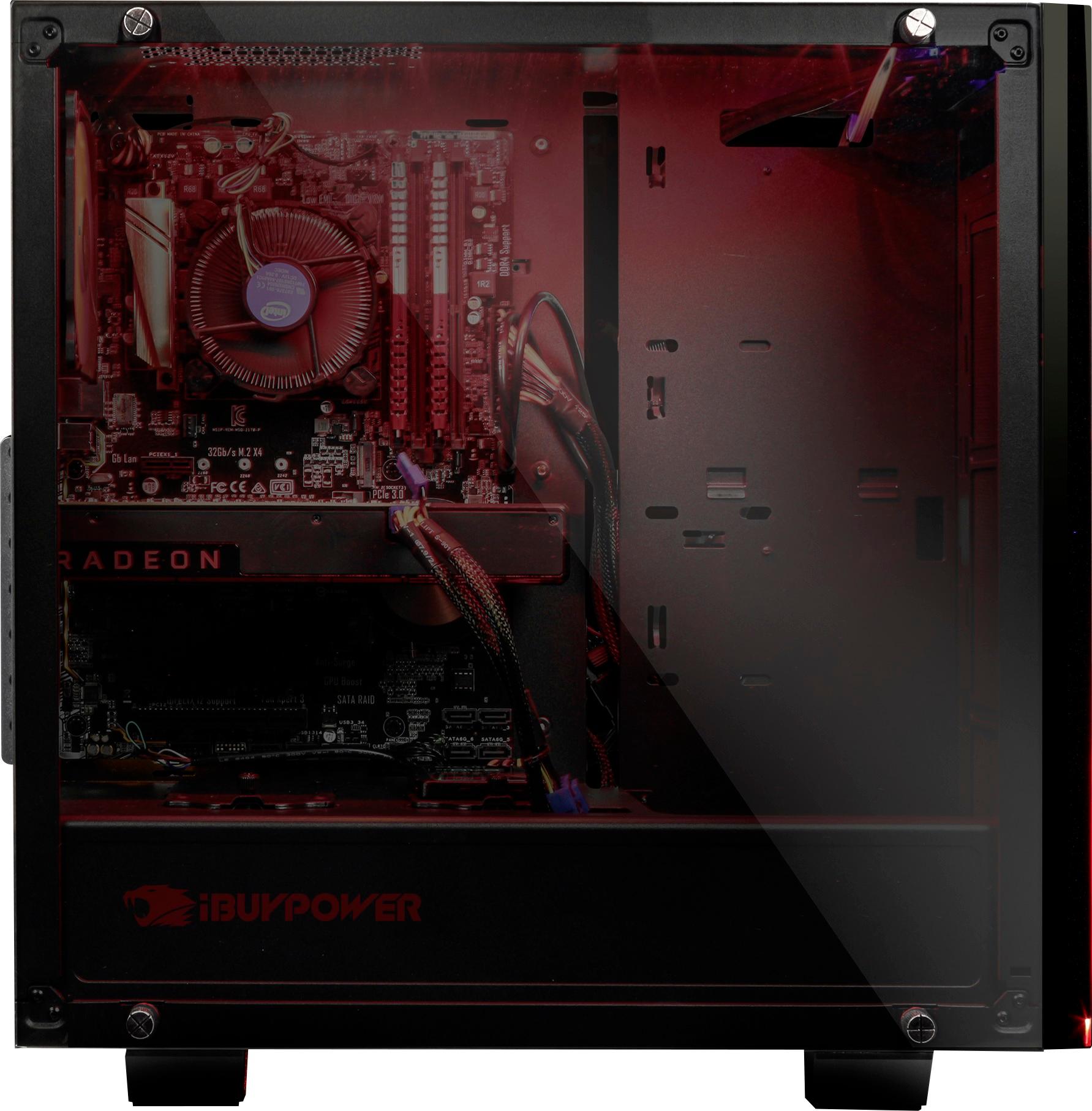
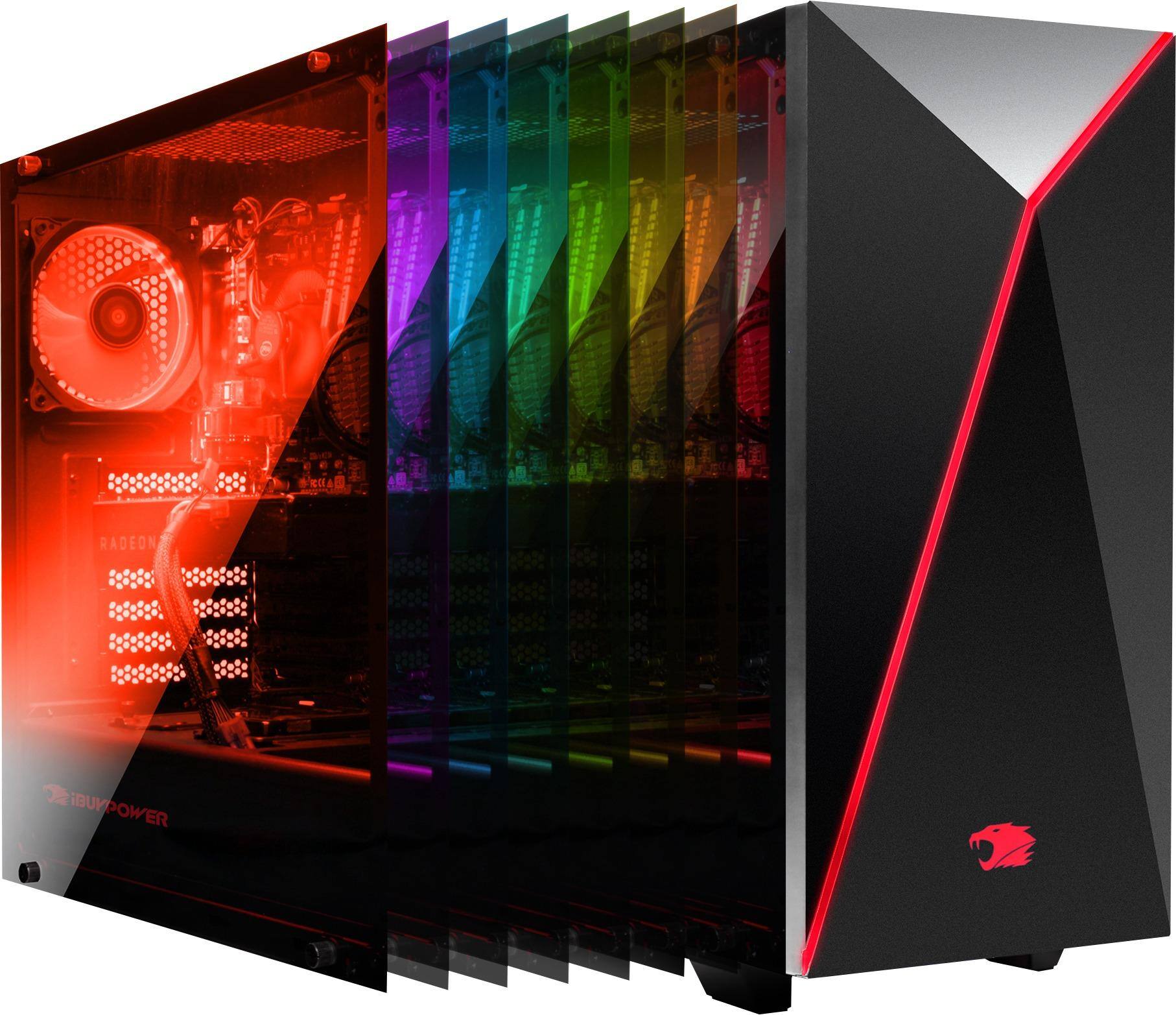
A:AnswerI do not believe so. This is a fan cooled case that allows you to add 1 more 120mm or 140mm (in some places) fan. After that, there are no more connections on the motherboard. The other two are already being utilized by the upper rear fan and the processor's heat sink fan.
A:AnswerI would try checking to see if you have a BIOS update available to flash it with. This could be causing an issue. Could also be a power issue with the power supply.
Something else could be the graphics card overheating or processor overheating. Does it happen with intense gaming or just random?