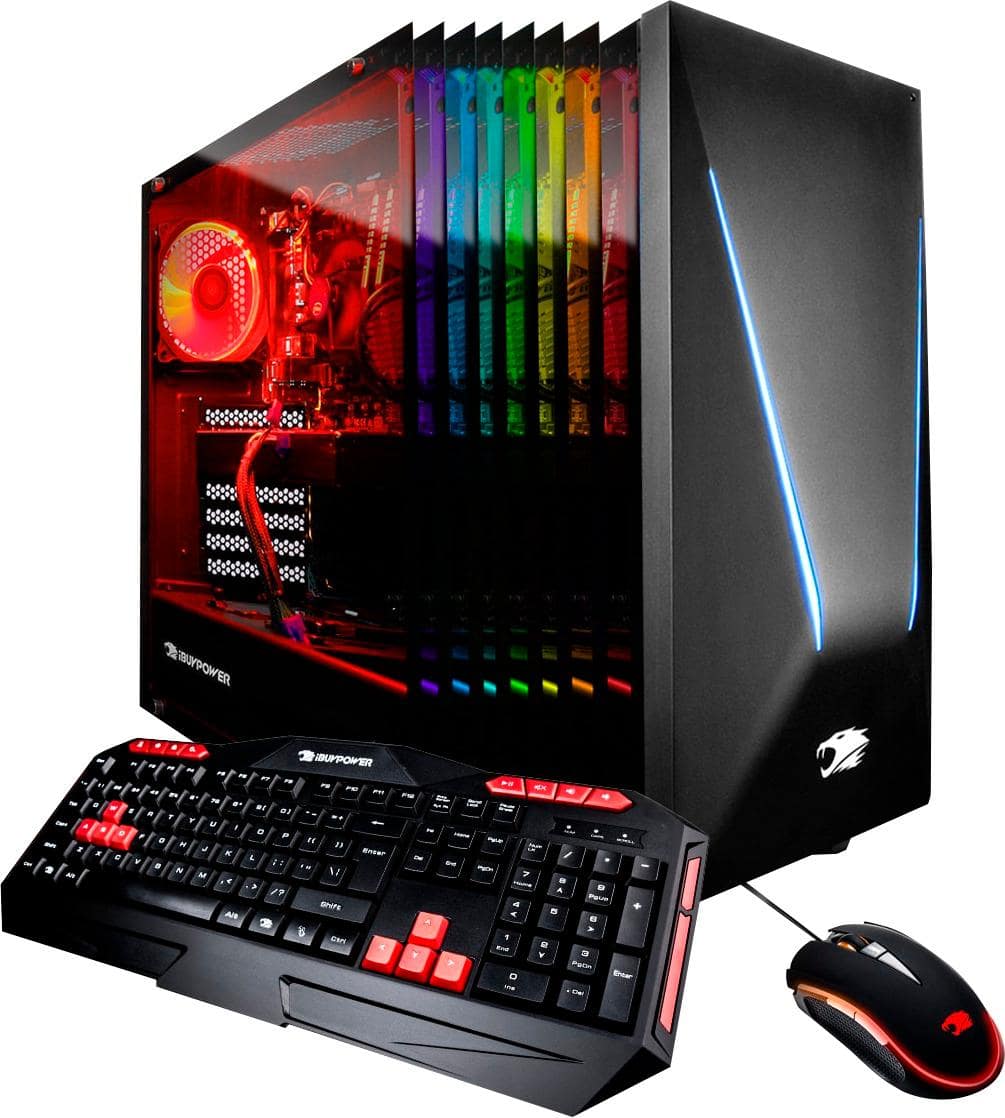
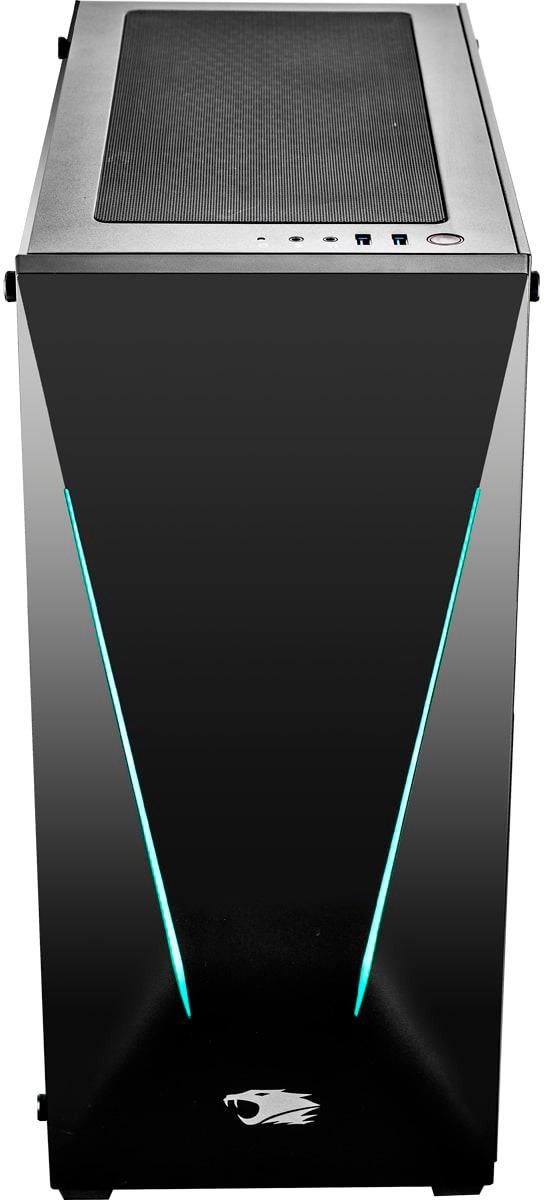
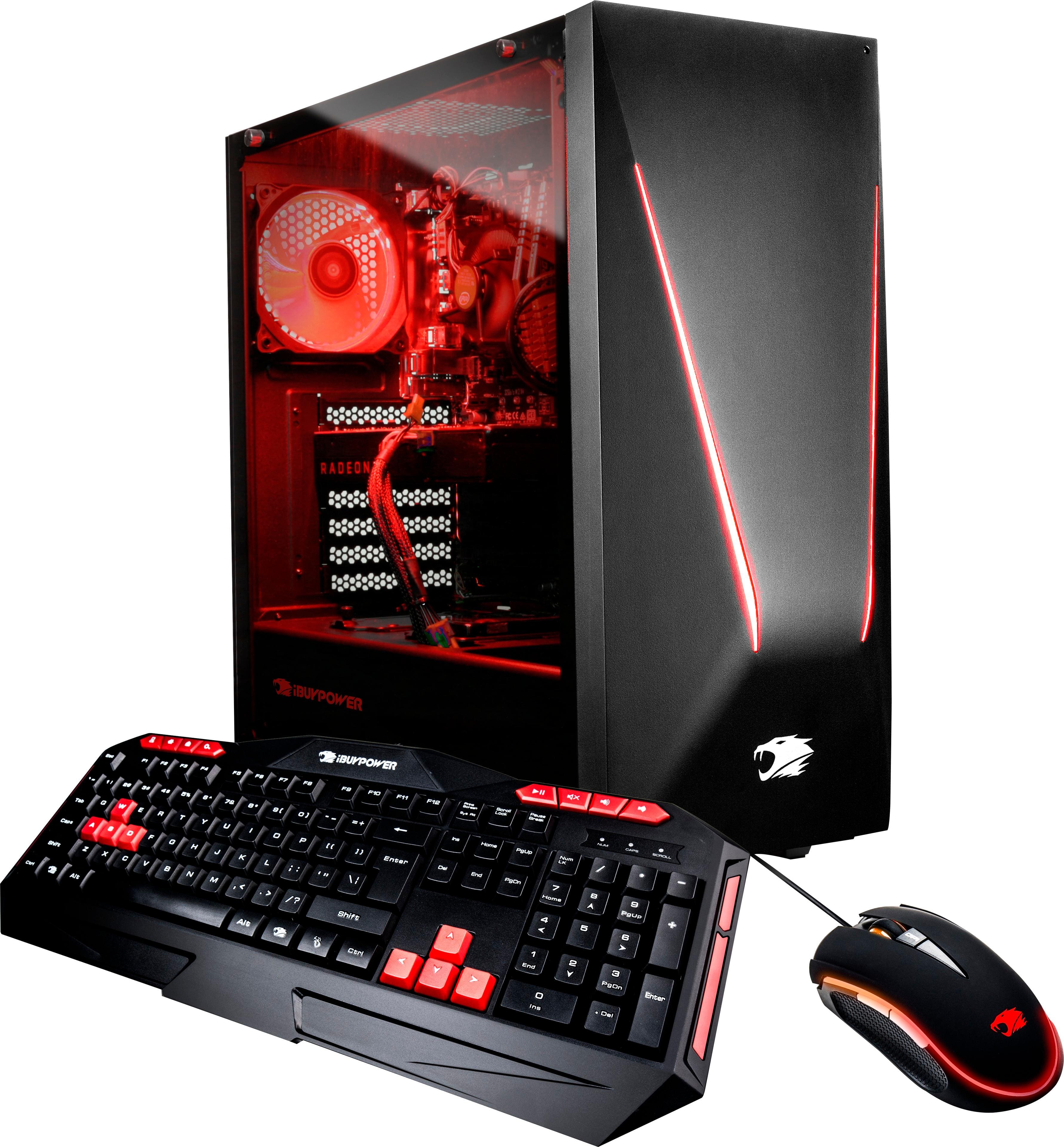
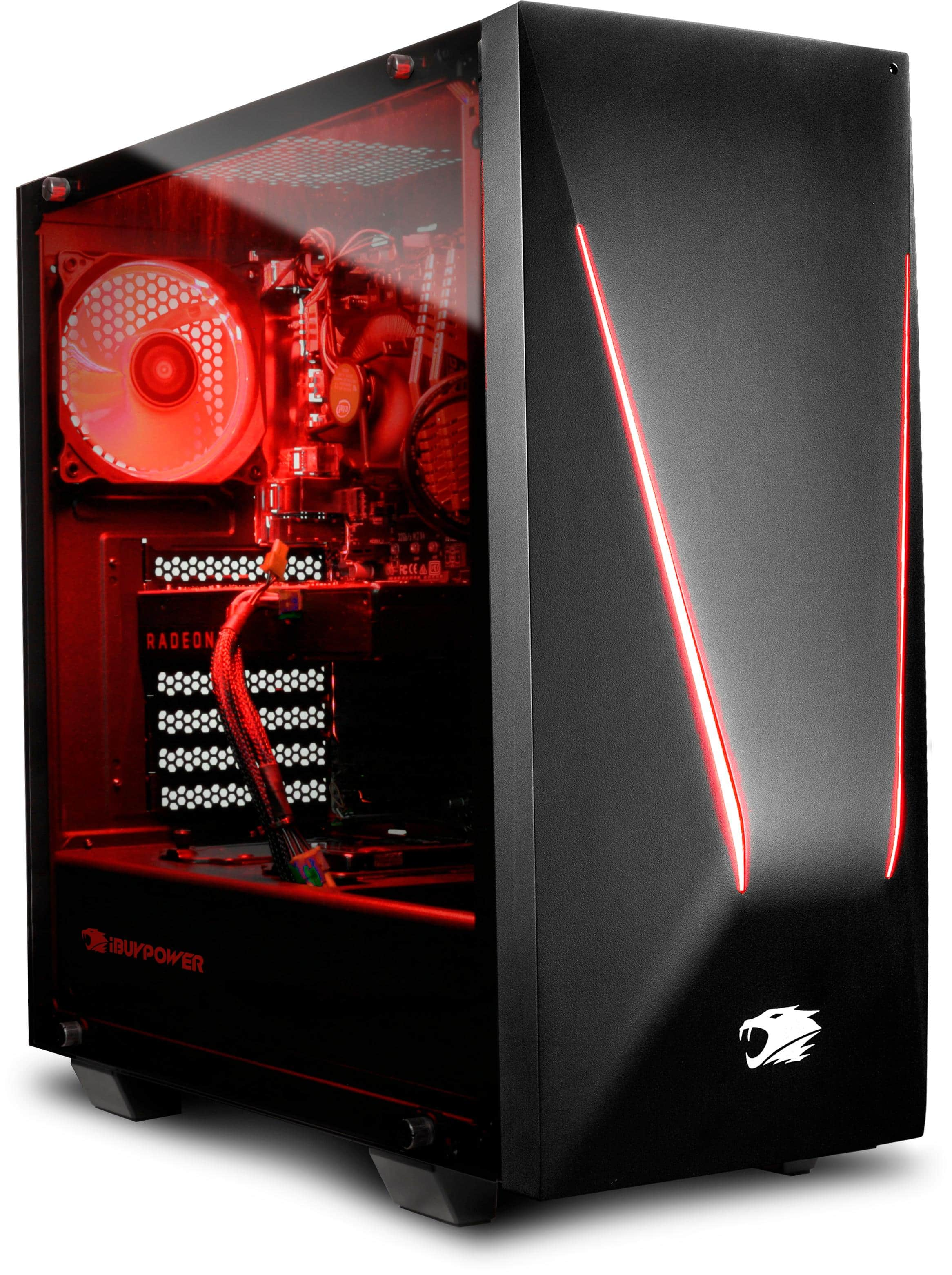
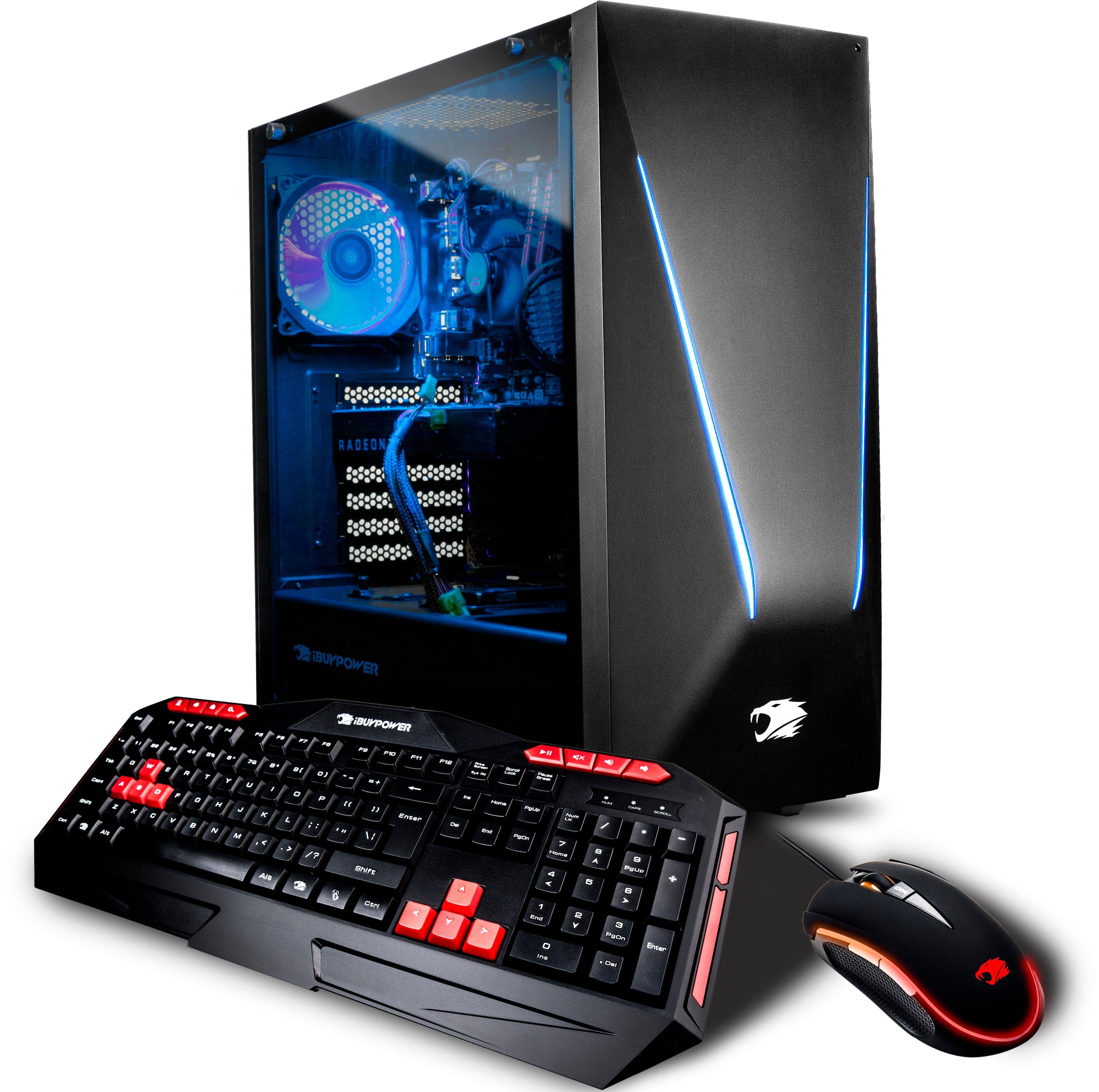
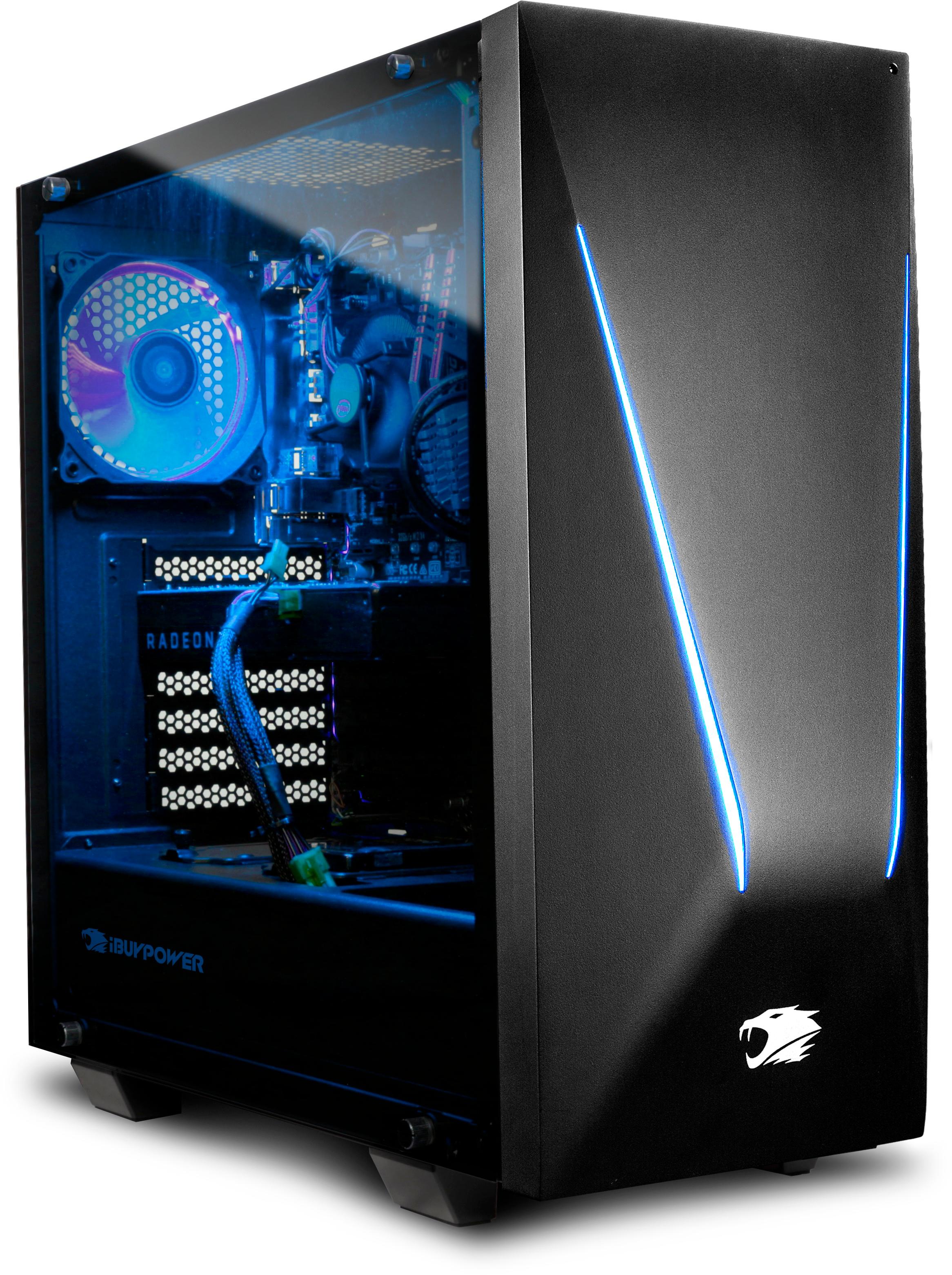
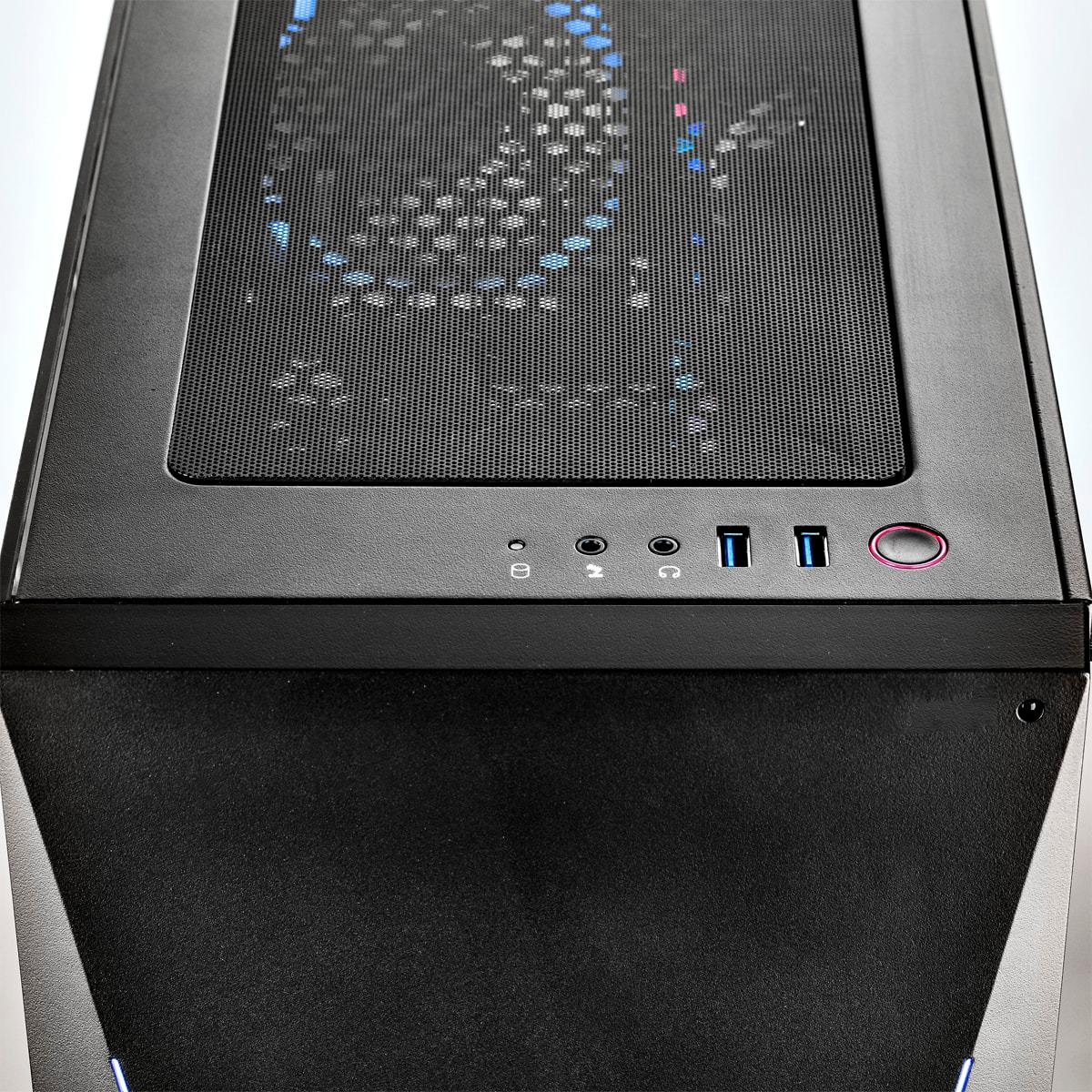
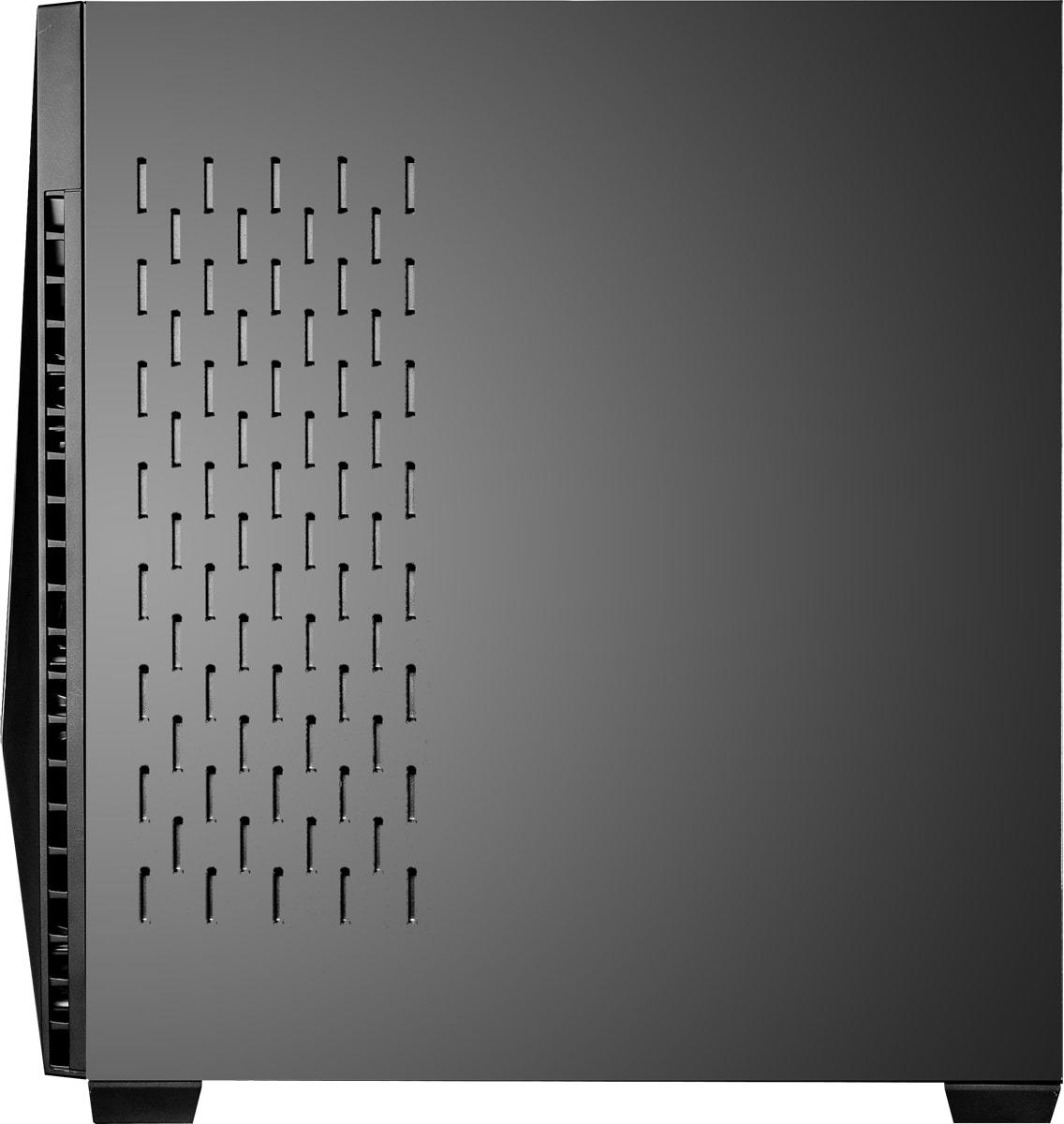
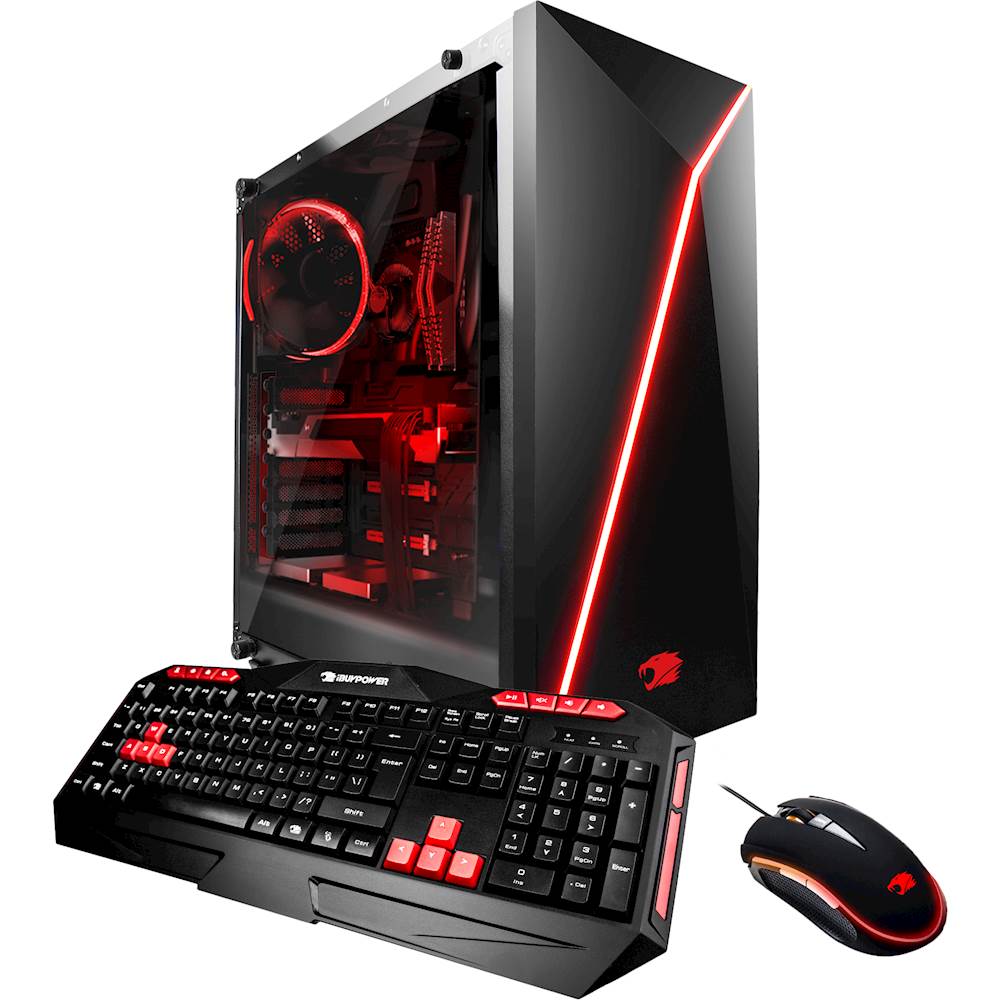
A:AnswerHello, this computer does come with a stock fan. You may add additional 120mm fans on the top and 2 additional on the front part of the case. Thank you!
A:AnswerHi Fedx,
We are glad to hear that you are loving your system. As for the mouse, the mouse should have came with the system. If you are unable to find the mouse, please contact our technical support for assistance at (888) 618-6040. Our Technical Support hours are Mon - Fri from 8:30 am - 5:00 pm PST. Just notify them about your missing mouse and they will help in getting you a replacement.
A:AnswerHello!
This system will run AutoCAD and Revit without encountering any problems. If you plan on upgrading the graphics card, we recommend the GTX 1070 as the next step up. Thank you for your question!
A:AnswerHello!
Any 2 or 3 fan GTX 1080 will be able to fit in the Trace Gaming Case. A 650W PSU would go well with the GTX 1080 and other components in the system. The computer comes with a 1 year warranty on parts and labor. iBUYPOWER shall not be liable under this warranty if any damage or defect results due to service or alteration by anyone other than an authorized iBUYPOWER representative. Thank you for your question!
A:AnswerHello, The system may come with a slightly older version of the driver. You are welcome to install new drivers from the Nvidia website. Thank you!
A:AnswerI installed a Corsair H100i CPU water cooler in it, mounting the radiator & fans under the top of the case.No issues whatsoever. And, the CPU runs temps in the mid-50s even under 100% load.
A:AnswerWe also bought this unit recently. We did not experience ANY difficulty in using it. The unit is so much faster and capable than our previous unit.
That being said...When you first boot up the system, Windows should have asked you a series of questions i.e. profile name, password you want, network ID and so forth. The information is then used to create your profile.
The computer will then reboot and allow you to log in with the information you typed in. If this does not occur, you may have to reset the computer back to factory setting. Just google how to...