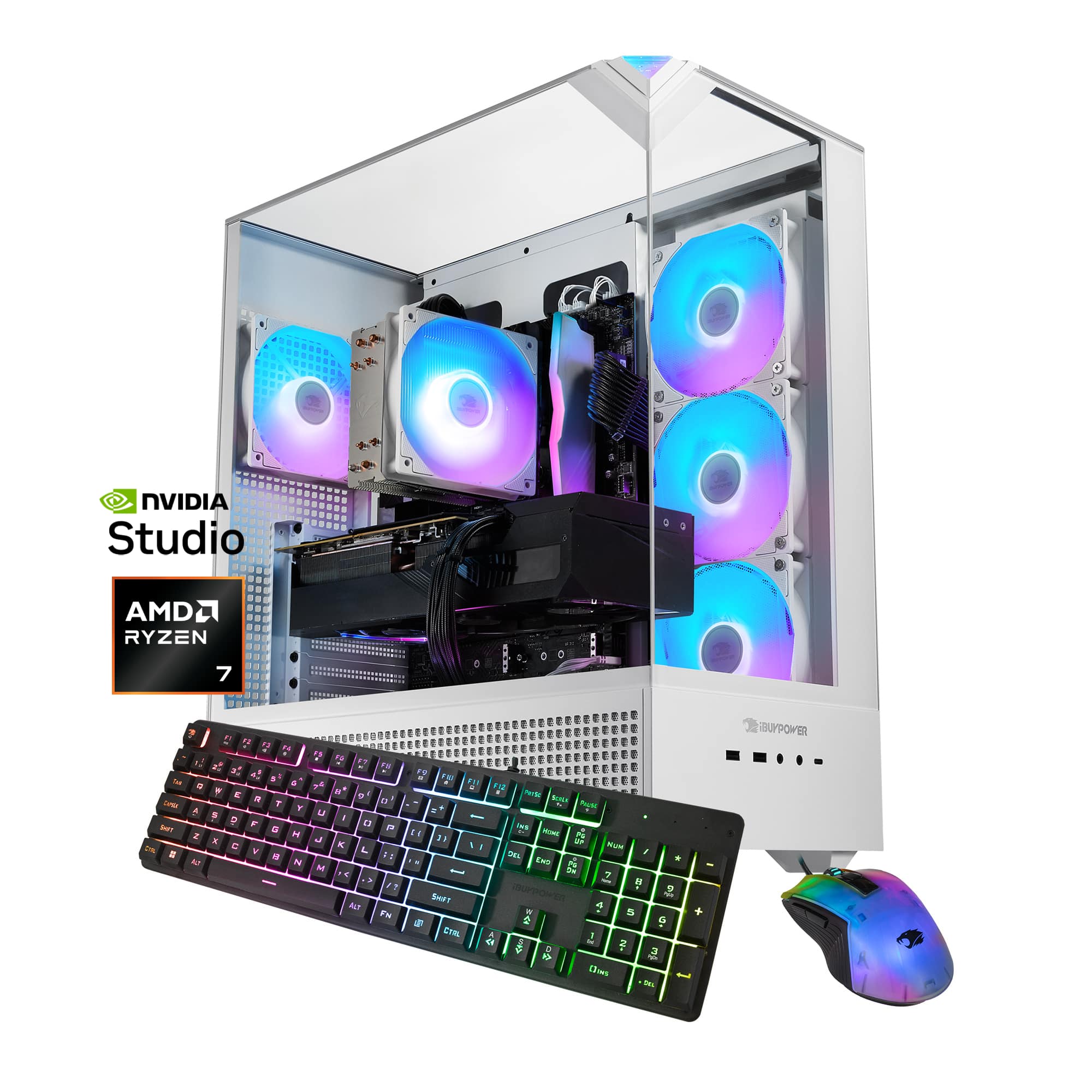
A:AnswerHello! This prebuild system uses a B650 motherboard. Depending on what was available at the time of assembly, the brand of the motherboard may vary, but do note that we use major brands like ASUS, MSI, and ASRock for our motherboards.
A:AnswerHello! You can add an additional monitor to the PC with a DisplayPort cable and connect it to the GPU. DisplayPort cables may or may not be included in your purchase of a monitor, so a separate purchase may be necessary to do so. Typical GPUs will have 1 HDMI port and 3 DisplayPort connections.
A:AnswerHello! Every prebuild system will come with an accessory bag that has a power cord and WiFi antennas. While we do not include HDMI cables, they are typically included with every monitor!
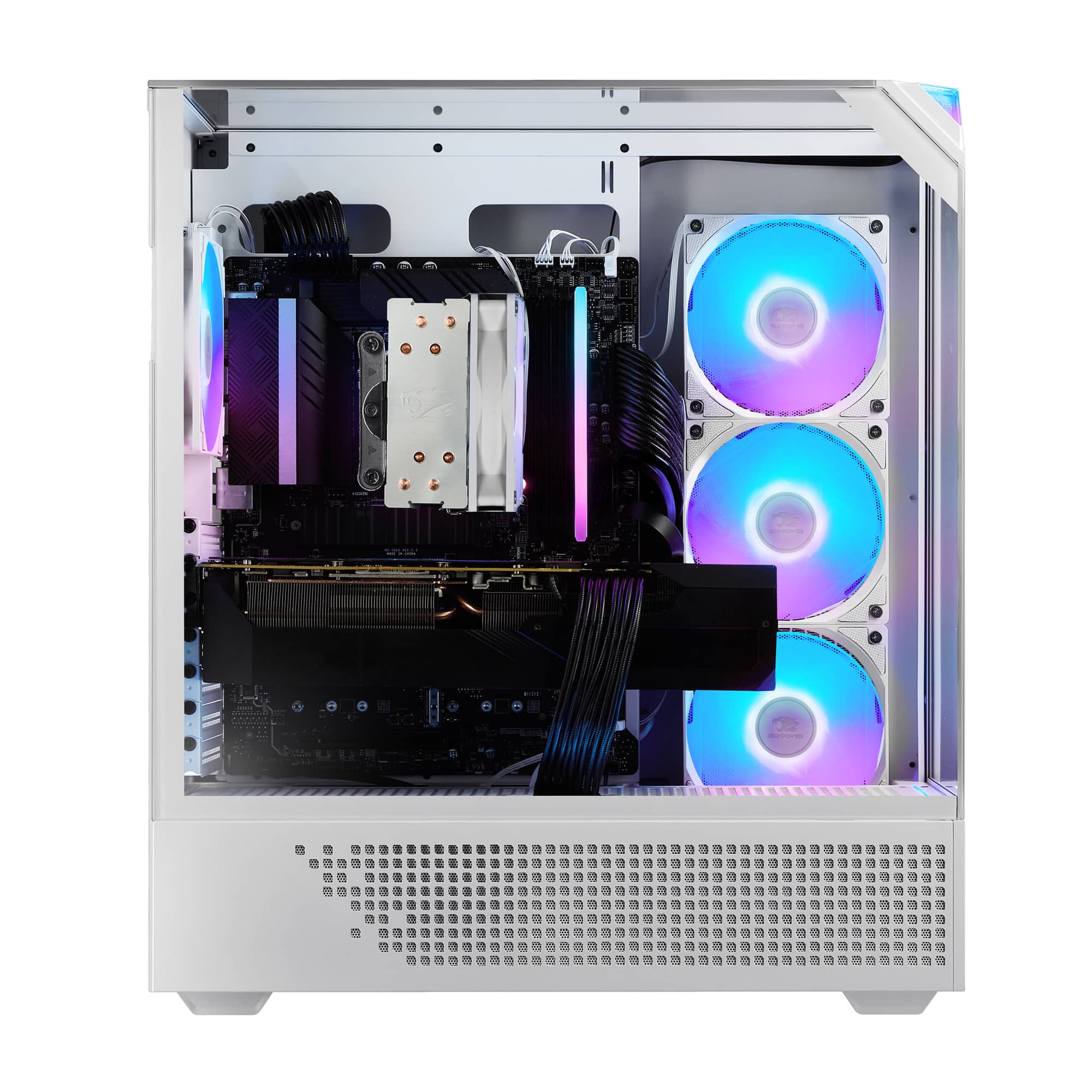
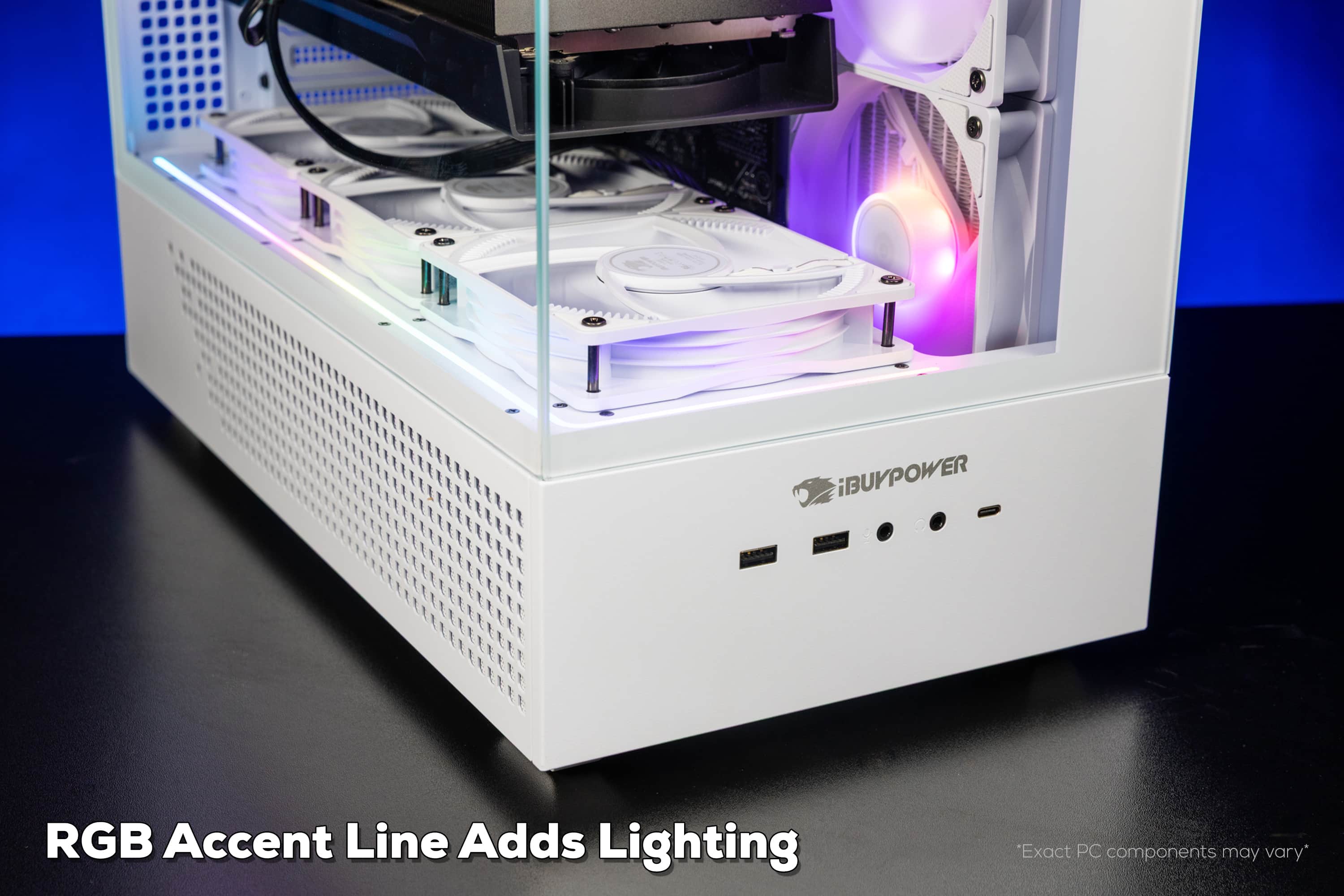
A:AnswerHey there! The lights on your aRGB fans can be customized through motherboard lighting software. There are many options available, but we suggest HYTE Nexus software.
A:AnswerHello! Yes, every prebuild system does come with a keyboard and mouse. Do note that monitors are not included and will need to be purchased separately!
A:AnswerHello! You can look up the games' respective website for their recommended specs for ideal graphic fidelity (typically for 1080p). You can also look up said games with "FPS rates" online, but do note that actual FPS may vary depending on your monitor's refresh rate and how graphic intensive you set your game to be.
A:AnswerHello! This PC uses the B650 motherboard chipset. The actual brand/manufacturer varies based on what iBUYPOWER has at the time of production, but we use top brands like MSI, ASUS, and Asrock.
A:AnswerHello! We're so sorry you're experiencing this issue. We highly suggest contacting iBUYPOWER Tech Support so we can look further into this issue. https://www.ibuypower.com/support/contact-us
A:AnswerHello! The motherboard does support sound but it is not included. You'll need to either install a sound card or set up another audio device, such as external speakers. Some monitor displays also include a built-in speaker system that can be used.
A:AnswerI don't have one, so can't say for sure, but I suggest looking at the ends--that will tell you whether they are power cords (e.d., standard plug), data (such as USB), video (HDMI or DP), etc.
A:AnswerHello! To change the RGB lighting, you'll need to refer to the BaseBoard Manufacturer, which you can find by looking up your System Info on your computer. Go the manufacturer's website and download their lighting program. You should be able to adjust the RGB lighting from there!
A:AnswerWhat is installed is in the Specs. It's called "reading."
You would have to check with the PC or MOBO manufacturer to see what kind of expansion is possible, but typically these smaller units have two slots with a maximum of either 64 or 128GB.