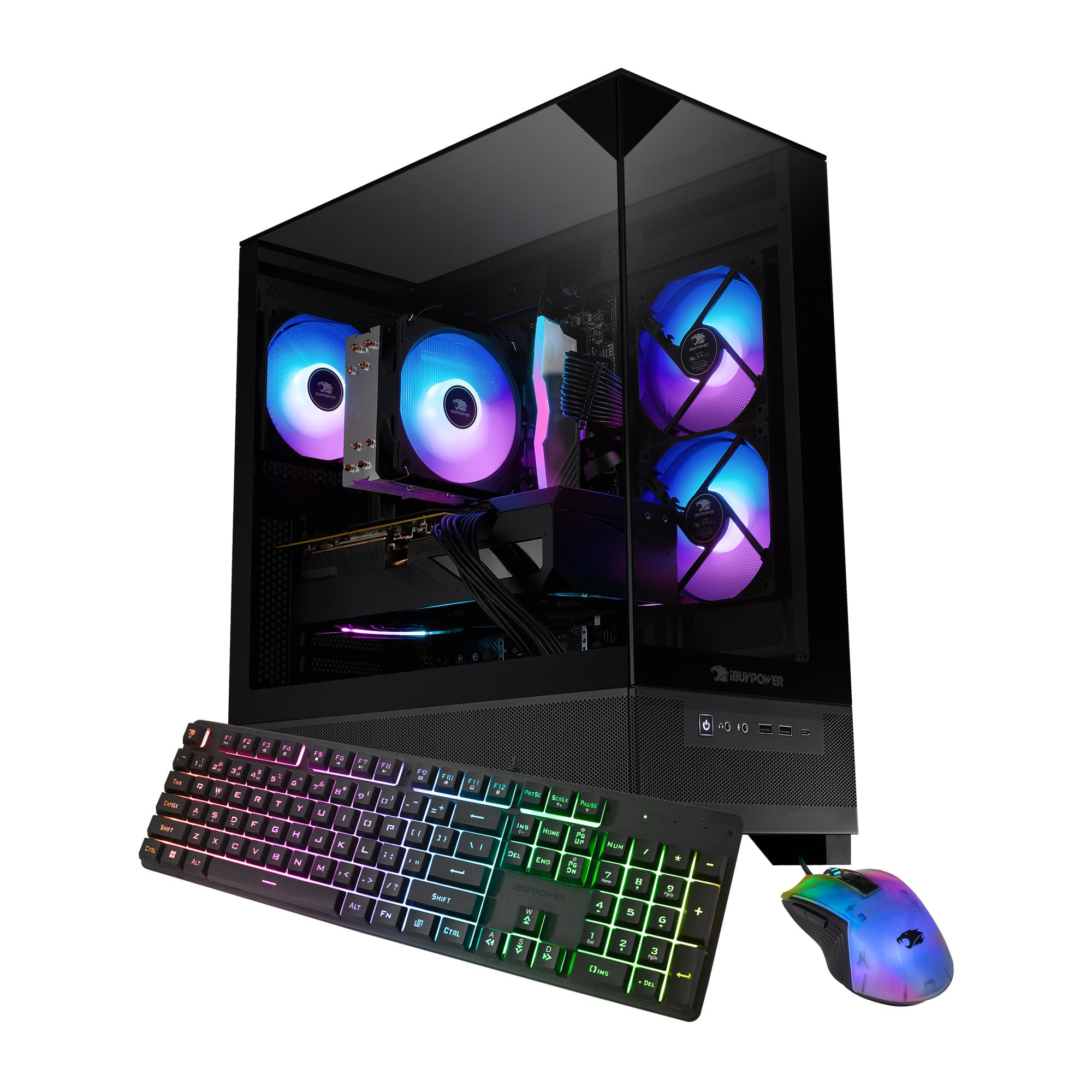
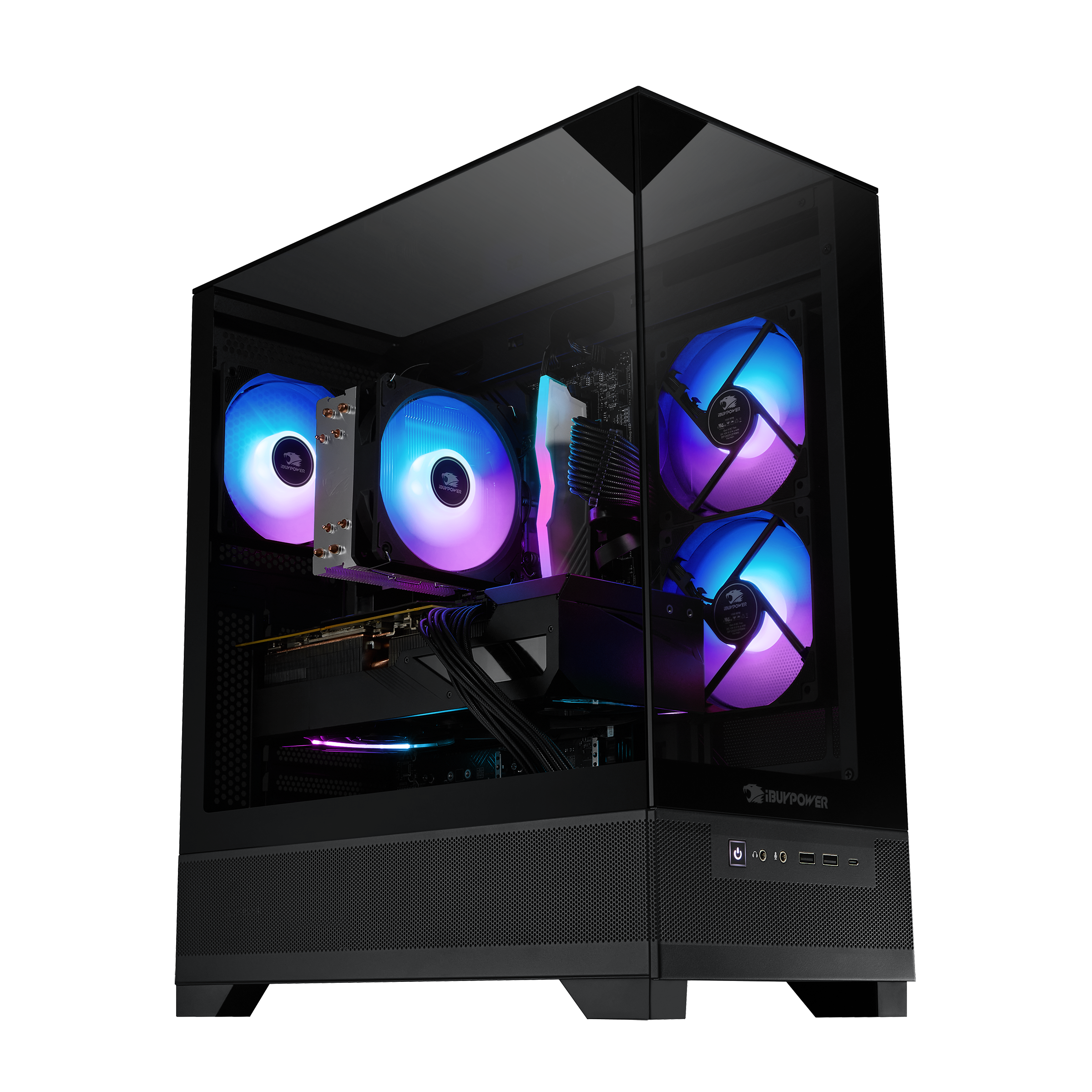
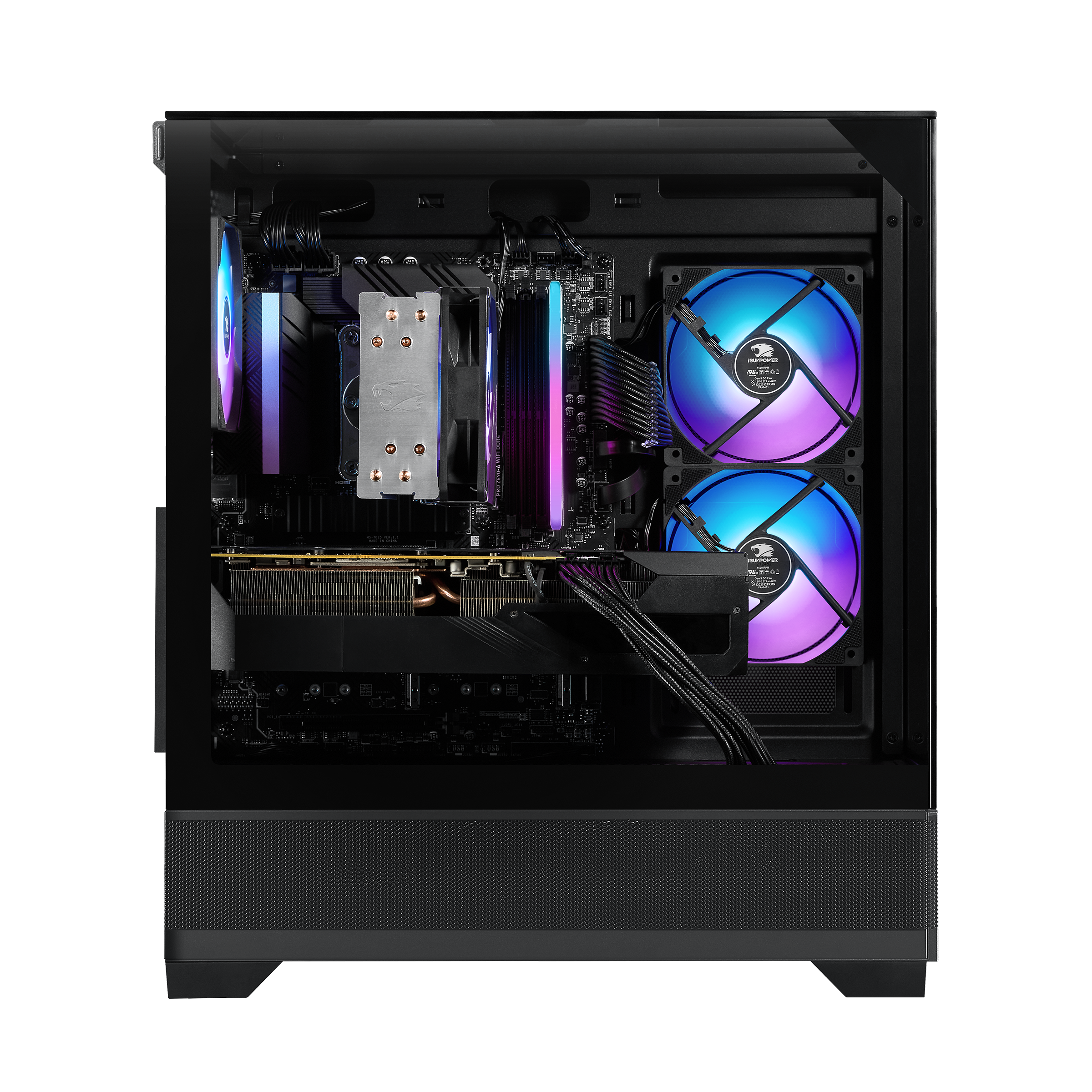
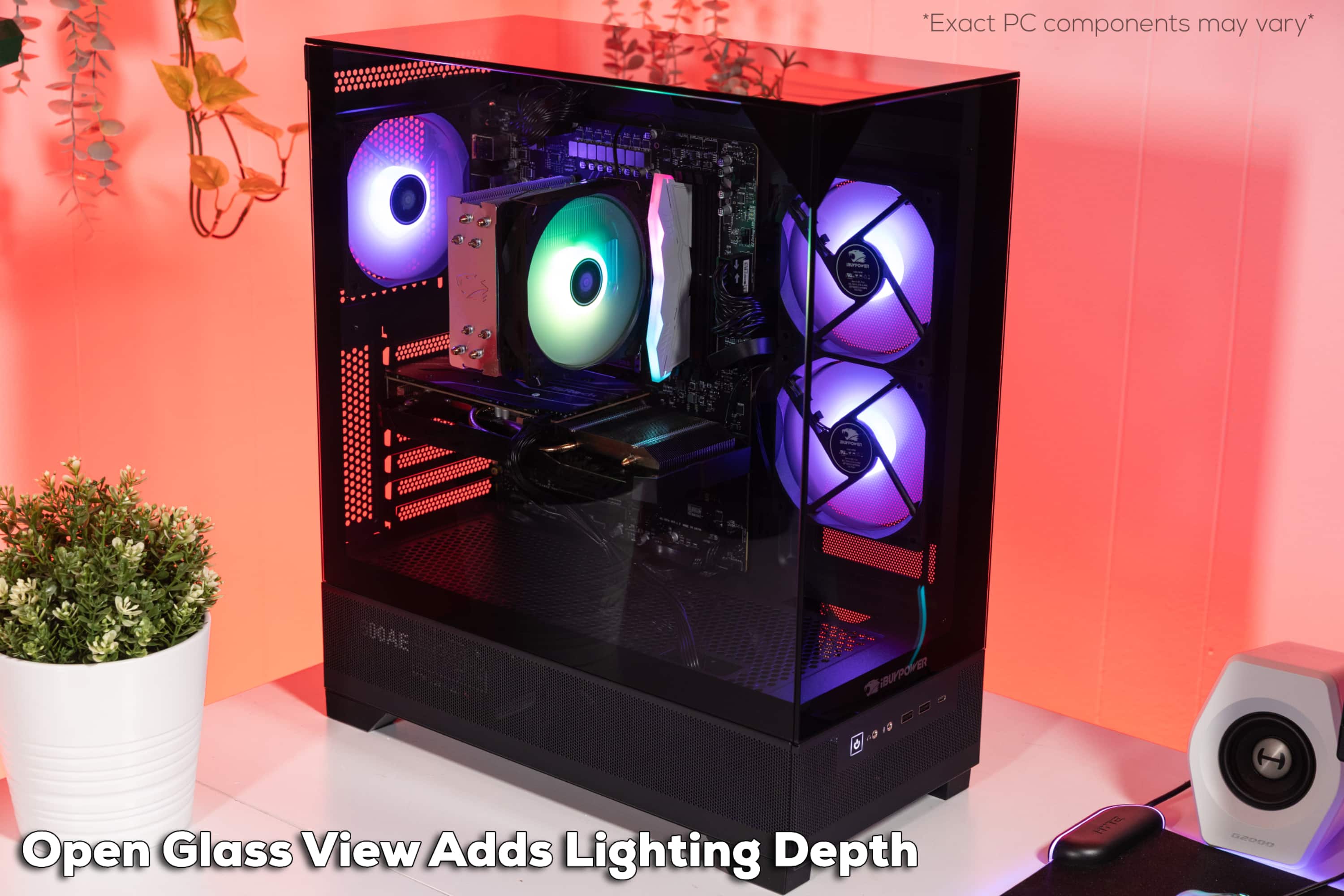
A:Answer The only sure way to buy the exact same memory module included is to open the unit and use the printed information on it for your order. This is because manufacturers will often install different modules depending on availability, as long as they meet the requirements of the system. That said, you do not need the EXACT duplicates for upgrades; as long as they meet type (DDR4, DDR5, etc.), clock speed (CS value), size (DIMM, SODIMM,) and a few other values. If you search any seller that is devoted to RAM and drive upgrades, you will find what you need. Lastly, I'm almost definitely certain color effects would not be affected by any differences in RAM type.