
A:Answerthe CPU is last gen (LGA 1700), so if you want to upgrade you would have to replace the motherboard also. A 600W power supply would struggle if you would want to upgrade to a better GPU in the future.
A:AnswerHello there! For the included peripherals, there are buttons that allow you to change the color pattern to a single solid. For the PC and its components, you'll need to download a lightning software to control that. We suggest HYTE Nexus but there are many options.
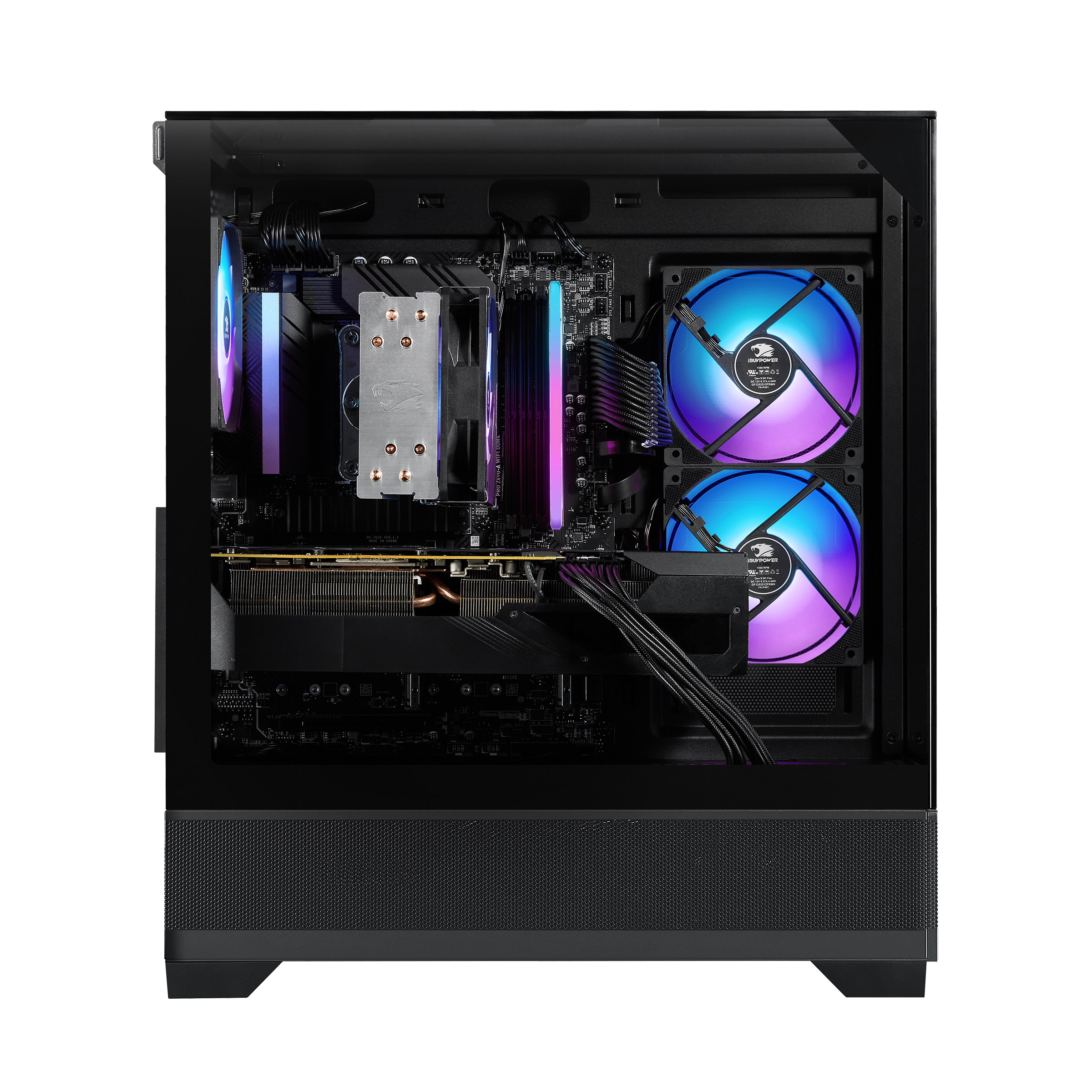
A:AnswerHello! Yes, you certainly can. RAM is the stick of memory placed on the motherboard. Adding or removing RAM is extremely easy, only needing you to take off the main glass panel and inserting the RAM stick onto your motherboard, 2 slots away from where the 1 stick is currently slotted in.
A:AnswerDual-channel memory effectively doubles the communication pathway between your CPU and your RAM .
Single Channel: Uses one 64-bit data pathway. Think of it as a single-lane road for all data transfer.
Dual Channel: Uses two 64-bit data pathways simultaneously, creating a combined 128-bit bus. This is like turning that single-lane road into a two-lane highway, allowing the CPU to access twice as much data at once.
The Most Important Performance Impact
The loss isn't just in average FPS, but also in frametime consistency (the time it takes to render individual frames).
CPU Bottleneck: When using single-channel RAM, the CPU often has to wait for data from the slower memory pipeline. This waiting time is called a memory bottleneck.
Stuttering (1% Lows): This bottleneck primarily affects your 1% Low FPS (the minimum frame rates during action). A lower 1% Low FPS translates directly into noticeable stuttering and jarring performance drops, even if your average FPS looks decent. Dual-channel RAM dramatically stabilizes these low frame rates, resulting in much smoother gameplay.
For a smoother, more reliable gaming experience, using a matched pair of RAM sticks in dual-channel configuration is considered a non-negotiable requirement for modern gaming PCs.
A:AnswerHello! Yes, all new iBUYPOWER PCs include onboard Wi-Fi 6 on the motherboard. We also include Wi-Fi antennae to help with the connection, though we always suggest using a hardline ethernet cable.
A:AnswerHello! This prebuild system already has a 2.5Gb Ethernet port on the back I/O panel, however if you wish to install an additional ethernet card, you can use a free PCIe slot to install your card.
A:AnswerI would suggest that you either get another build or upgrade the 650 watt PSU in here. It’s great for the specs that are in it as of right now. Even a regular 5070 would sturgle with only 650 watt. If your good with PCs and want to just swap out the PSU I’d say it’s worth it but if now I would just try to find a Prebuild that has a 5070ti already in it.
A:AnswerWith the intel Cora 15 14400f you will do just great running multiple big programs at once 10 cores (6 Performance-cores + 4 Efficient-cores) and 16 threads. This means you can run multiple tabs at the same time. Very good for sure.
A:AnswerThis game can crush FPS games such as Marvel Rivals with ease. I’ve personally gotten up to 300 to 350 fps and that wasn’t even with all setting tuned to performance. If FPS games are your thing this PC is perfect for that at an affordable price.