A:AnswerHello! We are sorry to hear about your experience and thank you for expressing your concern. Please give us a call at (888)-618-6040 and our technical support will be able to assist you further in resolving this. Our Technical Support hours are Mon - Fri from 8:30 am - 5:00 pm PST.
A:AnswerHello,
This may be an issue with the games server connection as you do meet the minimum and recommended system requirements for those games with this computer.
I hope that helps, Thank you.
A:Answerso look I would return the DVI cable just because I think its the cables problem and I would not buy a HDMI splitter because it would probobly be an over load on the mother board or graphics card. so just try buying another DVI cable and contact me if it dose not work work or just go with the HDMI splitter .
Thank you,
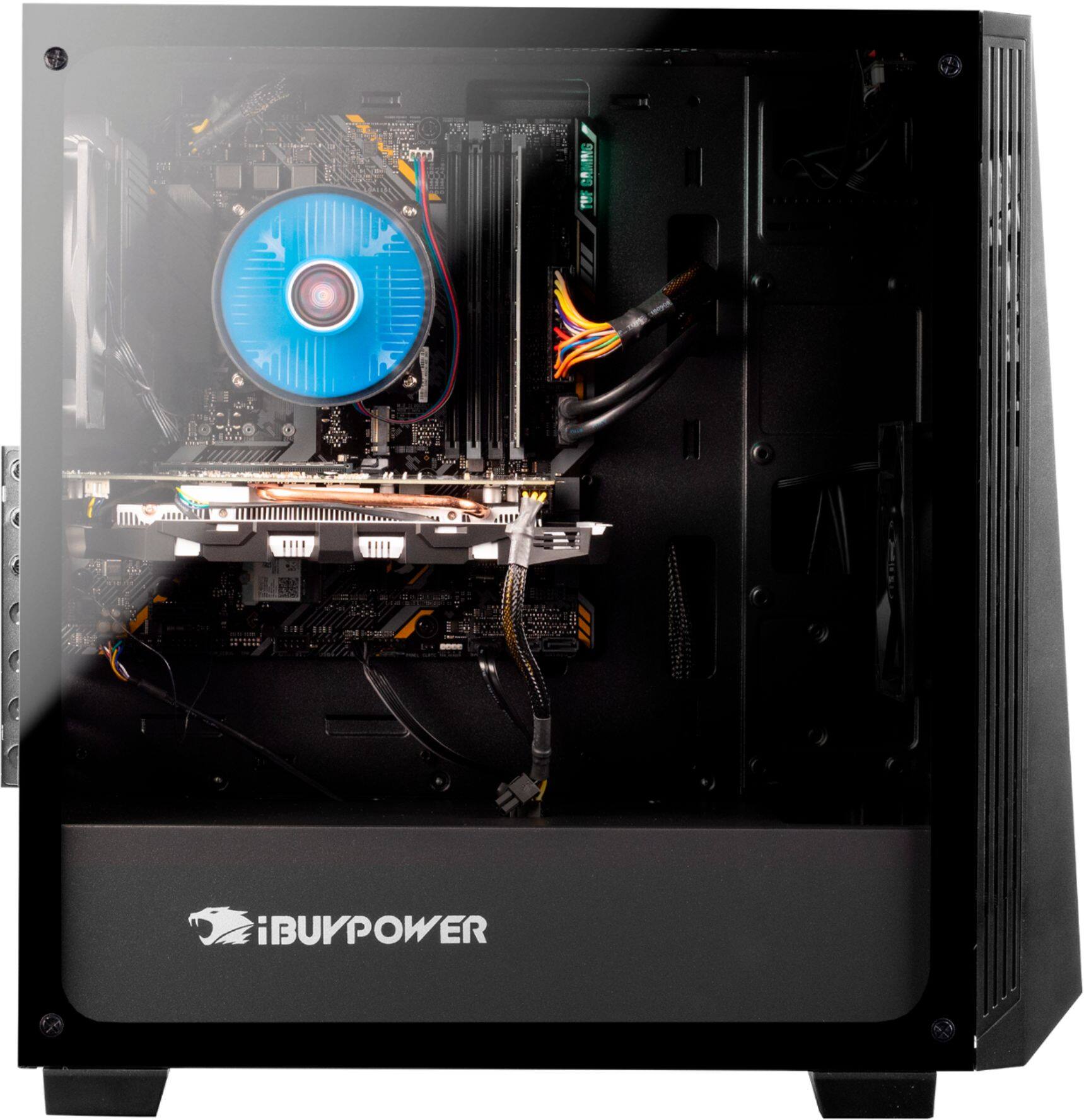
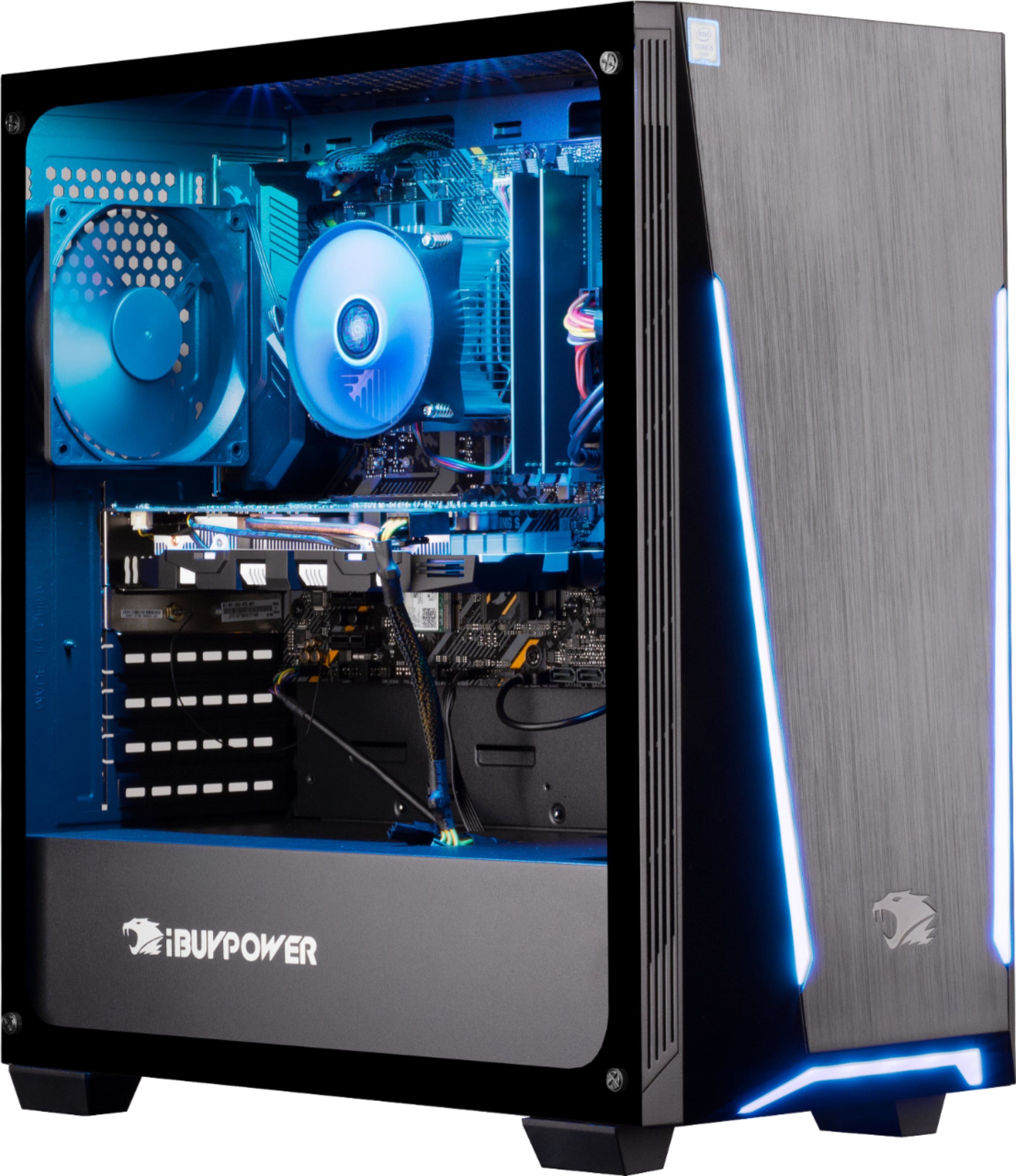
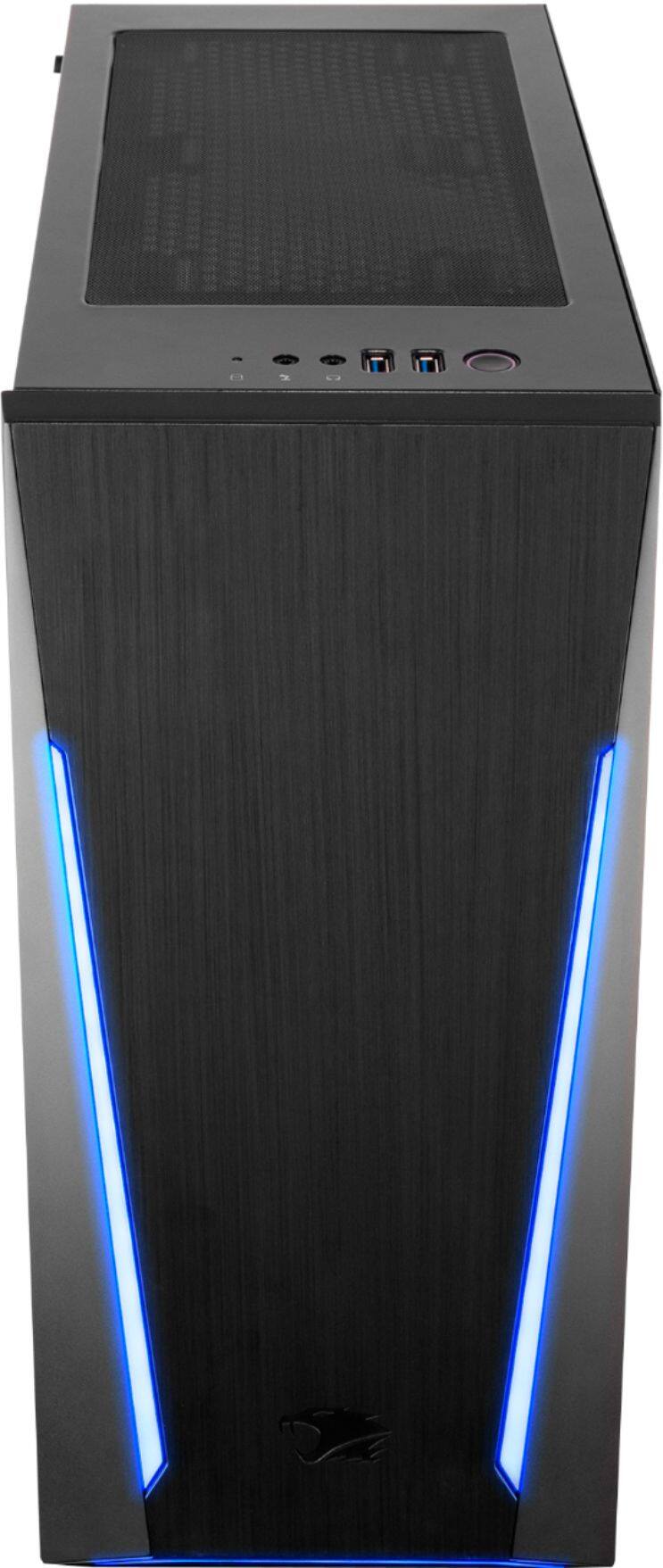
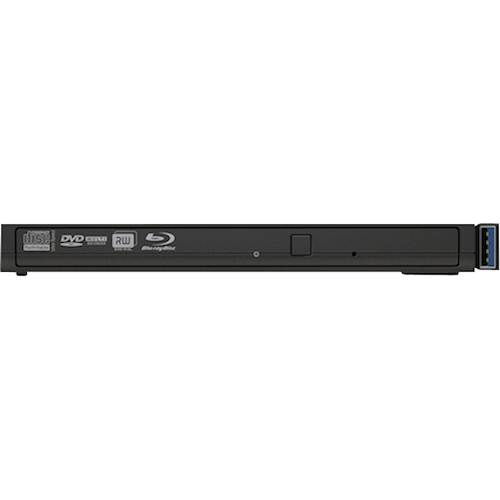
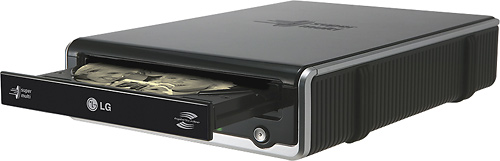
A:AnswerHi, this case doesn't have a knock out for a drive, but you can use external drives to achieve the same thing. See suggested products for examples in this answer. I use an external and have no issues at all.
A:AnswerYou can see what was installed based by going in to NVIDIA application - it should be in the task bar on the right hand corner if not there then search using the start menu. Once you open the NVIDIA control panel click HELP and then SYTEM INFORMATION. On the left hand side of the window you will see items column, this should tell you what is installed. Hope that helps.