A:AnswerHello,
This PC will be going in and out of stock during the coming weeks. You can contact your local Best Buy to ask about when they expect to receive more!
A:AnswerHello,
Please make sure you are plugging in the monitor to the graphics card. We also recommend trying the monitor with other devices you own, so you can confirm it is a PC problem and not a monitor issue. If you still believe it is a computer issue, please give our tech support a call at 888-618-6040 and they can assist you!
A:AnswerHello,
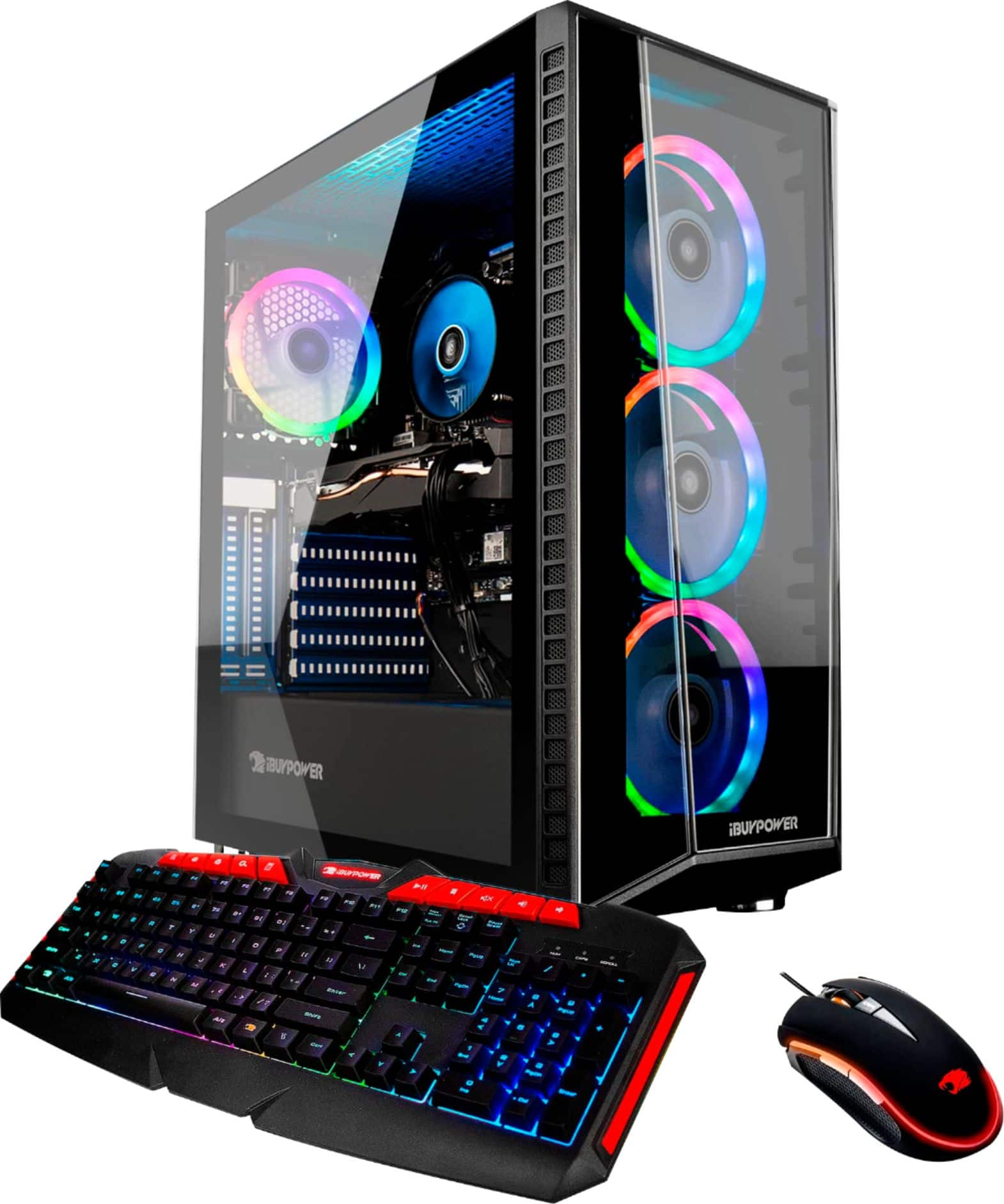
Sometimes the light/fan connections are jostled loose during shipping. It is usually an easy fix if you do a quick search online, but if you require additional assistance, please give our tech support a call at 888-618-6040!
A:AnswerHello,
Does your headset have both a mic and an audio jack? If your headset only has one 3.5 mm jack plugged in, it will only work with audio. If you do have a jack for your mic as well, you will have to go into your sound settings and set your headset mic as your input device.
A:AnswerHello,
If you plan on adding onto the 16GB of RAM the system comes with, we recommend using the exact model the system comes with, as RAM has a tendency to experience issues if the exact same sticks are not used.
A:AnswerHello,
Please make sure you have taken the WiFi antennas from the accessory bag and screwed them into the back of the system. If you have the antennas installed and are still having issues, please give our tech support a call at 888-618-6040.