A:AnswerYes, according to the minimum specs for Fusion 360, as listed here: https://knowledge.autodesk.com/support/fusion-360/learn-explore/caas/sfdcarticles/sfdcarticles/System-requirements-for-Autodesk-Fusion-360.html?_ga=2.119879048.1692169800.1582081632-1599179117.1582081632
The network connection is up to you though, not the computer.
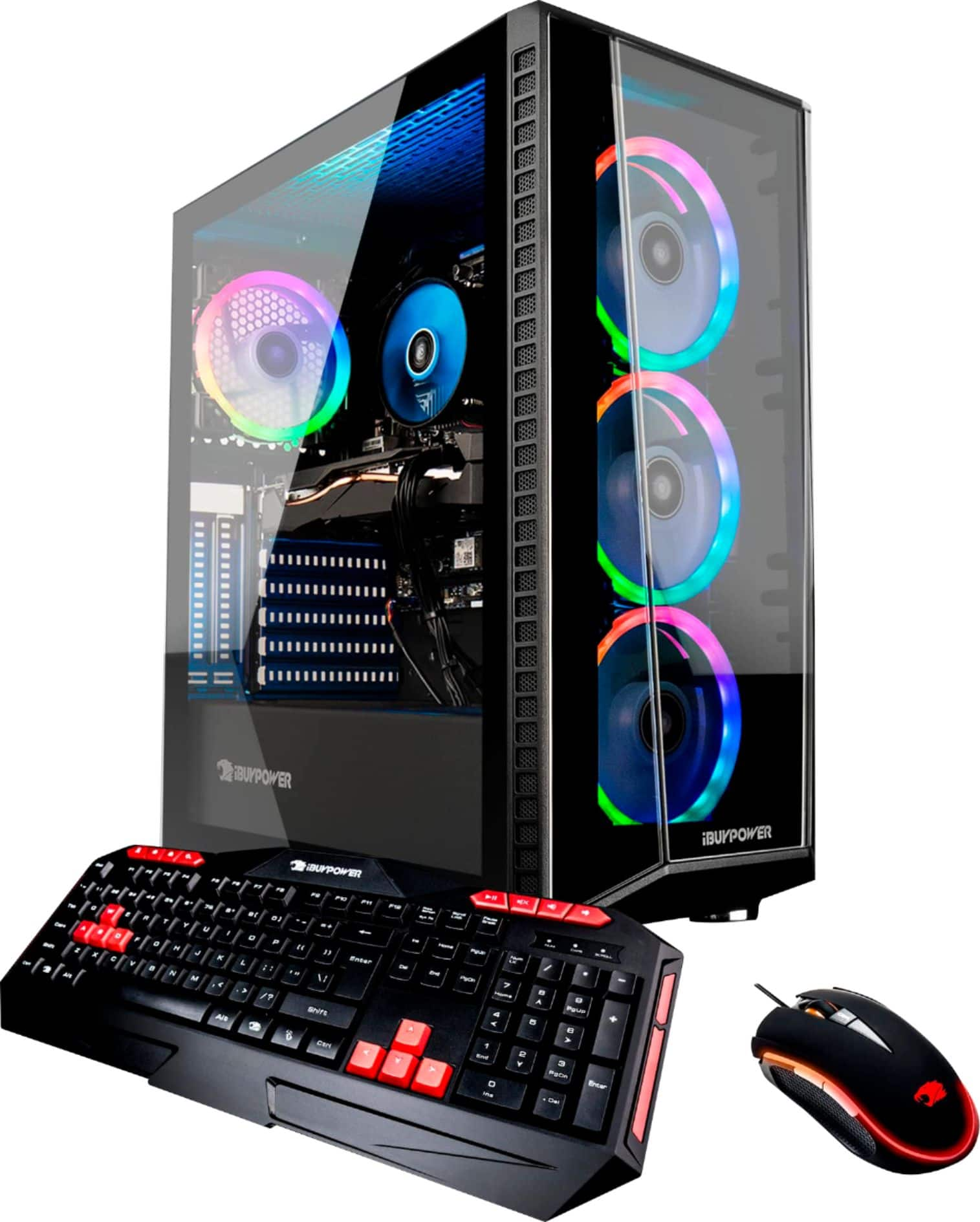
A:AnswerYes pretty much everything in the rig is plug and play.
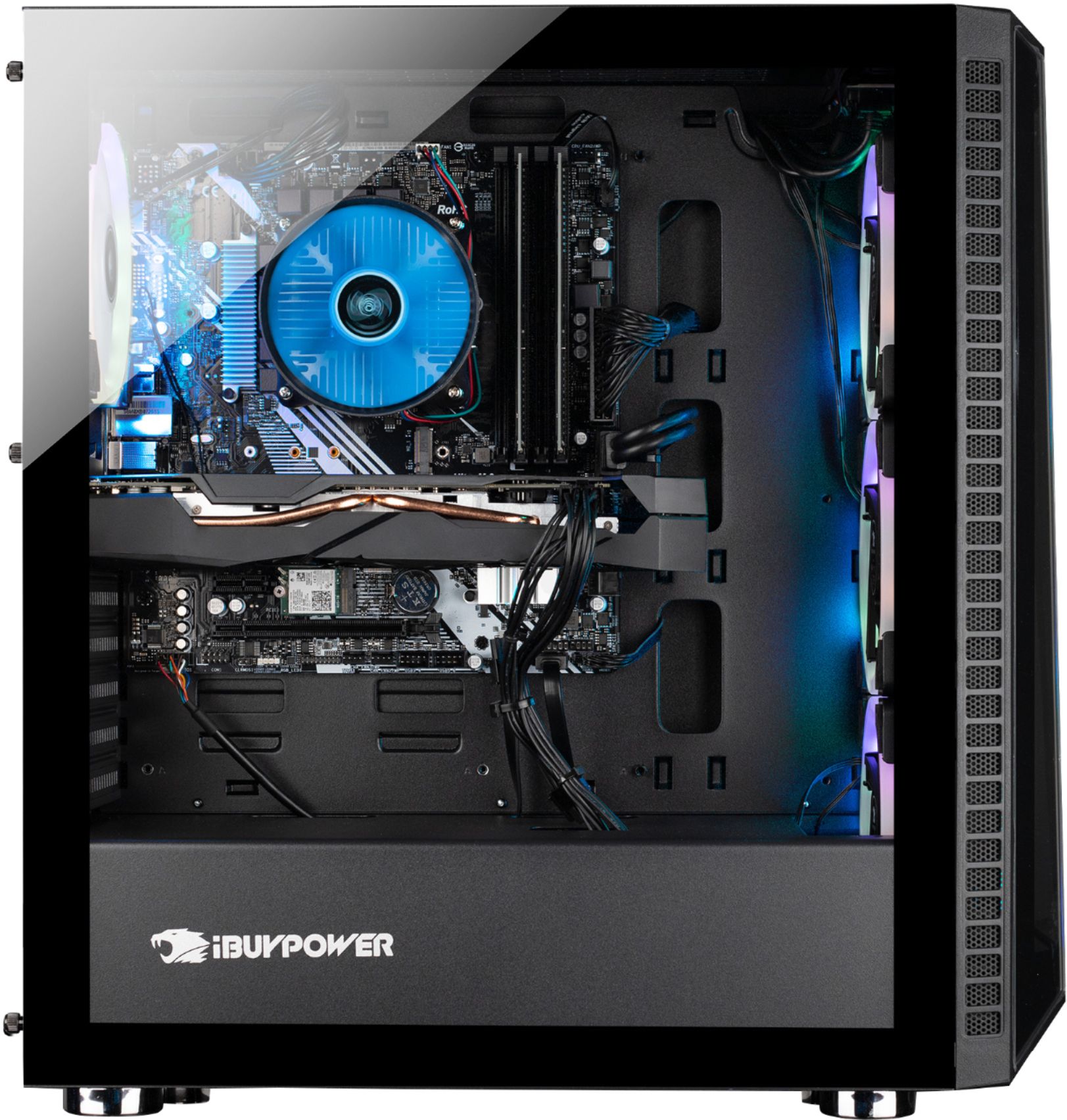
its a pretty mid-high range set up though so unless you have a better GPU or the I9 there isnt much worth changiung.
A:AnswerI was having the same problem right out of the box. I took it back immediately to geek squad and it turned out that the factory never properly configured the windows 10 program. They reprogramed it and has worked greatly.
A:AnswerThere is an attachment in your baggie you received with your desktop. Looks like a GPS/Antenna screw in that goes to the back of your PC. Screw it in and you are supposed to be able to pickup Wi-Fi. I haven't tried it yet as I don't need wifi to my desktop, but seems easy enough.
A:AnswerHello,
This system has a 600WATT 80PLUS GOLD power supply. We are unable to specify a brand because we use several brand name power supplies in our system depending on what we have in stock.