A:AnswerHello Troy,
We use various manufacturers for our drives depending on what we have in stock at the time of assembly, so unfortunately we cannot provide information on the brand of SSD and HDD. Thank you and please let us know if you have any other questions!
A:Answerjust get it now.no one knows if it will be any cheaper than that ..really good price for $1249.It was $1449...only the CPU and GPU costs around $900-1000
A:Answer76c isn’t TOO hot, but it’s hot. Have you downloaded GPU and Motherboard Fan software? Bump up the fan speeds and curves if you haven’t.
You can also do some basic CPU fan curves in the BIOS (hitting Del on startup)
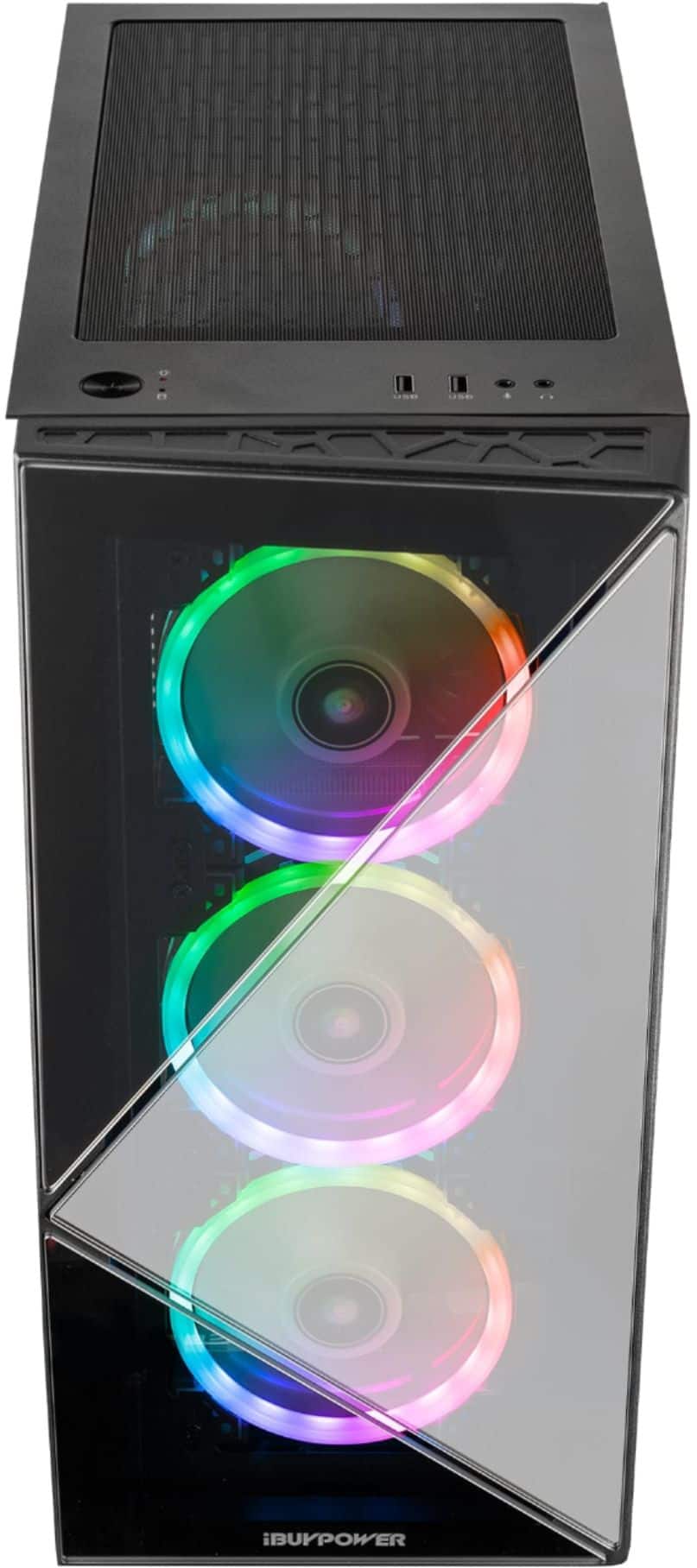
I don’t know if it’s possible to mount fans up top, would be nice though. I may end up building something to do that eventually.
A:AnswerHello there,
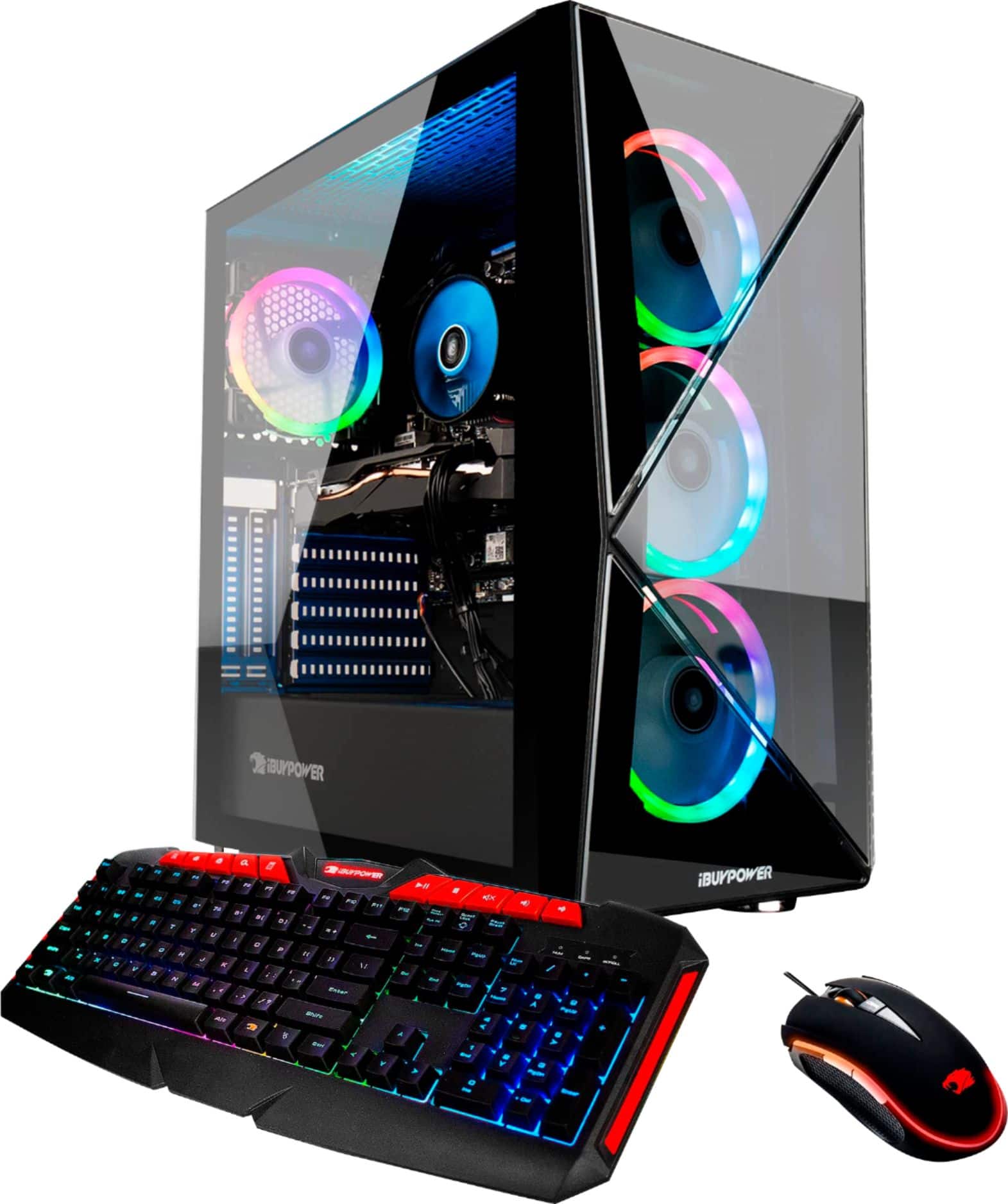
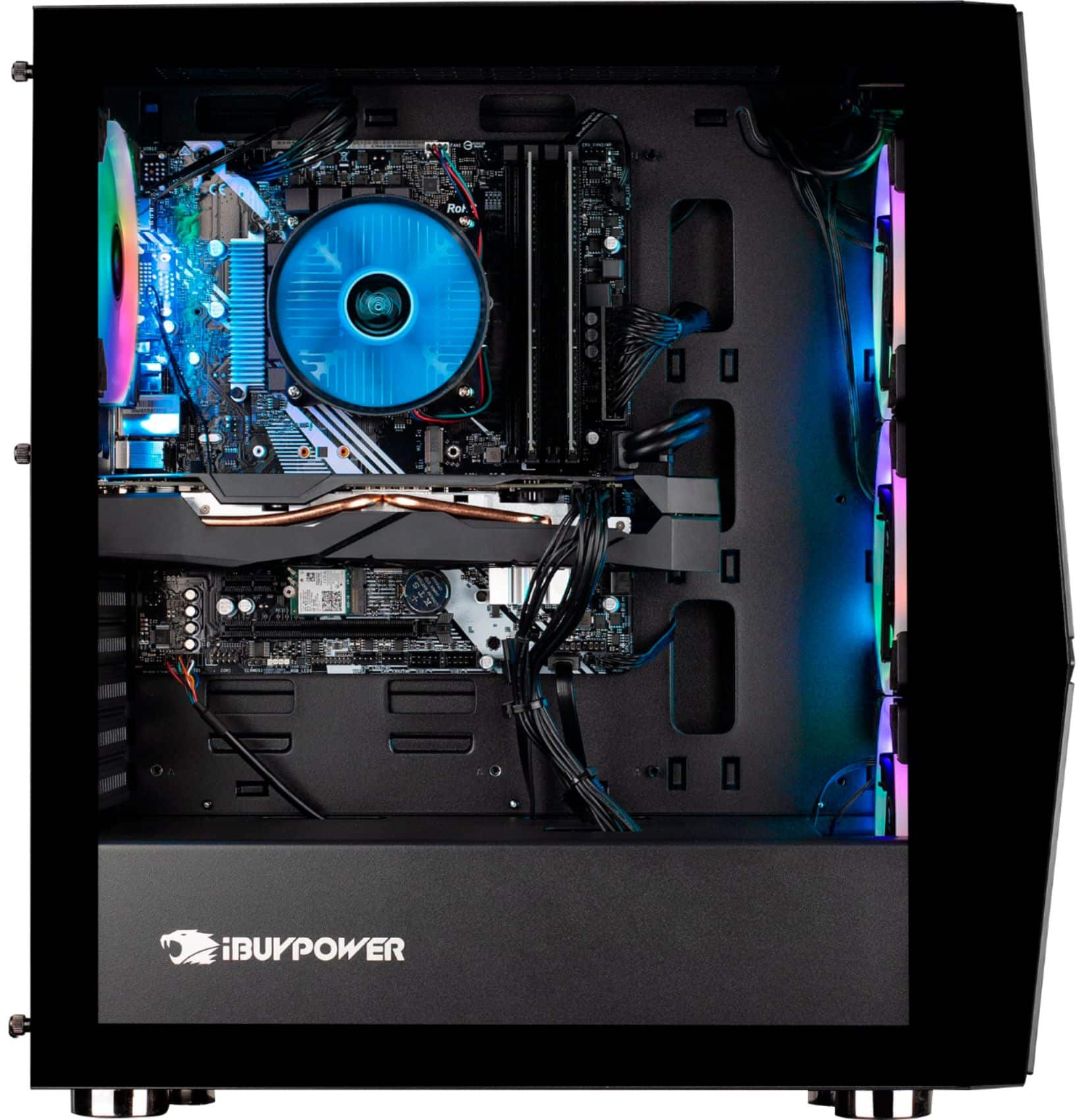
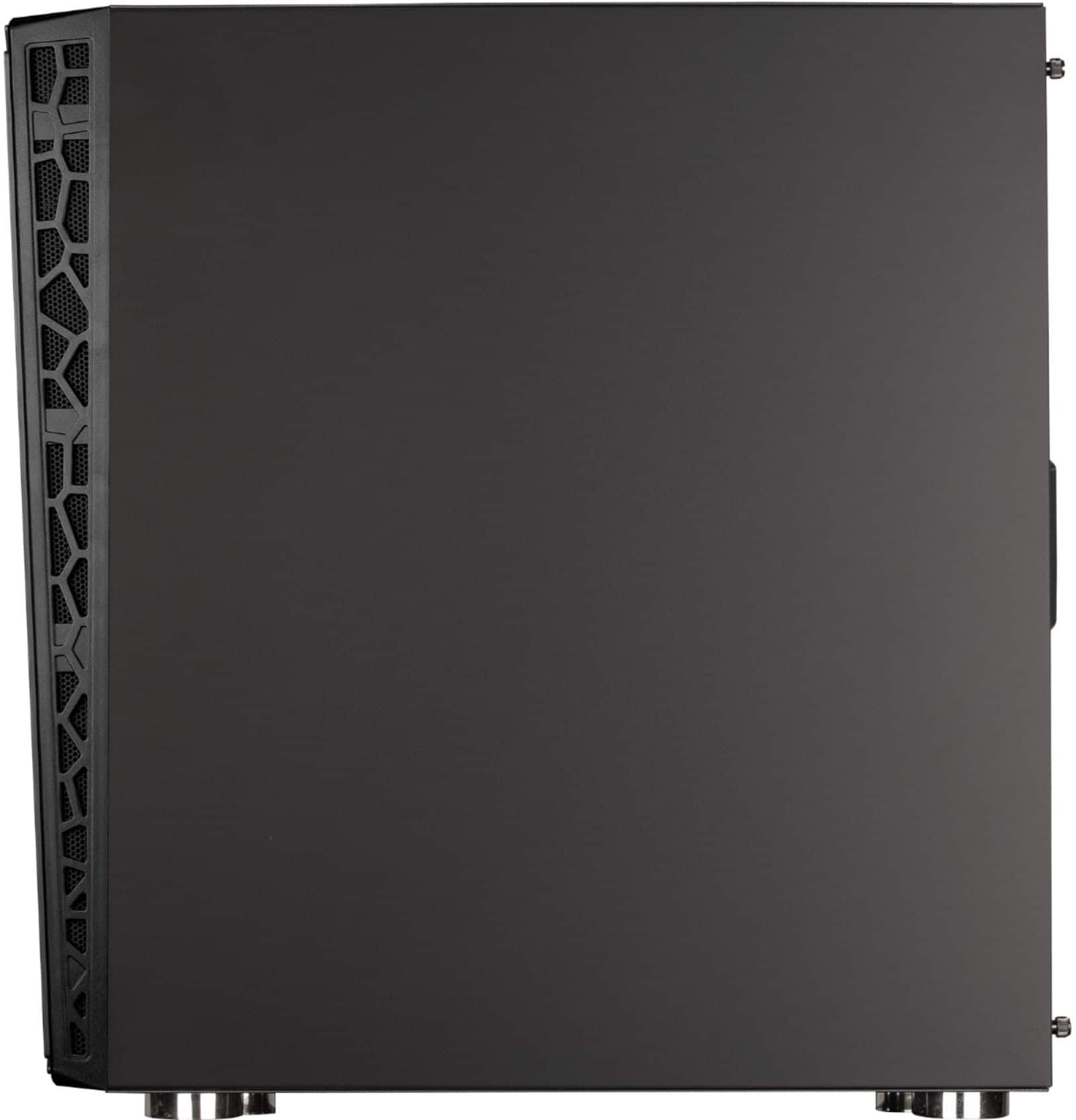
This case has Internal 3.5'' x2, Internal 2.5'' x2 drive bays and 7 expansion slots. Hope this helps and please let us know if you have any other questions!
A:AnswerIt isn't in a company's best interest to say when things are going on sale. In my experience when I've missed a sale I just kept checking their ADs from time to time. They eventually went back on sale.
A:AnswerIt could be multiple things causing you issues. You'll need to know how to network trouble shoot. It could be anything from how your router and PC is position to too many people being on the same channel. The wifi hardware that came with mine tested up to 175Mbps, I did some trouble shooting but this seemed to be the max speed for it. I ended up disabling this as my net gear adapter does around 600Mbps+
A:AnswerThere is a white WiFi antenna that screws into the back of the PC, probably won’t work if that not plugged in.
Might also check that you have downloaded all the usual new PC updates.