A:AnswerHello,
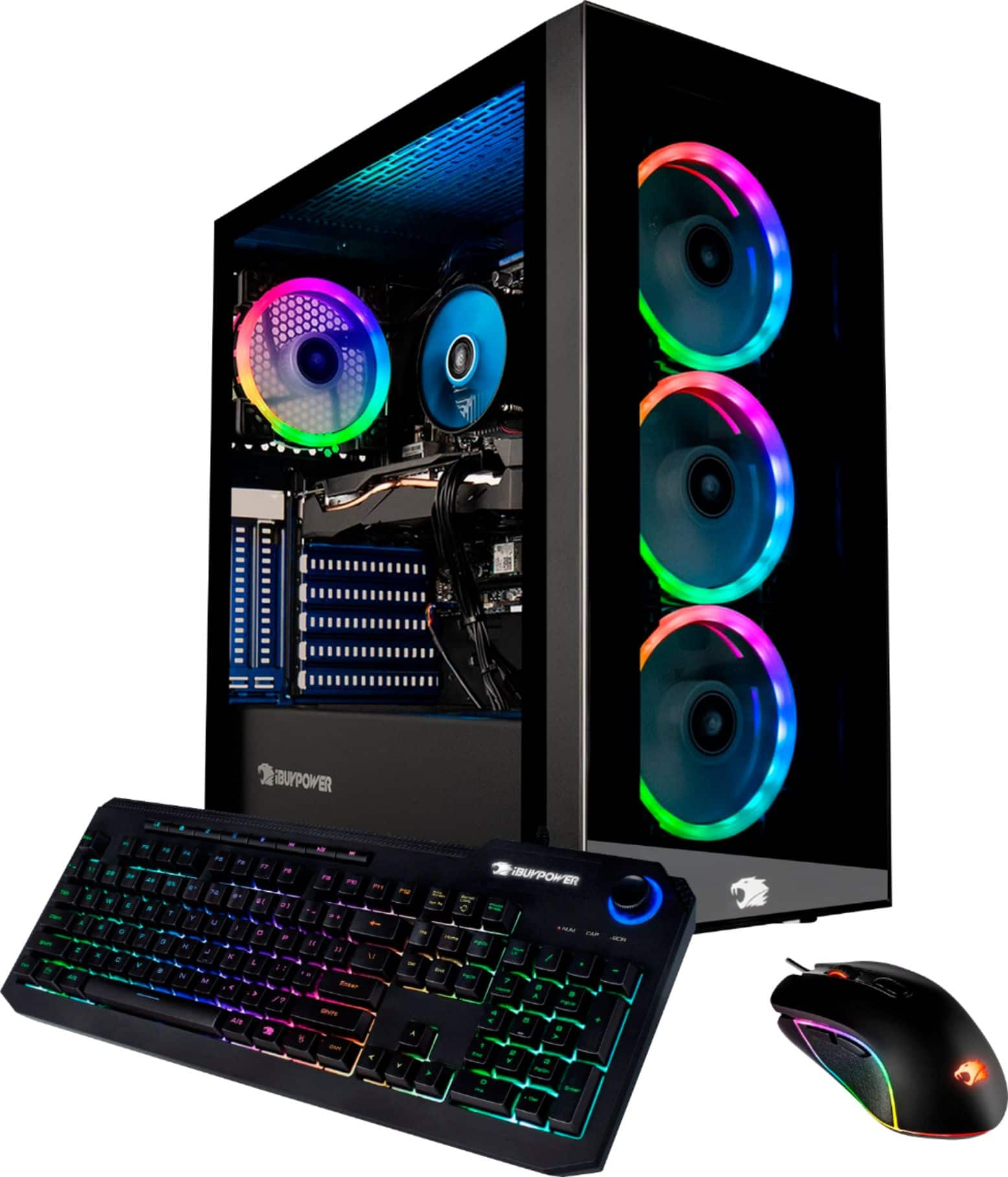
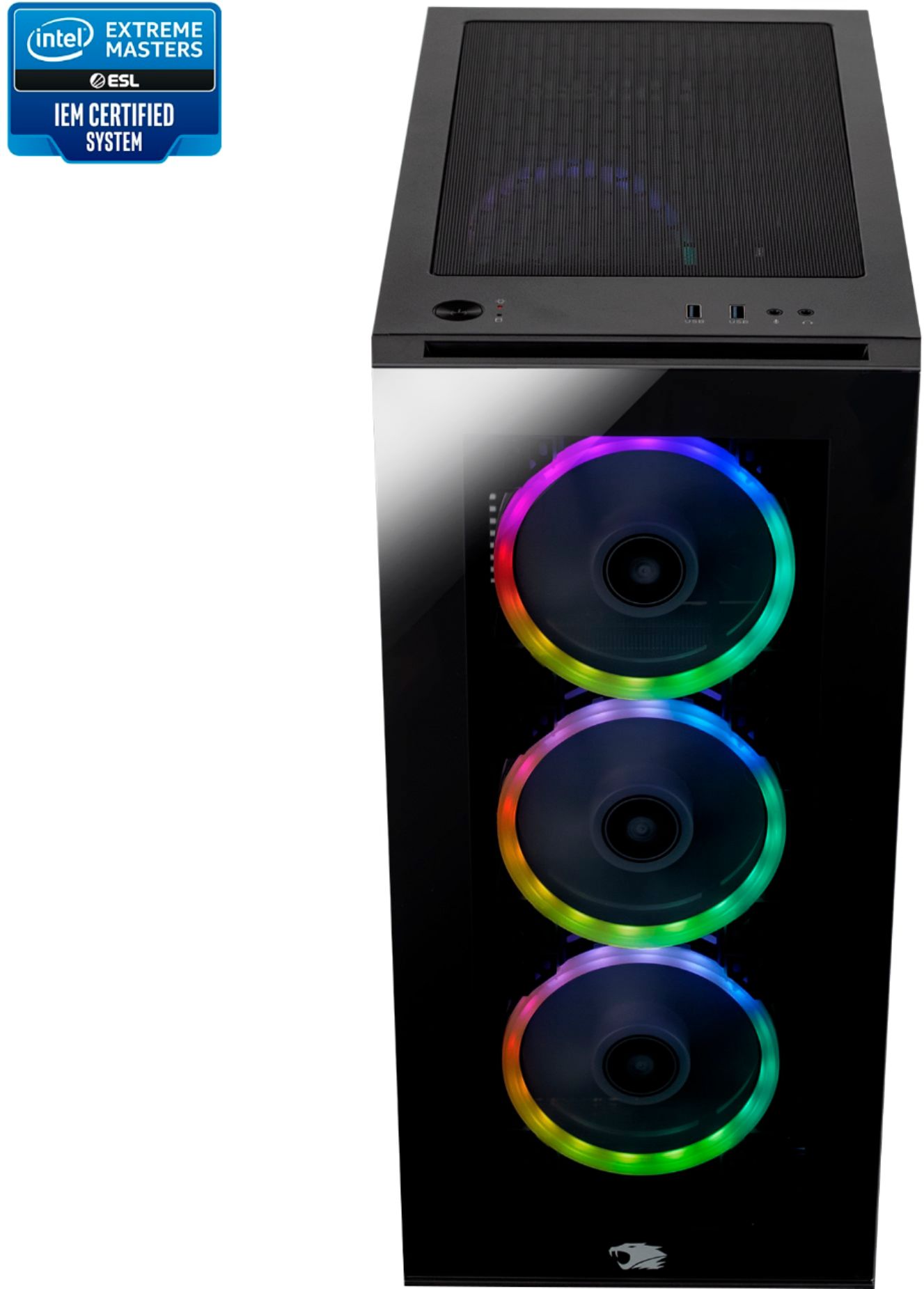
You can change the RGB with your motherboard manufacturer's software! If your system did not come installed with it, you can download it from their website.
A:AnswerHello,
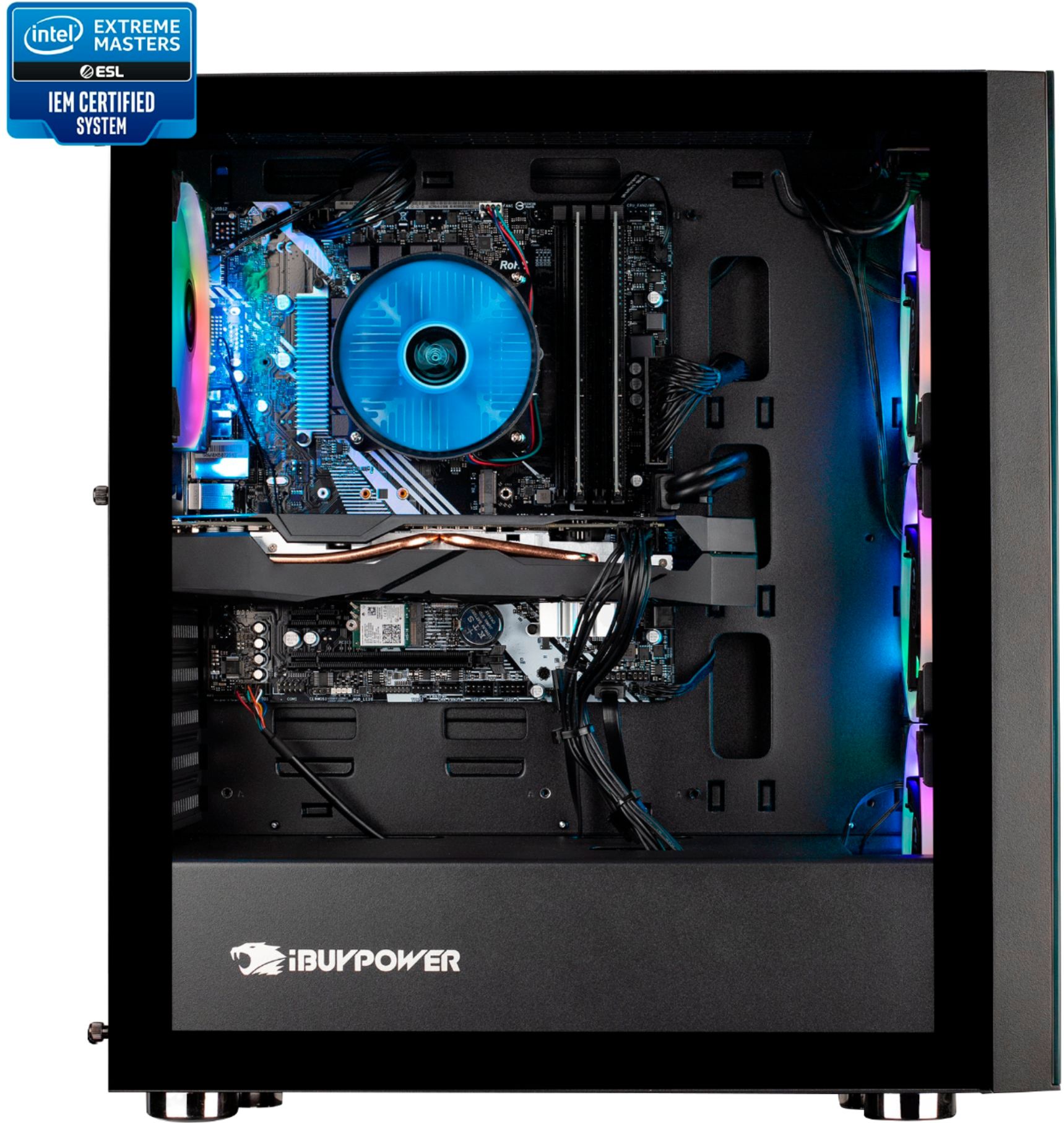
Yes you can upgrade the CPU and graphics card if you wish. Please keep in mind that you will have to upgrade the power supply for the GPU, and maybe the motherboard depending on what CPU you upgrade to.
A:AnswerHello, Unfortunately we are unable to specify the RAM model in this system since we use a variety of brands depending on what we have in stock. You would have to check for yourself when you receive the system.
A:AnswerWe are deeply sorry to hear that your purchase of our iBUYPOWER gaming desktop was not completely to your satisfaction. We value each of our customers’ feedback and will do our best to update and solve any issues you may be having. Please reach out to us in order for us to assist and troubleshoot your PC. We will see what we can do to quickly help ensure your gaming system is up and running as soon as possible.
Customer Service Hours:
Mon - Fri: 8:30 am - 5:30 pm PST
Toll Free: (888) 462-3899
Phone: (626) 269-5200
Email: support@ibuypower.com
Chat: https://www.ibuypower.com/Support
Technical Support Hours:
Mon - Fri: 8:30 am - 5:00 pm PST
Toll Free: (888) 618-6040
Phone: (626) 269-5170
Email: techsupport@ibuypower.com
A:AnswerHello,
If your headset does not have separate input and output cables, then yes you will need a splitter. If it connects via USB then you should have no problem.