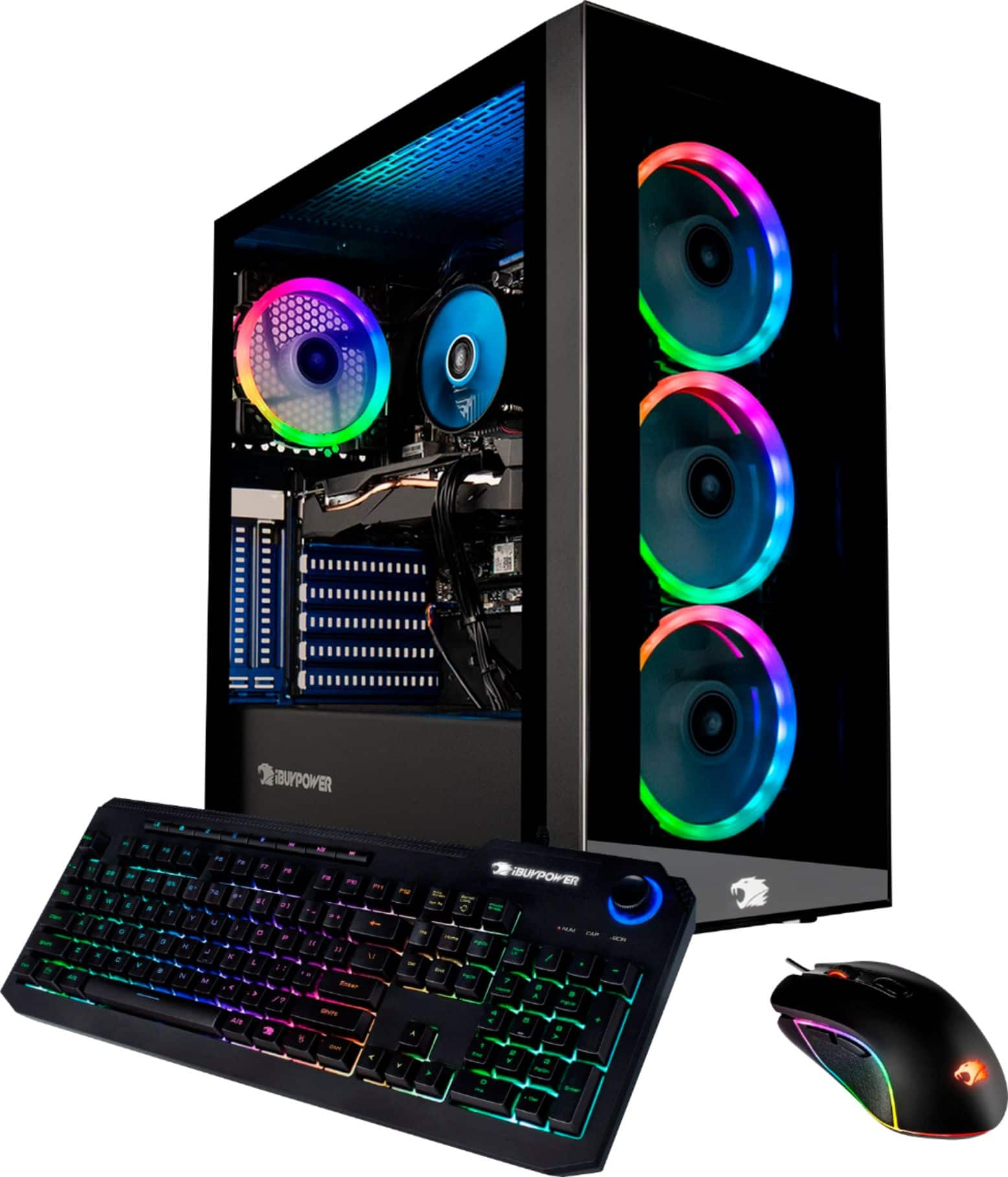
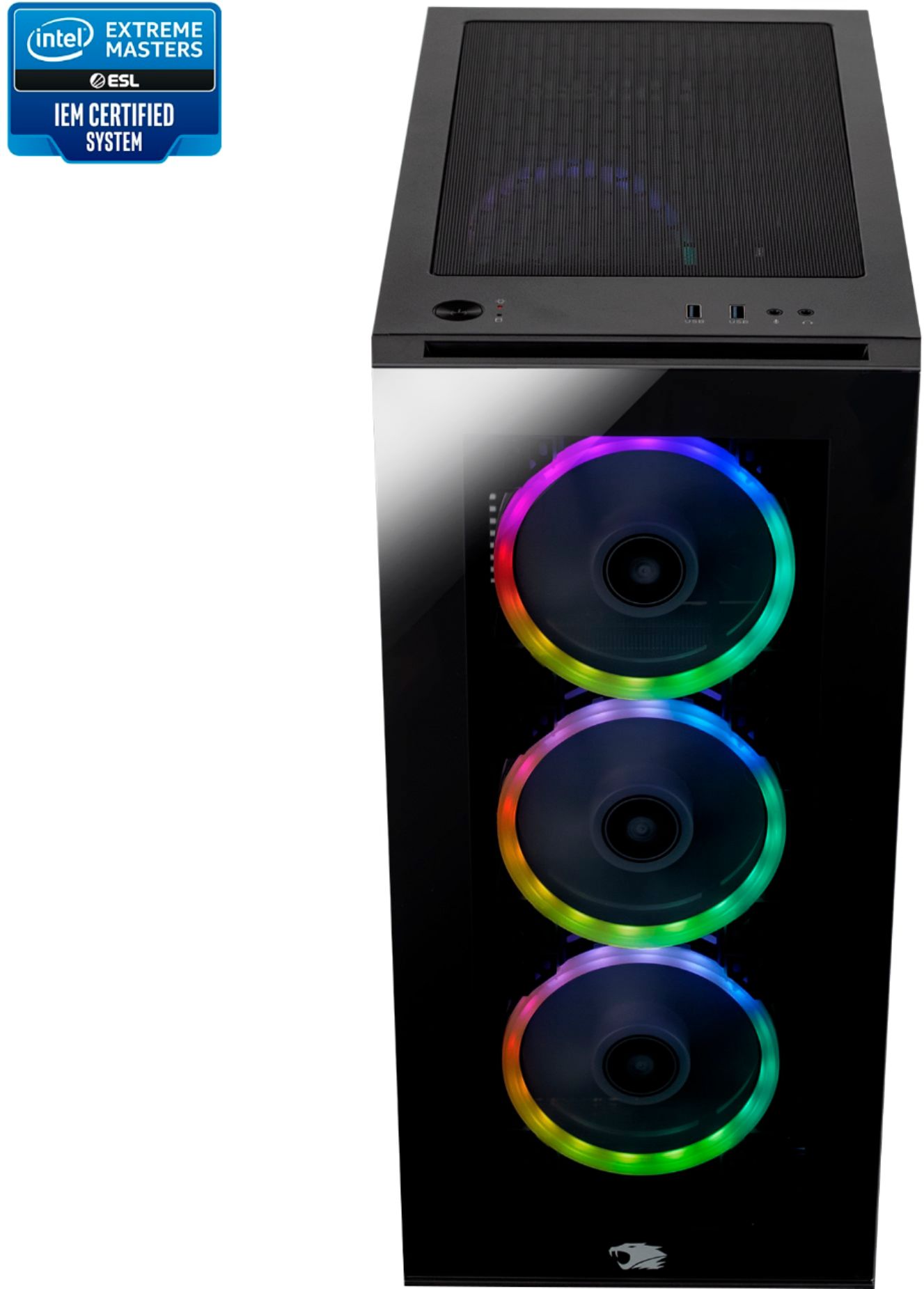
A:AnswerYour HDMI or Display Port should be plugged into your graphics card, not the motherboard. When you're able to get a picture you can customize the color by using the RGB Fusion app that should already be installed upon booting up your computer.
A:AnswerHello,
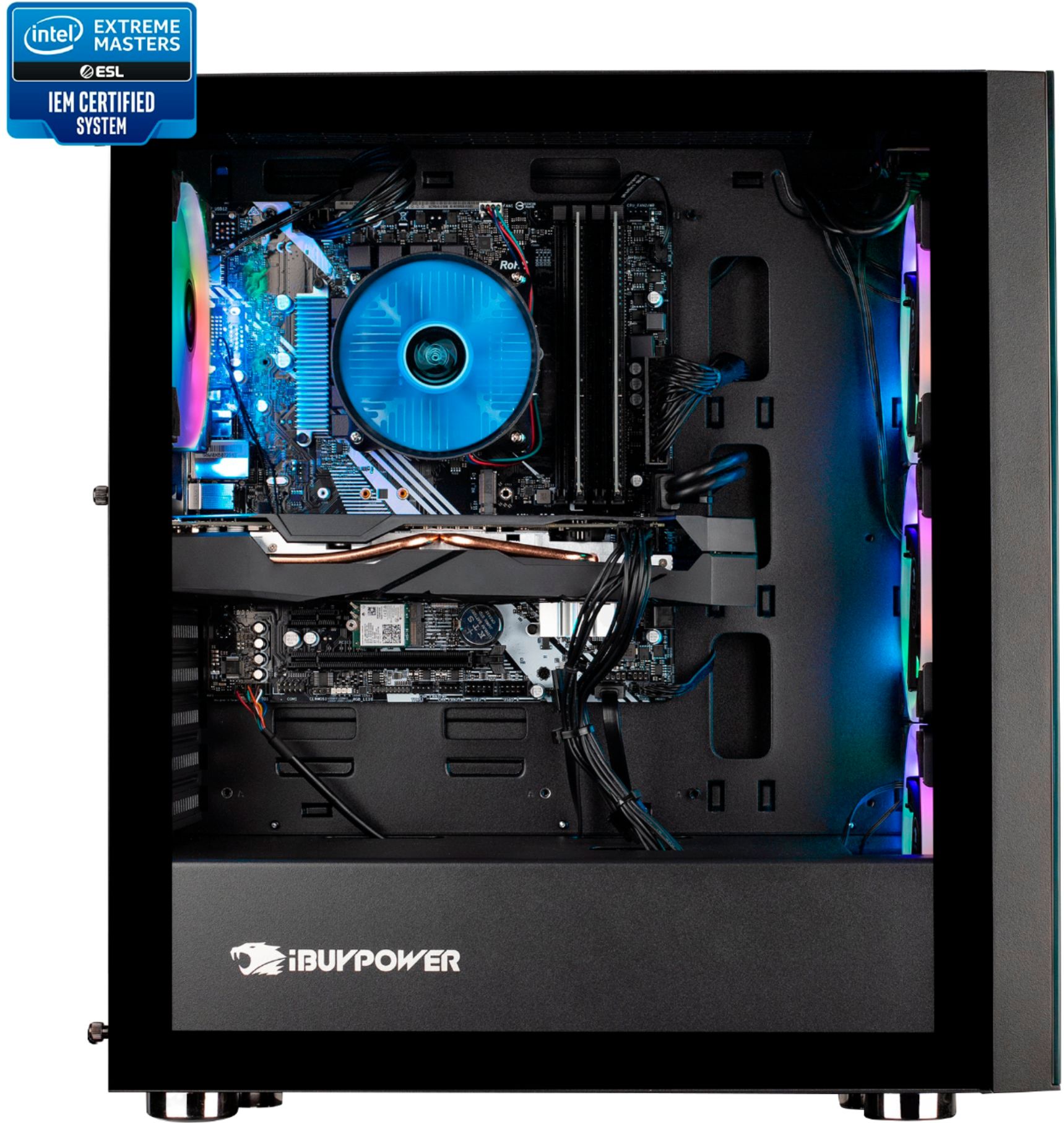
Yes you can add either 2 120mm fans or 1 140 mm fan. There won't be any problems, but you may have to purchase a fan splitter if there is not enough space on the motherboard for the extra fan connections.
A:AnswerHello,
This depends on what monitors you are trying to use, but in general having 4 will likely put strain on the GPU. It would still work but your GPU would be working overtime.
A:AnswerHello,
We have not yet tested the new RTX cards in our systems yet so we cannot verify compatibility. The 3070 has a recommended wattage of 650, while this system has a 500 watt PSU, so it would not be enough fort the 3070.
A:AnswerHello,
This system can run Flight Simulator 2020, but depending on what settings you have it on it may heat up, but nothing out of the ordinary.
A:AnswerHello,
That means this item is out of stock in your area, and you will have to wait for your local stores to receive more units. This model is still in production so it will eventually restock.
A:AnswerHello,
This system has a 500 watt power supply. We have not tested the new RTX series cards in our systems yet so we cannot guarantee they will be compatible with the rest of the parts.