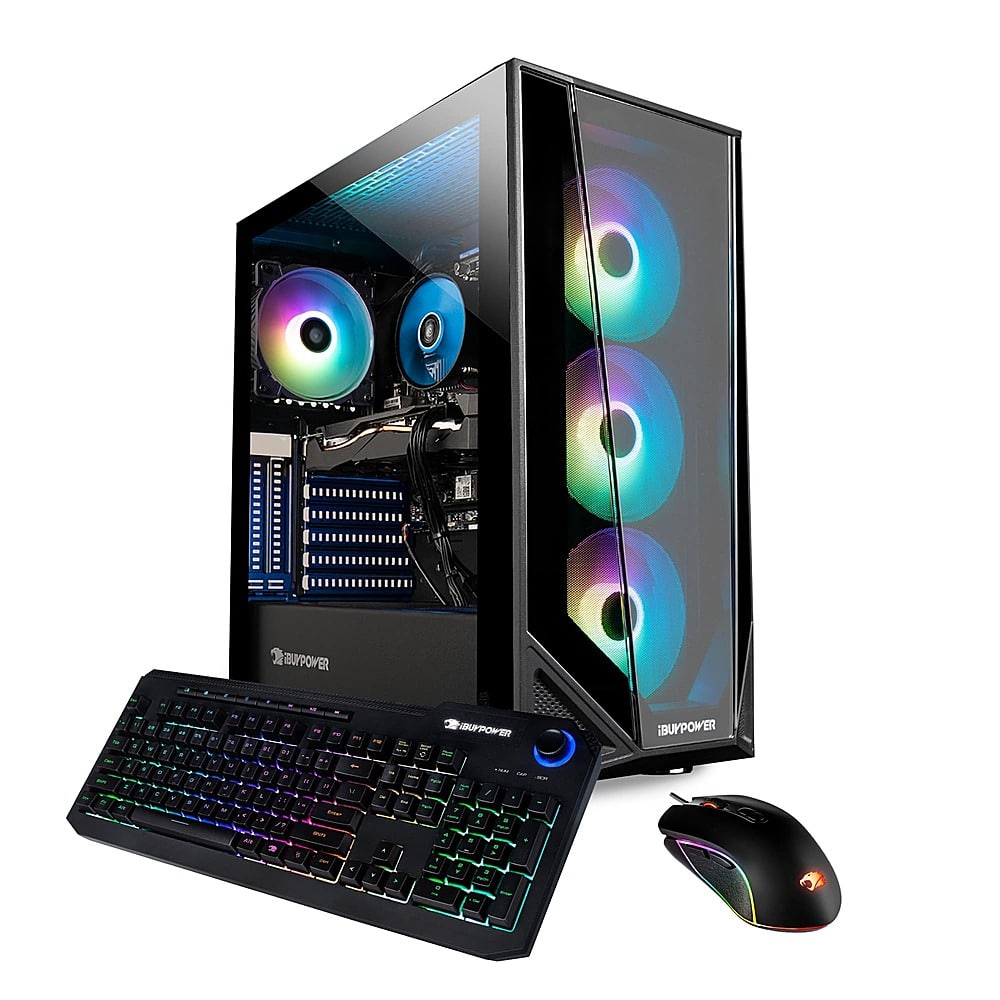
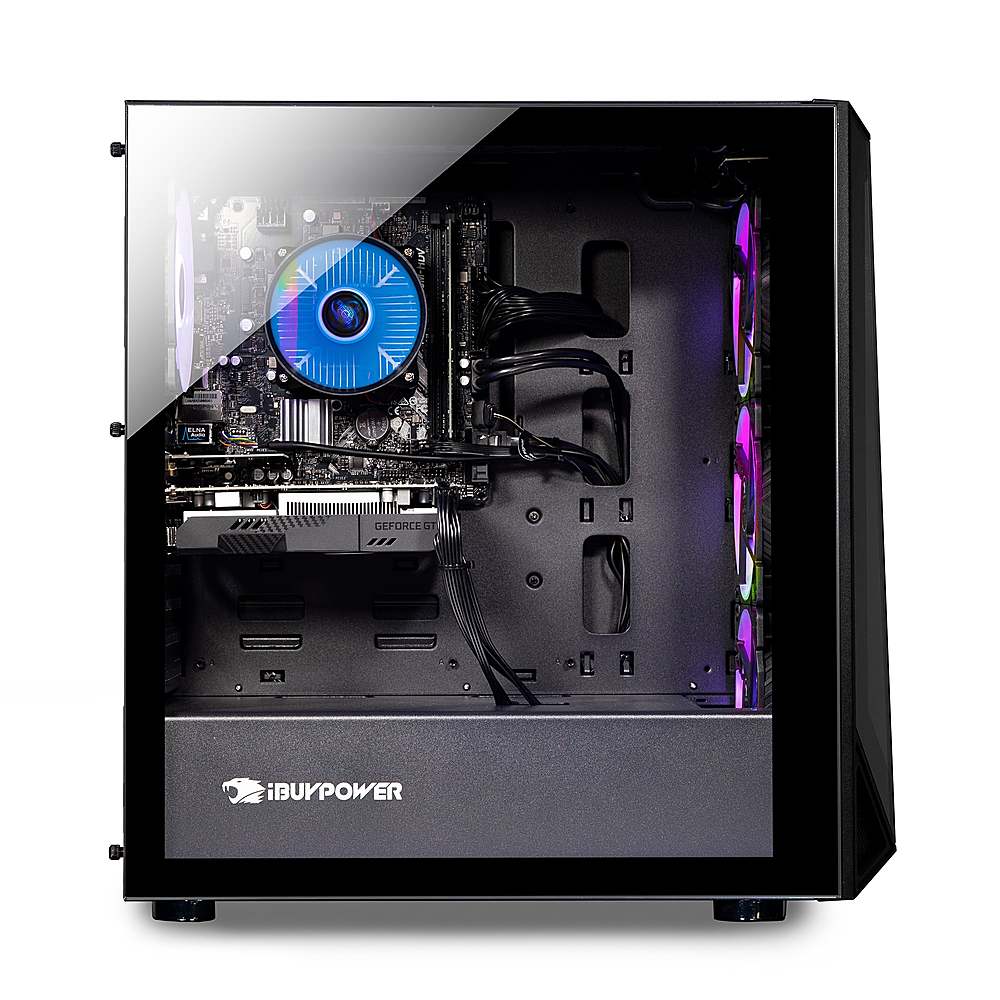
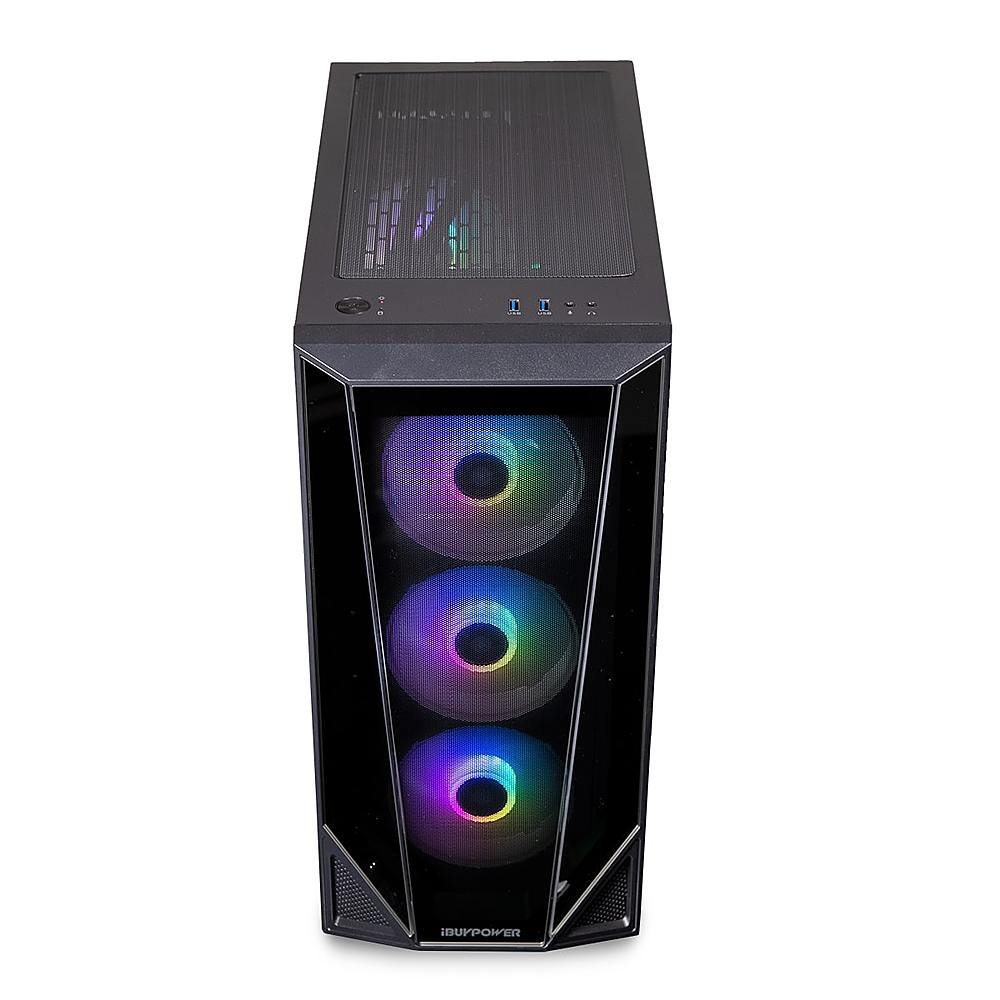
A:AnswerThere’s 4 slots to put in ram. If you buy two of them, make sure to put one in the second slot and one in the last slot as the motherboard guide states.
A:AnswerYes, this PC is able to run many different games and you can search up the specific spec requirements for any game you want to look at for further information.
A:AnswerYou gotta download this software where you can change the colors in the PC, but it depends on what your motherboard manufacturer is. If it's an MSI motherboard, search "MSI Dragon Center".
A:AnswerHello,
Yes you can replace the RAM in this system with another brand. Just make sure you are not mixing RAM brands in the system as that can cause compatbility issues!
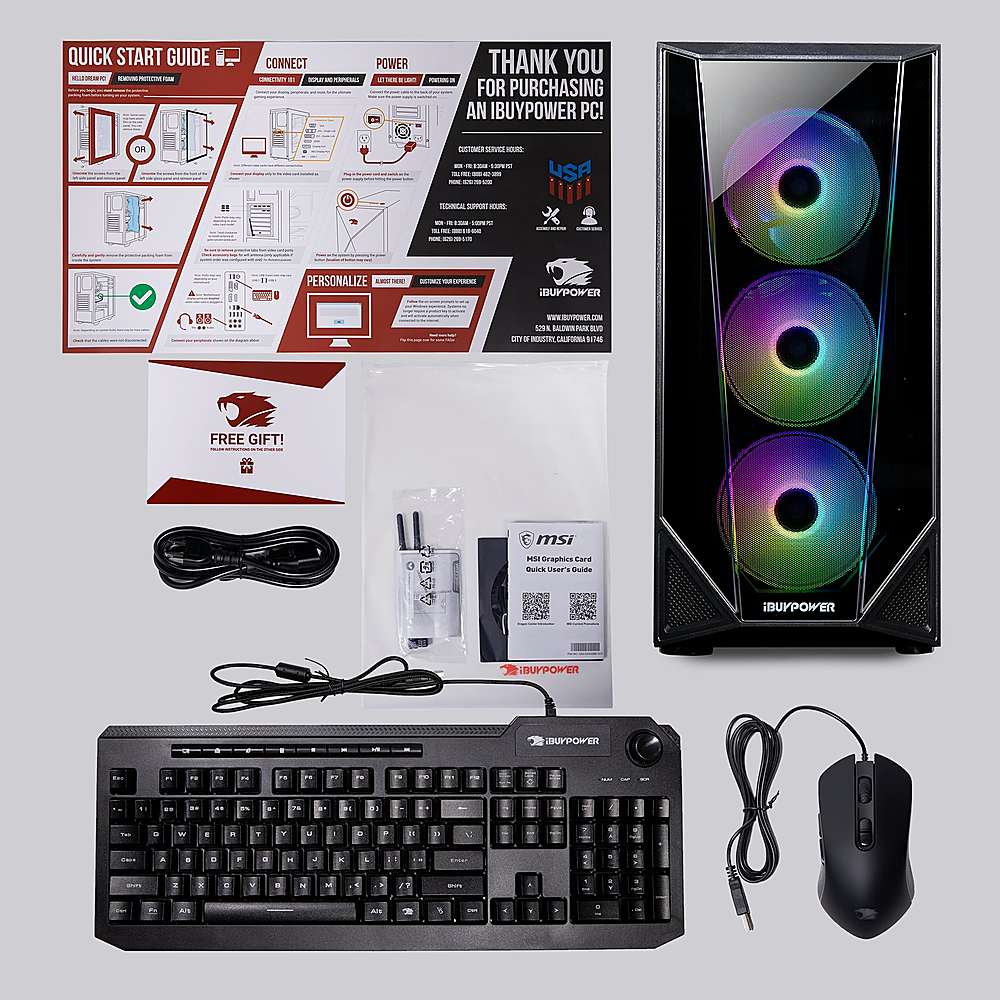
A:AnswerQuestion 1: Yes. The box shows an image of the computer and also lists what is included. *if possible, I'd try to get it for pick-up if you haven't already ordered it since you don't want them to see the box* Question 2: 75hz or 60hz monitor at minimum but I'd personally go for a 144hz monitor or a 240hz monitor. You can also connect the pc to a TV.
A:AnswerHello, this system's specs are a sizable upgrade from iMac specs. It's built with an Intel Core i5-10400F and GTX 1650, so it is capable of running many games smoothly.