A:AnswerHello,
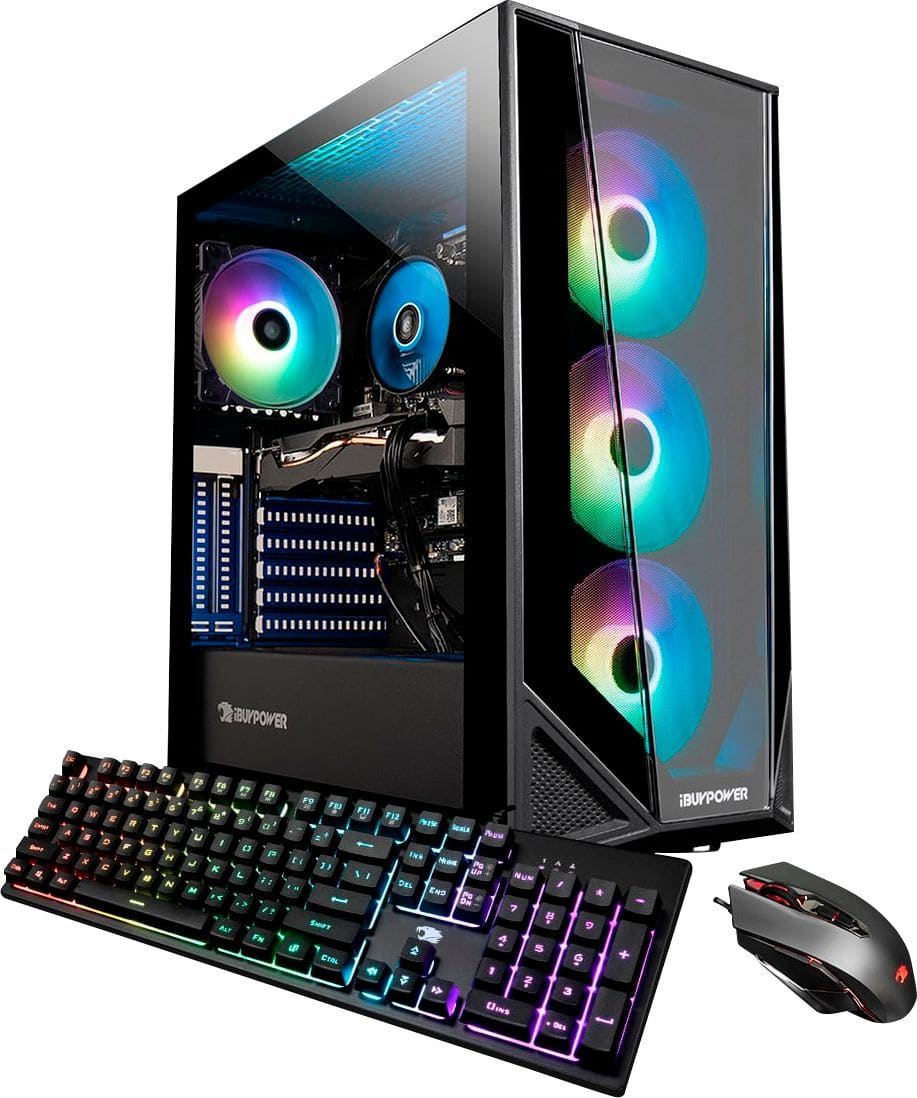
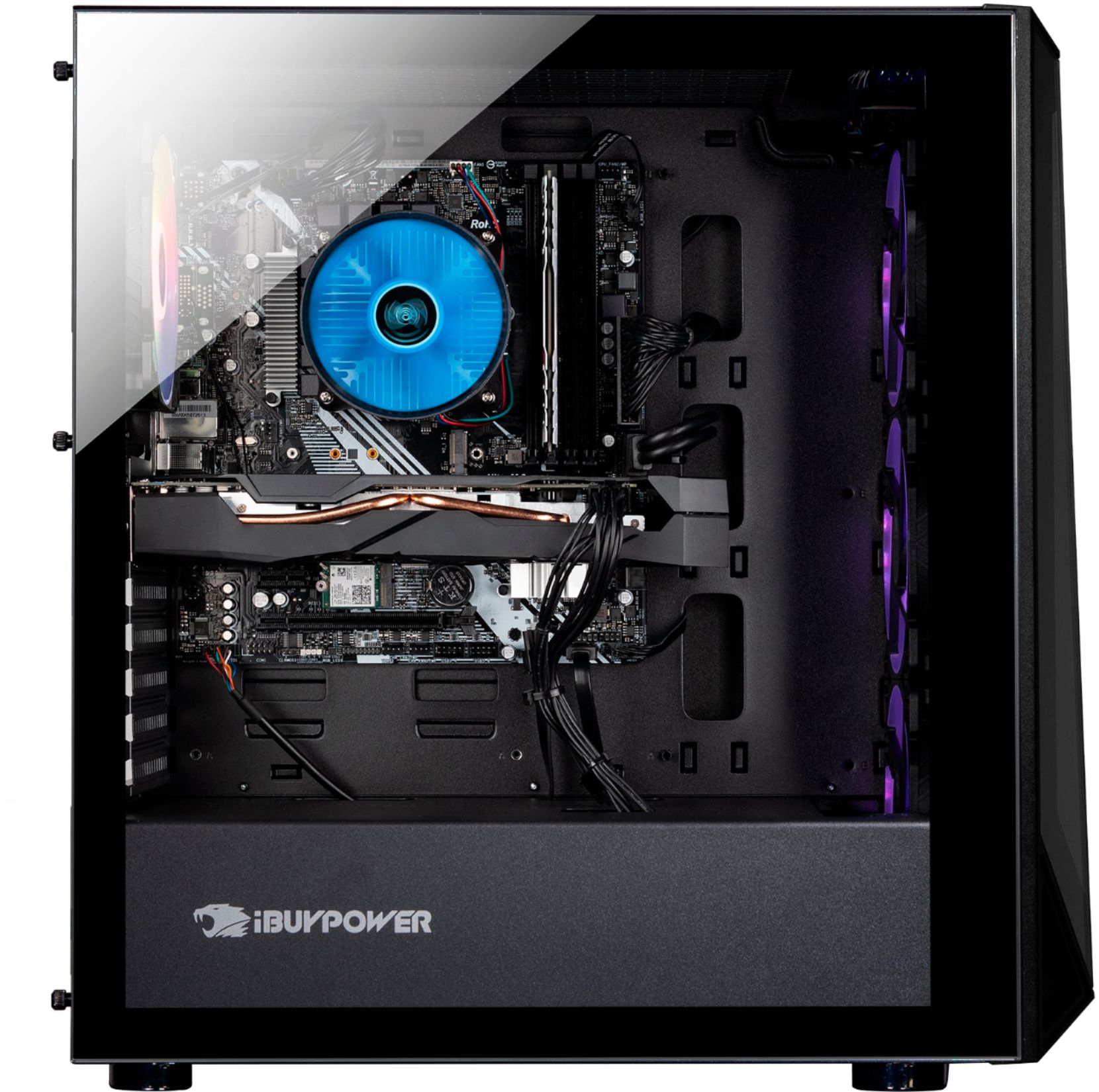
The HDMI port on the motherboard will not work for a monitor. If the graphics card only has 1 HDMI port, you will either need a different monitor cable for your second monitor, or purchase an adapter cable.
A:AnswerHello,
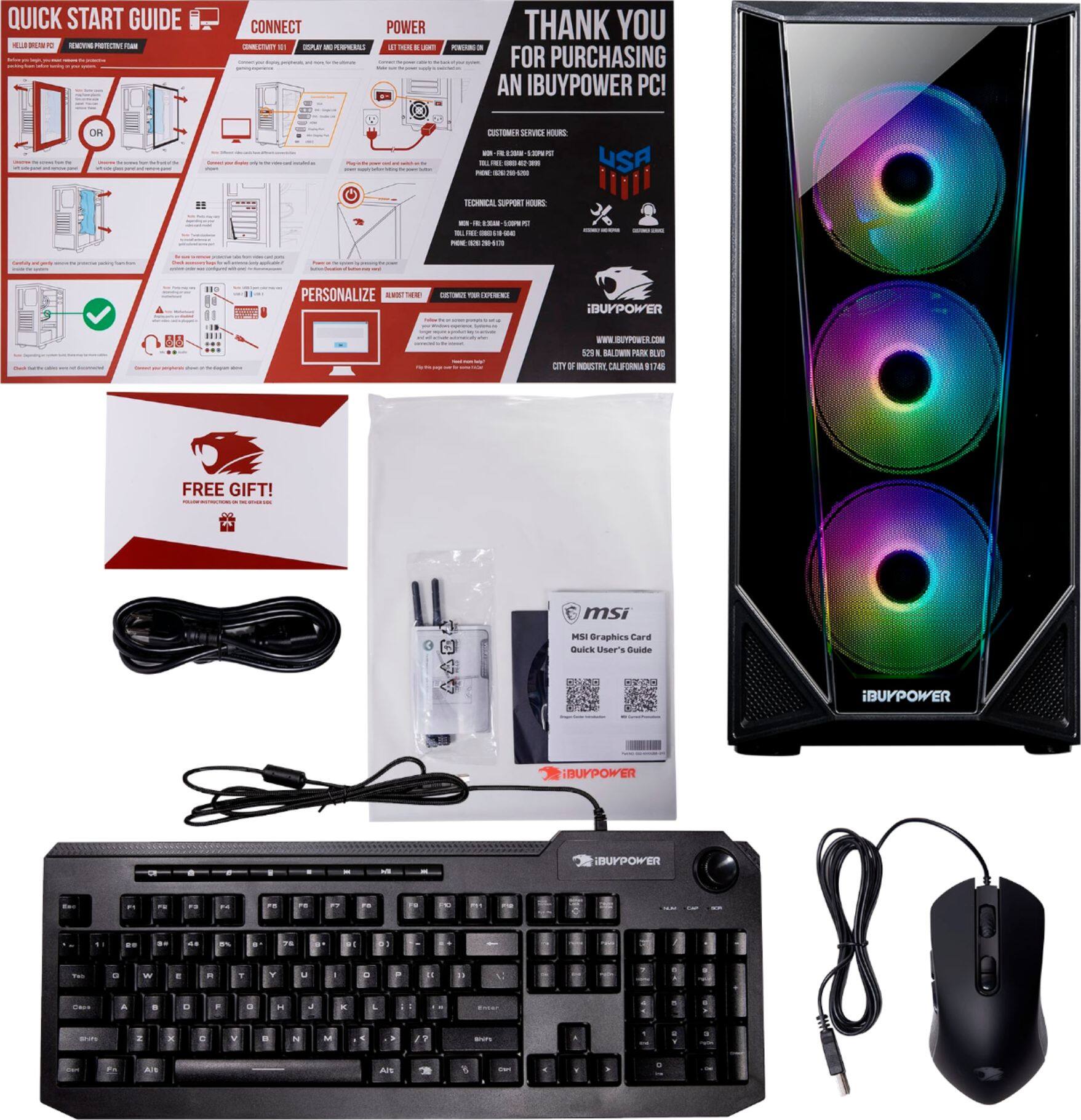
Please make sure you are plugging in the monitor cables to the graphics card and not the motherboard. If you are still experiencing issues, you can contact our tech support team.
A:AnswerHello,
This desktop already comes with a CPU cooler, but you are welcome to replace it if you'd like. There are many brands and models that are compatible.
A:AnswerHello,
This PC can support up to 2 monitors. The PC does not come with any attachments, but you could probably utilize your own to make it so that you can use more than 2 displays.
A:AnswerI dont own this pc but im going to guess one on the motherboard which will be disabled and a hdmi and a vga port on the graphics card that will work