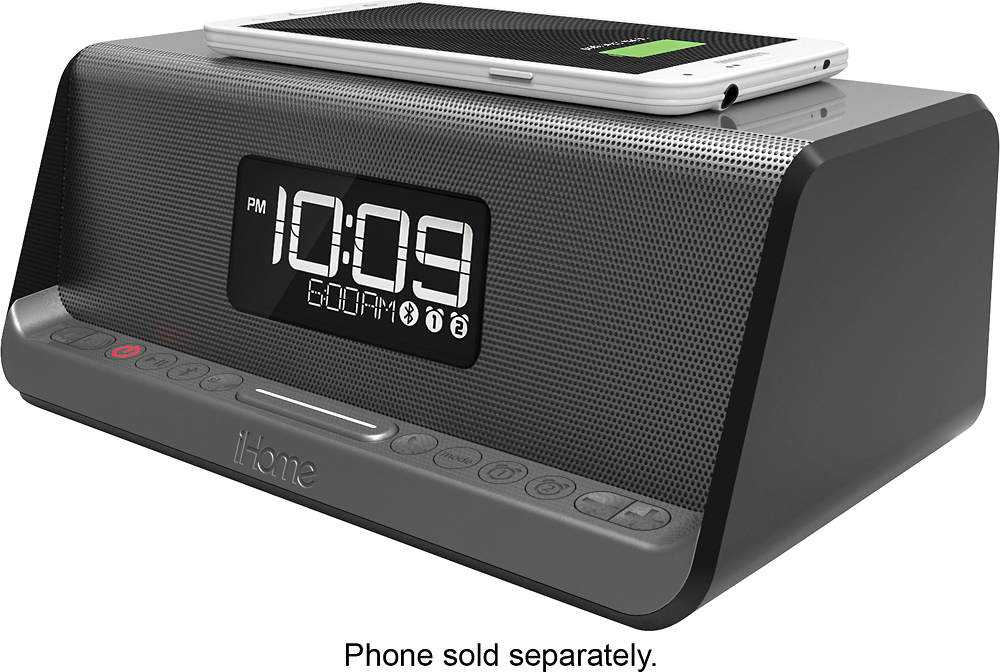
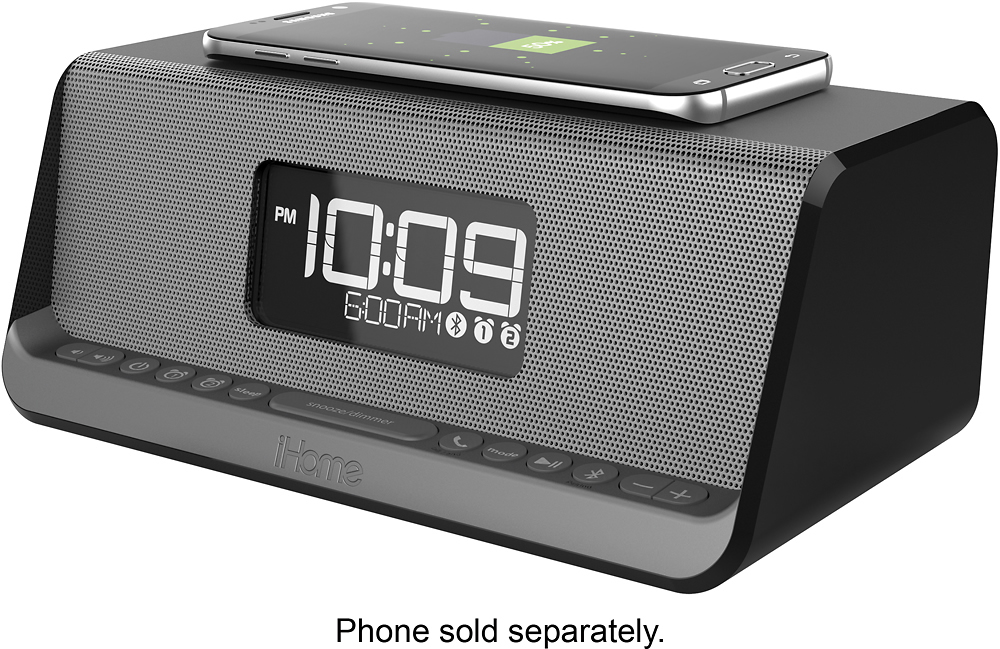
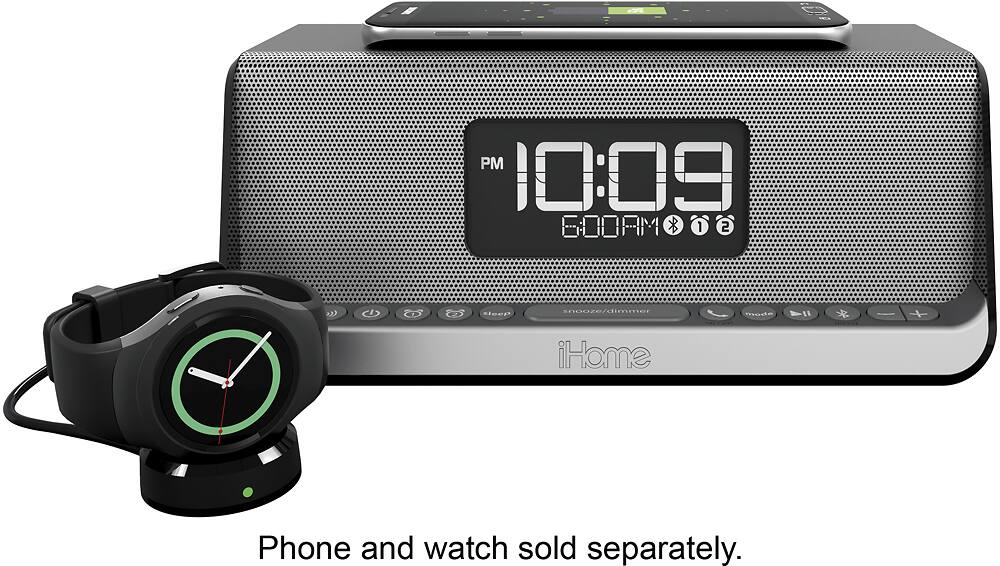
A:Answer1- the alarm has multiple nice tones that you can choose from and you can also use your cellphone for the alarm. It will play the last track chosen from any blue tooth device that was the most recent. So, to make sure, use your cell last.
2-see above. You cannot load permanent files.
A:AnswerI'm a Samsung guy. I'm under the impression that either the 7'S or 8's were the first to offer qi charging so check your instructions. Yes hands-free is supported
A:AnswerCheck your instructions to see if your phone is qi enabled. No metal on charging pad. You have several levels to dim the lights all the way to off.
A:AnswerYou can customize the snooze time from 1-29 minutes. Each time you press snooze, it will silence for 9 minutes, then repeat.. there is no custom time option. But you would do yourself a big favor if you just set the alarm for the real time that you must get up.
A:AnswerThe iBN350 has NFC (Qi) charging. Depending on which phone you have will effect the wireless charging. Most android phones are NFC compatible. iOS devices need a special charging case to make the phone NFC compatible.
The 1-amp powered USB port provides a rapid charge for most USB-powered devices.
A:AnswerThe iPhone 6 was not manufactured with Qi charging as a feature. You will need to purchase a Qi charging case. Please contact us for more information at 1-800-288-2792. Mon - Fri from 8am - 4pm EST.