A:AnswerYes. As long as the phone rings for at least 10 seconds and the phone is set to ring. If the phone is set to vibrate there will be no ringing sound through the speakers.
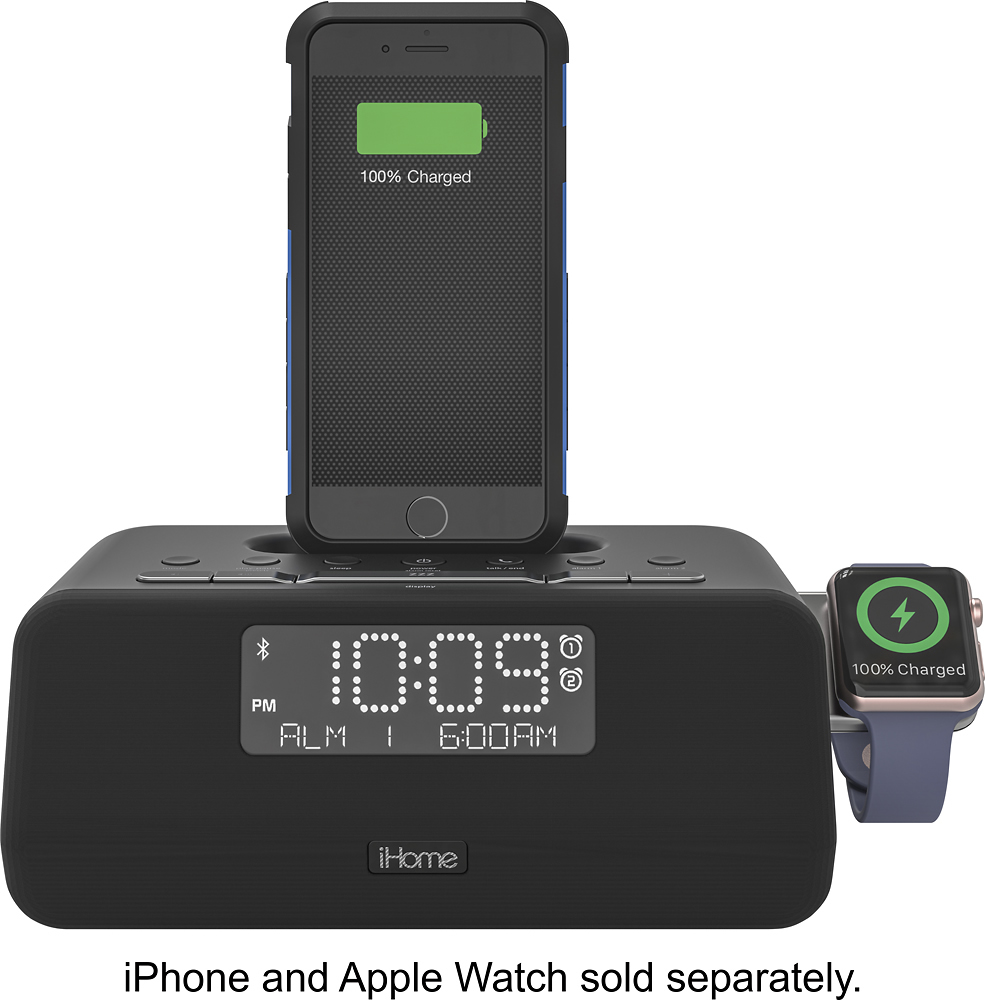
A:AnswerYou do not need an apple watch for this unit. There are many other great features like:
-Play back audio files and charge your device at the same time.
-Along with a built-in microphone, enables use as a hands-free speakerphone for most Bluetooth-enabled mobile phones.
-Provides a rapid charge for most USB-powered devices. Gives you opportunity to charge compatible devices wirelessly.
And much more...
A:AnswerIt’s capable of charging your phone, shouldnt be any different than what I have which is the X but I’m not certain with the case you are asking about tho. I’ve been been able to charge my phone with all different types of cases but the one I currently have which is a loopy case, I have to remove every time. Hope this helps.
A:AnswerOnce connected via Bluetooth, the audio will play through the iHome speakers. This unit cannot be connected to another Bluetooth speaker only mobile phones and tablets/iOS devices.
A:AnswerThe IPLWBT5 will pair to your iOS device via Bluetooth. Once connected, you can play music from your device (phone) to the iHome unit. For more information, please contact our Support Team at 1-800-288-2792. We are here to help!
A:AnswerNo, this model will not work with a 30-pin, older model directly. You can connect an older model to this radio via the AUX connection, but it will not charge the device.