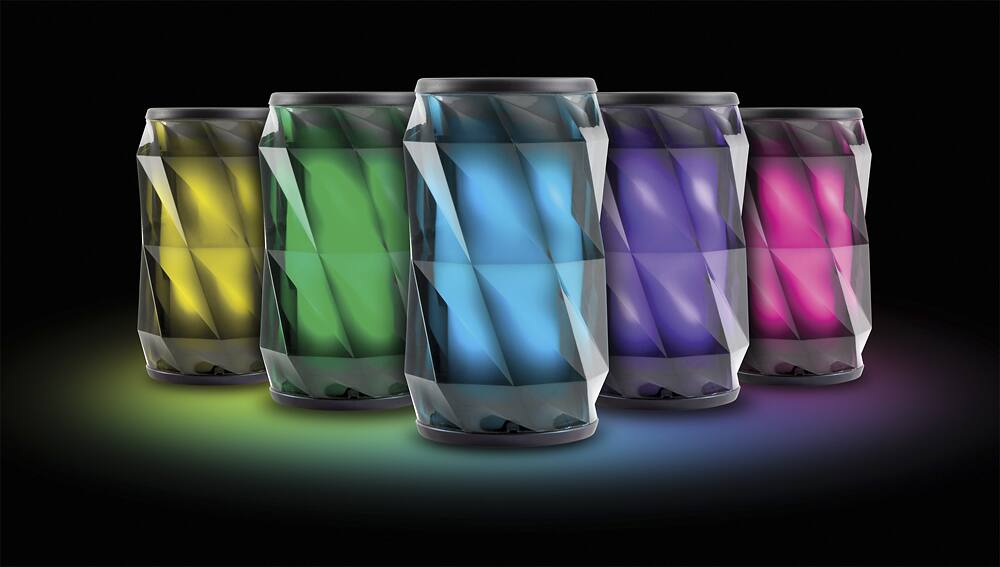
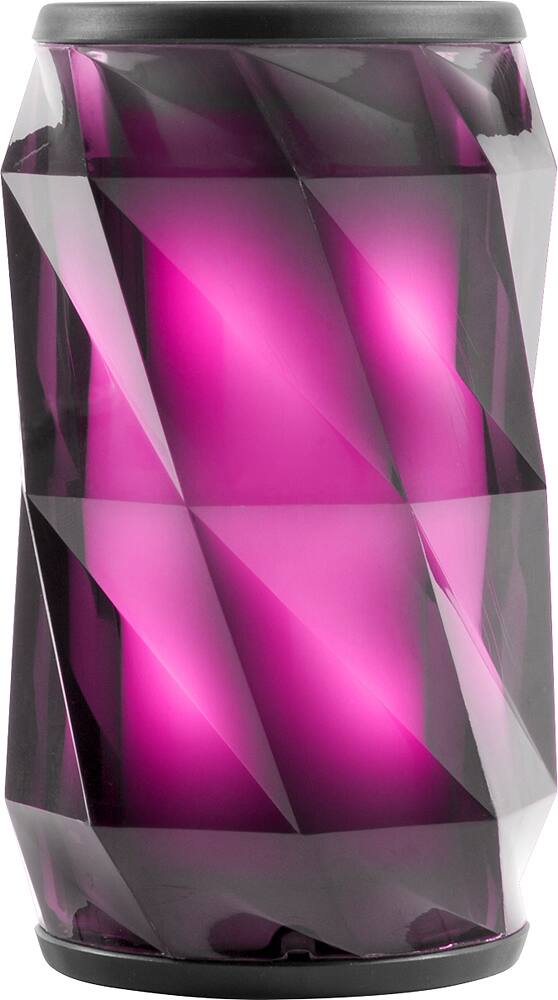
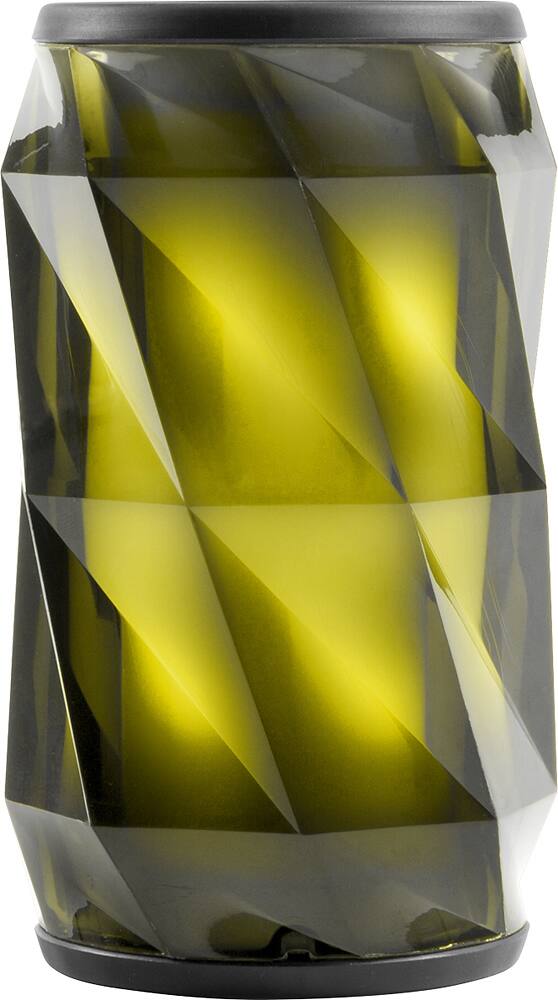
A:Answer IN ORDER TO Connect your phone to this particular “Bluetooth Speaker,” please follow my very nice and simple instructions, which are as follows:
1. FIRST OF ALL Open your phone by unlocking “Ur Phone.”
2. LOOK “For Thy Settings Button,” and definitely click on “That Very Specific Button.”
3. ONCE U’VE Entered “Thy Settings,” then look for “Thy Bluetooth Section.”
4. ONCE U’VE HAVE Definitely found this particular option, then click on it.
5. ONCE U’VE HAVE Definitely entered “Thy Bluetooth Section,” then click on a option that will say “Search For Bluetooths.”
6. ONCE U’VE FOUND This particular option, then turn “This Particular Option On,” by clicking on it,” and wait for approximately 18 seconds.
7. ONCE UR PHONE Starts finding “All Of Thy Bluetooth Devices,” the phone will definitely show u a list of “Thy Bluetooth Devices,” that are definitely readily available nearby to u.
8. ONCE U SEE “This Particular Bluetooth Speaker,” then click on it and initiate “Thy Process Of Pairing It W. Ur Phone.”
9. ONCE U’VE Initiated “Thy Process,” then please wait approximately 28 seconds.
10. ONCE “Thy Device,” is paired successfully to ur phone, it will definitely show u a message that will say “Device Successfully Paired.”