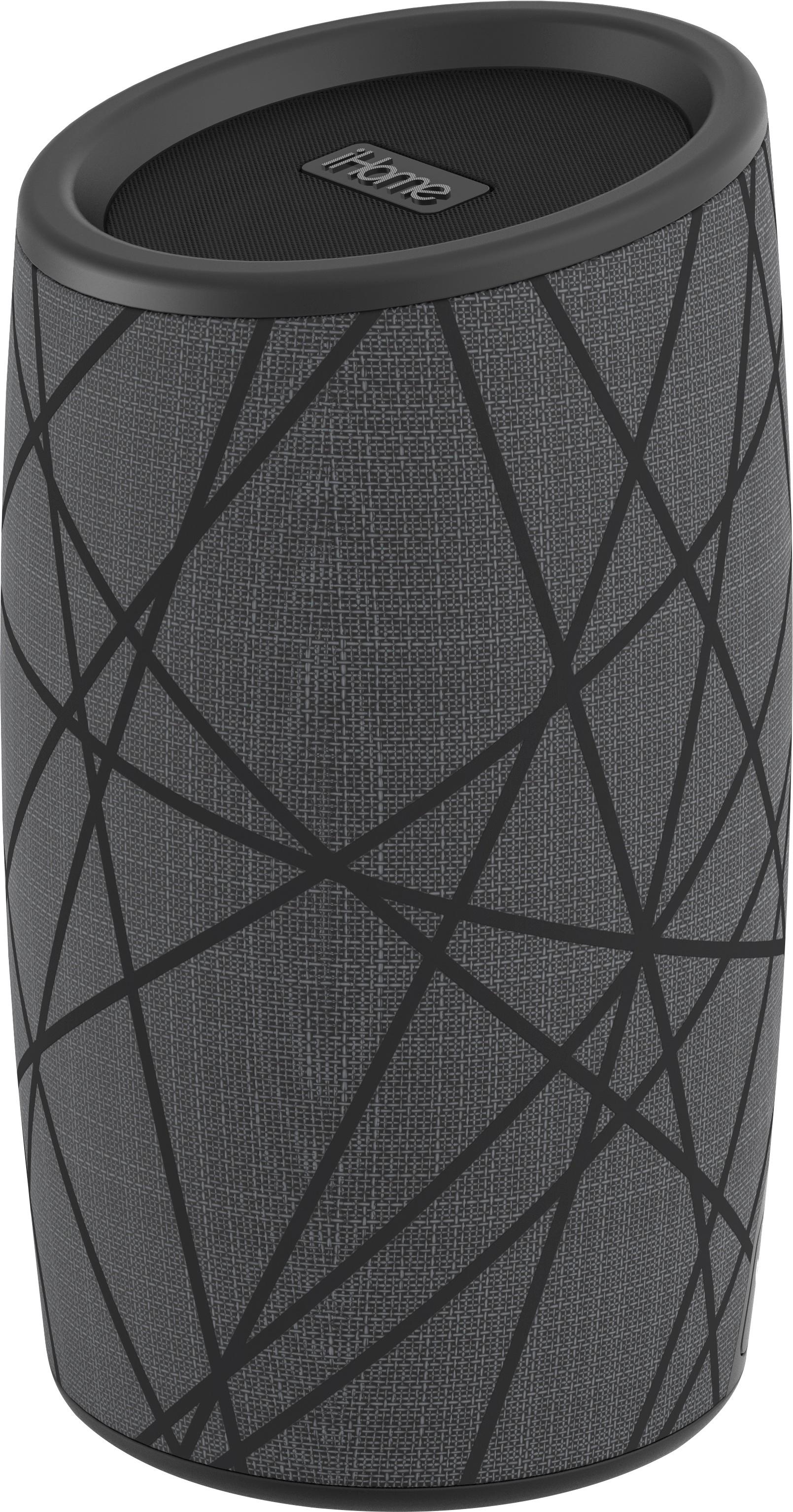
A:AnswerWe are sorry to hear that you are having problems. Please charge the iBT77 with a 5 Volt AC wall adapter for 4-6 hours. Then at the bottom of the unit, press and hold the power button for 3 seconds until you hear the tones. You should be all set. For additional information, please contact our Support Team at 1-800-288-2792. Mon - Fri from 8am - 4pm EST.
A:AnswerPlease charge the iBT77 for 4 hours. The pairing instructions are on page 6 of the user manual. Here is the link for your review. https://cdn.ihomeaudio.com/media/product/files/iBT77EN_IB_online_426.pdf
A:AnswerWe need more information to assist you. We can troubleshoot the iBT77 to ensure it is working. We cannot troubleshoot your computer. We suggest you remove the iBT77 from the USB port and restart the computer. Then give us a call to test the iBT77. Phone: 1-800-288-2792. Monday - Friday. We are here to help.
A:AnswerYes Please ... at times when I am in a call and the iHOME BT speaker shows signs of low battery, I start the charge on simultaneously and have had no issues.
Been using for close to 15 months now...
A:AnswerYes. The iBT77 is compatible with most Bluetooth devices (Android and iOS) including the iPhone 6s. You can connect two iBT77 units for true stereo sound.
1. Power “ON” both iBT77 then within 10 seconds.
2. Press “Bluetooth and (-) Minus Button” together on speaker 1 and then on speaker 2.
3. A voice will say LEFT & RIGHT channel.
- LED on LEFT speaker will glow solid BLUE.
- LED on RIGHT speaker will glow solid GREEN.
A:AnswerThank you for your question. Yes. Once the speaker is connected to your phone/device via bluetooth, the iBT77 will play audio from that phone/device. Think of it as a much louder and clearer speaker phone. You can also take calls through the iBT77. There is a microphone so you can be hands free within 30 feet of the speaker.