Questions & Answers
- Model:
- IBT235G
- |
- SKU:
- 6402433
Highly rated by customers for: USB Charging, Ease of use, Sound Quality
Page Showing 21-26 of 26 questions
Q: QuestionHow many alarms can be preset on this device?
Asked by Anonymous.
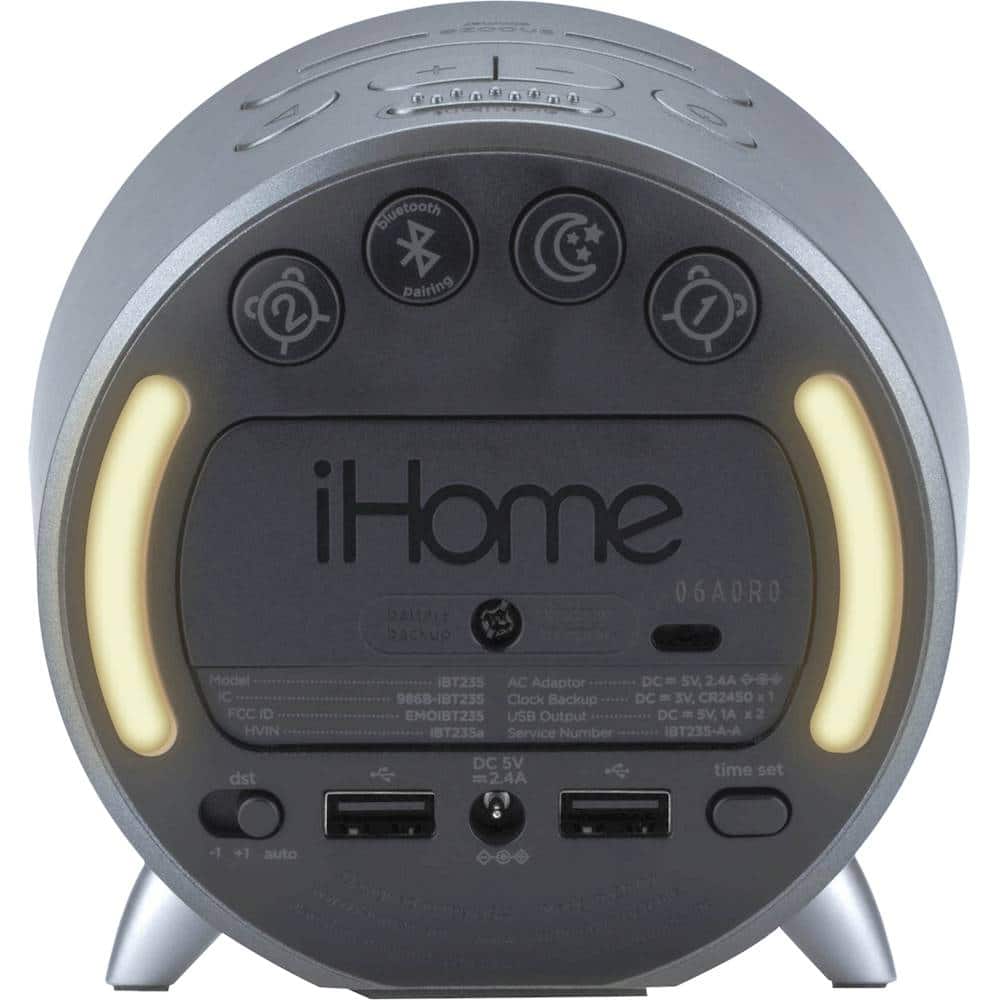
- A:Answer This unit has dual alarms so you can set up two alarms at once.
Answered by iHome
Q: QuestionDoes this alarm clock have a FM radio option?
Asked by kaylie.
- A:Answer No. And I wish it did. Just have to bluetooth FM station to it from my phone. Not difficult.
Answered by PeterL
Q: QuestionDoes it let you wake up to music?
Asked by Kari.
- A:Answer Yes, Press the Alarm Button to confirm the alarm schedule. Press the – or + Buttons to select the desired wake to alarm source: Wake to Bluetooth: Wake to a linked Bluetooth device
Answered by iHome
Q: QuestionHow do you adjust the volume on this clock?
Asked by Henry.
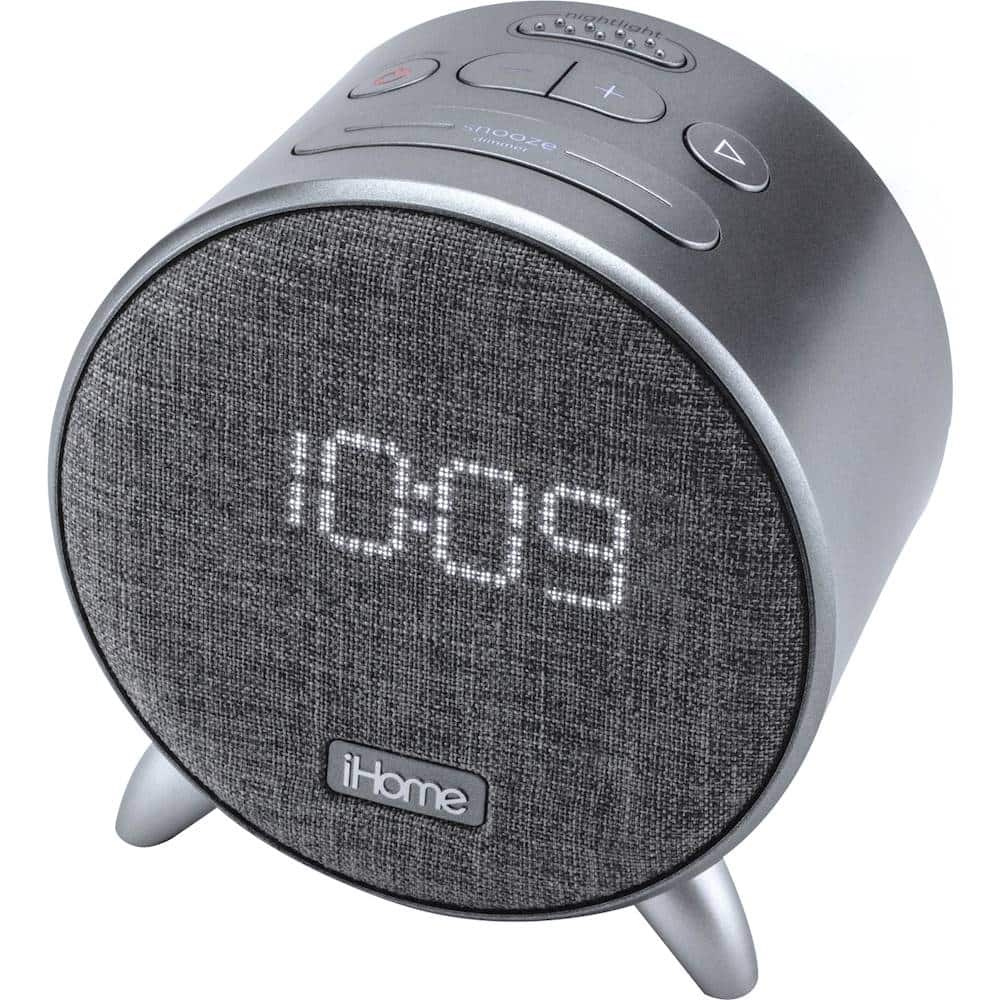
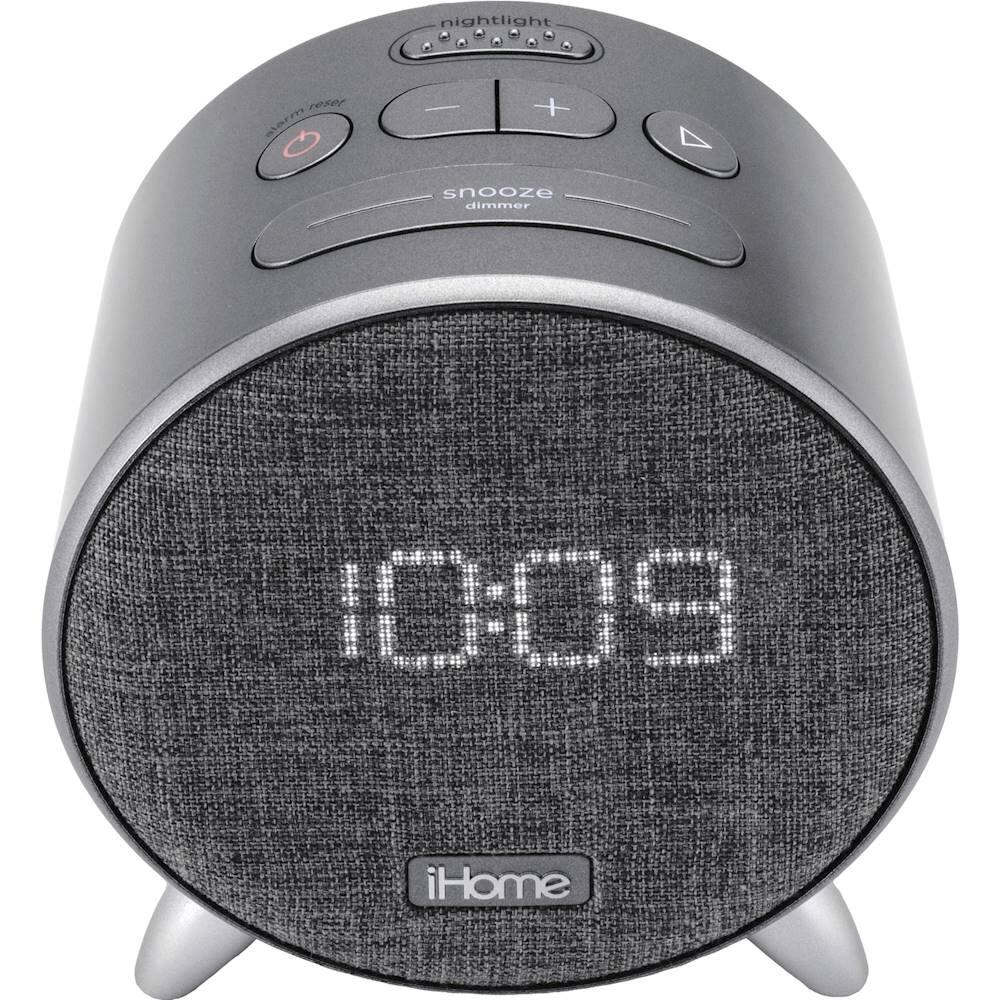
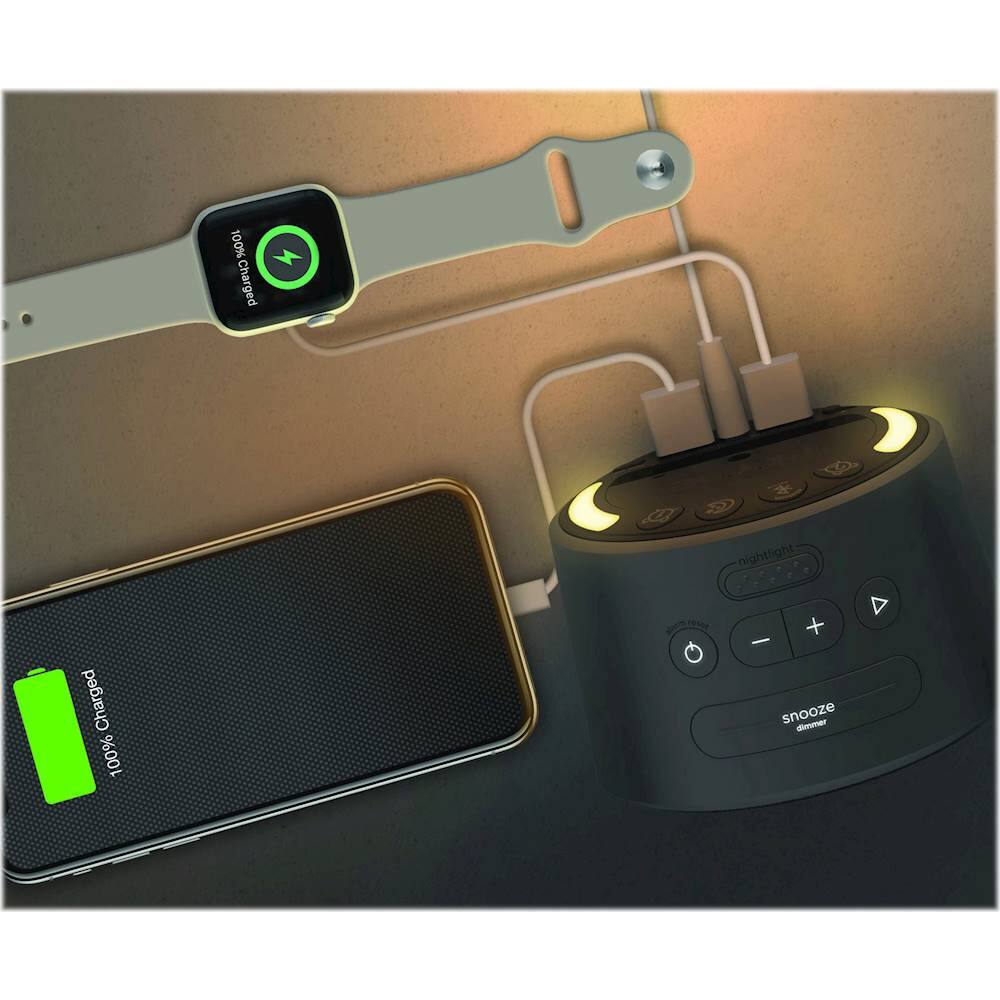
- A:Answer Dear Henry, This unit features a Volume up and Volume down button on the top of the device.
Answered by iHome
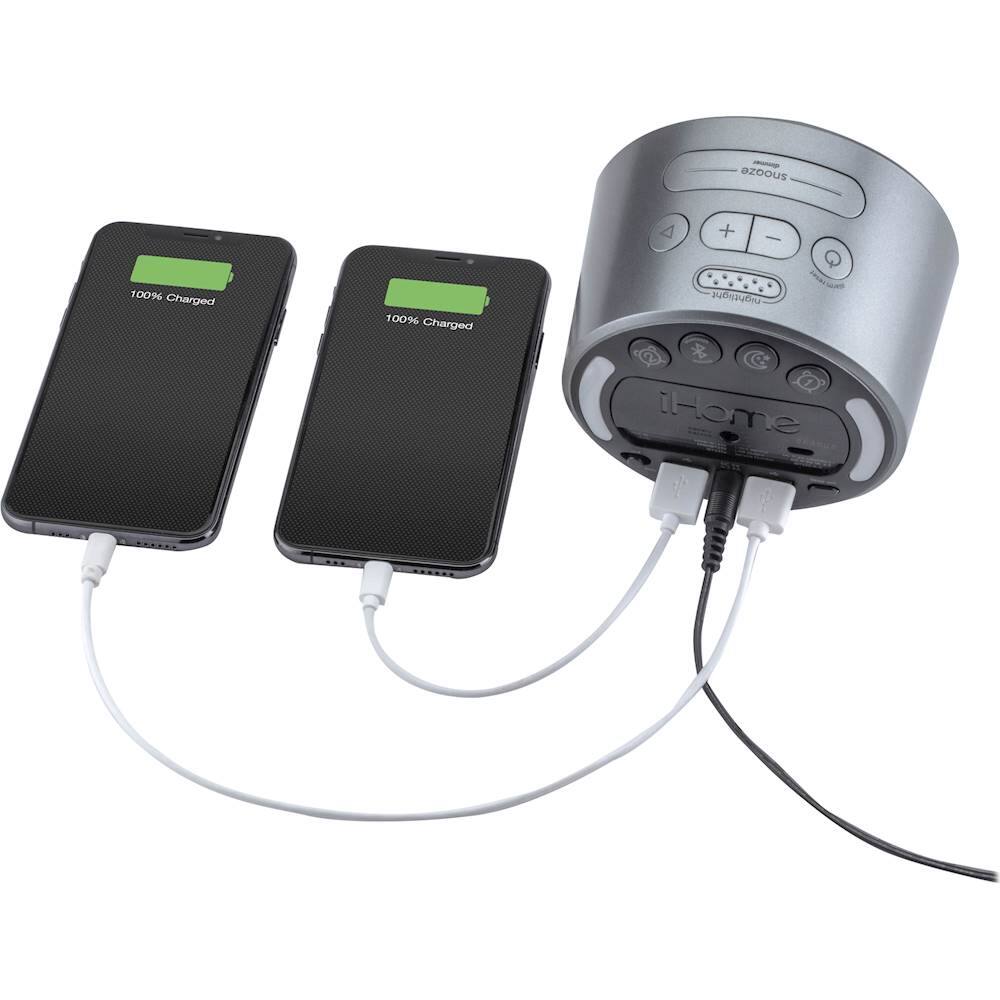
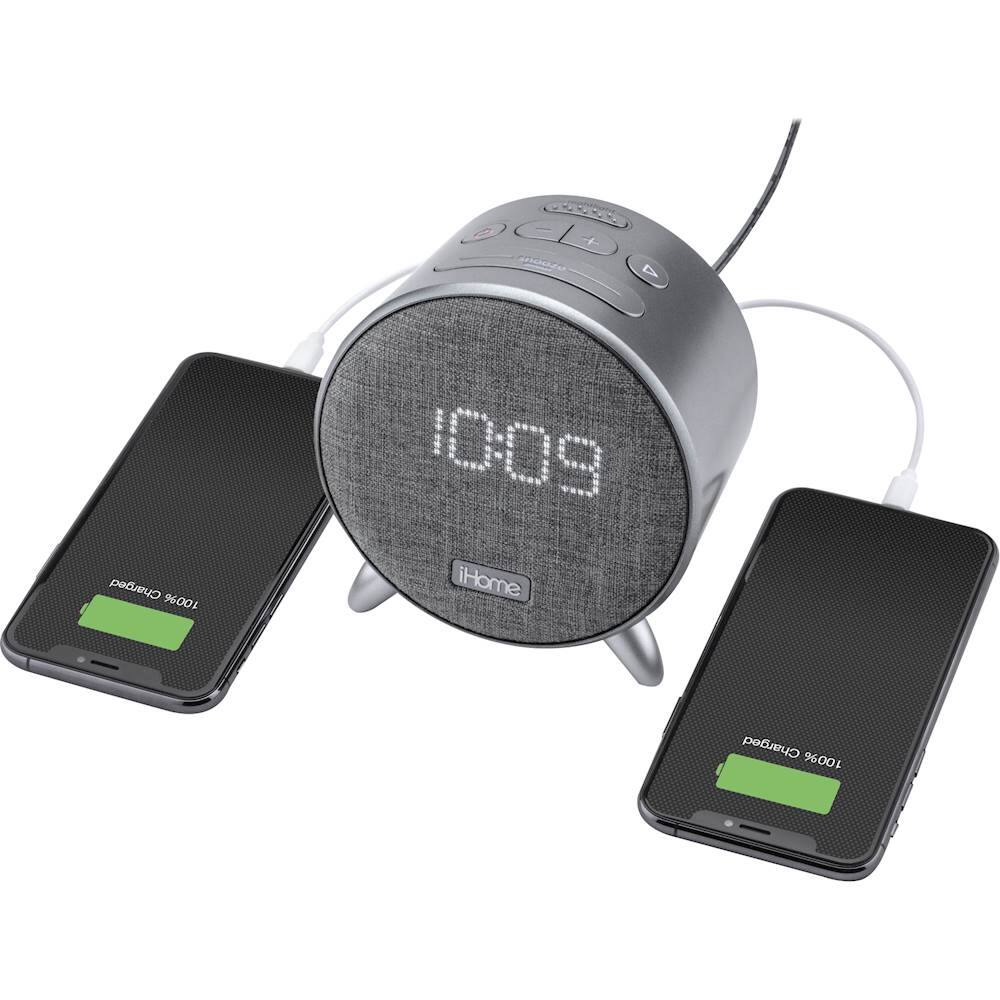
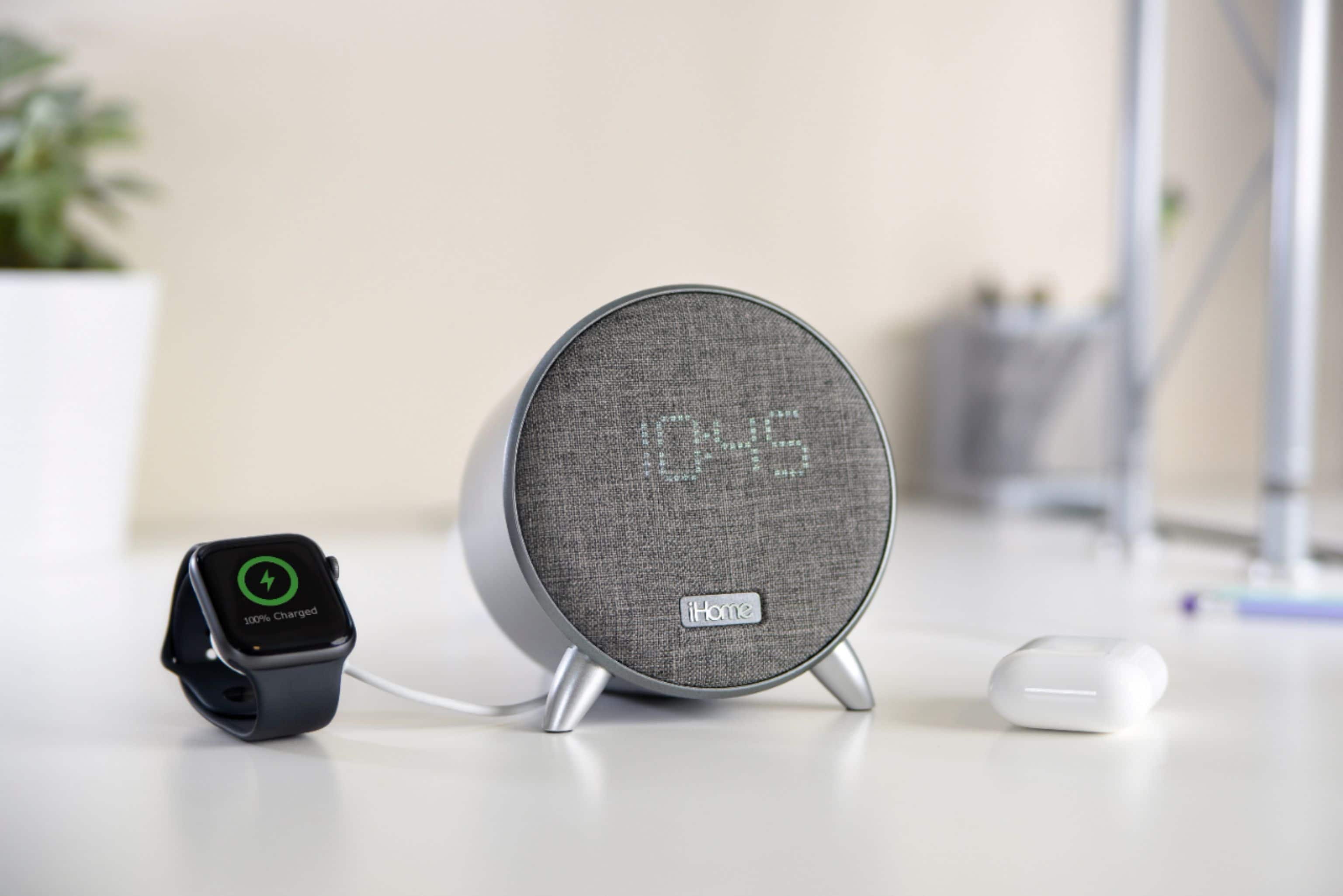
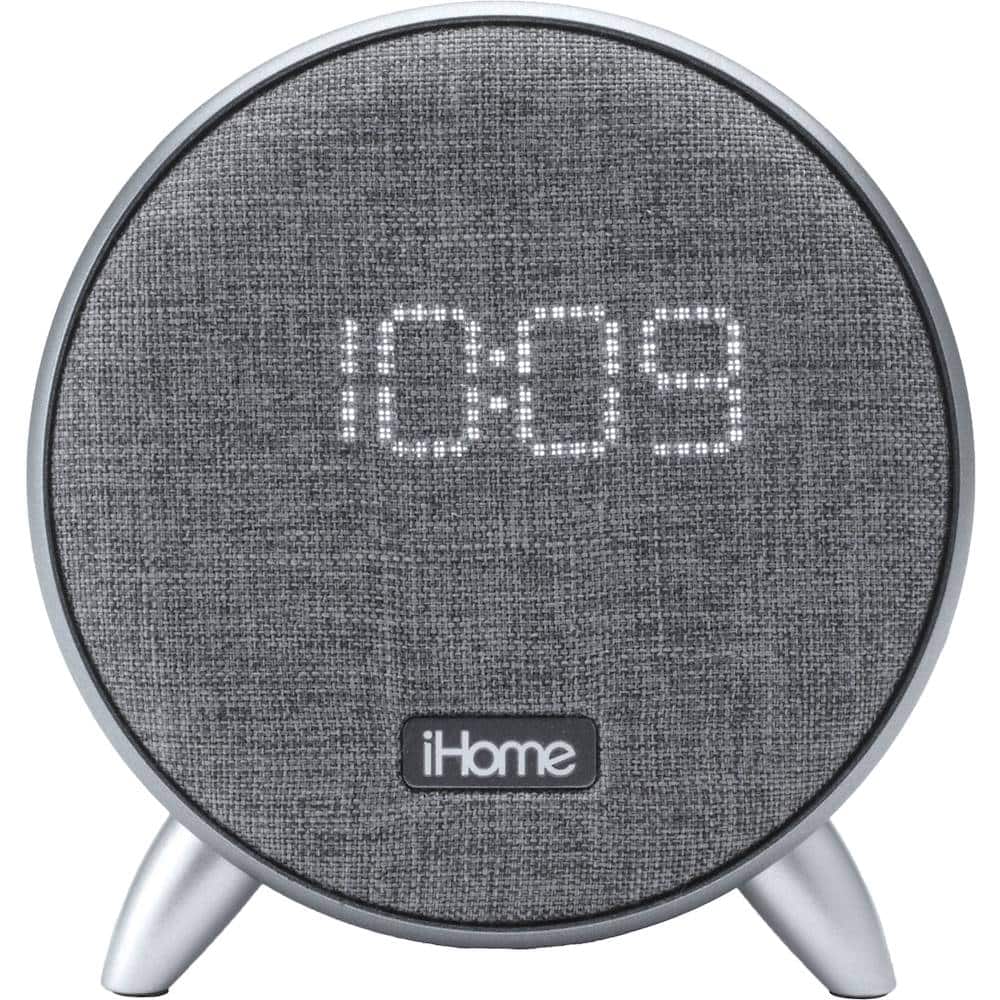
Q: QuestionWhat are the real specifications/dimensions? This doesn't look 15" wide as you describe it. I think someone copied this from another iHome item. Also, how tall are the numbers on the clock?
Asked by Ripley.
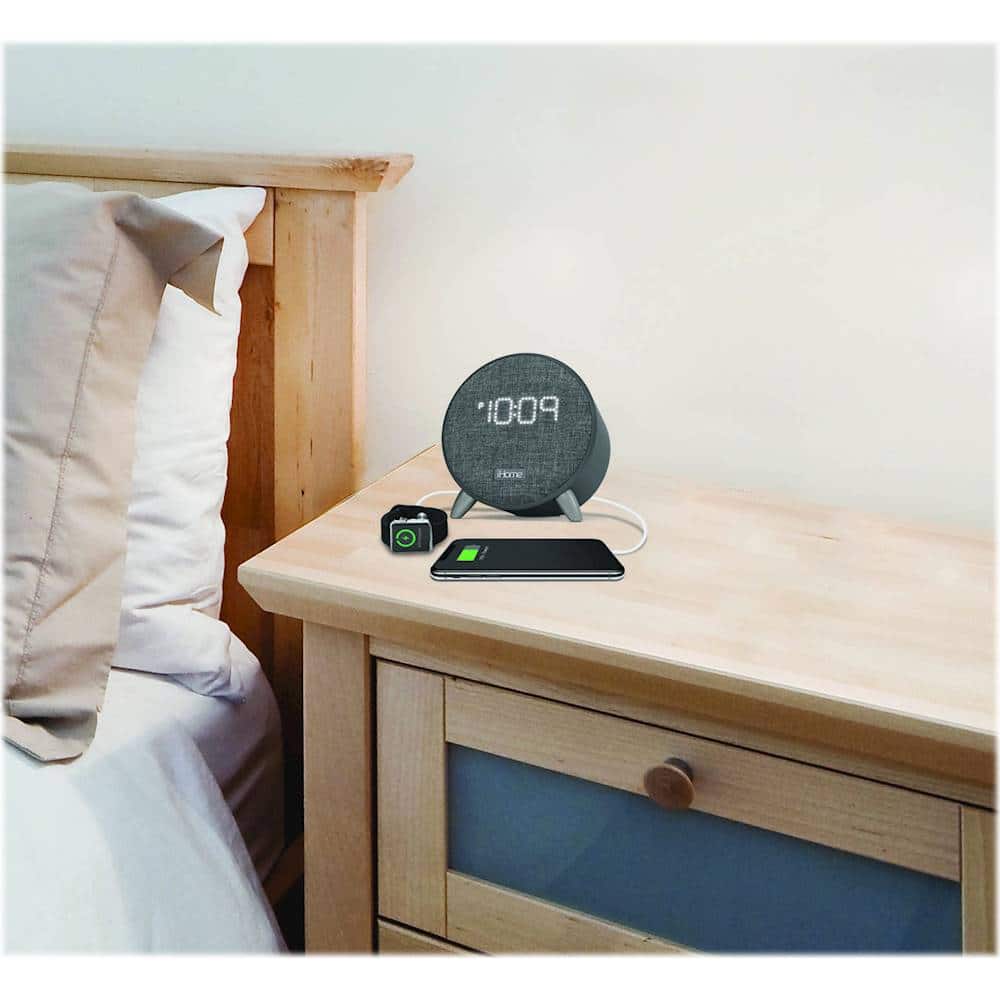
- A:Answer 4.81"H 3.19"W 4.61"D
Answered by Babyblue
Q: QuestionHow do I get rid of alarm settings. I can turn it off but can’t figure out how to have no alarms set anymore
Asked by Lola.
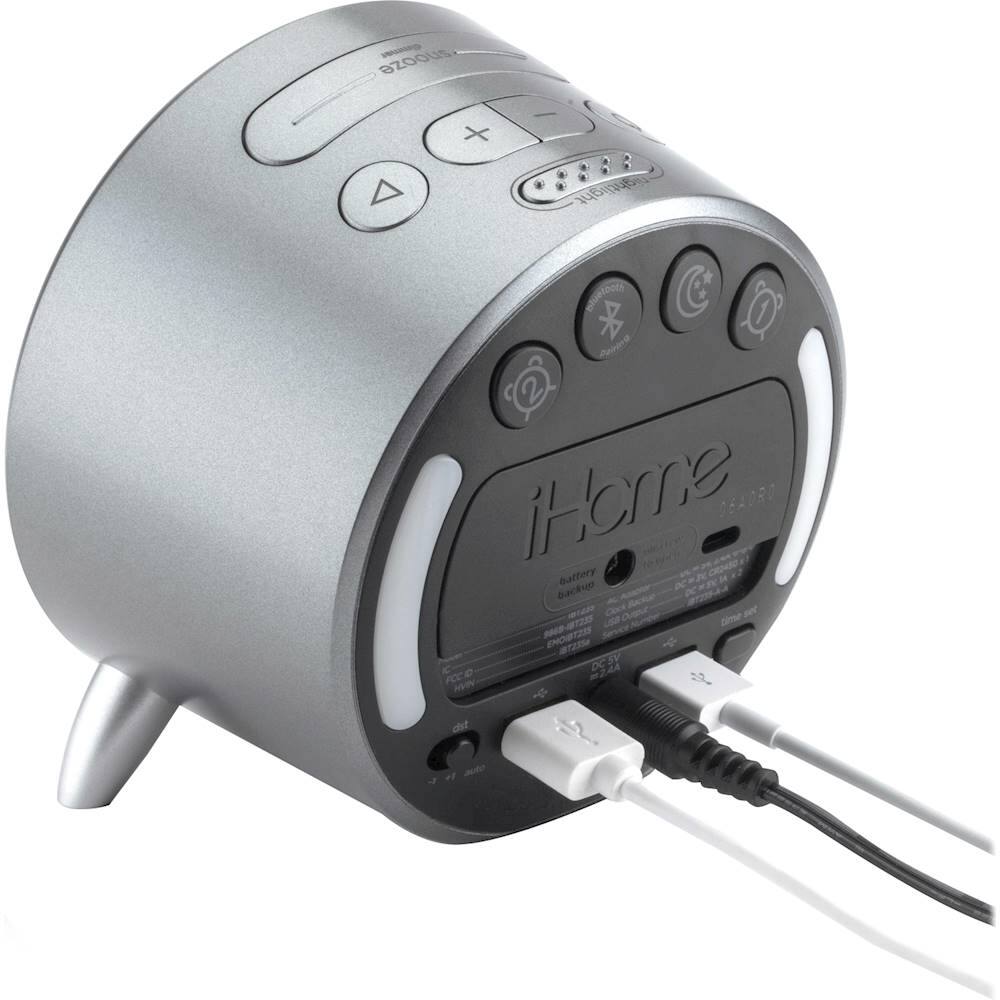
- A:Answer 1. Press the Alarm Button to preview the alarm time. Press again toggle the alarm ON and OFF, indicated by the related LED indicator. 2. When the alarm sounds, press the corresponding Alarm Button (1 or 2) or the Alarm Reset Button to disable the alarm and reset it for the next day.
Answered by iHome
Page 2, Showing 21-26 of 26 questions
Top Rated
- Tech Fest Deal$99.99