A:AnswerYou cannot upgrade the memory (RAM) and storage. Buy the system that has the right amount of memory and storage for yourself up-front. In the worst case scenario, at least in regards to storage, you can get an external hard drive if you run out of space but with memory, there are no work-arounds. With that said, 8 GB of memory (RAM) is enough for many users. If you are doing word processing/web browsing/typical day to day work on a computer, 8 GB is plenty.
But if you are doing more advanced/demanding tasks, like photo/video editing, then I would recommend 16 GB of RAM. As for storage, see how much of your computer's storage you are using now. Will you be storing lots of media, like photos and videos? In that case, buy a model with more storage up front or if you can't afford that right now, buy an external hard drive later on when you run out of space and really need it. Hope that helps.
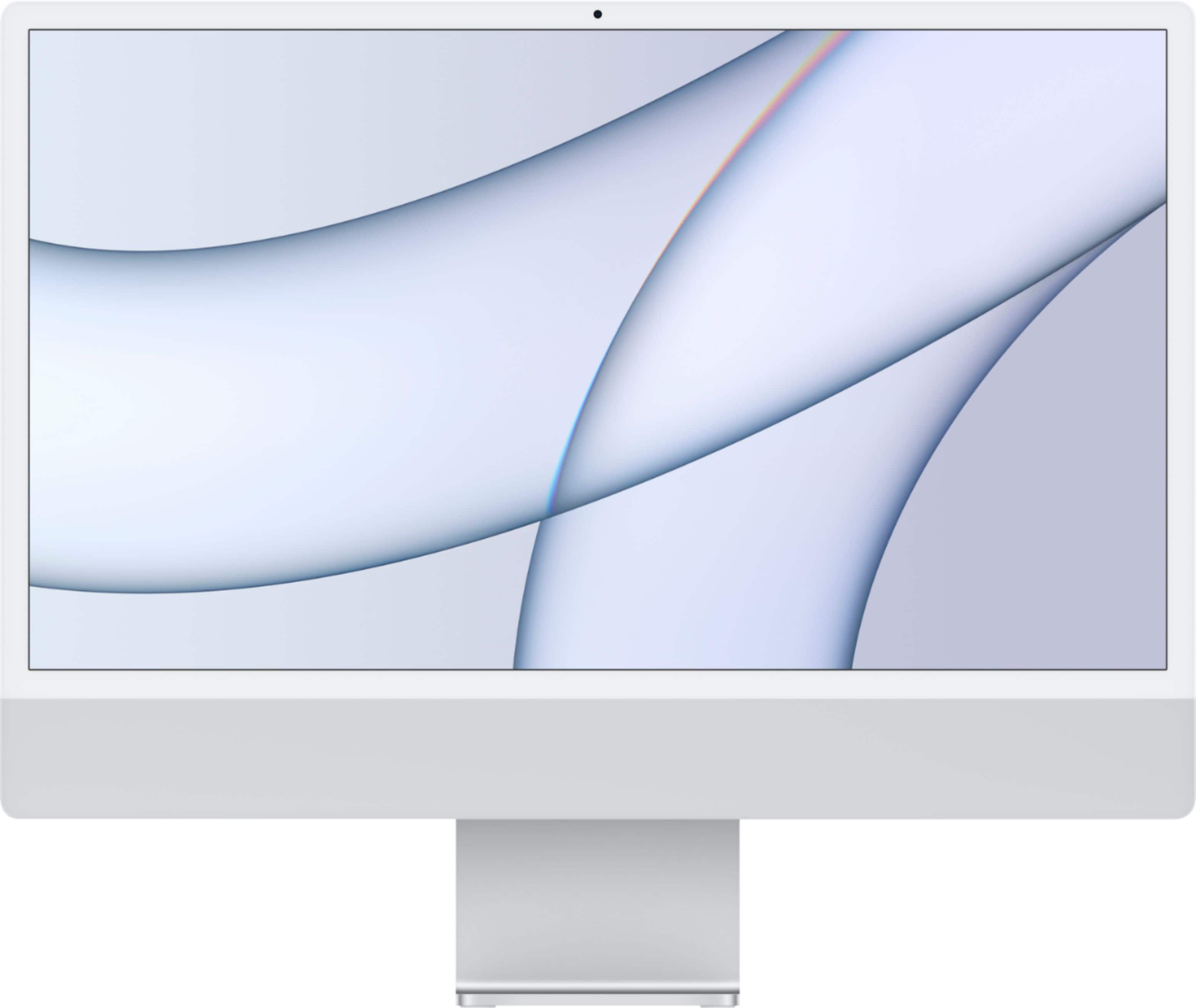
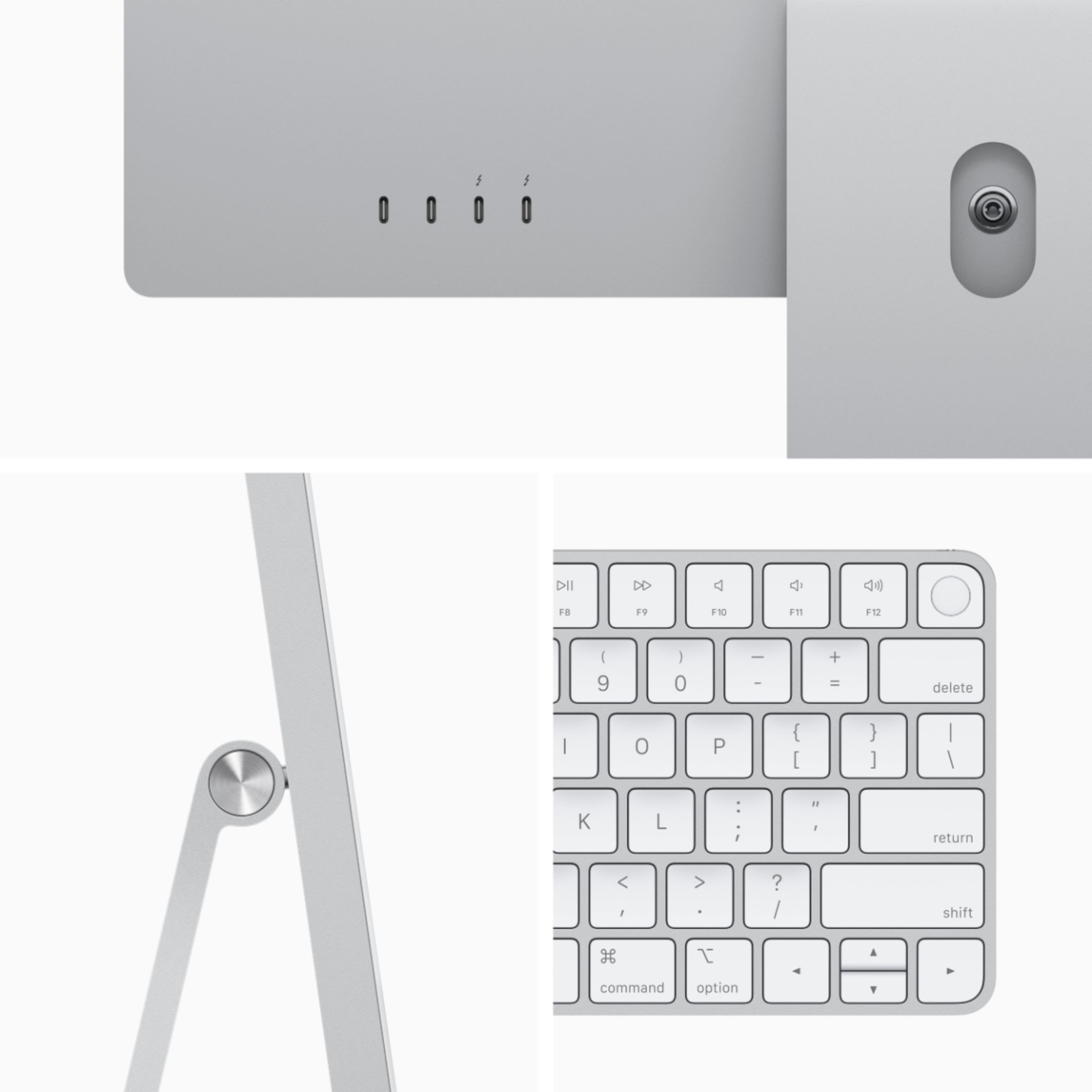
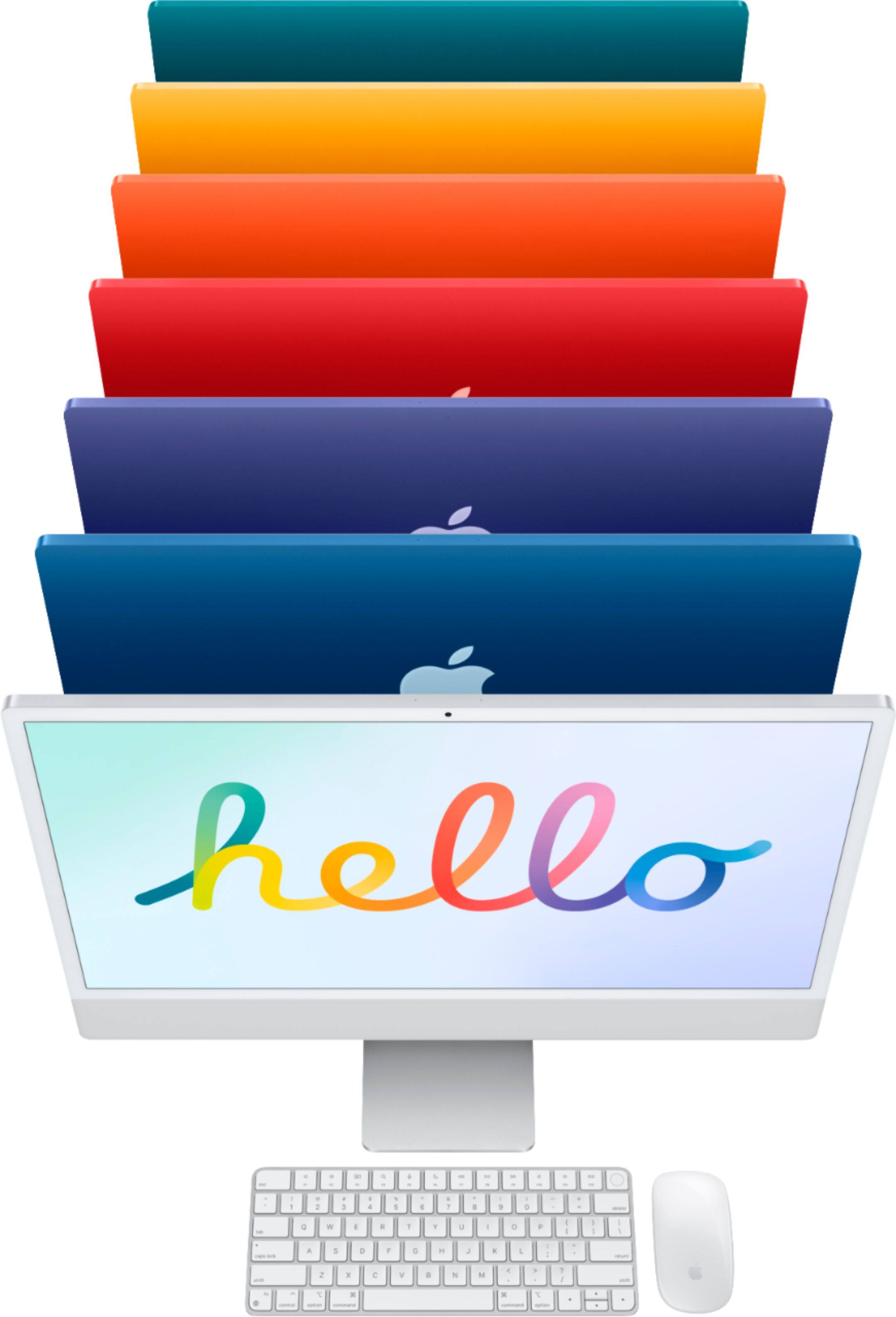
A:AnswerNo.. the included keyboard with the iMac does not have the number keypad @ the right. I wish it did or at least give the option as I also needed the keypad to use for work. You have to buy it separately for $120+.
A:AnswerMagic Keyboard with Touch ID delivers a remarkably comfortable and precise typing experience. It's also wireless and rechargeable with an incredibly long-lasting internal battery that will power your keyboard for about a month or more between charges. It pairs automatically with your Mac, so you can get to work right away. And it includes a woven USB-C to Lightning cable that lets you pair and charge by connecting to a USB-C port on your Mac.
A:AnswerYes, keyboard and mouse is included. Lowest price configuration ($1299) has a keyboard without the Touch ID. Though you can get that for additional $. Higher priced configuration ($1499 and above) come with a keyboard with a Touch ID.
A:AnswerApple sells their highest end computers appropriately by the higher prices. If you're looking for the best computer, just sort by price and start at the top. If you're looking for a computer to just dabble on, you're good with any Apple made after about 2015. That gives you a solid few years to own one that will do everything you need without worrying about it becoming obsolete.