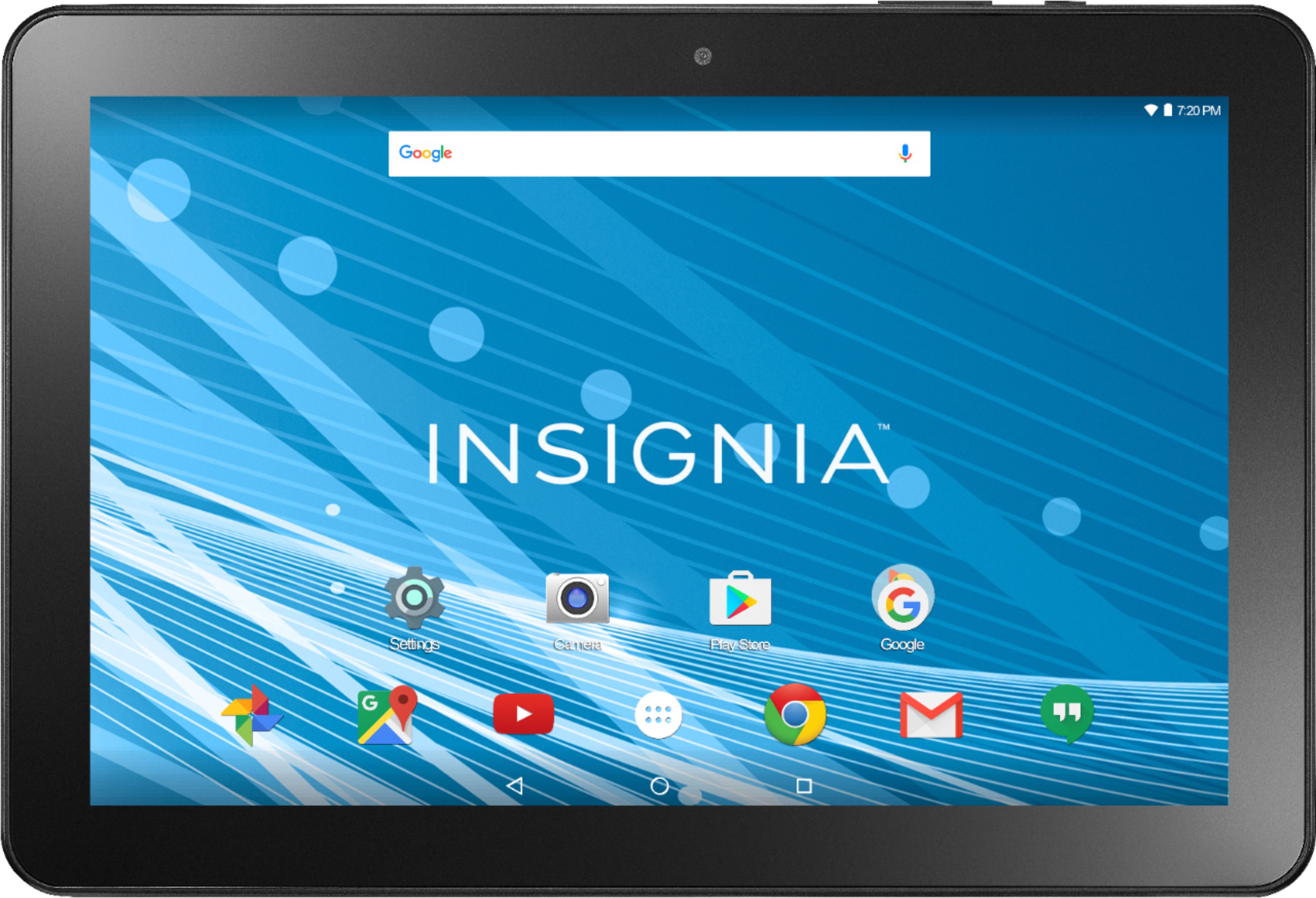
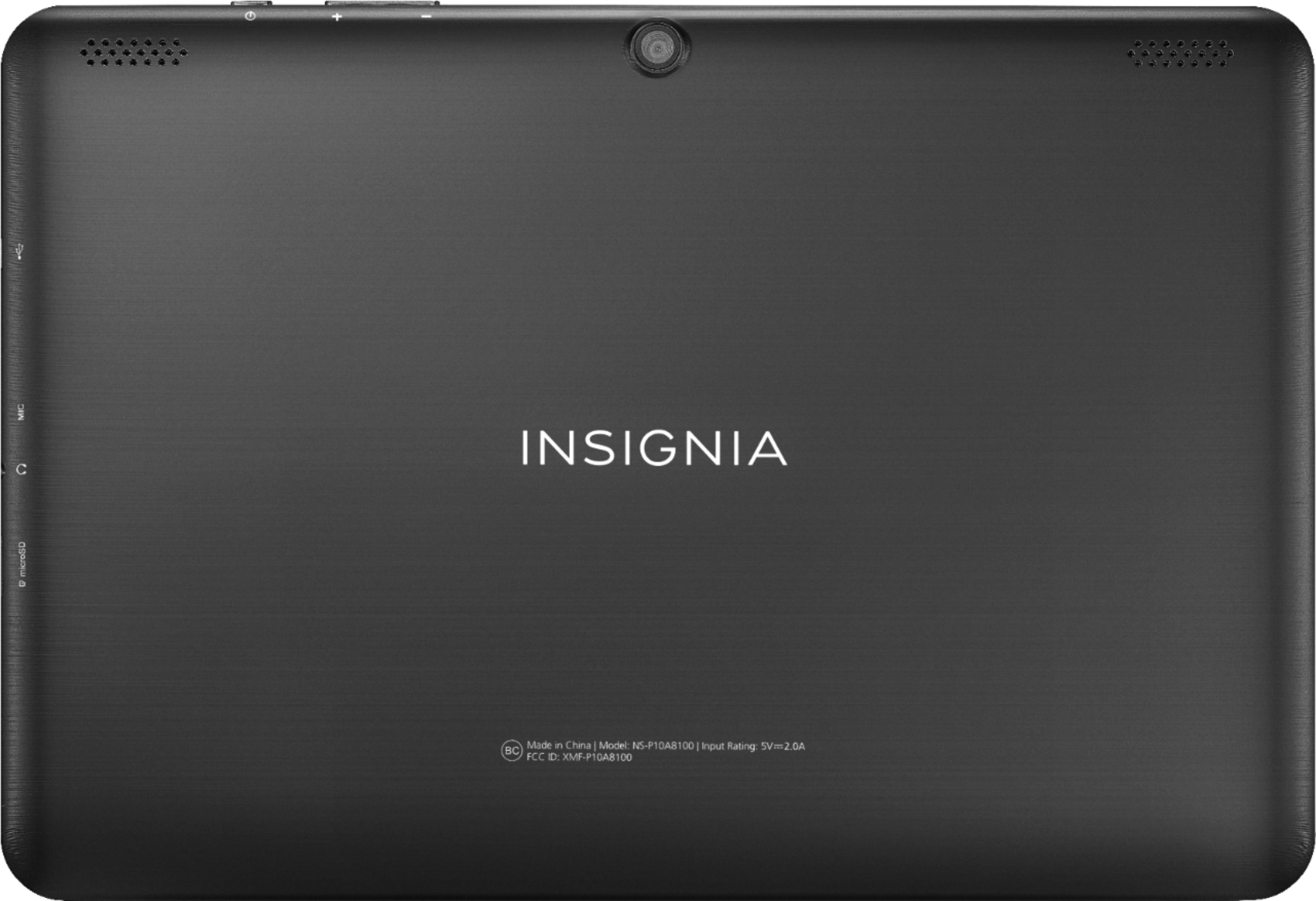
A:AnswerThe included USB cable is not very long. The USB wall plug isn't compact but it isn't huge either.
It's essentially similar to what most phones have for charging purposes.
A:AnswerI couldn't find one that would fit this tablet specifically. Although, you could still use a 10.1 otterbox. You would just have to remove it for charging and plugging up headphones. I never could find one with the appropriate cutouts for the camera, charging cord, headphones, etc...
A:AnswerIf the connection seems too loose, the USB port may need to be cleaned and/or you may need to use a new USB cable. To clean the USB port, shut down the tablet, then take a non-metallic item like a toothpick and gently try to drag out any dust. Most USB ports collect a lot of dust and this can interfere with making a good electrical connection. It's also possible that the current cable you're using to charge the tablet has become slightly bent, so a new cable might help make a better connection. In general, though, three years usage for a tablet is pretty good. Might just be time to move onto a newer model.
A:AnswerThis tablet runs Android 7.0 so most recent Android apps should work. However, it seems that Deseret Bookshelf was ported over from the iPhone version, so not all features may work. Visit their website for more details on known Android issues. You can always read your books in the Chrome browser if the app doesn't meet your needs.
A:AnswerI have the same problem. i took it to the Geek squad and she couldn't figure it out. She made a comment about being a cheap unit that they have. Referring to it being a small memory etc. I am disappointed with the product and am sorry i didn't get a better brand.
A:AnswerThe tablet may turn back on. It's happened to me a lot of times. Especially while trying to view videos.
The tablet cuts off without a warning, but it does turn back on eventually. I think the RAM has to free up memory so it reboots itself.
A:AnswerNo. I wouldn't try it. This tablet doesn't have enough RAM to cover what you're planning to do. It'll cut off while trying to process payments in front of customers. The best advice I can give you is to buy a more expensive tablet if you want to use it for business. At a minimum, try to get at least 4 gigs of RAM.
A:AnswerI have purchased no less than 5 of these tablets... how I really love the price, size, layout, and style of this tablet, the dependability and internal parts seems to not be up to par. The best I can tell you is try to completely restart the tablet and if that doesn't work you might have to do a factory reset (which will put the tablet back to a state of when you first purchased the tablet, it will erase everything) so, make sure to backup any information that you don't want to lose... including your login, passwords, etc... information! Hope that help!