A:Answer Your Android phone must be set for data transfer.
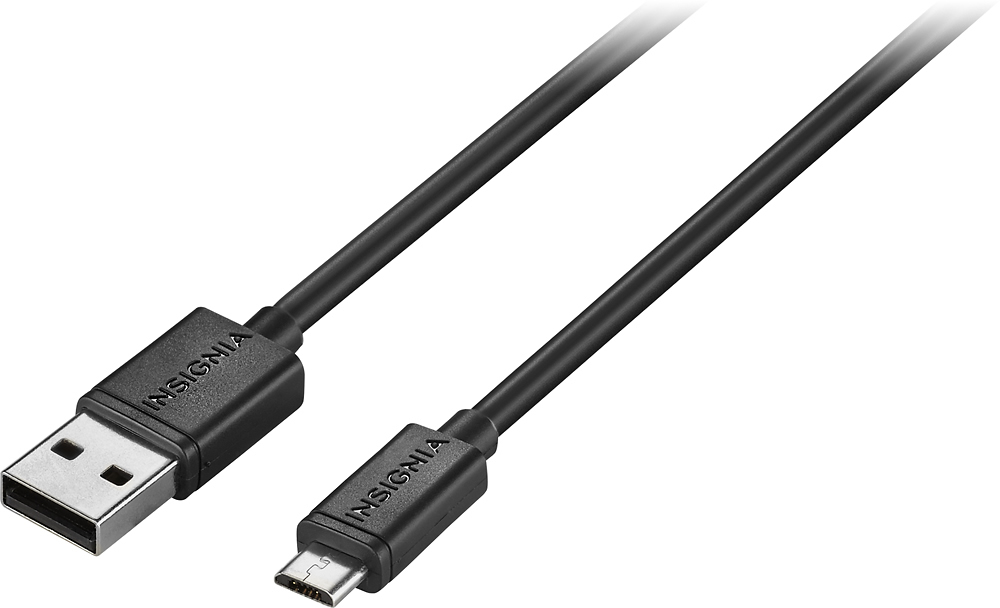
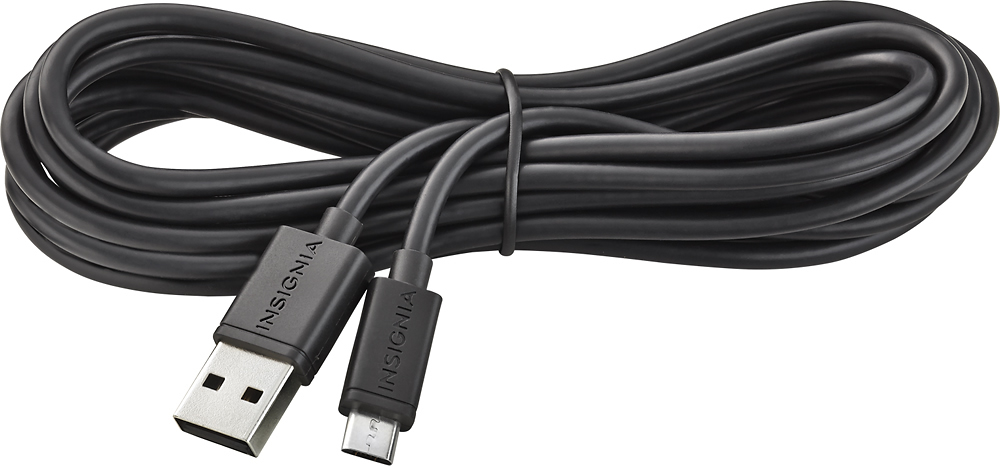
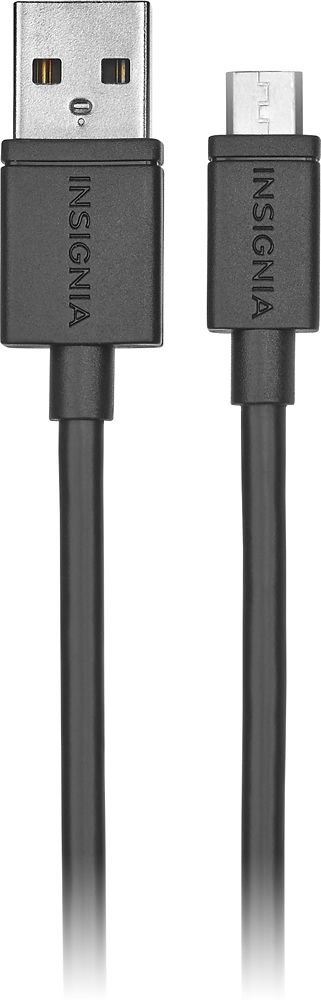
You can use the Micro USB Charge-and-Sync Cable (assuming it does not have a USB-C connector) to transfer data to your computer. Based on the age of your phone there are a few things you may need to do:
1. when you initially plug your phone to your computer a pop up window may appear asking you for a few choices. Some of the choices may be similar to: connect for charging only, charge and transfer data, transfer data only, etc. Then you select your option from the pop up window.
2. You may have to go into you phone settings and set for file transfer when USB is connected. On your device, tap the "Charging this device via USB" notification. Under "Use USB for," select File Transfer.
3. May have to Download and install Android File Transfer on your computer. And use this program to transfer data.
With this question being so open ended (without phone details, etc) it is hard to provide exact instructions on how to instruct you how to do this specifically. But I hope this helped.