A:AnswerI'm 70 with good hearing and think the sound it quite low at its highest level. The sound is really quite good if the DVD player is within 4-6 feet of the viewer though.
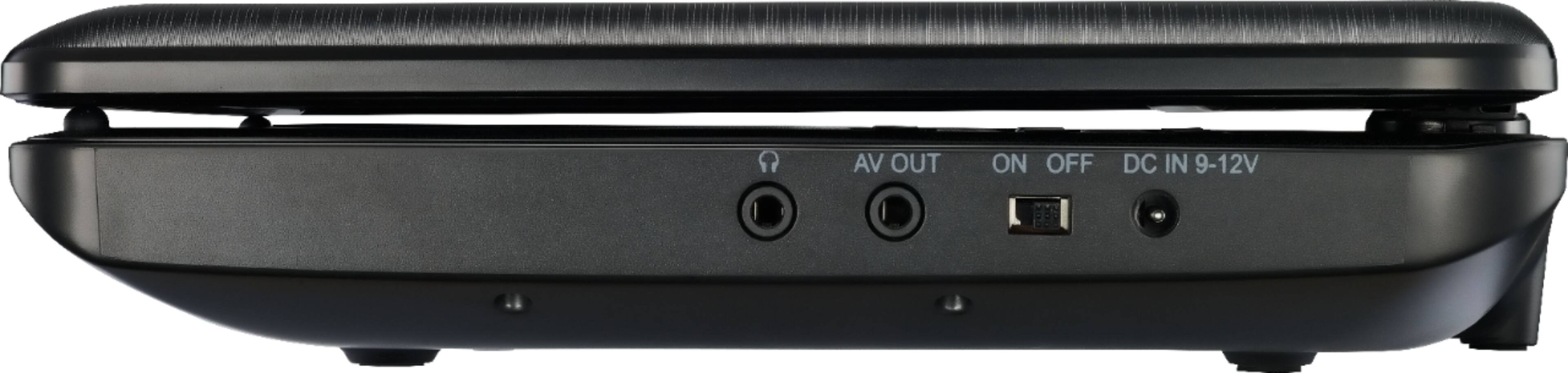
A:AnswerHello, FremontFury, This Portable DVD player includes an AV out connection, therefore, if you want to connect it via HDMI, you will need to get an RCA to HDMI converter. Marcos O. - | Insignia Support |
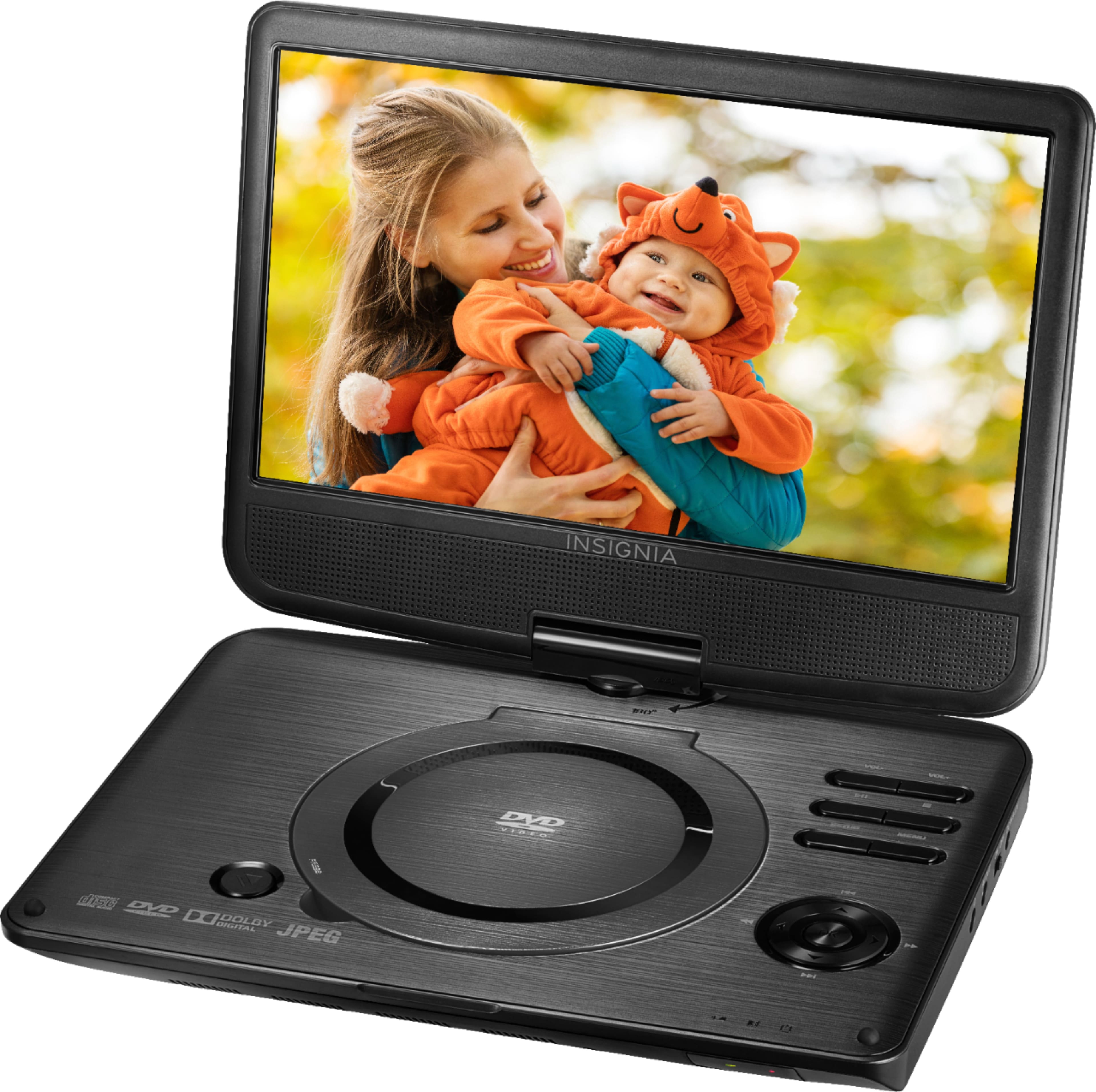
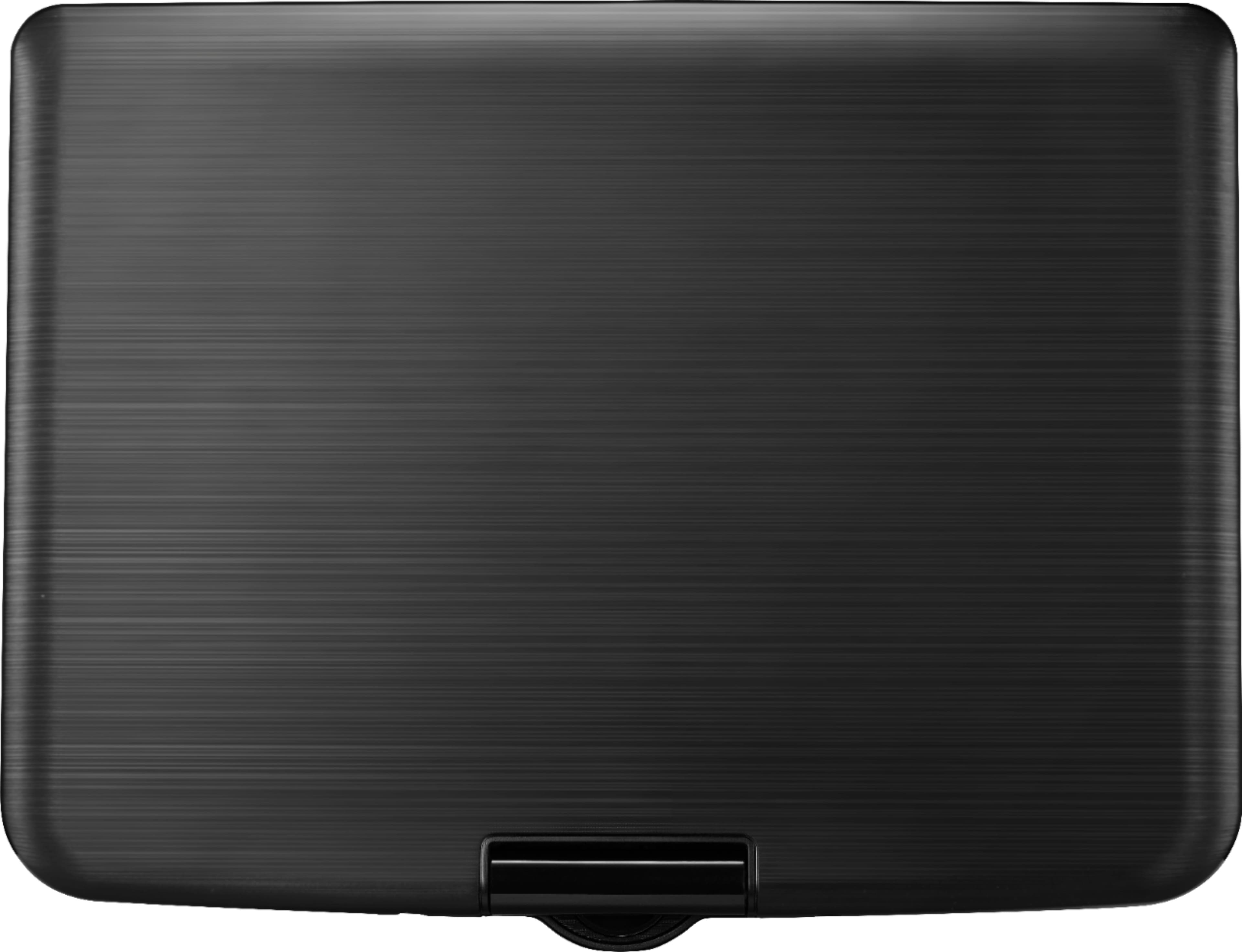
A:AnswerI struggled to open the player when it arrived. It turned out that I was trying to open the back side of the player. The front side has no latch. You simply separate the two sides of the player by raising the top part.
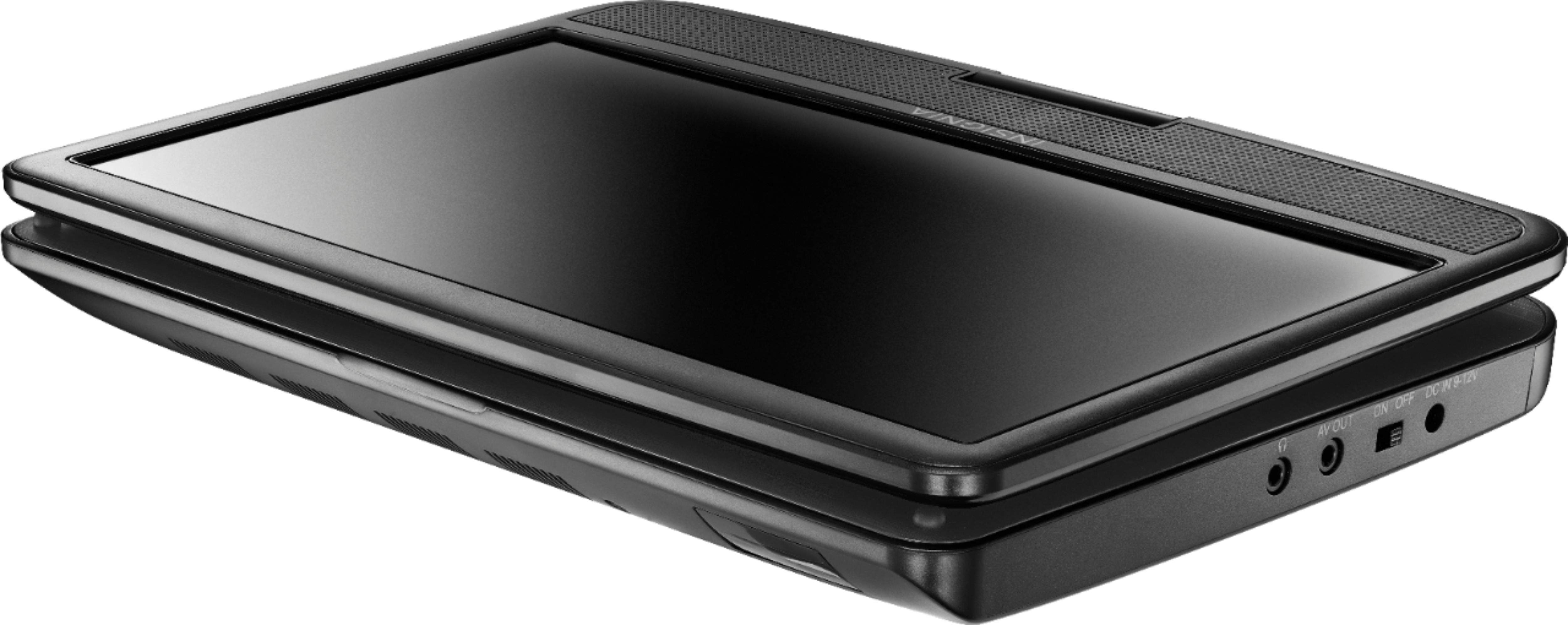
A:AnswerHi! You can connect external speakers to the headphone's jack on your portable DVD player. This unit is not Bluetooth enabled, so this type of connection is not available.
Viridiana E.
Insignia Support.
https://www.insigniaproducts.com/contact-us
A:AnswerAfter removing the DVD player out of its packaging, PLUG it into an outlet and let it CHARGE until the light turns green -- perhaps up to 2 hours. Once you get the green light, place your DVD inside and power it on. Enjoy watching your movie!
A:AnswerIt has a 3MM Jack for headphones. I use the Sony Headphones that I bought at Best Buy for a totally Awesome sound for the Portable Insignia DVD player.
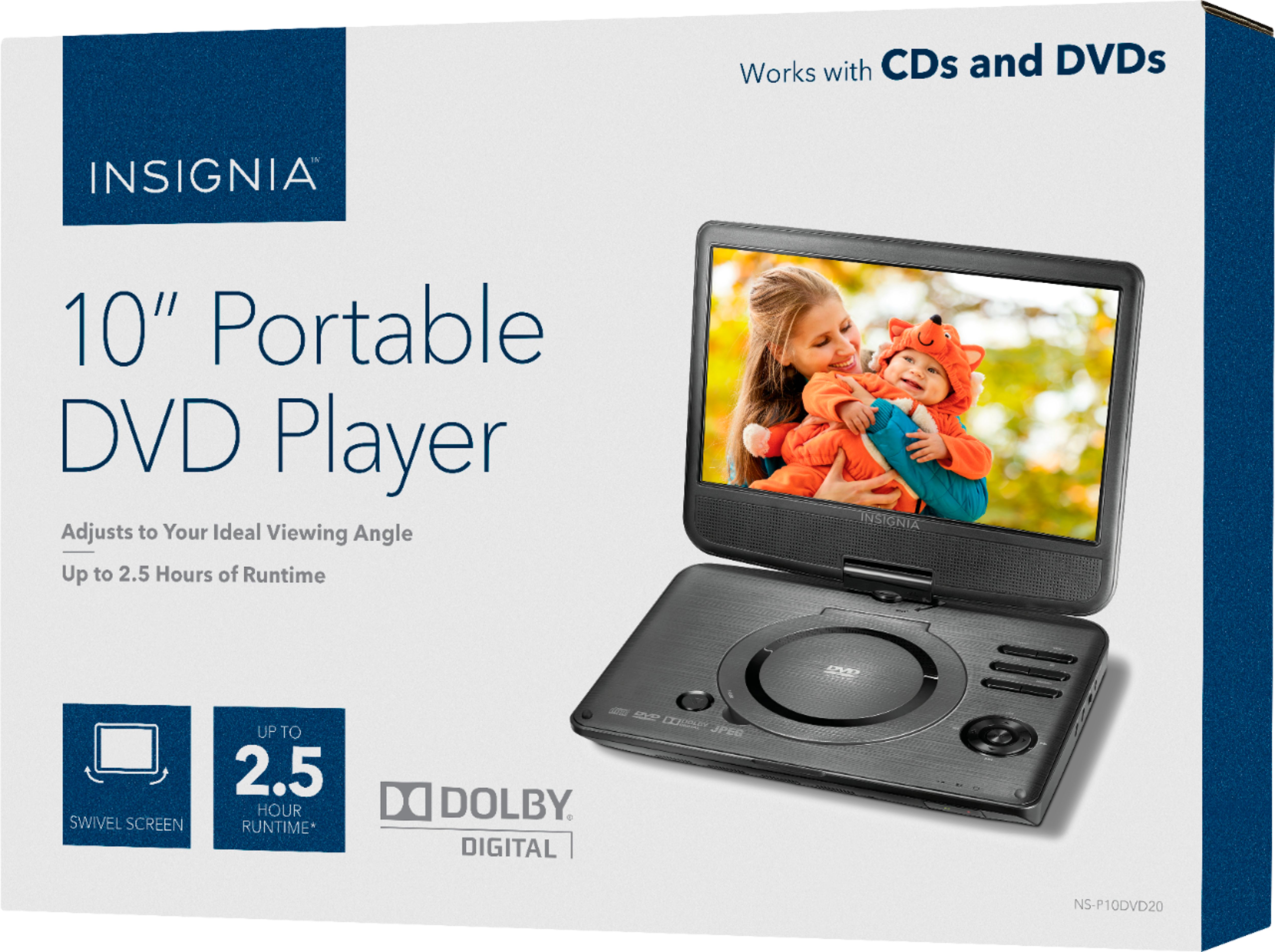
A:AnswerI have the Insignia 10" portable DVD player. I do not have mine set up to portable speakers, but it may be a good idea to do so since the internal speakers are quite low at the highest level. This is what my booklet says: "Press 'set up' then select 'audio setup icon' then press 'LT/RT' ifyour DVD player is connected to external speakers or a sound system with a Dolby Pro Logic decoder." I really don't know what that means, but maybe this may help you.