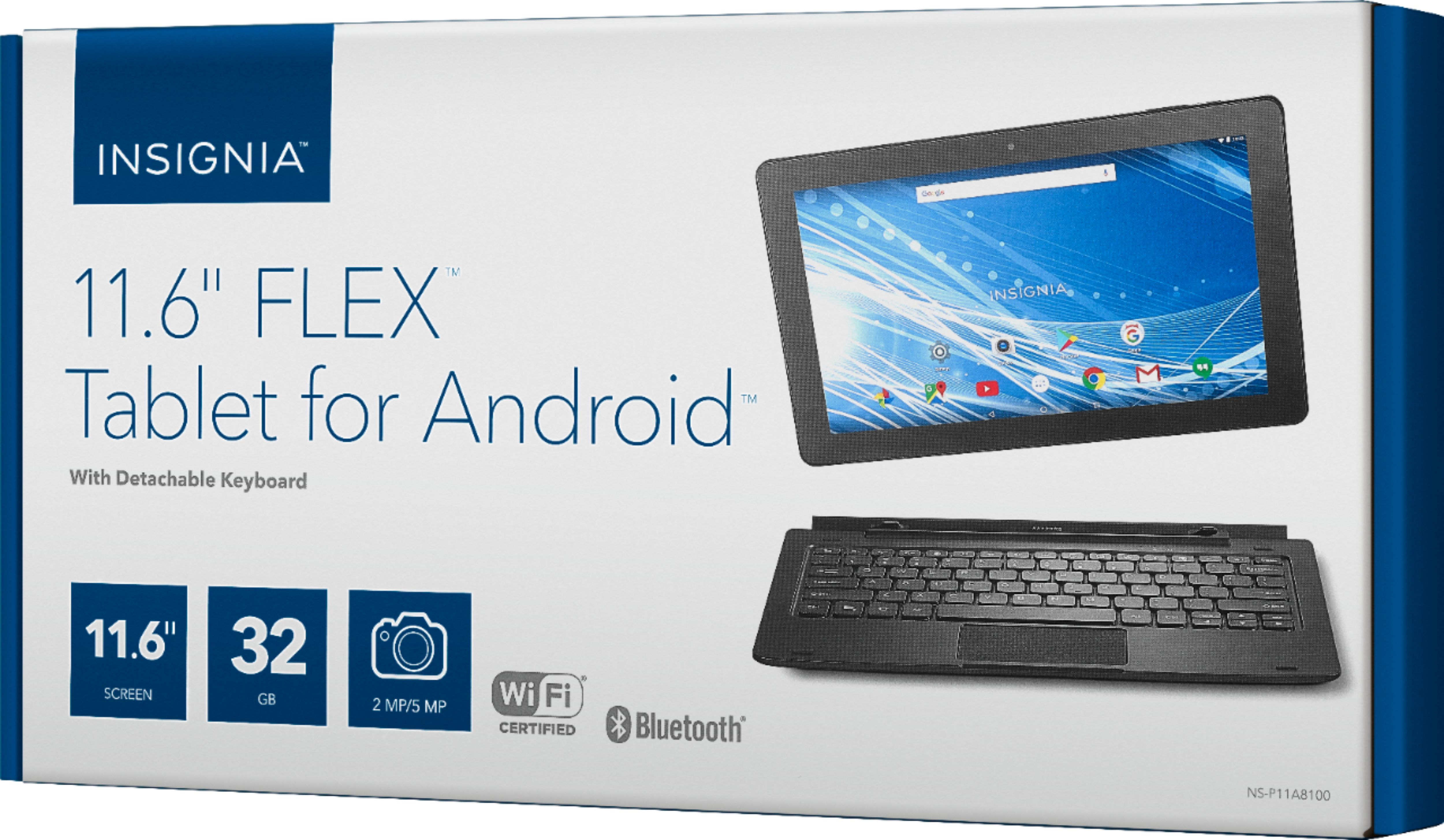
A:AnswerOne reason is that the tablet only has 1gb on RAM. This is a huge factor in overall performance of an operating system. I wish they showed amount of ram under the specifications tab on website, or even on the box somewhere. Had to go into settings to find out bad news for myself. Kinda lame and disappointing. I agree it is slow.
A:Answerhttps://files.bbystatic.com/EMygaU7N%2B1ARRWeOUJlExA%3D%3D/NS-P11A8100_17-0326_IMP-INFO_V1_ENG_Final_lr.pdf
Either click on this link or copy it and paste on your search engine
A:AnswerDownloaded directly onto the tablet? Probably a lot. 32G hard drive + extendable space. Probably 100+ without adding SD card. Get an decent size SD card too, probably 1000s of books. Or you could store your books in the cloud & not have to buy a SD card OR worry about any of the books taking up space on your tablet. I'd definitely look into that. Dropbox is a good cloud-based service (starting at FREE - a few bucks a month depending on how much space u need)
A:AnswerHope you already figured this out. But there are several ways. One of the easiest (without showing you) is to just download an app for that. Googleplay, there's a bunch of options.
A:AnswerFind your user guide online. Go to www.insigniaproducts.com search for your model number(NS-P11A8100). Next to features, select SUPPORT AND DOWNLOADS, then next to user guide, select the language you want.