A:AnswerHi there,
It is made in China
Insignia Support
Shella
https://www.bestbuy.com/site/brands/best-buy-brands/pcmcat1596746025285.c?id=pcmcat1596746025285
A:AnswerHello jcohenpe,
If you are referring to the crisper cover, the part number is 12531000005221. The part is not available in Partstore our part vendor but you can check it in the open market.
Insignia Support
Molina
https://www.bestbuy.com/site/brands/best-buy-brands/pcmcat1596746025285.c?id=pcmcat1596746025285
A:AnswerIt’s simple to select Fridge or Freezer. Don’t recall which it came set as, but you simply hold the button down to switch. V attractive unit in our garage.
A:AnswerThere should be bolts included in the unit upon purchase. If there is none, kindly reach out Best Buy through this number 1-888-237-8289 so they can provide you with that important part of the unit. If you prefer to purchase the part, you may visit our parts vendor, https://encompass.com/.
Dina | Insignia Support | https://www.insigniaproducts.com/contact-us
A:AnswerHi There,
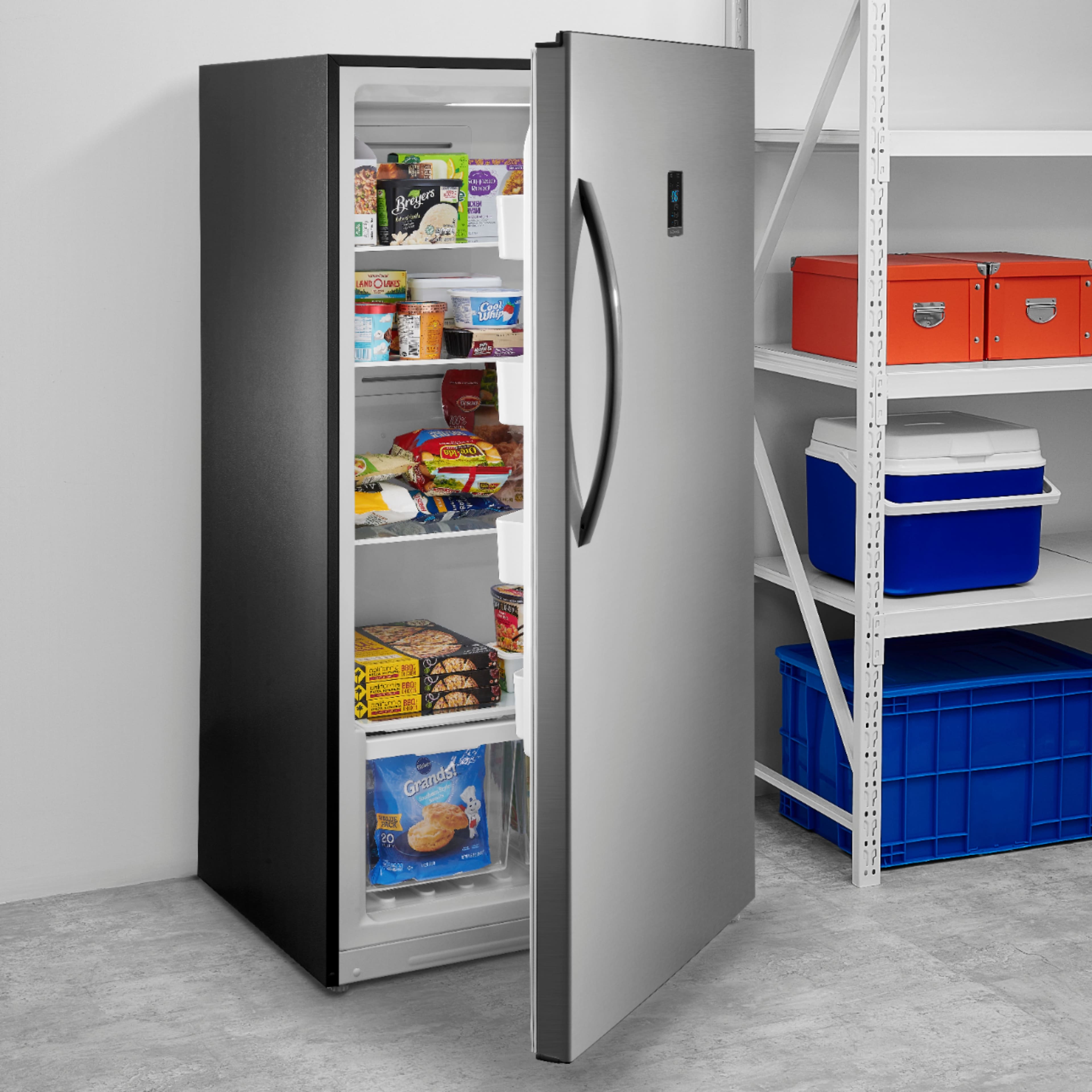
This Insignia™ - 17.0 Cu. Ft. Frost-Free Upright Convertible Freezer/Refrigerator can hold up to 93 kg.
Insignia Products
Lisa
https://insigniaproducts.com
A:AnswerHi A,
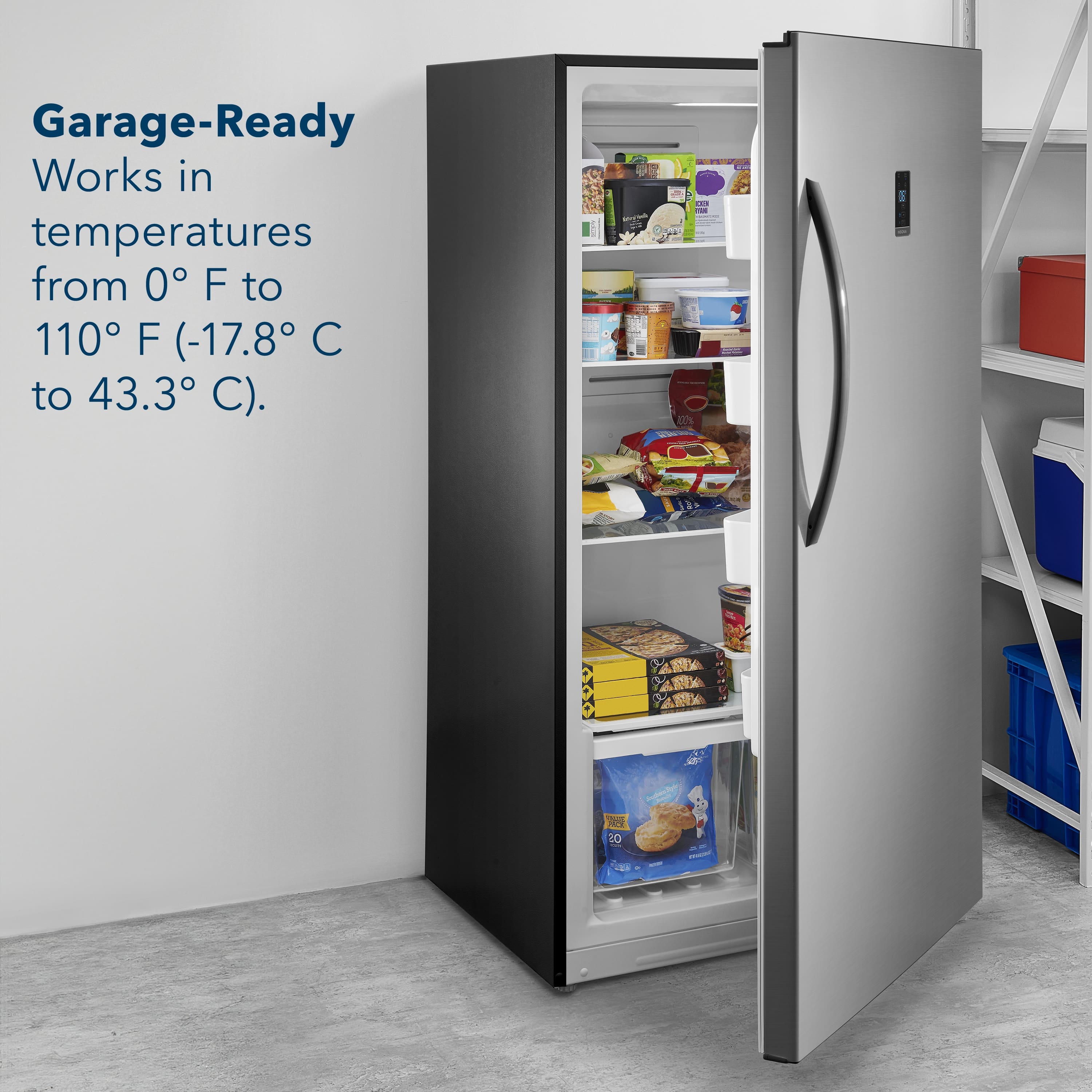
The default temperature is 0° F (-18° C). The temperature range of Freezer
mode is 10° F ~ -11° F (-12° C~ -24° C). The temperature range for Fridge mode
is 35 ~ 46° F (2° C ~ 8° C). If you have any questions or concerns, please use the link below to reach us and also you can contact this phone number 877-467-4289 for further assistance.
Insignia Products
Nikki
https://insigniaproducts.com
A:AnswerHi Gregg,
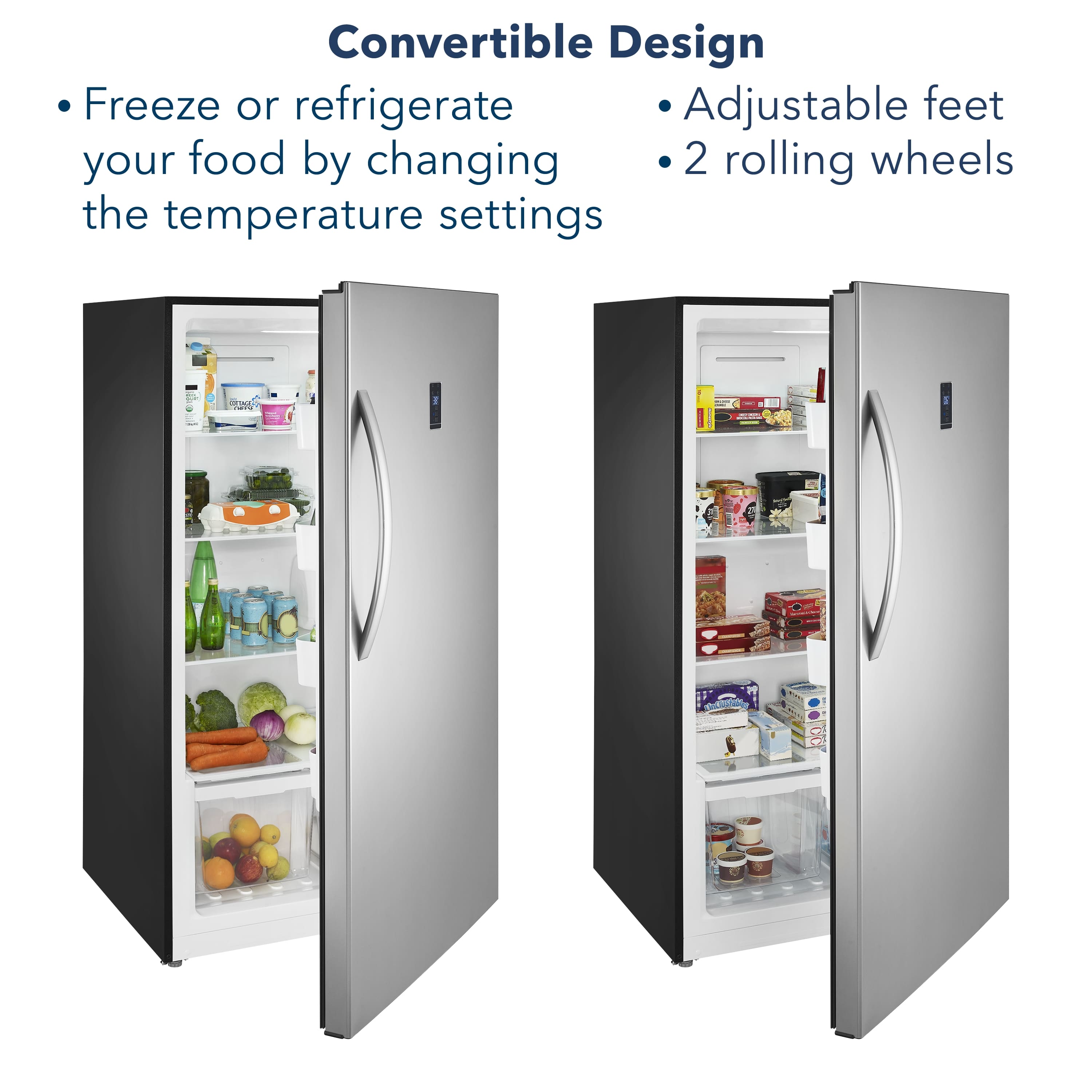
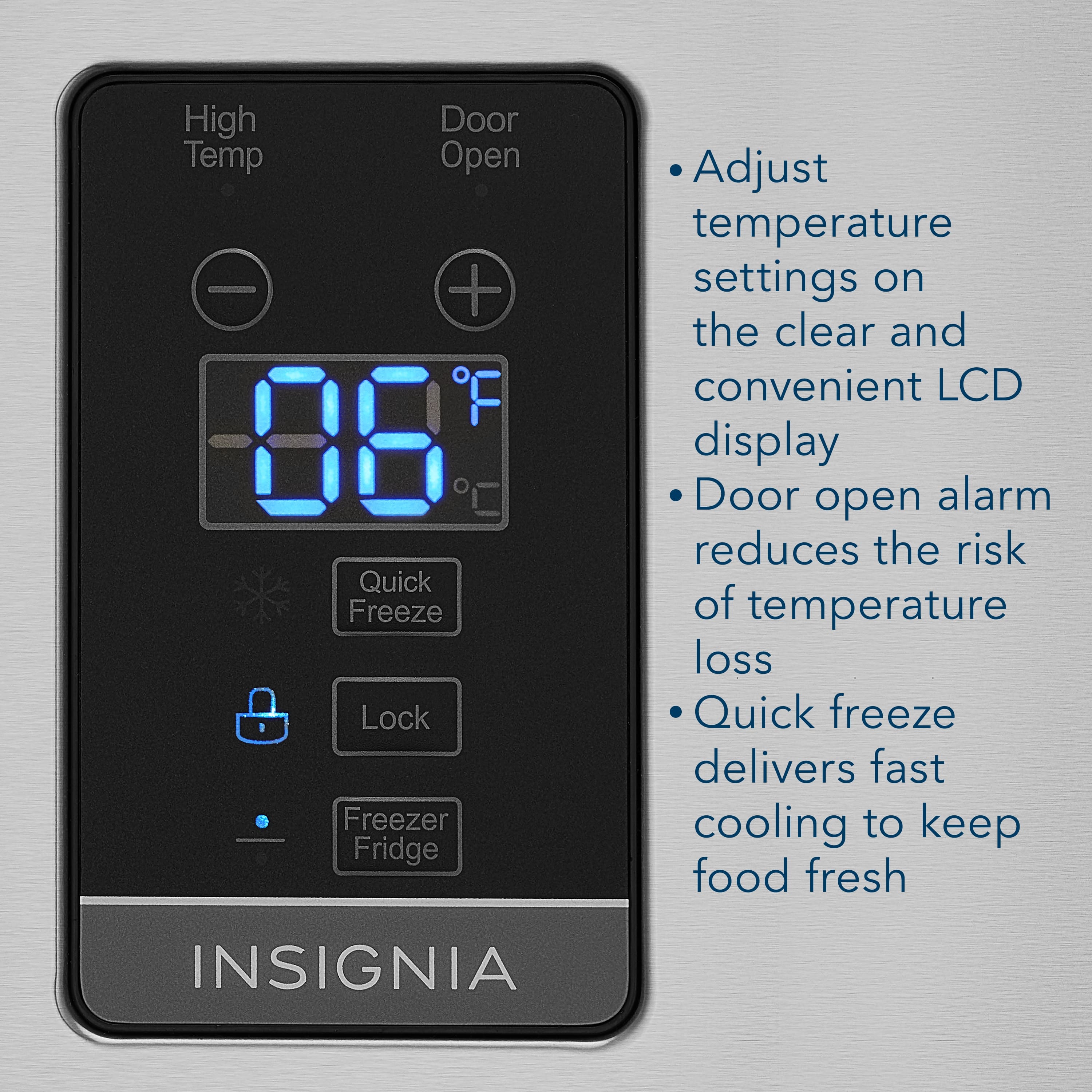
For you to switch this Insignia™ - 17.0 Cu. Ft. Frost-Free Upright Convertible Freezer/Refrigerator from refrigerator to freezer, please do the followin instructions:
1. Press and hold Lock for three seconds to unlock the control panel.
2. Press and hold the Freezer/Fridge button for three seconds to change modes.
The panel beeps and the indicator changes to the new mode.
Insignia Products
Lisa
https://insigniaproducts.com
A:AnswerYes, the door can be remove and than added again. You have to make sure that the door has to be close all the way for it to work the correct way once is installed.
Rudson S.| Insignia Support. https://www.insigniaproducts.com/contact-us
A:AnswerThe default temperature is 0° F (-18° C). The temperature range of Freezer mode is 10° F ~ -11° F (-12° C~ -24° C). The temperature range for Fridge mode is 35 ~ 46° F (2° C ~ 8° C).
Mary II Insignia Products II Please visit https://www.insigniaproducts.com/
A:AnswerHi Nessa1282,
The E6 error on the CWB1760FD indicates the solenoid valve is not working correctly. The solenoid valve is part of the coolant sealed system that switches back and forth allowing one side of the unit to cool at a time. Please contact Insignia for further assistance.
Insignia Support
Lea
www.insigniaproducts.com/support
A:AnswerHi Linda,
No its not normal.Do not overtighten. The screw heads should extend above the surface of the door.
Insignia Support
Merjorie
www.insigniaproducts.com/support
A:AnswerThis freezer is designed to be free standing only, and should not be recessed
or built-in. Allow 7.9 inches (20 cm) of space between the sides of the freezer and the walls, 3.9 inches (10 cm) between the back of the freezer and the wall, and 11.8 inches (30 cm) between the top of the freezer and the ceiling. This allows for
proper air ventilation.
A:AnswerWe refuse to answer any questions. I still have not received an answer from the last questionnaire I submitted. It was regarding the broken glass shelf. DO NOT SEND ME ANY MORE QUESTIONNAIRES UNTIL YOU MAKE IT RIGHT. YOU COULD EVEN CALL ME !!!!!!!!
A:Answer1. Remove the right upper hinge cover, and then disconnect the wire harness connector under the hinge cover.
2. Remove the screws and the upper hinge.
3. Lift the door up and remove the door.